






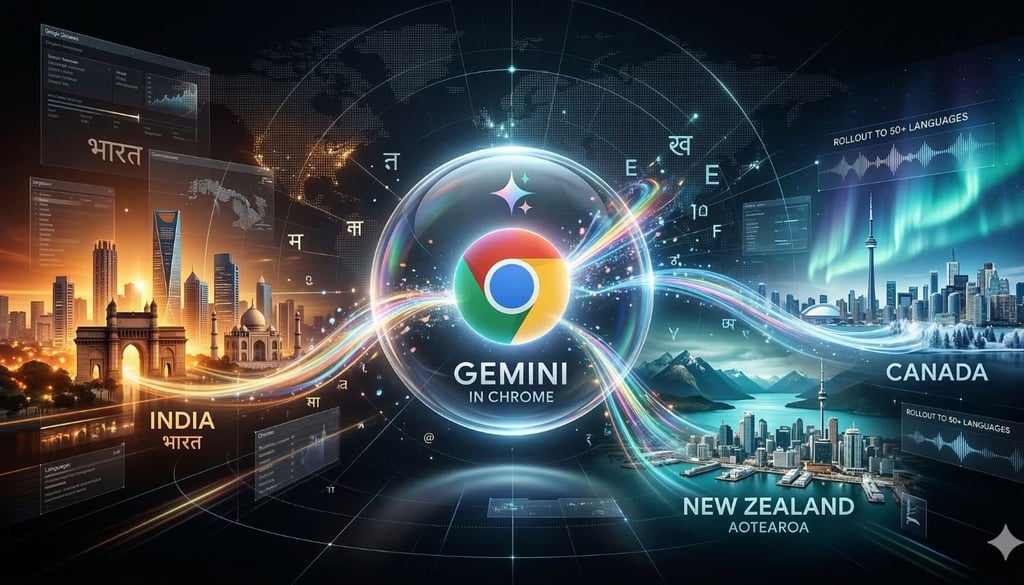


Chrome’s Gemini expansion is going global, with Google adding India, New Zealand, and Canada to the rollout. The tech titan is also adding support for more than 50 additional languages, giving the rollout a broader reach from the start.
This strategy shows Google is treating Chrome as a major entry point for Gemini, not just another surface for AI features. With new countries and languages now in the mix, the company is widening the audience before unpacking what the browser can actually do.
Where Chrome users will find Gemini
Google is not dropping Gemini into Chrome all at once. The first stop is desktop and iOS in the three markets, while Android users will be able to call it up through the power button shortcut.
That initial access window spans Mac, Windows, and Chromebook Plus, giving Google a broad device mix as it opens the next phase of Chrome’s AI rollout.
Help arrives without leaving the page
Help now sits inside the browsing experience. Instead of sending users to a separate chatbot, the company is putting assistance directly on the page, so help appears in the middle of the task.
- A side-panel assistant opens inside the tab. The centerpiece is a built-in browsing assistant that lives inside Chrome itself. Users can click the icon in the top-right corner of the current tab to start chatting right there, without leaving whatever page they are already reading or using.
- Long pages can be condensed on demand. The assistant can summarize lengthy web content, giving users a quicker way to get through dense material without having to manually extract the main points. It is one of the clearest signs that the company wants the browser to help process information, not just display it.
- Questions can be answered in the flow of browsing. Gemini in Chrome can handle direct questions based on what a user is looking at. Google’s own examples range from practical prompts to lightweight problem-solving, such as asking how to make a recipe vegan while staying on the same page.
- It can help generate quick study or creative aids. This is not limited to search-style answers. Gemini can also create a pop quiz from the content in front of the user, adding a more active layer of help while someone studies, researches, or works through material online.
- Previously visited pages do not have to stay buried in open tabs. Google is also adding memory for pages users have already visited. The idea is to make it easier to return to something set aside earlier, so people do not have to keep a pile of tabs open just to avoid losing their place.
This gives the browser a more hands-on role, so users can process content and navigate back to earlier pages without interrupting what they are doing.
Tasks start moving across the browser
Google is moving the browser beyond the page, so tasks can pull from multiple tabs and connected services in one flow.
Google apps start feeding into the flow
The browser now works with apps including Gmail, Maps, Calendar, and YouTube, so users can pull in useful details without bouncing between separate tools. That includes scheduling meetings in Calendar, checking location details in Maps, and asking questions about YouTube videos directly in the browser.
Email drafts can be handled without leaving the page
Gmail is one of the clearest examples of how this works in practice. Users can open the side panel, request an email to be written, review the draft, make edits as needed, and send it without leaving the page they are already on.
Video takeaways can be pulled out faster
YouTube also gets folded into the flow. Users can quickly see the key points of a video, giving the browser another shortcut for extracting useful information from content without a separate round of searching or note-taking.
Multiple tabs can be read as one task
The change becomes even clearer once several tabs are open. Chrome can work across multiple tabs at the same time, letting users cross-reference and consolidate information into a single view instead of manually piecing everything together themselves.
Research and product comparisons get pulled together
Users can also gather research from several tabs to plan a team activity or build a comparison table that lines up product details across different sites when shopping.
Images get a new layer of editing
Nano Banana 2 is built into Chrome, allowing users to edit images without leaving the browser. Google also highlights safeguards, including prompt-injection defenses, confirmation steps for sensitive actions, automated red-teaming, and fixes delivered through auto-updates.
The company says more capabilities, regions, and languages are still to come this year.
If you want a smarter way to job search in 2026, these Gemini prompts are a good place to start.