







- eWEEK Labs Walk-Through: Virtual Iron 3.5
- eWEEK Labs Walk-Through: Virtual Iron 3.5 – Windows on Xen
- eWEEK Labs Walk-Through: Virtual Iron 3.5 – Supported OSes
- eWEEK Labs Walk-Through: Virtual Iron 3.5 – VS Tools
- eWEEK Labs Walk-Through: Virtual Iron 3.5 – Incomplete rPath support
- eWEEK Labs Walk-Through: Virtual Iron 3.5 – Creating VMs
- eWEEK Labs Walk-Through: Virtual Iron 3.5 – Taking control
- eWEEK Labs Walk-Through: Virtual Iron 3.5 – iSCSI Storage
eWEEK Labs Walk-Through: Virtual Iron 3.5
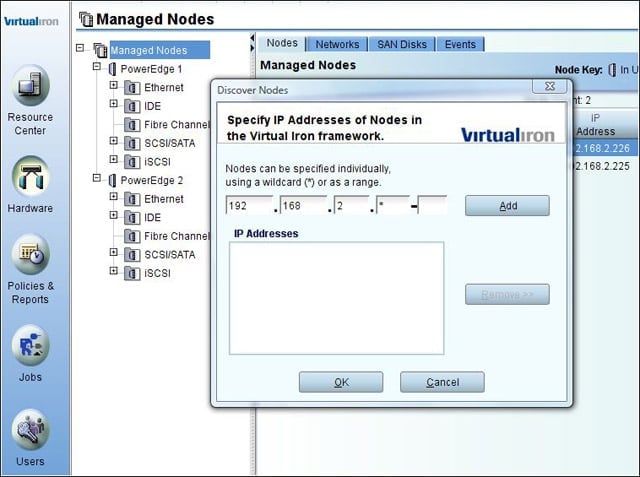
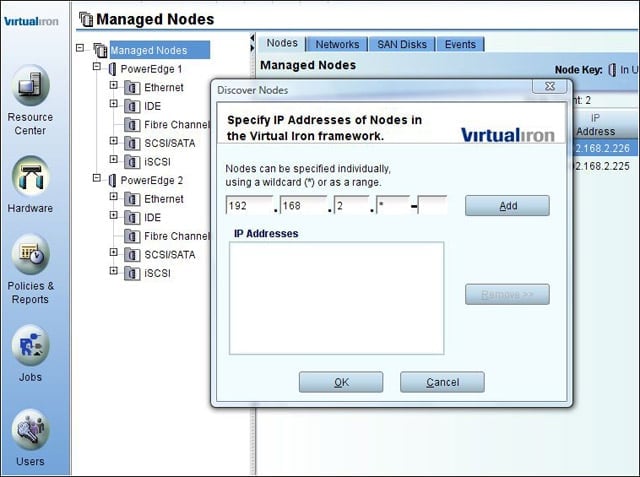
During tests, eWEEK Labs was particularly impressed with Virtual Iron 3.5s provisioning story. We simply plugged our virtualization host servers into a management network, and PXE booted them from Virtual Irons management server. Once the servers were u
eWEEK Labs Walk-Through: Virtual Iron 3.5 – Windows on Xen
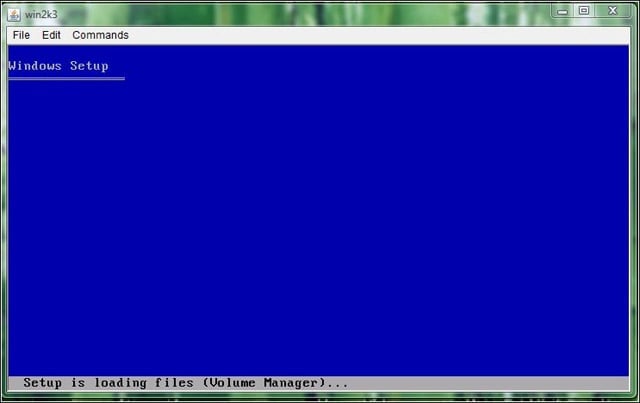
The AMD-V and Intel VT hardware extensions on which Virtual Iron relies bring Windows within Xens ken, a capability that VMwares products have long enjoyed.
eWEEK Labs Walk-Through: Virtual Iron 3.5 – Supported OSes
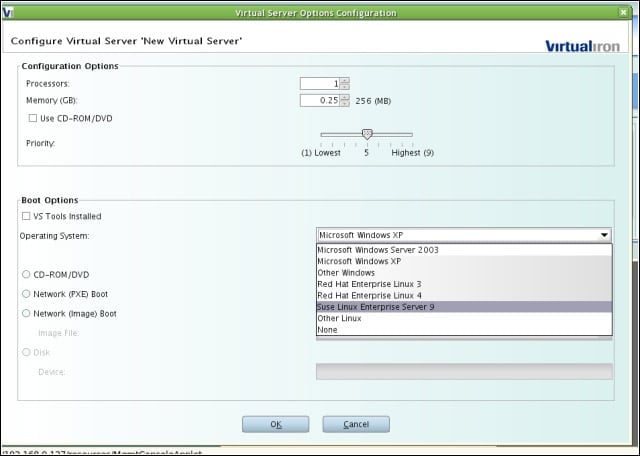
Virtual Iron 3.5 can host pretty much any x86 or x86-64 operating system, but theres a significant set of functionality that requires add-on software, called VS Tools, which Virtual Iron makes available for only a handful of operating systems.
eWEEK Labs Walk-Through: Virtual Iron 3.5 – VS Tools
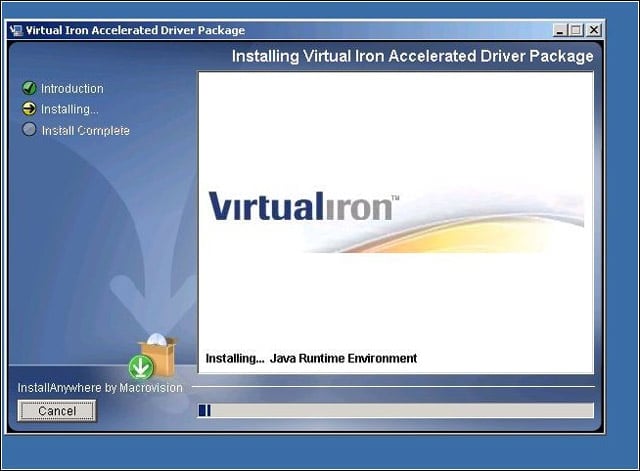
For Windows guests, Virtual Irons VS Tools take the form of an .exe installer with Virtual Iron-enhanced device drivers. For Linux, Virtual Iron provides binary packages containing drivers compiled to match supported kernels.
eWEEK Labs Walk-Through: Virtual Iron 3.5 – Incomplete rPath support
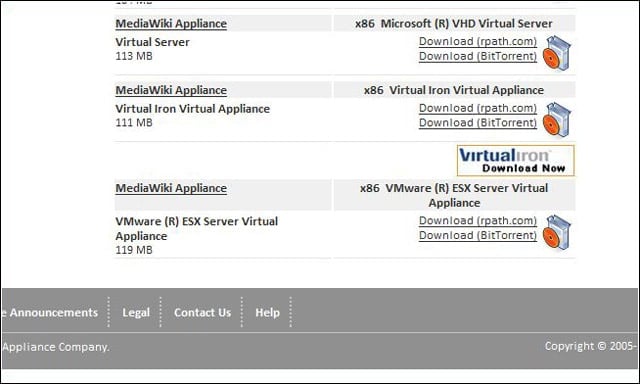
We were surprised to find that Virtual Iron does not offer its VS Tools for rPath Linux, since Virtual Iron and rPath have a partnership in which rPath has added Virtual Iron as a build option for software appliances created with the rBuilder platform.
eWEEK Labs Walk-Through: Virtual Iron 3.5 – Creating VMs
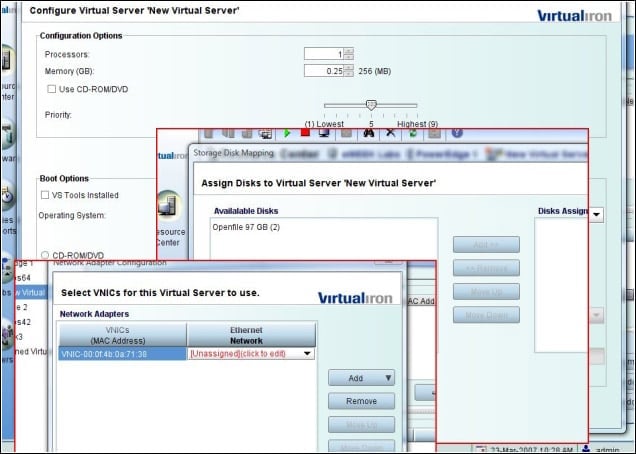
It wasnt too tough to create new virtual machines using Virtual Irons management console, but the process is definitely rougher around the edges than that of VMwares virtualization products. For one thing, its necessary to visit different parts of the
eWEEK Labs Walk-Through: Virtual Iron 3.5 – Taking control
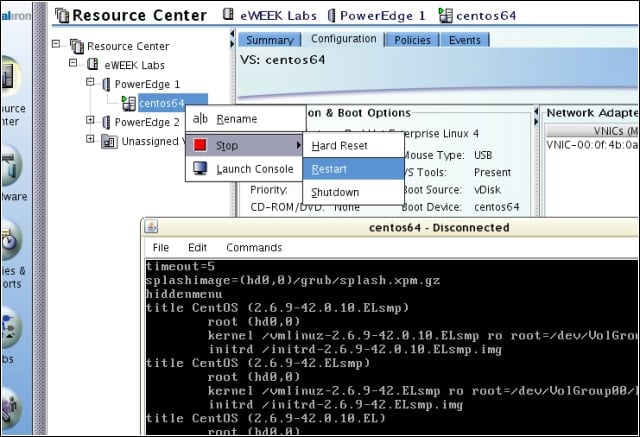
We could access and control our virtual machines through console windows that we launched from the management interface. With virtual instances for which wed installed VS Tools, we could power cycle, reboot or shut down the machines, but we could not pau
eWEEK Labs Walk-Through: Virtual Iron 3.5 – iSCSI Storage
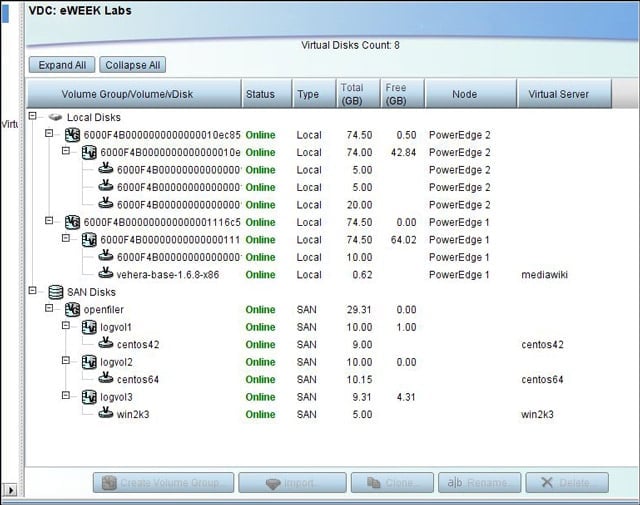
We were able to access the volume we created on our Openfiler iSCSI appliance for use with Virtual Iron, slice it up into disks and install virtual machines without further trouble. We could also install virtual machines in the disks local to each of our