







Blekko Challenges Google, Yahoo, Bing for Search Engine Share
by Clint Boulton
Blekko
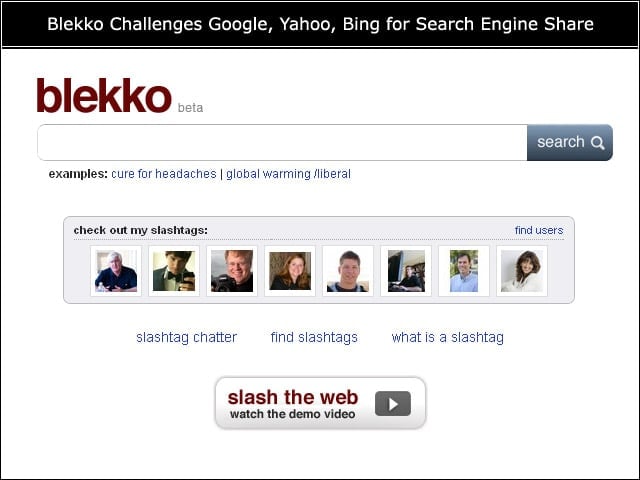
Meet Blekko, the new search engine. Note the simplistic homepage design, showing users various early Blekko users.
Blekko Founder
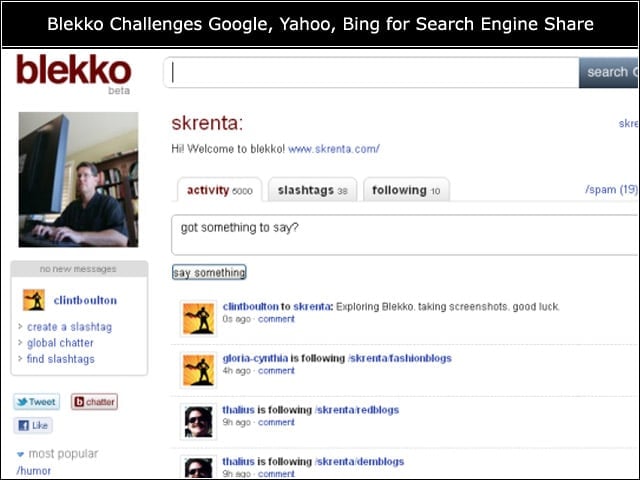
Here is Blekko CEO Rich Skrenta’s Blekko page. Users can drop Rich a note and view all of his customized searches, or check out the popular slashtags he and his merry startup members populated in the closed beta.
Blekko Pages
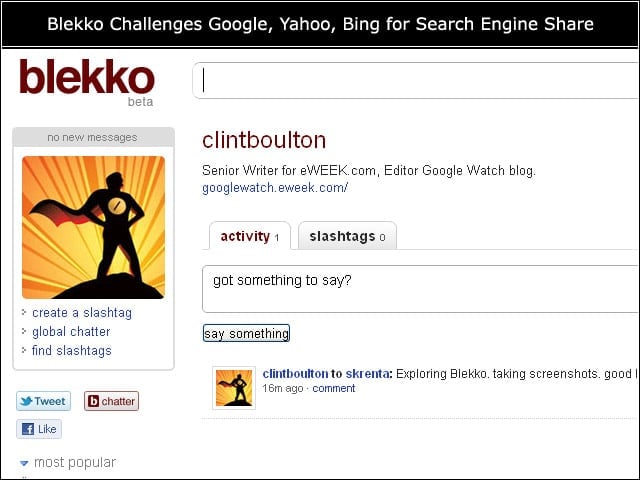
Here is what an unpropagated homepage looks like. Note, that it’s not unlike Facebook’s social network pages, showing users any posts they’ve made to other users’ Blekko pages. We made one post, but no slashtags yet. That requires more work.
Blekko Options
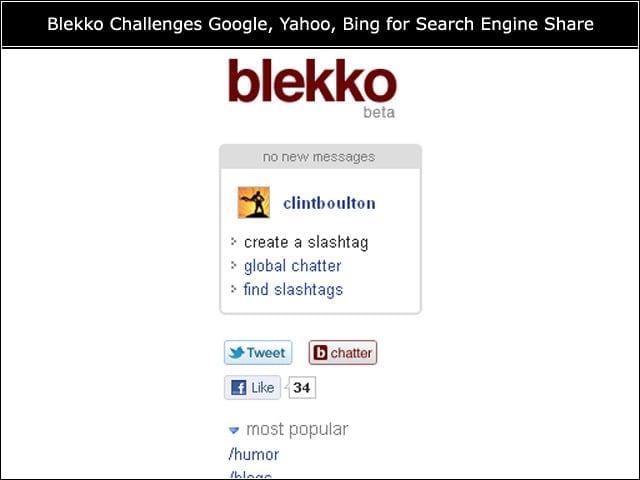
On the left-hand rail, users can create or find slashtags and check out what others are saying. Tweets for Twitter are an option, as is clicking Facebook’s Like button. Users can also connect their Facebook Connect accounts to Blekko. Let’s create a slashtag.
Slashtagging
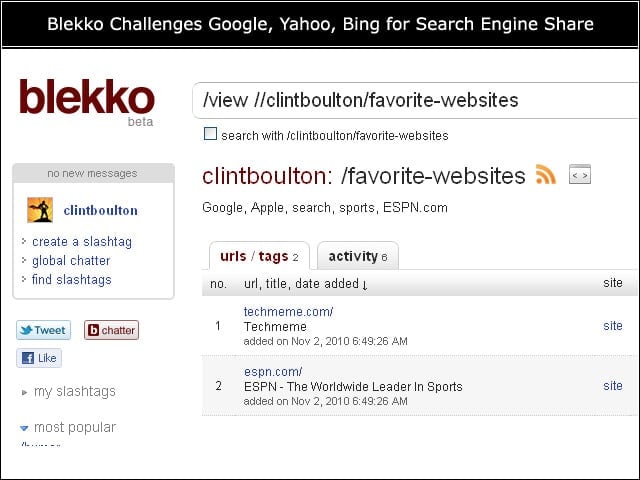
We created a slashtag of favorite Websites, just two off the top of our head for starters. You can add or delete Websites with ease.
Adding New Websites
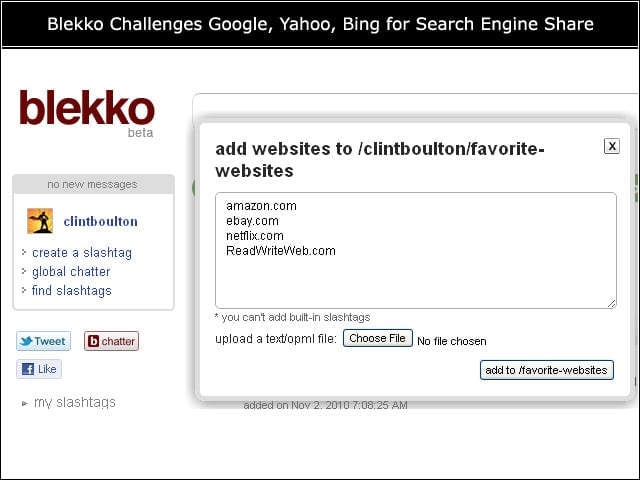
This was fun and easy, so we added more of our favorites. It was a snap. Make sure to list actual Website domains, such as eweek.com. Adds like eWEEK or TechCrunch, without the .com, will be read by Blekko as other slashtags, so put the .com in there.
Testing Search
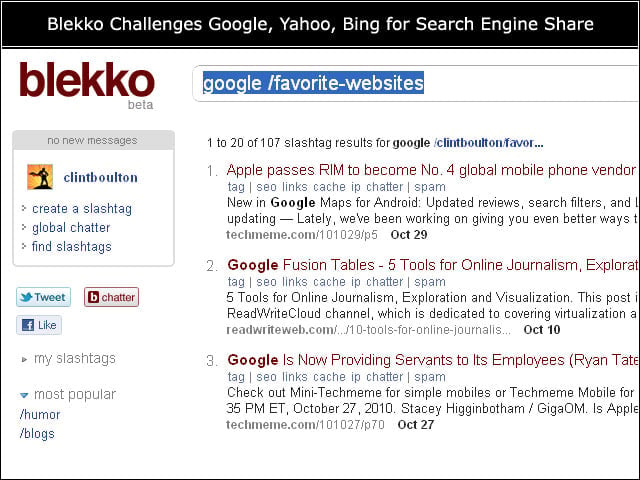
The slashtags allow us to populate a list of favorite Websites, not unlike the curated Lists on Twitter. But there is a method to the slashtagging madness: search! We checked the box that said “search with /clintboulton/favorite-websites” and typed “Google” in the box and saw the following results. Note that results for only our favorite Websites surface.
General Search
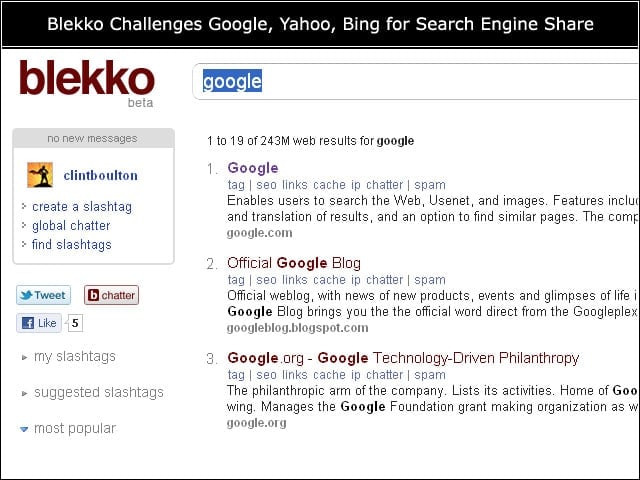
Blekko lets users search the whole Web, too. Typing in Google sans slashtag appropriation produced these results. By default, all searches are sorted according to relevance, but users may sort by date, too.
Social Element
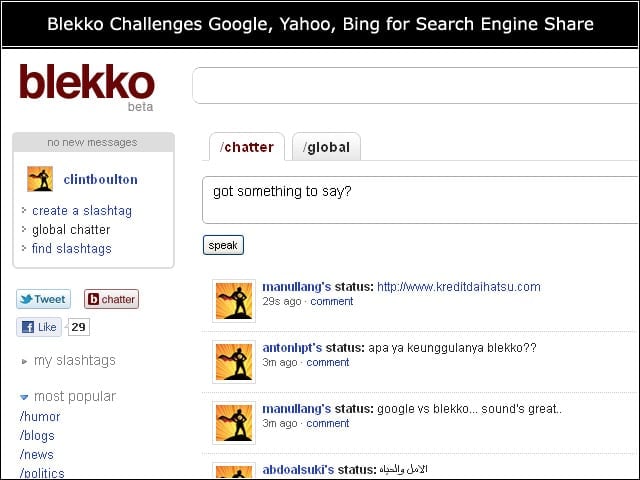
Check out what people are saying on Blekko in the chatter box.
Looking for Slashtags to Follow?
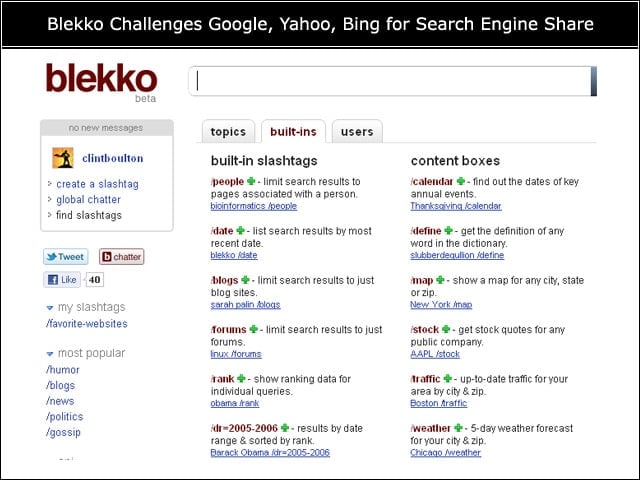
Those who need some good slashtags to search may sort by topics, users or see the topics the Blekko team added themselves, such as these.
A Thanksgiving Slashtag
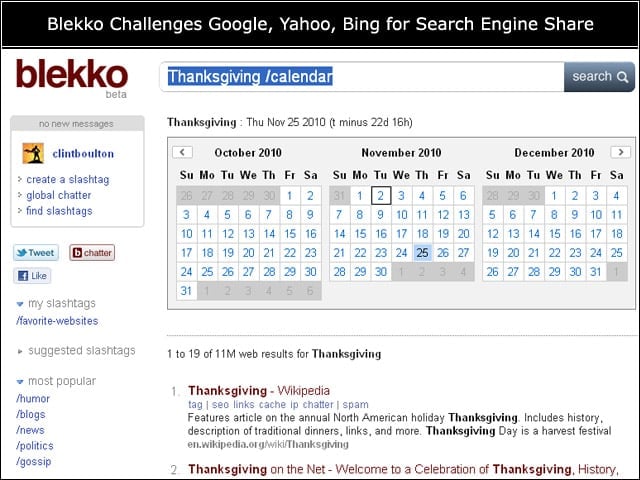
Content boxes are also offered. Thanksgiving is approaching, so we checked out that content box and saw this.
Usage Key
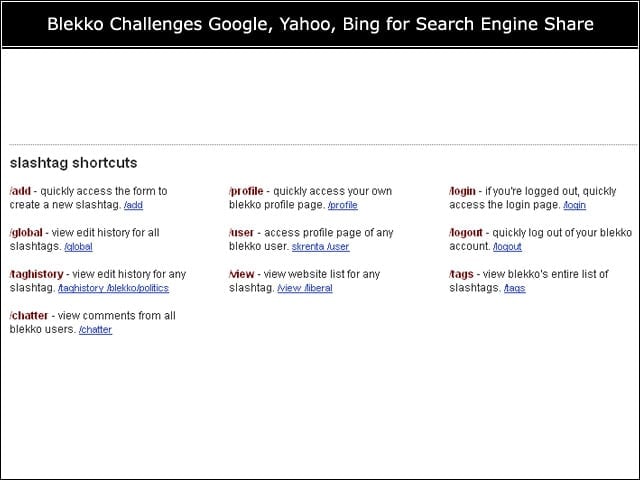
Blekko is brand new, so it will take some getting used to. Use this slashtag shortcuts key for guidance.