







A Look Inside Microsoft Silverlight 3 and Expression 3
Microsoft has announced Silverlight 3 and Expression 3 to help developers and designers build compelling rich Internet applications (RIAs). Microsoft’s Silverlight 3 and Expression 3 combine new capabilities with simplified packaging to deliver an RIA solution to challenge market leader Adobe Systems’ Flash Platform and related tools. In conjunction with Microsoft Visual Studio, Silverlight and Expression offer a highly collaborative development and design environment that simplifies the process of delivering engaging user experiences, Microsoft says. And adoption of Microsoft’s platform continues to rapidly accelerate as evidenced by strong demand for Microsoft Silverlight 2, Microsoft officials said. In less than nine months since its release, more than one in three Internet devices now have Silverlight 2 installed.
No Title
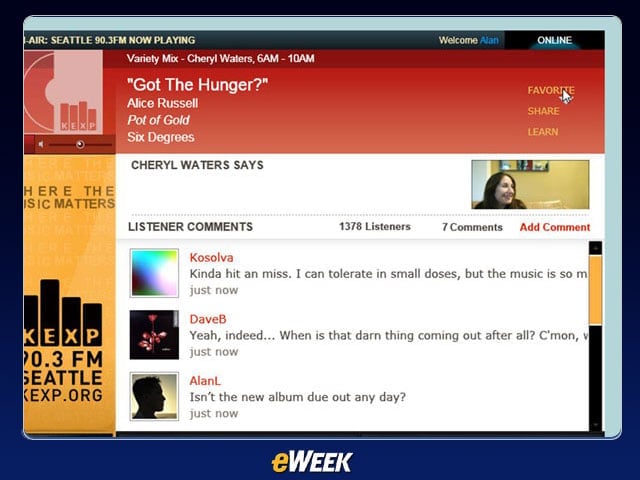
A look at the Out of Browser function in Silverlight 3: The new out-of-browser experience in Silverlight 3 Beta enables users to place their favorite Silverlight applications directly onto any PC or Mac desktop, start menu or application folder, without the need to download an additional runtime or browser plug-in.
No Title
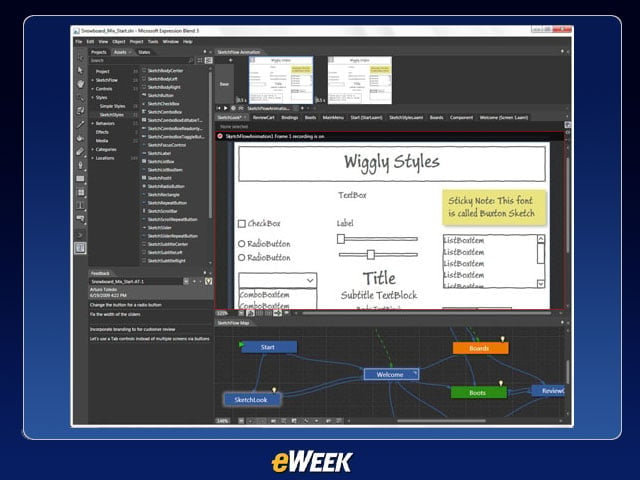
The SketchFlow feature in Expression 3 makes it easier to create prototypes, experiment with dynamic user experiences, and incorporate feedback from customers: SketchFlow helps designers, developers, information architects and account managers sketch, wireframe and prototype user experiences and user interfaces.
No Title
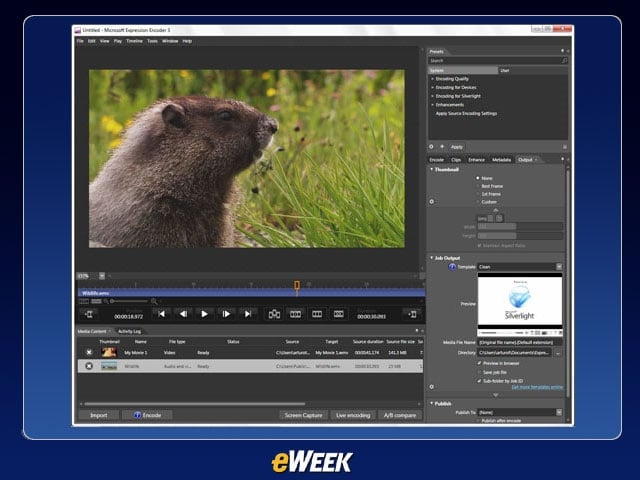
The new Expression Blend 3 User Interface (UI).
No Title
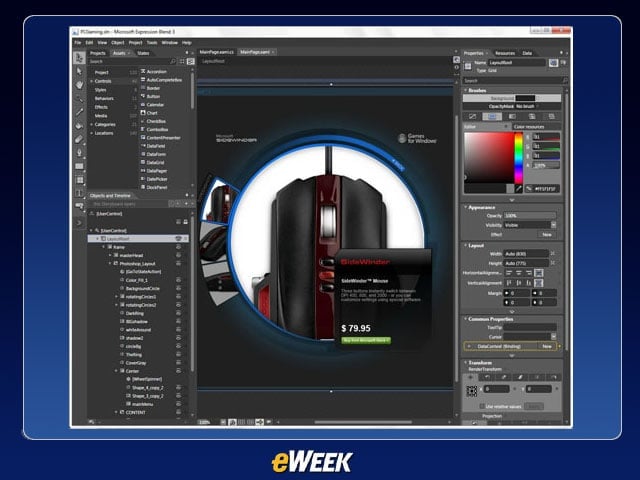
Another view of the new Expression Blend UI.
No Title
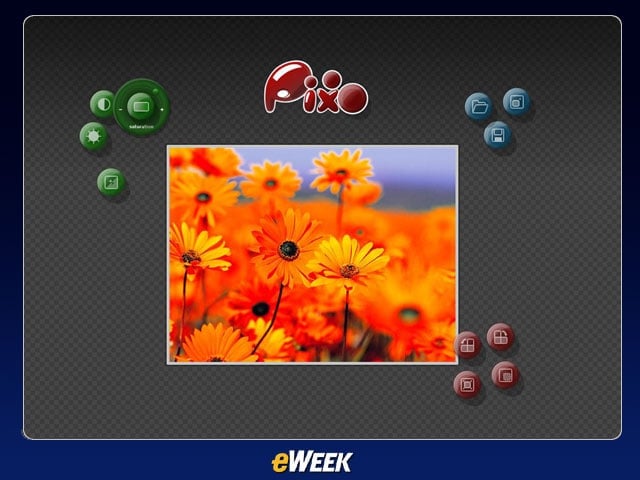
Silverlight 3 Bitmap API and Shader Effects: With Silverlight 3 Beta, users can now write pixels to a bitmap.
No Title
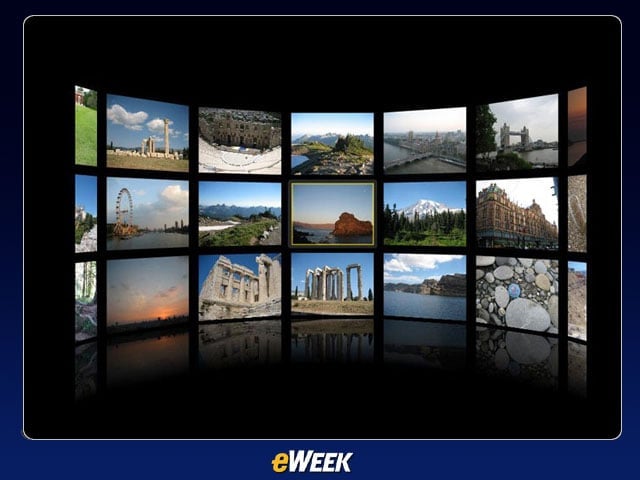
Silverlight 3 Perspective 3D Feature: Silverlight 3 Beta allows developers and designers to apply content to a 3D plane.
No Title
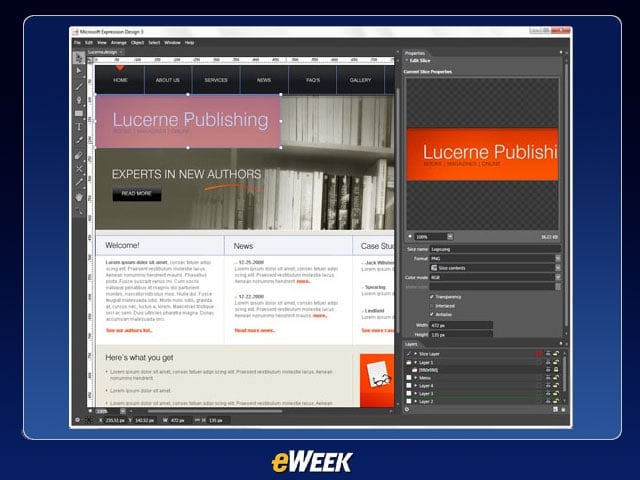
With Expression Design, users can leverage existing artwork or use the intuitive and flexible drawing tools to quickly build sophisticated vector assets.
No Title
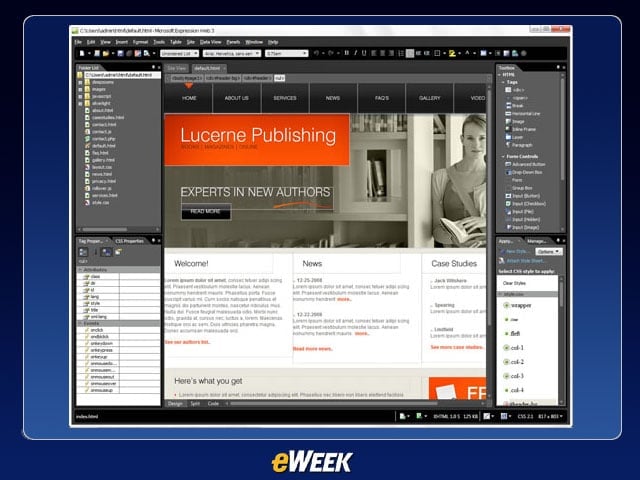
Expression Web helps reduce complexity and ease data integration by using powerful design tools and task panes to design for ASP.NET, PHP and XML.
No Title
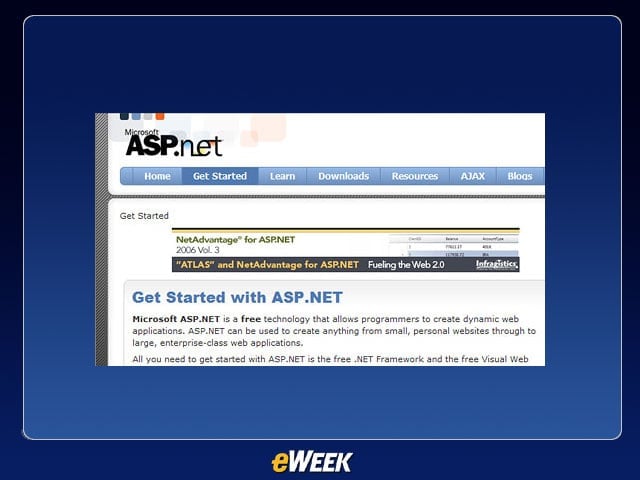
Harness the power of ASP.NET 2.0 to transform your sites into interactive Web applications. No code data binding required with integrated support for server and user controls.
No Title

This image shows the sharp quality of live tennis play streamed via Silverlight from the Wimbledon tennis tournament.
No Title
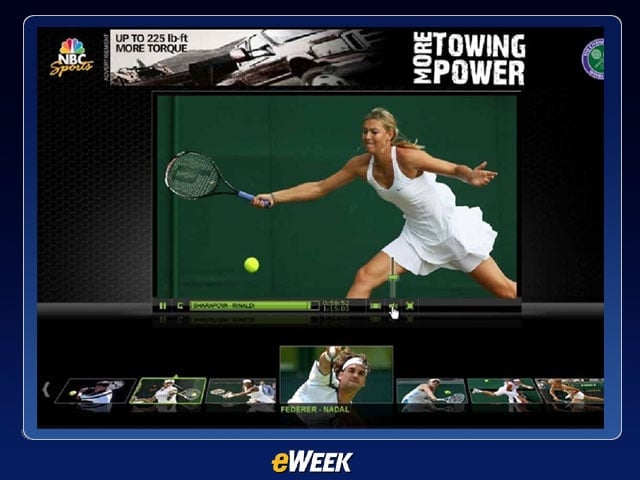
These images from Wimbledon show how the Silverlight interface is designed to make it easy to preview and select images.
No Title

This image shows the clarity of stop action images streamed from Wimbledon via Silverlight.
