







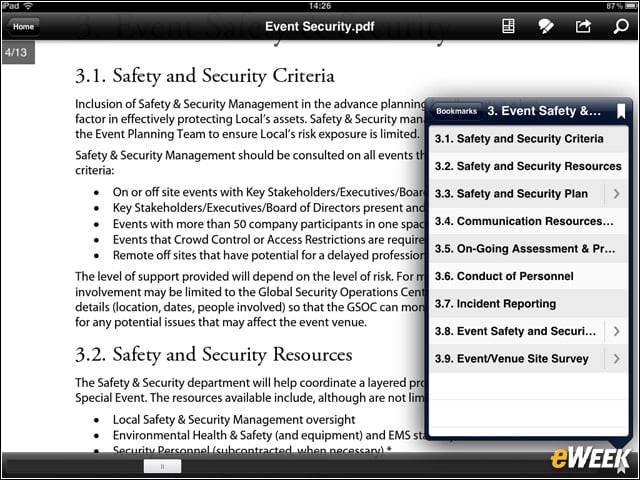
Adobe Reader Bookmarks for Quick Navigation

Bookmarks let users jump directly to a section in a PDF file. They can Search text to find specific information or quickly navigate through large files using thumbnails. Clicking on hyperlinks internal to the document or to the Web brings users directly to that page.
Fill Out PDF Forms Using Adobe Reader
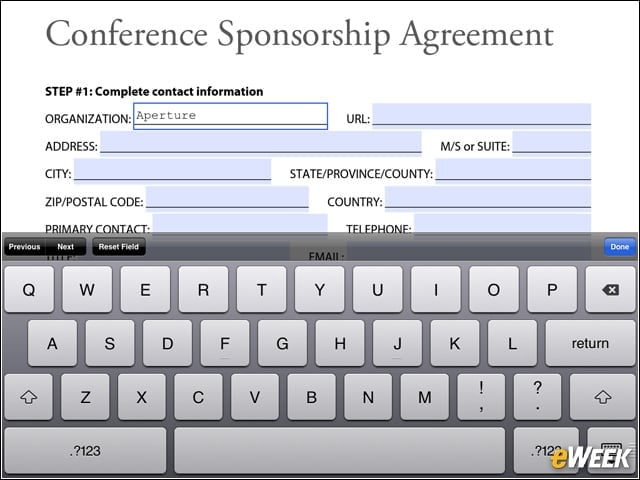
Now users can fill out simple PDF forms, save them and forward them to a recipient directly from their iOS or Android devices.
Use Adobe Reader to Mark Up and Annotate Text

The Annotation tools (including Highlight, Strikethrough and Underline) let users simply drag over any text to easily mark it up.
Connect Through the Share Menu
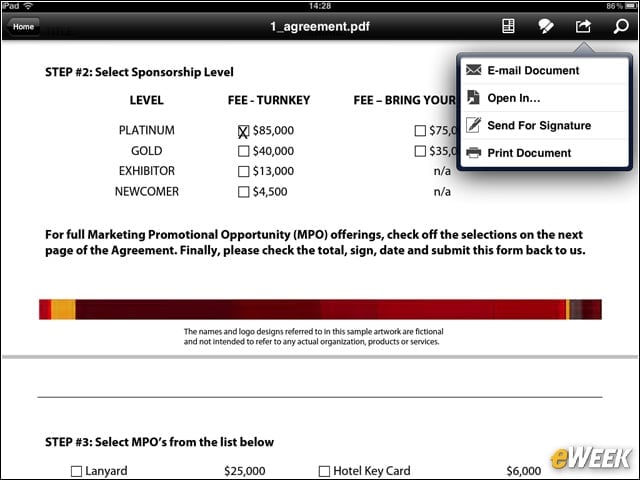
With the Share Menu feature, users can connect to Adobe EchoSign from their iOS or Android devices to get others to sign documents electronically, enabling them to track and manage the status of documents online. In addition, signed contracts are archived in the cloud, making it easy to retrieve documents from anywhere, at any time, through a Web browser.
Adobe Reader Commenting With Sticky Notes
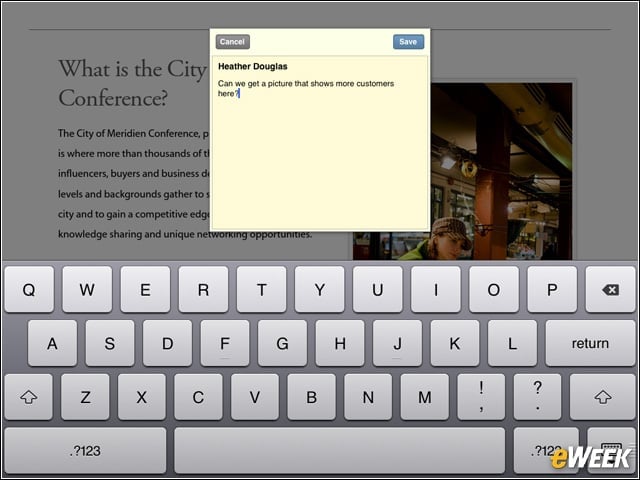
It’s easy to comment on text, as well. Users can add Sticky notes anywhere on the document. They just choose the Note tool, tap and add their comment.
eSignatures Help Close the Deal
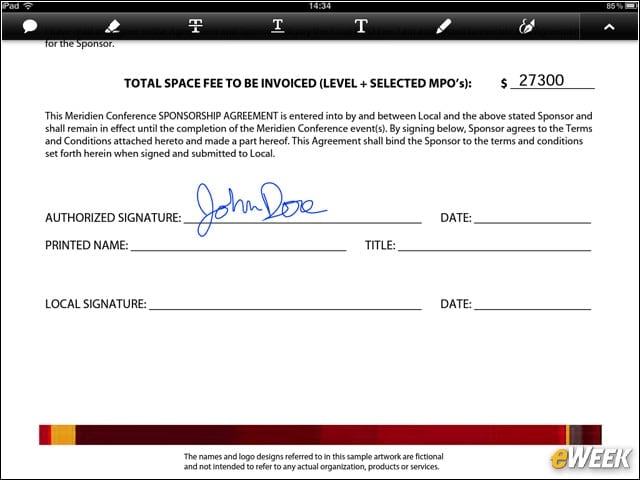
With the new Ink Signature Tool, Adobe Reader users can electronically sign a document by hand-drawing their signature with their finger directly on their iOS or Android device.