







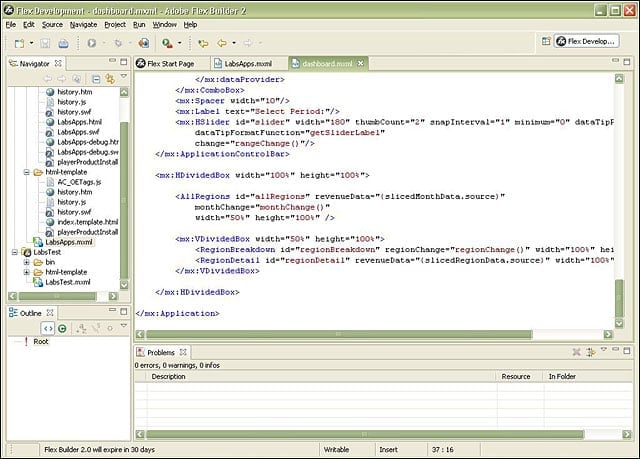
- eWEEK Labs Walk-Through: Adobe Flex 2
- eWEEK Labs Walk-Through: Adobe Flex 2 – Collaboration applications
- eWEEK Labs Walk-Through: Adobe Flex 2 – Application components
- eWEEK Labs Walk-Through: Adobe Flex 2 – Design mode
- eWEEK Labs Walk-Through: Adobe Flex 2 – Management interface
- eWEEK Labs Walk-Through: Adobe Flex 2 – Splash screen
eWEEK Labs Walk-Through: Adobe Flex 2
Using the source view in the Flex Builder, developers can build Flex applications directly in code.
eWEEK Labs Walk-Through: Adobe Flex 2 – Collaboration applications
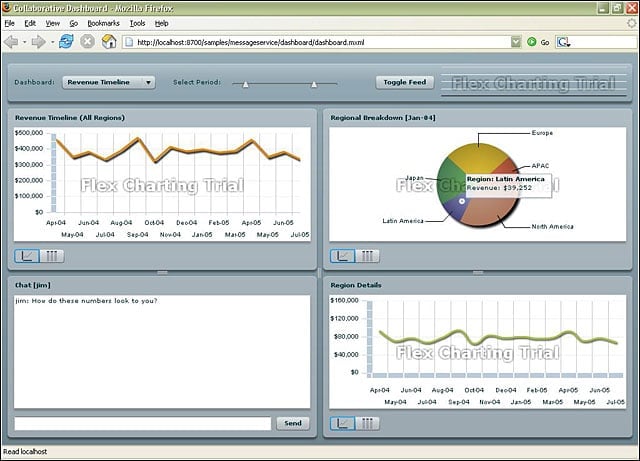
New real-time capabilities in Flex 2 make it possible to build effective collaboration applications.
eWEEK Labs Walk-Through: Adobe Flex 2 – Application components
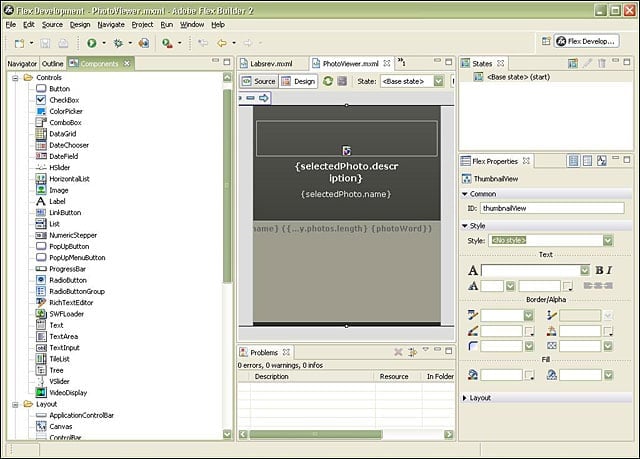
When creating Flex applications, users have access to a wide library of pre-built application components.
eWEEK Labs Walk-Through: Adobe Flex 2 – Design mode
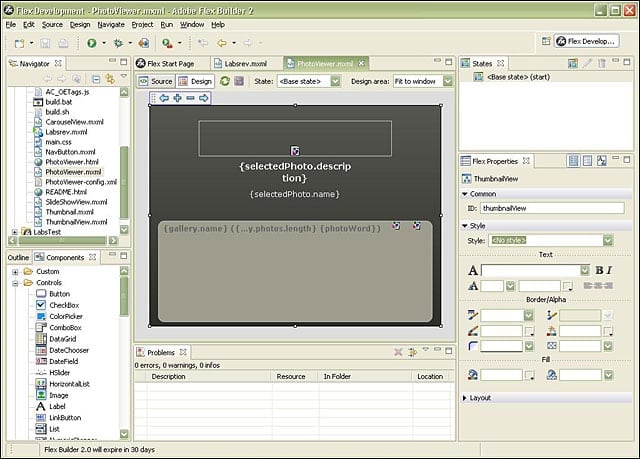
The design mode in Flex Builder makes it possible to lay out and design an application with drag-and-drop simplicity.
eWEEK Labs Walk-Through: Adobe Flex 2 – Management interface
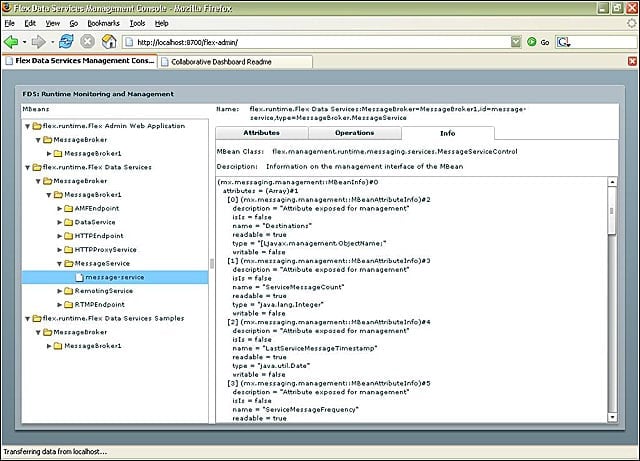
Eat your own dog food: Flex 2s management interface is built in Flex.
eWEEK Labs Walk-Through: Adobe Flex 2 – Splash screen
Like many other Web application and service development tools, the Flex Builder development environment is now based on Eclipse.
Listen to this article