







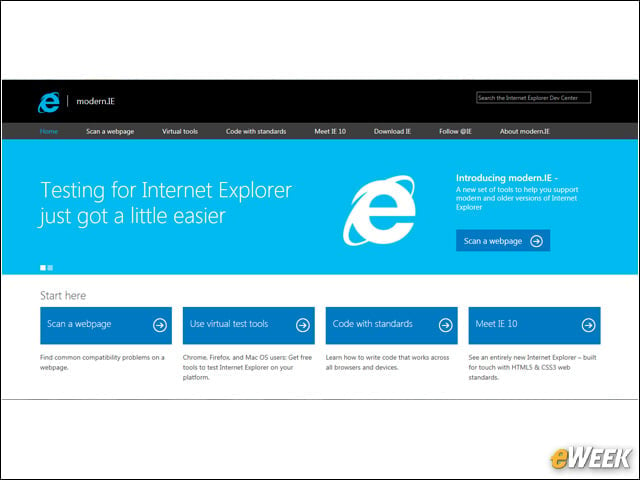
Introducing modern.IE
Microsoft’s modern.IE is a resource for developers that includes three key things: a new automated code-scanning tool for sites that outlines small code fixes to help ensure sites address past browser versions while taking advantage of modern browser features; a three-month free subscription to BrowserStack, making it easy to test legacy versions of browsers; and an overview of coding best practices for the modern Web. Microsoft hopes these tools let developers spend less time testing code, and more time innovating online.
Enacting Automatic Upgrades
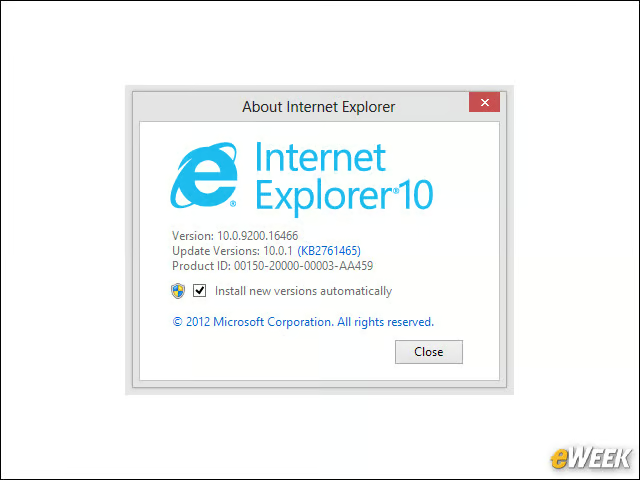
In December 2011, Microsoft announced it would enable automatic upgrades. For developers, this has meant more customers are on modern browsers, so they can spend less time coding for older browsers and outdated technology.
Leading on Multi-Touch
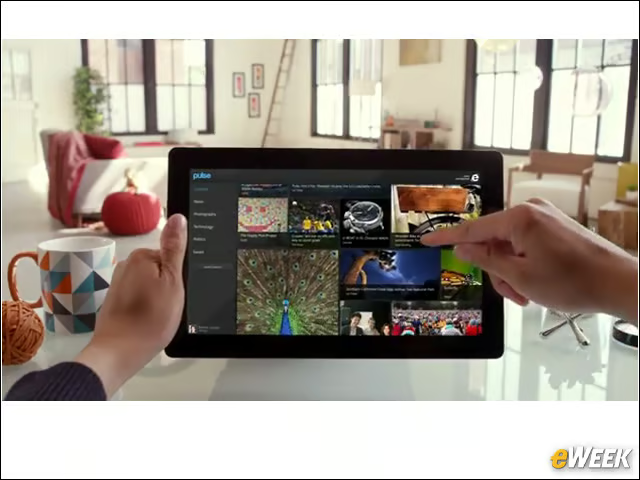
Touch was a main focus for IE10, letting consumers get hands-on with their browsing experience. For developers, there are a lot of new changes to the underlying browser, including support for Pointer Events. In addition, Microsoft engineers submitted their Pointer Events proposal to the World Wide Web Consortium (W3C) for standardization. If ratified, this would mean developers would have a standard to write to for multi-touch, ensuring the site would act the same way across platforms.
Embracing Standards
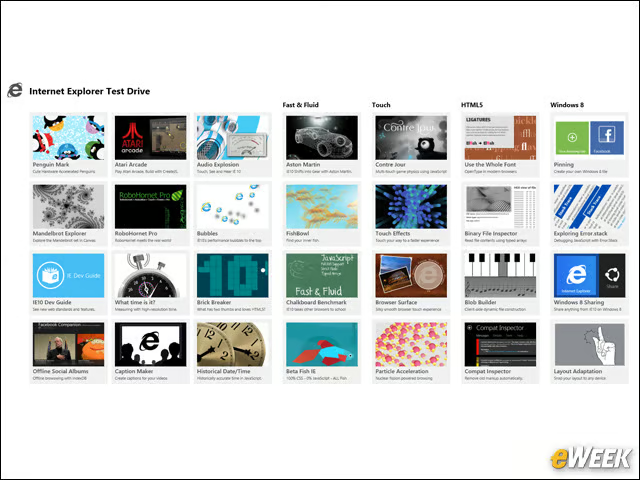
Microsoft learned a lot from its past when it approached IE9, embracing standards as outlined by the W3C. This includes submitting hundreds of test cases to the W3C to help move forward current specifications, and working with the W3C to finalize standards up for candidate recommendation. By embracing modern standards, developers can write once and know that the functionality will be the same across modern browsers. Microsoft provides tests for the implementations of HTML5, Cascading Style Sheets (CSS) and SVG via its Test Drive site, as well.
Giving Back
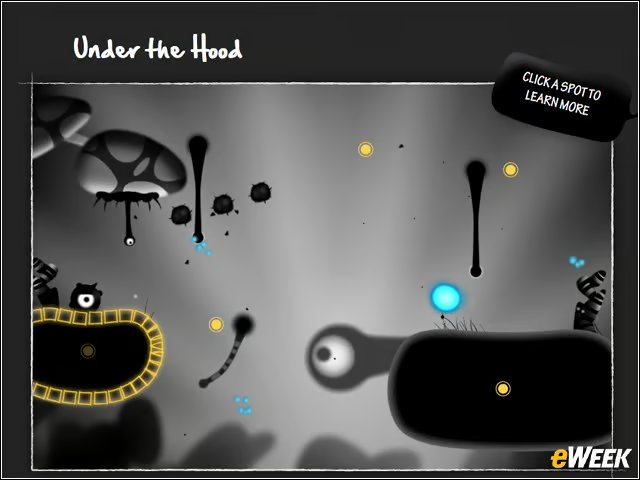
The IE team has worked with several site partners to show what kind of immersive sites are possible on the Web. With each of these, team members have made an effort to include code libraries, lessons learned, and tips and tricks for developing with HTML5 and multi-touch so that developers can include cutting-edge features and functionality in their own sites.