






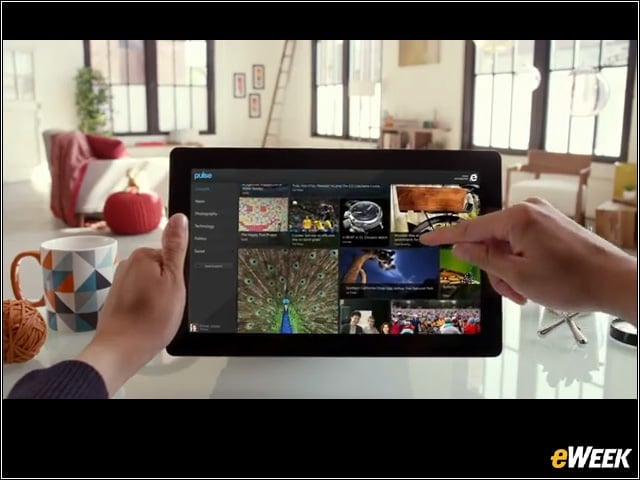

Perfect for Touch
A lot of browsers work with touch, but Microsoft contends that IE10 is the first one built for touch. IE10’s new UI works easily with a finger (or all 10 fingers), and delivers full multitouch support, and innovative features like Flip Ahead, which anticipates the next page of an article, and allows users to scroll to it with the flick of their finger.
Full Screen Web
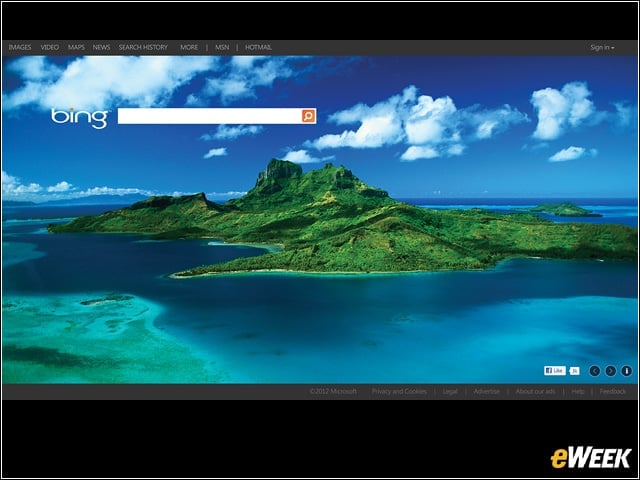
IE10 devotes the entire screen to the Web, creating an immersive browsing experience with no clutter or distractions, according to Microsoft. The address bar in IE10 stays hidden while users browse and pops up only when they need it.
Frequent and Pinned Sites
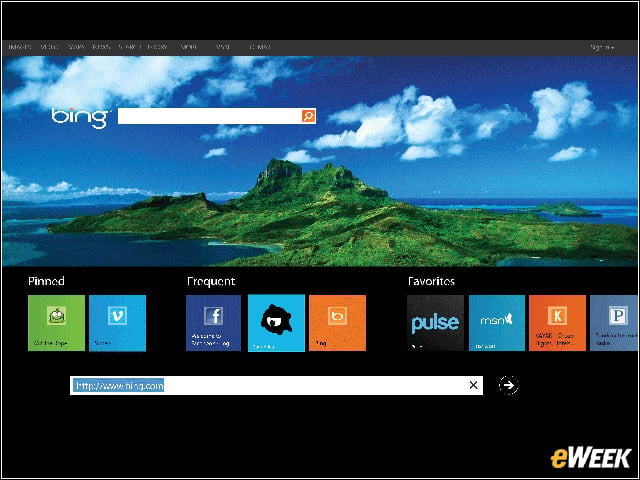
IE10 allows users to quickly access their frequently visited sites by pinning them to the start screen, right next to their favorite apps. In the browser, a flick up from the bottom of the UI brings up their pinned and favorite sites.
Fast and Fluid
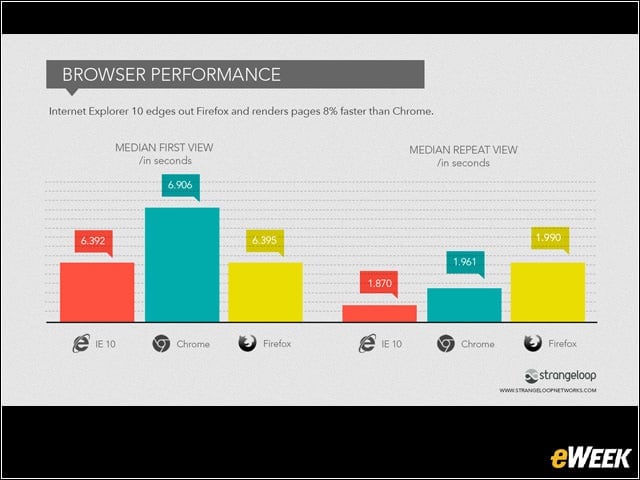
IE10 is built for speed, fast at loading sites and fluid as you navigate through them. It’s built from the ground up for real-world performance, and Microsoft officials said there is ample evidence showing that IE is the fastest Web browser on Windows 8.
Multitasking
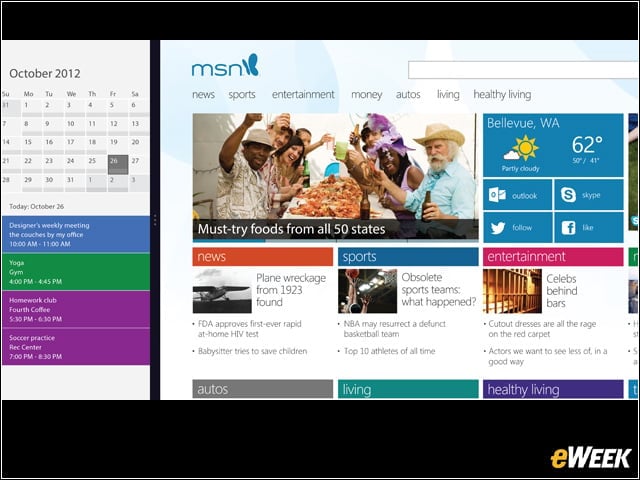
Windows 8 makes it easy to multitask on IE10. Snapping two apps side-by-side allows users to browse the Web and send email or update their calendars at the same time.
Standards Support
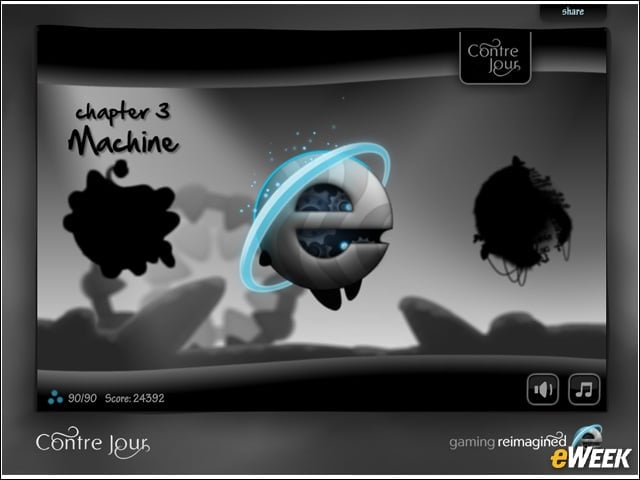
IE10 offers support for modern standards like Cascading Style Sheets (CSS) and HTML5. Standards-based in-browser experiences like Contre Jour and Atari Arcade are examples of what’s possible with multitouch and standards—and IE10. ART: Full Screen Web – (Contre Jour) image
Tab Tools
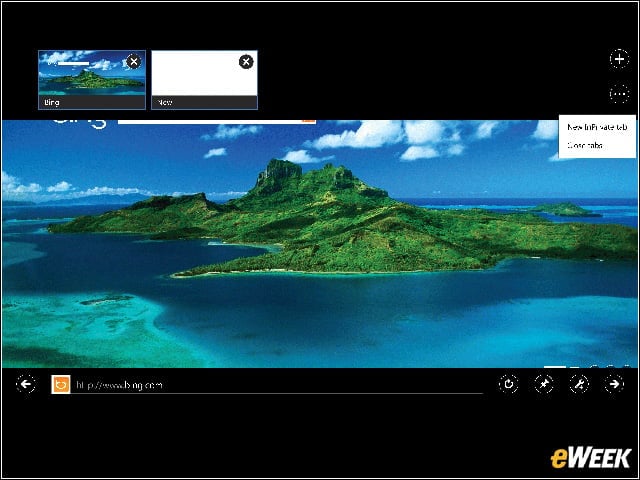
A right-click anywhere on the page brings up the address bar, as well as a list of open tabs and options to open or close tabs.
Sharing
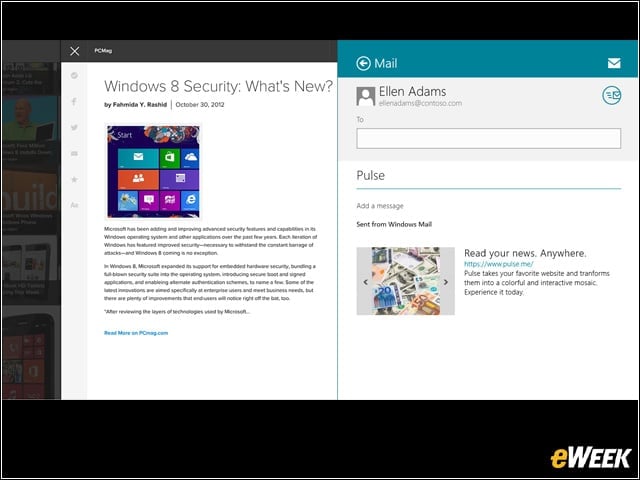
With IE10, sharing is built into the browser. To share a site, users just swipe and click or tap “share” and select among several options, like via email or Facebook.
Privacy
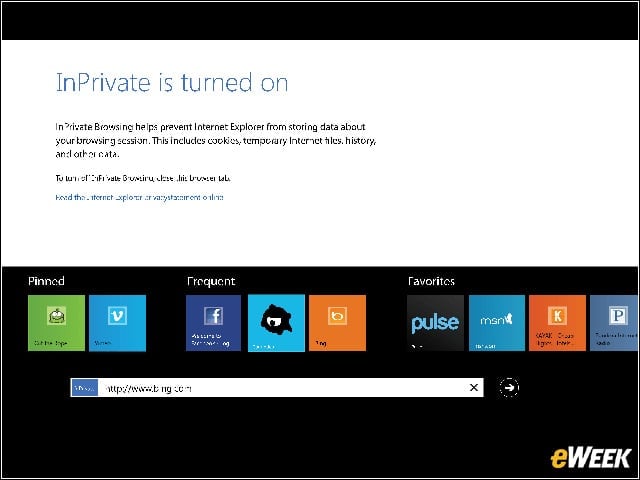
Support for “Do Not Track” privacy protection is built into IE10, and is enabled by default. In addition, IE10 carries forward privacy features from IE9, including InPrivate Browsing and Tracking Protection.
Security

Microsoft officials said IE10 provides the best protection from socially engineered malware and other threats encountered on the Web, with features like SmartScreen Filter, which helps users identify reported phishing and malware sites, and also helps them make informed decisions when downloading programs from the Internet.