







Five Gmail Labs Features We Need and 5 We Can Live Without
by Clint Boulton
Offline Access

Offline access to data is table stakes, particularly for users who want to access their Gmail from the skies during a flight.
Google Search and Autocomplete
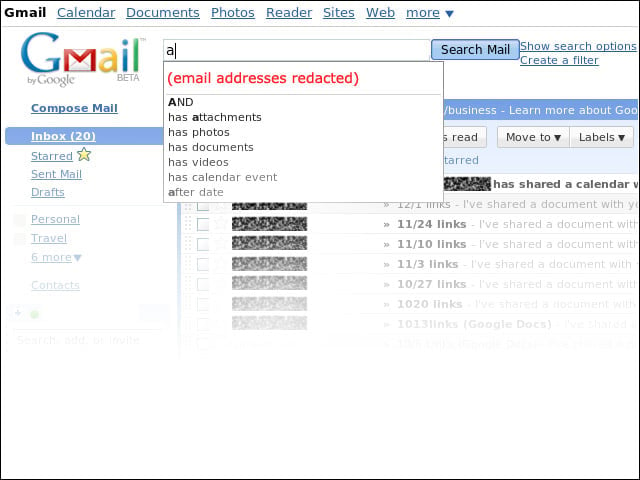
These tools are vital for Gmail users who need them to ferret out contacts and other search terms in their cluttered in-boxes.
Google Apps Gadgets
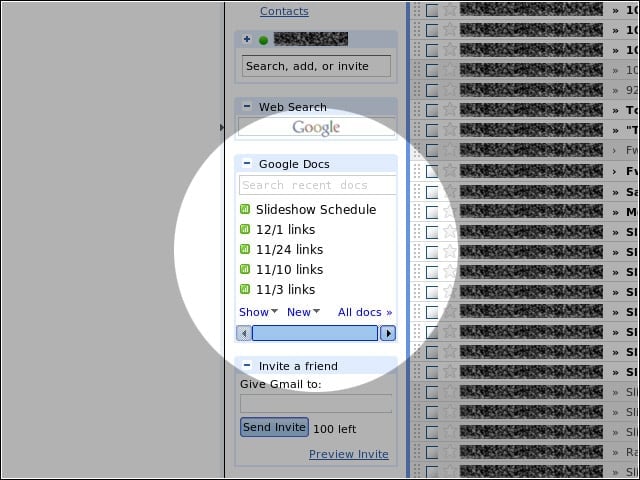
Integration with other Google Apps, such as Calendar and Docs (shown here), is a crucial feature for users, particularly those who work in Gmail.
Mark as Read Button
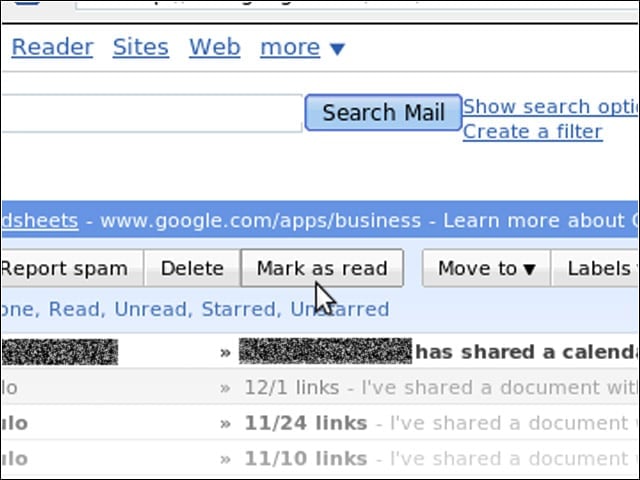
We can’t tell you how much time we spent combing through e-mails repeatedly before this feature came into being.
Insert Image
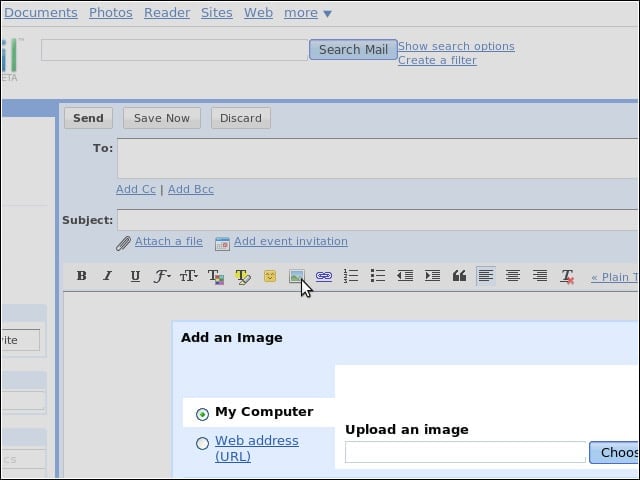
The ability to add images to e-mail is particularly important at a time when words don’t always tell the whole story. You can’t explain a pie chart.
Extra Emoji
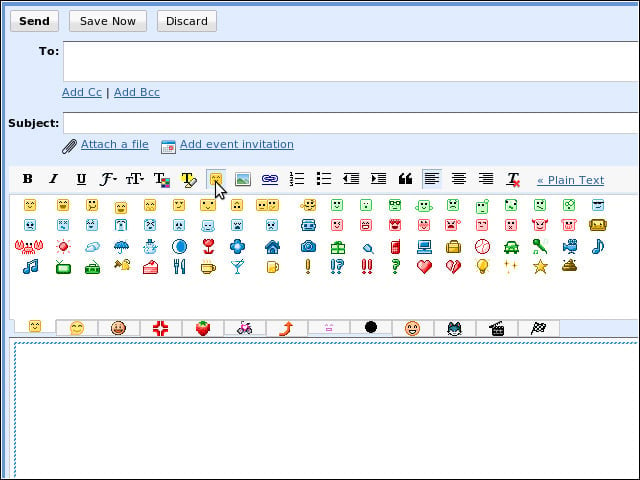
No one needs this many emoticon options.
Mail Goggles
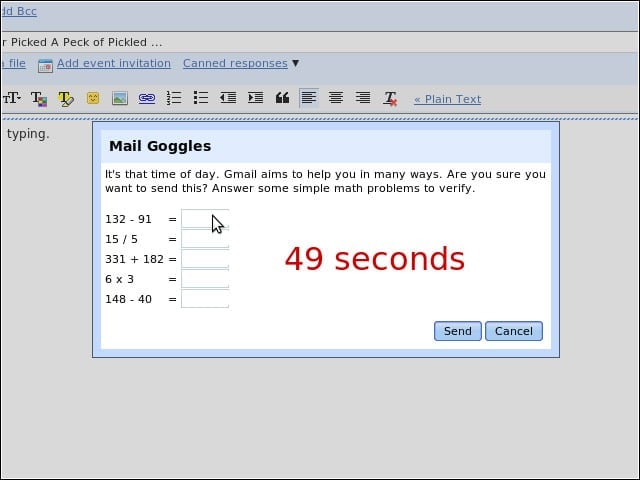
A hoot for beer-swilling twenty-somethings, but no one wants to do math before sending e-mail. We feel the Undo Send tool is protection enough.
Inbox Preview
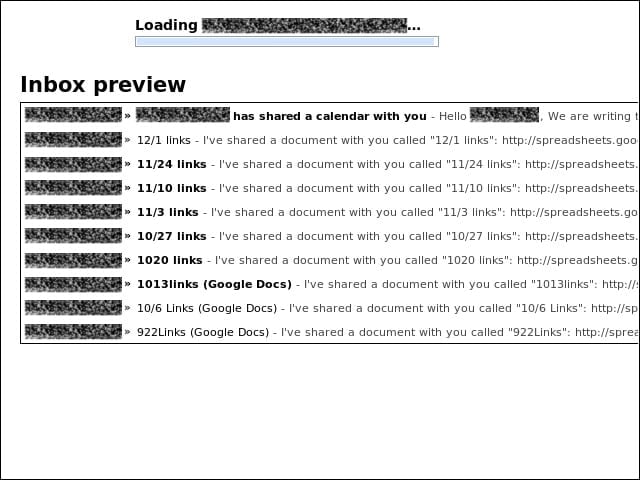
We can’t tell you exactly what is annoying about this feature, but it grates on the nerves. When your in-box loads, the contents flash for a quick 2 seconds or so, but not long enough to glean any useful information. Must be an attention-grabbing tactic.
Canned Responses
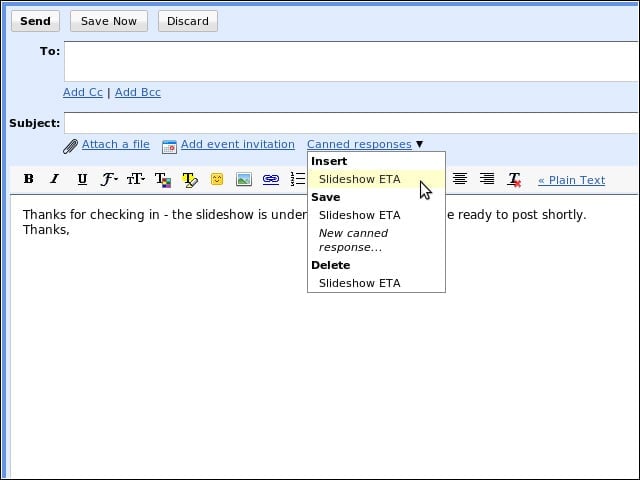
Not as bad as Mail Goggles, but still. If you have to have stock responses to contacts, maybe you need your e-mail automatically generated.
E-Mail Addict
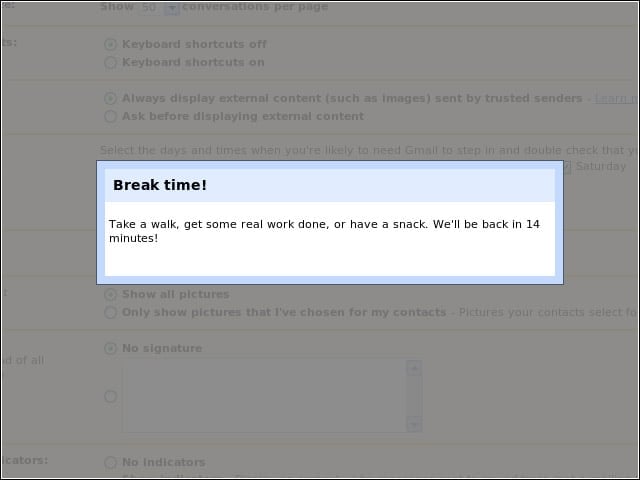
Even if it renders us invisible in chat, when we use this feature, we can still see the screen in the background, so it’s not exactly hiding much.