







LABS GALLERY: Liaise Leverages Outlook for Project, Task Management
By Jim Rapoza
Text Scan
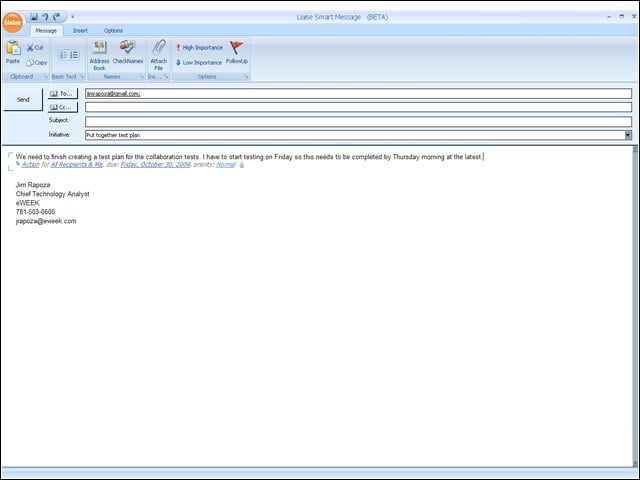
As a user types an e-mail message in a Liaise-enabled Outlook system, Liaise scans the text in the e-mail to detect the KeyPoint (whether the e-mail is intended to take action or handle an issue), who the participants are (the sender and the recipients), if there is a due date associated with the task, and the priority or importance of the task.
Automatic Categorization
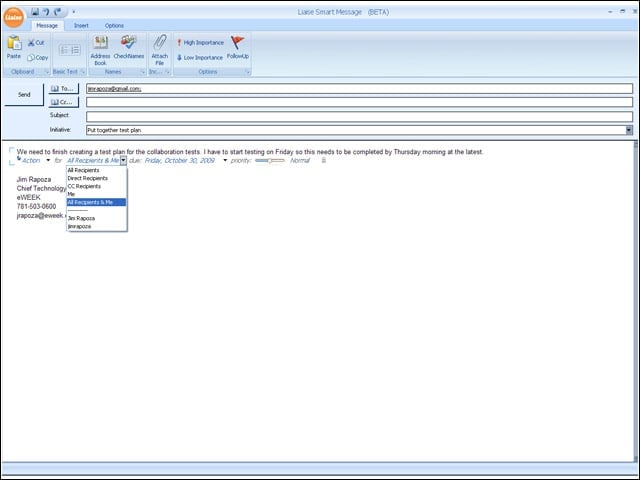
Liaise attempts to automatically categorize data points for the e-mail (for example, the use of words like “urgent” increases the priority of the message), but users can also click on the individual Liaise data points to manually edit them.
Customization
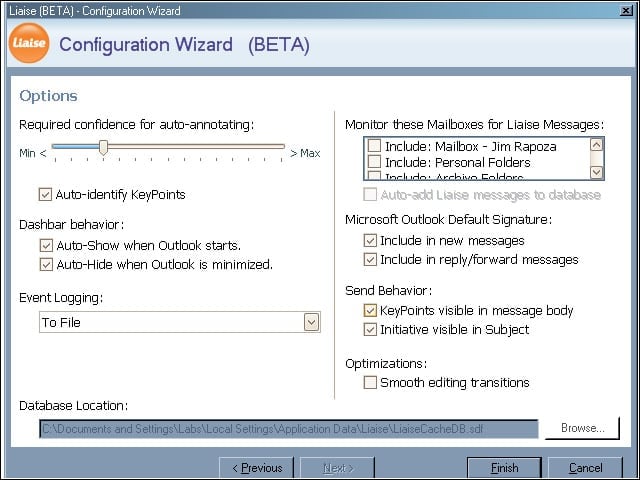
Users of Liaise can carry out some very basic and limited customization and settings configuration for Liaise.
Basic Info
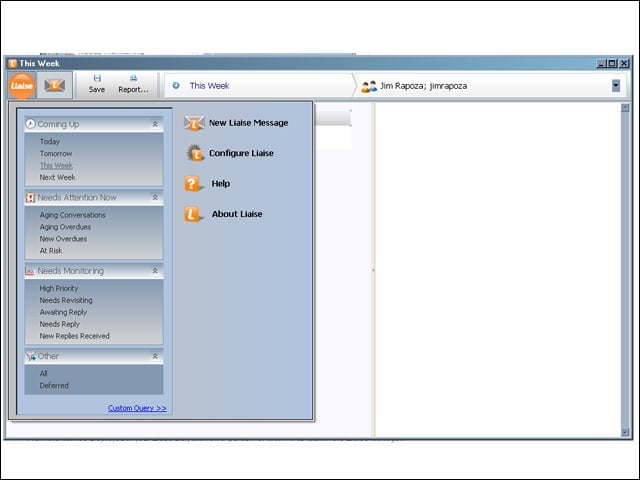
Basic information on Liaise is accessible from the Liaise manager window.
Status
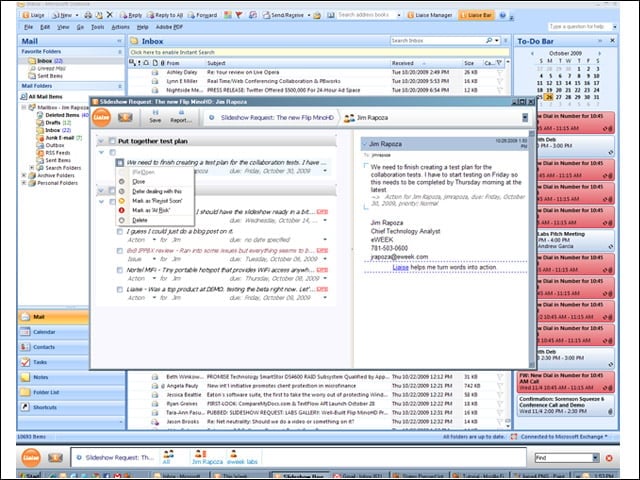
The Liaise manager window also lets users view all of their Liaise tasks and issues, as well as their status. Users can change status here or in the e-mail itself. Also, a Liaise toolbar at the bottom of the screen offers information on highlighted e-mail messages.
Getting the Message
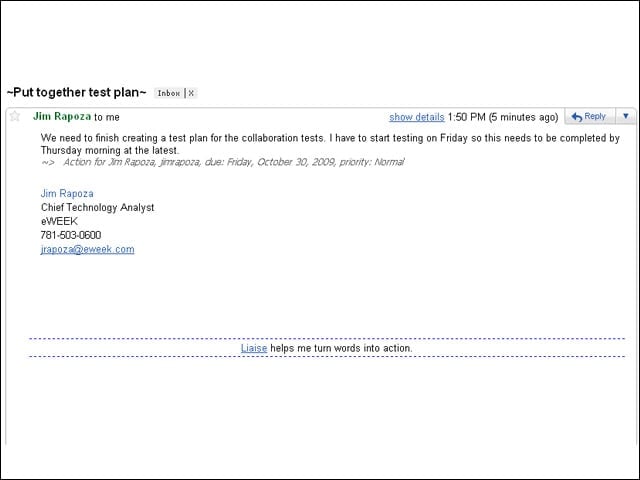
If a user sends a Liaise-enabled message to another Liaise user, both will be full participants in a task. If a user sends a Liaise-enabled message to a user who doesn’t use Liaise, the latter user will receive a normal message with some Liaise artificats intact.