







Mozilla Thunderbird 3 Adds New E-Mail Features
by Nicholas Kolakowski
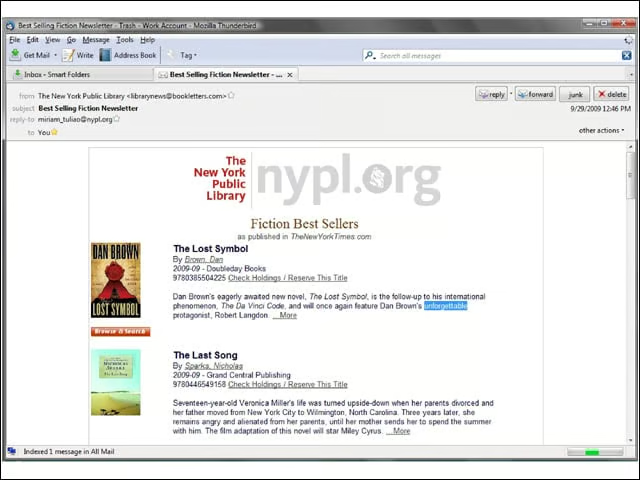
Opening E-Mails in Separate Tabs
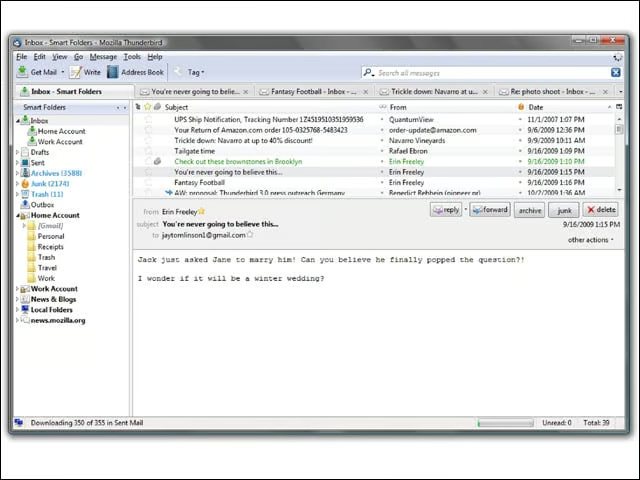
Mozilla took a page (literally) from Firefoxs book when it came to Thunderbird, allowing users to open e-mails as separate tabs in the same way that Firefox offers tabbed browser windows.
Streamlining the Setup Process
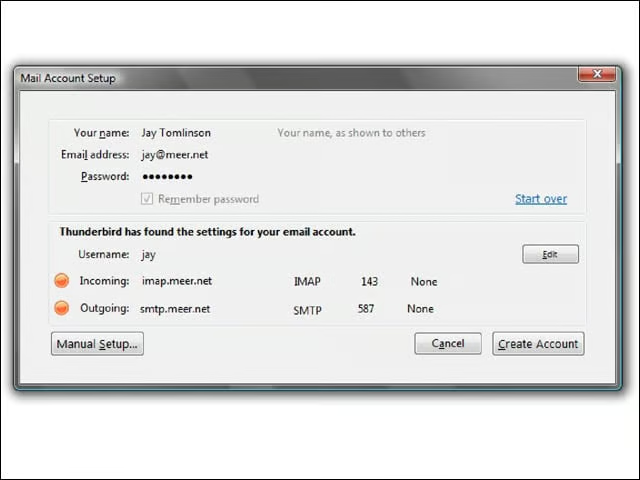
Mozilla attempted to streamline the setup process with Thunderbird 3, which limits the amount of information that a user needs to input by detecting settings automatically.
Filtered Search
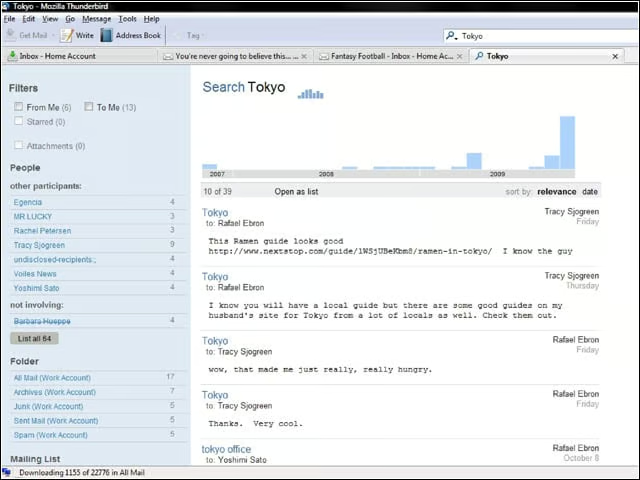
Thunderbird 3 incorporates filtered search that lets users narrow down their e-mail by date and other metrics.
Activity Manager
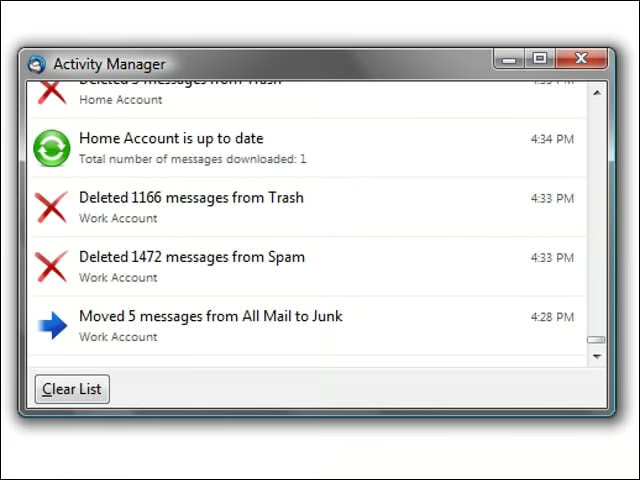
Activity Manager keeps a collated record of user activities, including mail deletions and moving messages between folders.
Add-Ons Manager
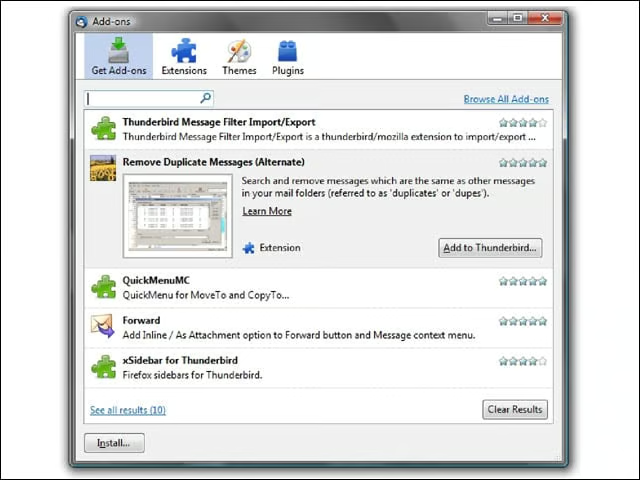
The Add-Ons Manager allows users to customize their Thunderbird 3 with any number of add-on plug-ins or themes.
Windows Compatibility
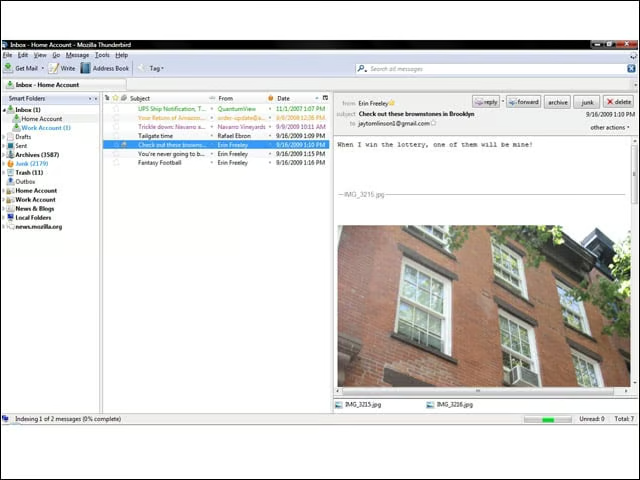
Thunderbird 3 is compatible with Windows, including Windows 7 and Vista.
Mac OS X Compatibility
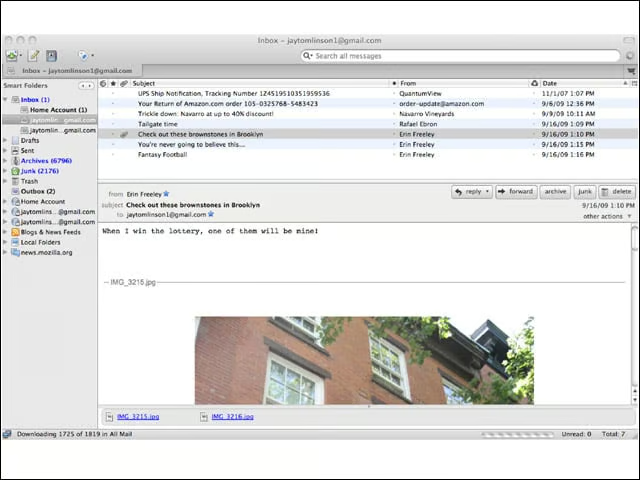
Thunderbird 3 is compatible with Mac OS X.
Open-Source Compatibility
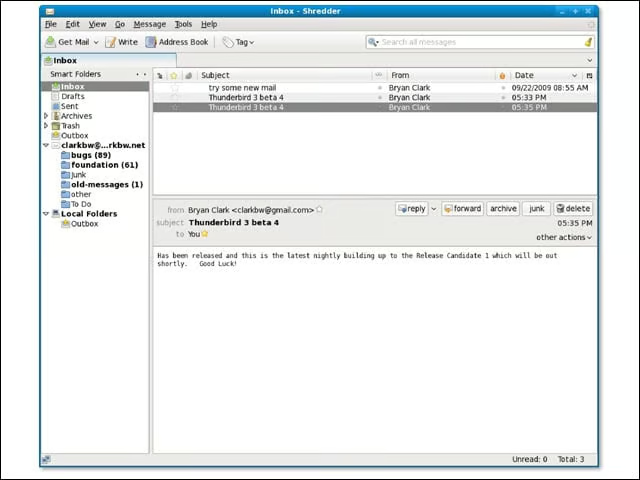
Thunderbird 3 is compatible with open-source operating systems such as Linux.
Smart Folders
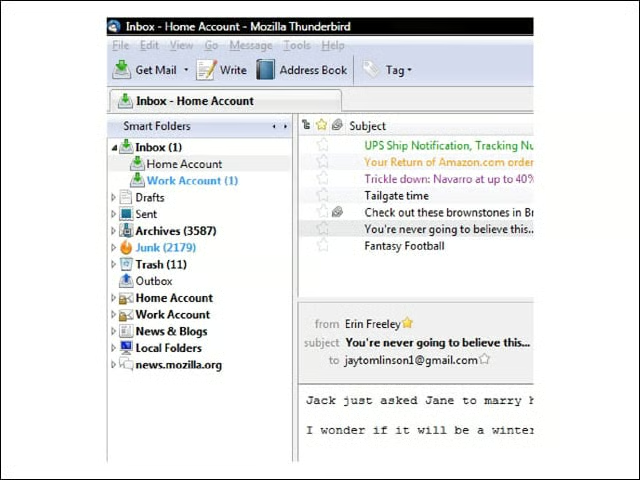
Smart folders display e-mail from multiple accounts in a single window, allowing for more effective management without having to open those accounts individually.
E-Mail Reminders
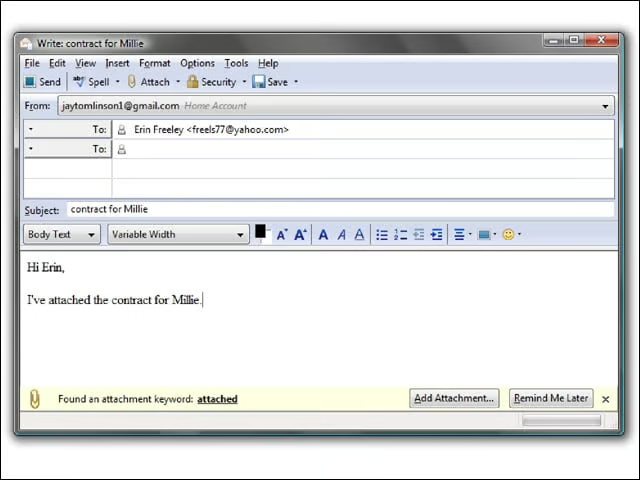
Chances are good that youve accidentally clicked “Send” on an e-mail after forgetting to attach a document. This feature tries to prevent that by sending a reminder to attach a document before sending, if it scans the word “attachment” in the e-mails message body.
Address Book
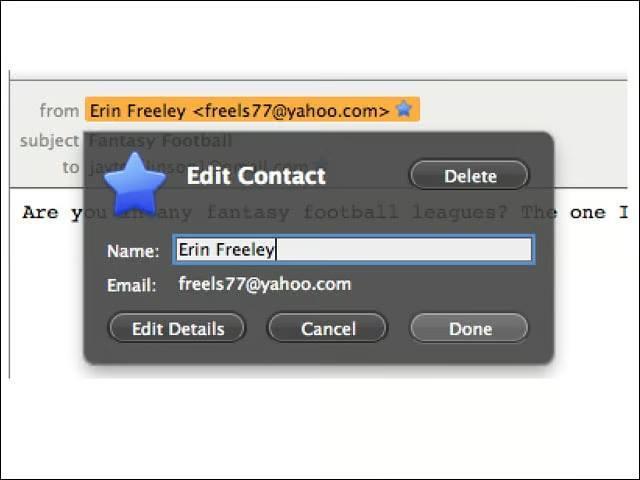
A single click on the star icon will add a contact to your address book.
Gecko 1.9.1 Rendering
Thunderbird 3 is built on the Gecko 1.9.1 rendering platform, the same as Firefox 3.1, which theoretically gives Thunderbird 3 identical security enhancements and Web standards support as the browser.