







OpenOffice.org 3.1 Is a Worthwhile Upgrade
by Jason Brooks
Calc Speed Increase
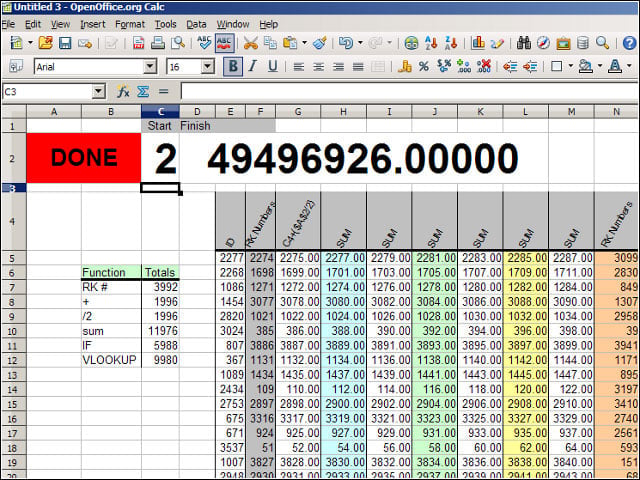
Some of the most dramatic enhancements in OOo Version 3.1 involve the performance boosts that the project’s developers have managed to wring out of the suite’s spreadsheet component, Calc. In particular, the team addressed the so-called “Zaske Case.”
Better Sorting Part I
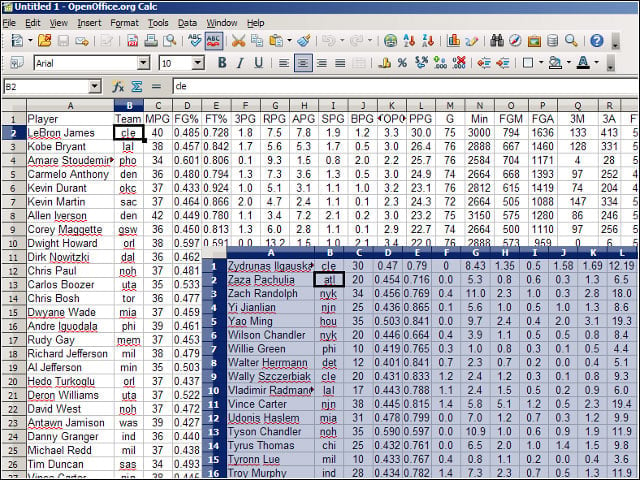
Another notable improvement in Calc 3.1 involves the application’s row-sorting toolbar control, which now behaves more sanely by default. In Version 3.0, the sort buttons paid no heed to my headers, requiring me to visit a sort dialog to tell Calc that headers were present.
Better Sorting Part II
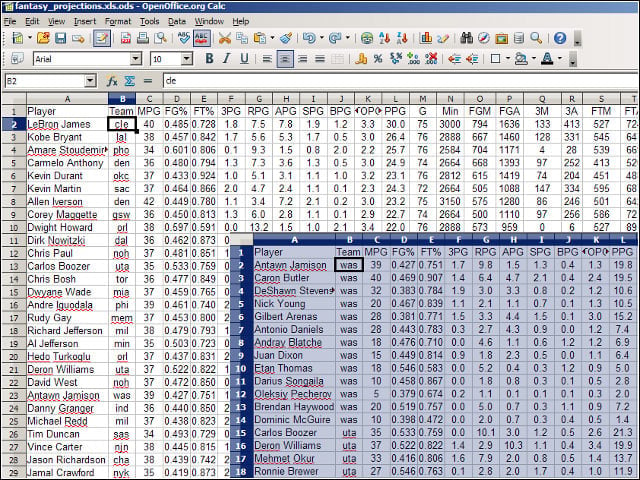
When I hit one of the sort buttons in the Calc 3.1 toolbar, the application correctly identified my column headers and sorted the data beneath them accordingly.
Zoom Control
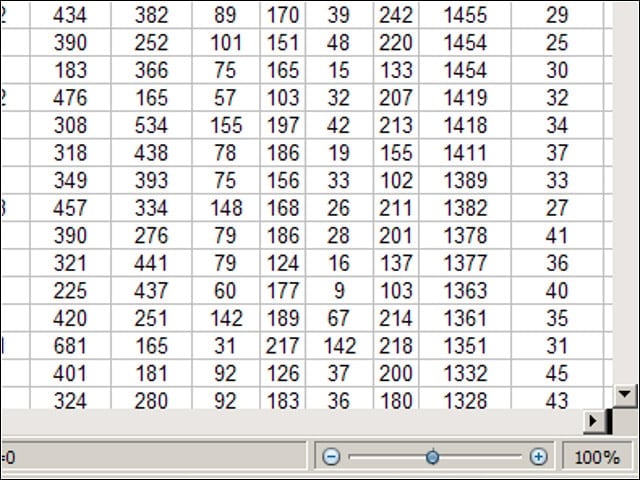
Elsewhere in Calc, the spreadsheet application has picked up the view-zooming slider control that debuted in OOo’s Writer 3.0, which saves a trip to the application’s view dialog.
Double-Click to Rename
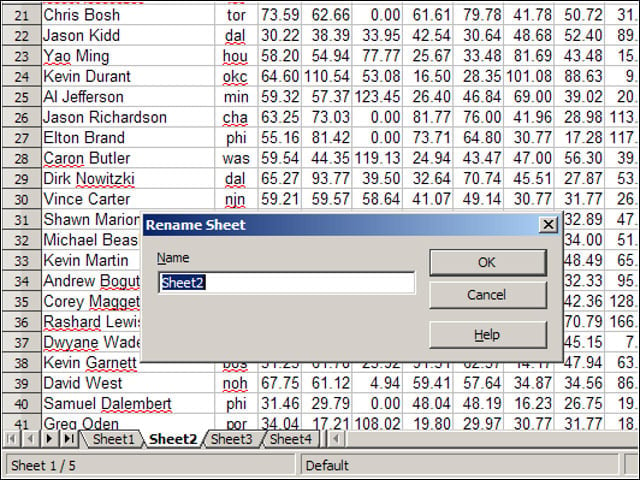
Calc 3.1 has adopted Excel’s style of sheet renaming-I could double-click on a sheet tab to rename it, rather than do the deed through a right-click menu.
Formula Syntax Tips
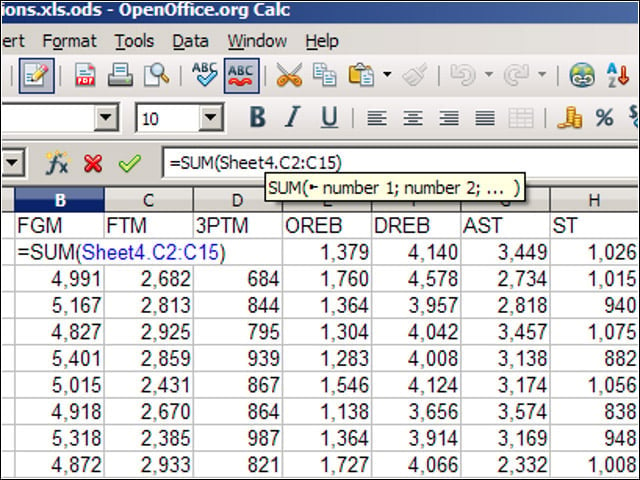
I also appreciated Calc 3.1’s new formula tool tips, which would pop up after I began typing in a formula to remind me of the proper syntax for the function at hand.
Smoother On-Screen Graphics Part I
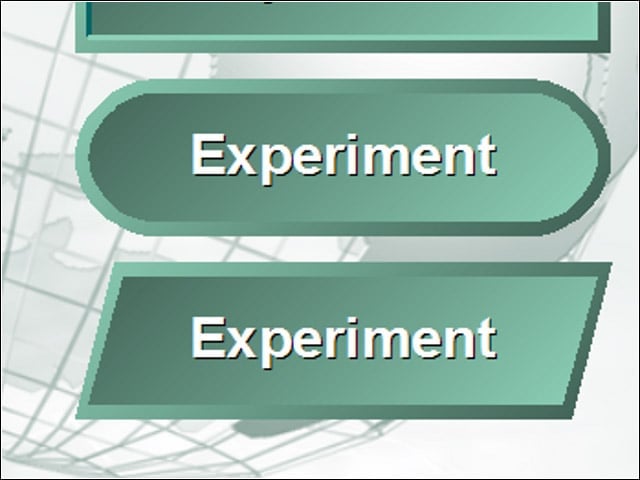
Another notable enhancement in OOo 3.1 is the suite’s improved rendering of on-screen graphics through anti-aliasing. In previous versions of OOo, graphics such as circles and other basic shapes tended to render with somewhat jagged borders, as seen here.
Smoother On-Screen Graphics Part II
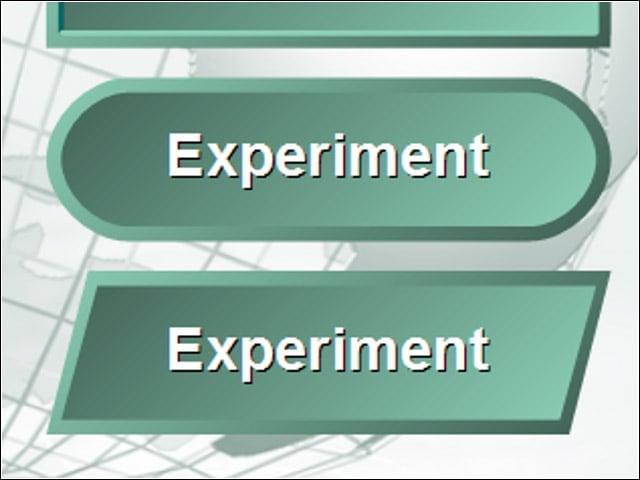
I opened the same document using Impress 3.1 and found that the edges of the shapes within rendered just as smoothly as in PowerPoint.
Shadow Dragging
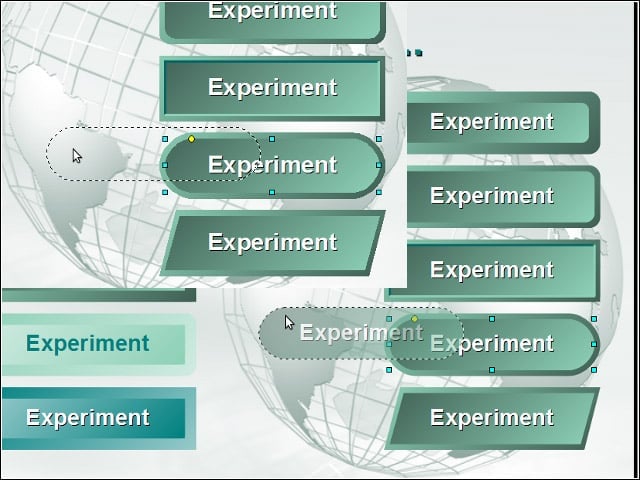
While working with the same presentation, I dragged one of my shapes around on the document and watched as Impress 3.1 displayed a translucent, “shadow” version of the object. Impress 3.0 displayed an empty frame during dragging operations.
Getting Along with Others
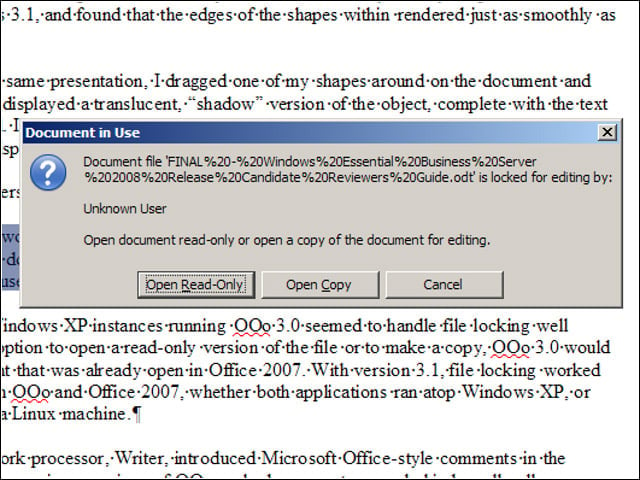
Users of OOo 3.1 in networked office environments will benefit from the suite’s bolstered handling of file locking, which now does a better job preventing overwriting of documents stored on networked shares and accessed by users running different operating systems and applications.
Comment Replies
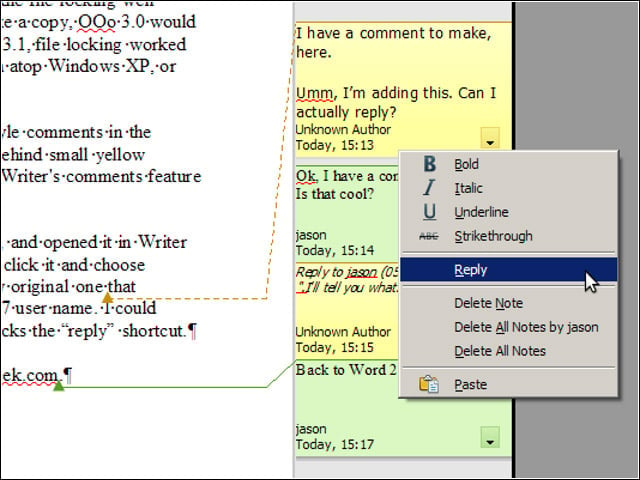
With Version 3.1, Writer’s comments feature now supports conversations among document editors.
