







- Peeking at Googles New Search User Interface
- A New Look for New Search
- Old Homepage
- The New Homepage Design
- Old Search Engine Results Page
- New SERP
- Old Search Options
- Select New Content Types
- Different Searches Yield Tailored Results
- Shopping with the New Google Search
- Displaying Latest Updates over the Past 2 Days
- Something Different
- Google Search UI Goes Mobile
- Footer
- What Might Have Been
Peeking at Googles New Search User Interface
by Clint Boulton
A New Look for New Search
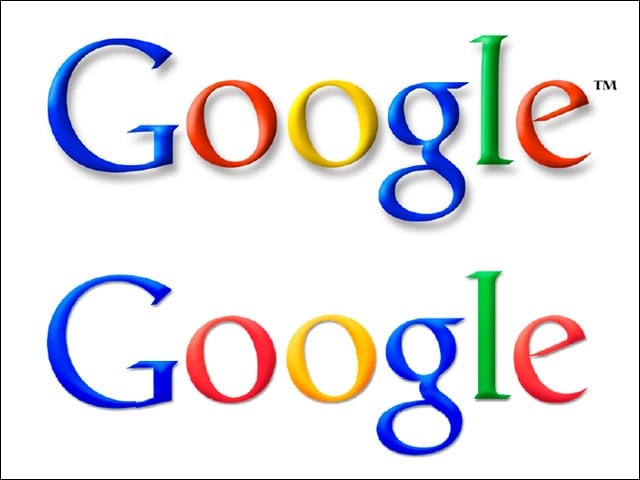
Google has tweaked its logo. Can you tell the difference between the old and new? No? The old logo, with the fat drop shadow and TM symbol, is being replaced by the cleaner option below.
Old Homepage
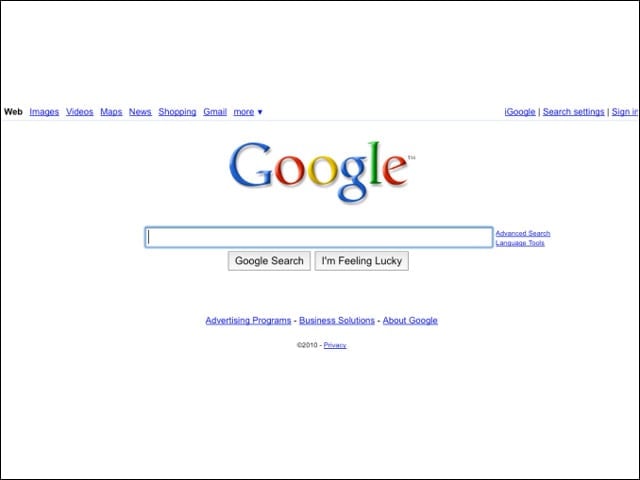
Here’s the old familiar homepage people have been working with for years.
The New Homepage Design
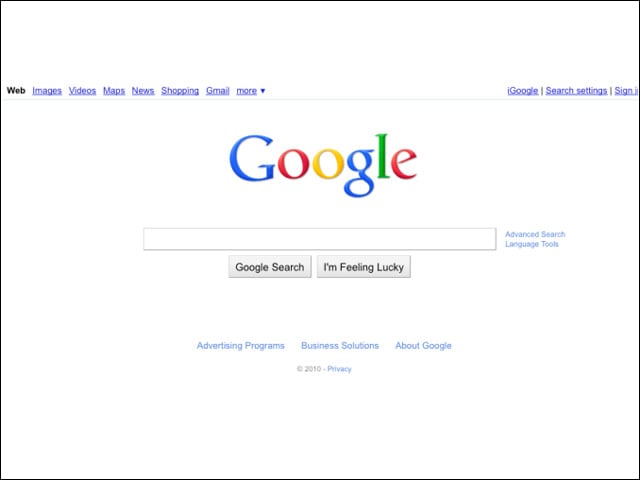
And the new homepage. Looks cleaner, right? We actually liked the fuller drop shadow, but oh, well. There’s no accounting for taste.
Old Search Engine Results Page
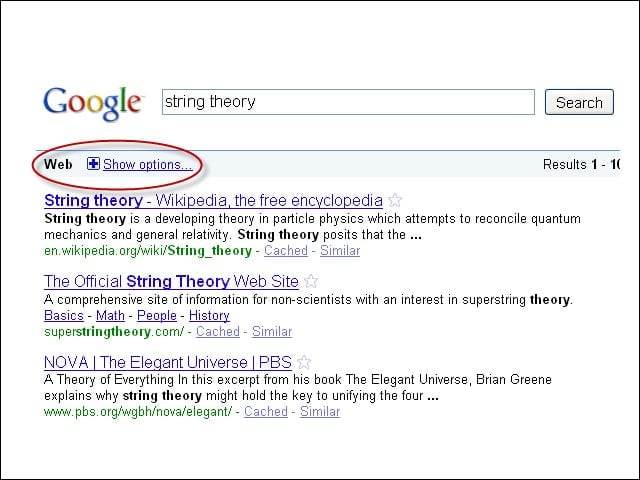
Here is what search results look like for the query “string theory” on the SERP (search engine results page). Note the button for search options pointed out at the top.
New SERP
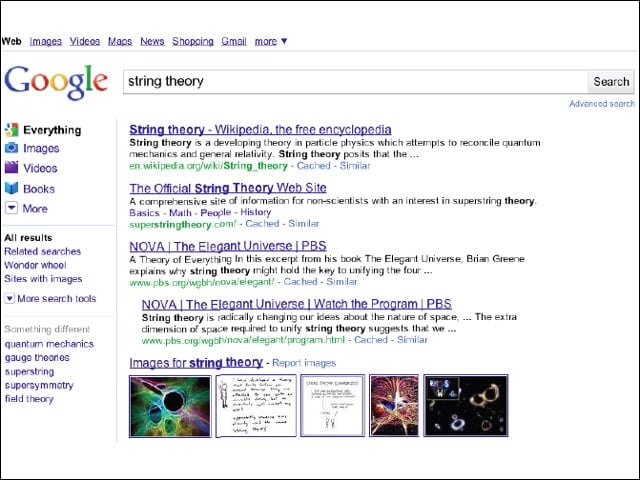
And here’s the new look. New content type options help users refine searches. The query “string theory” returns search refinement options such as Images, Videos and Books.
Old Search Options
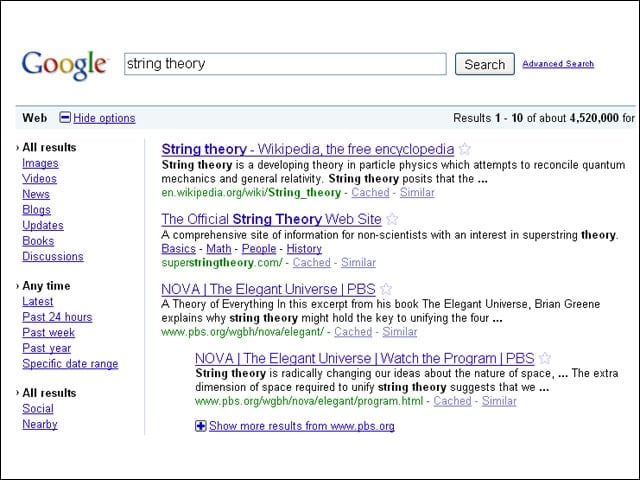
In the old search UI, a user clicked the “Show options” link that we circled a couple slides back to refine searches.
Select New Content Types
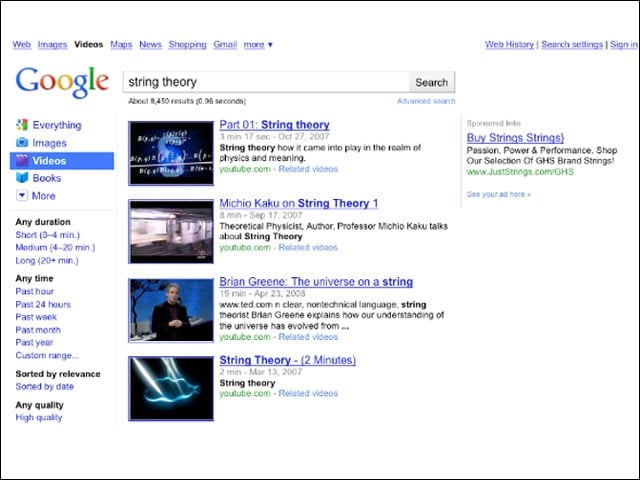
Now users click a content type, such as videos, to see this streamlined SERP.
Different Searches Yield Tailored Results
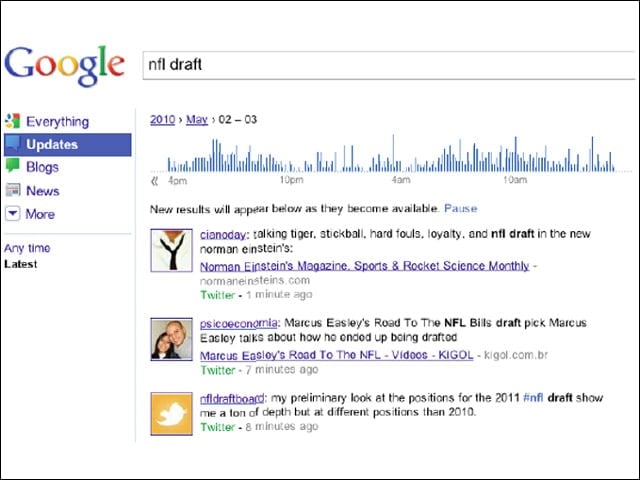
“String theory” returned options for video, books and more. The SERP for “NFL draft” offers more current info, such as updates and tweets.
Shopping with the New Google Search
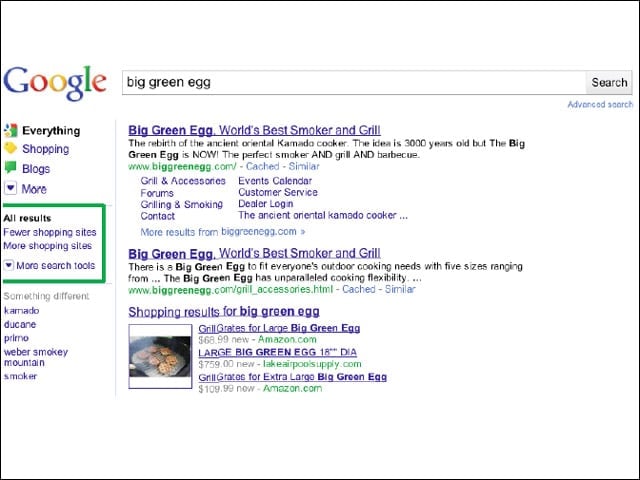
Similarly on the relevance front, a search for “big green egg” is tailored toward shopping results.
Displaying Latest Updates over the Past 2 Days
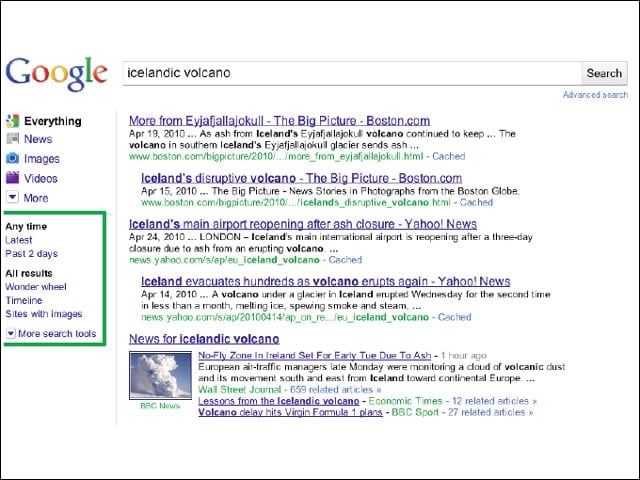
Google also now zeroes in on various time periods based on the immediacy of news events. The UI lets users refine searches to the last two days or to the latest news.
Something Different
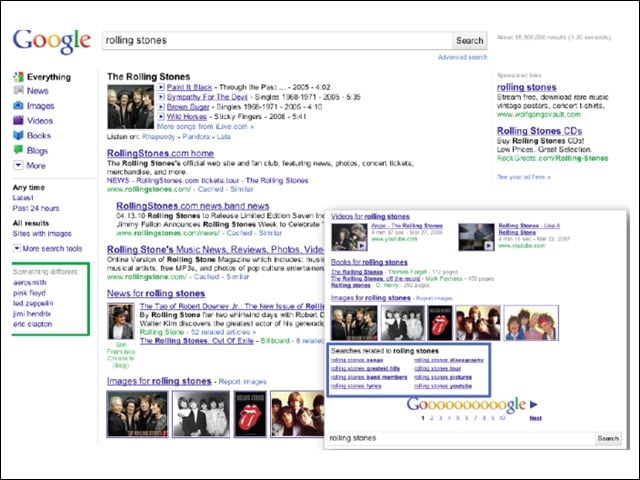
Google UI borrows from Google Squared by offering related concepts.
Google Search UI Goes Mobile
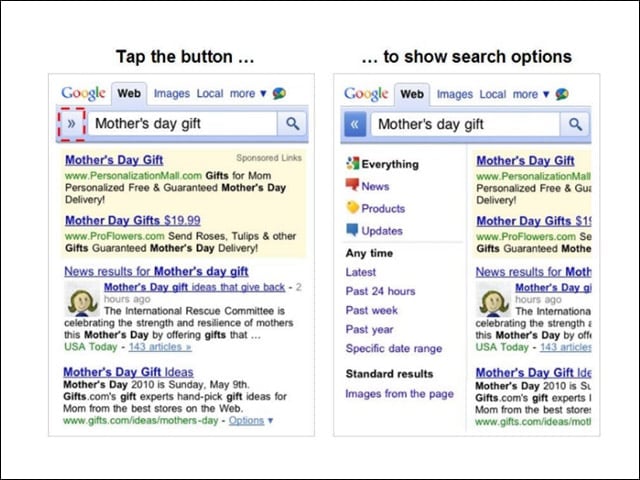
What Google did for its desktop search UI it ported to its mobile search.
Footer
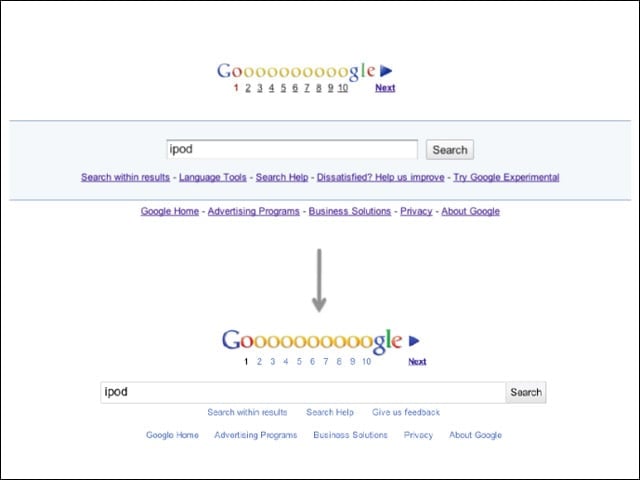
These are the new (wedding cake shape) and old SERP footers.
What Might Have Been
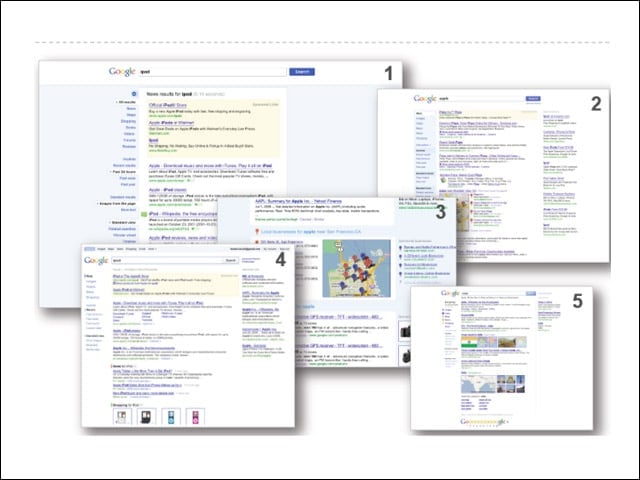
Google tested several design prototypes before settling on the new UI.