







Salesforce.com Winter 11 Beefs Up Chatter
by Cameron Sturdevant
All Chatter
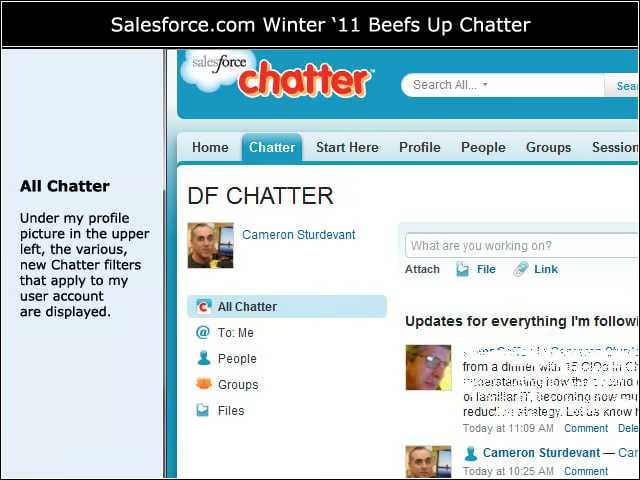
Under my profile picture in the upper left, the various, new Chatter filters that apply to my user account are displayed.
People
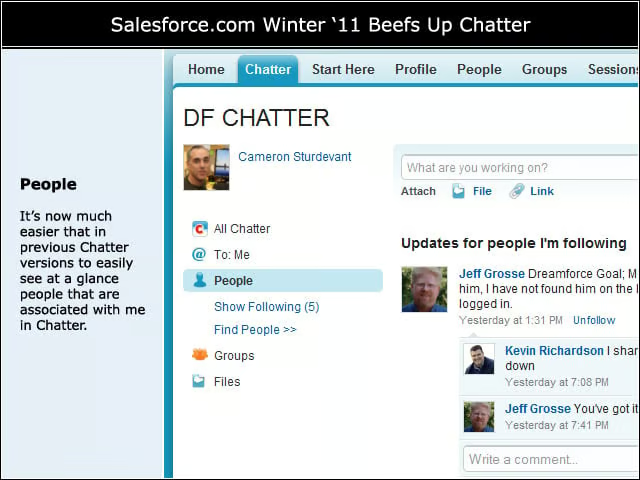
Its now much easier than in previous Chatter versions to easily see at a glance people that are associated with me in Chatter.
Following
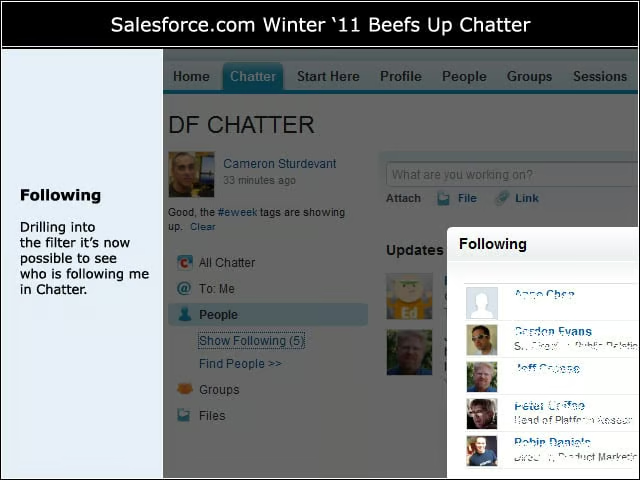
Drilling into the filter its now possible to see who is following me in Chatter.
Groups
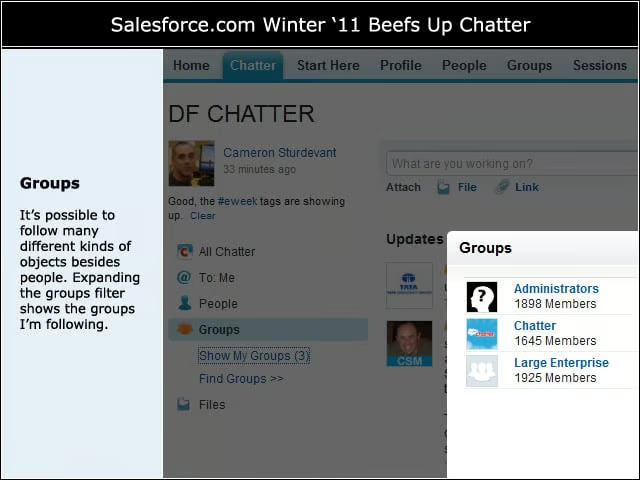
Its possible to follow many different kinds of objects besides people. Expanding the groups filter shows the groups Im following.
What to Do Next
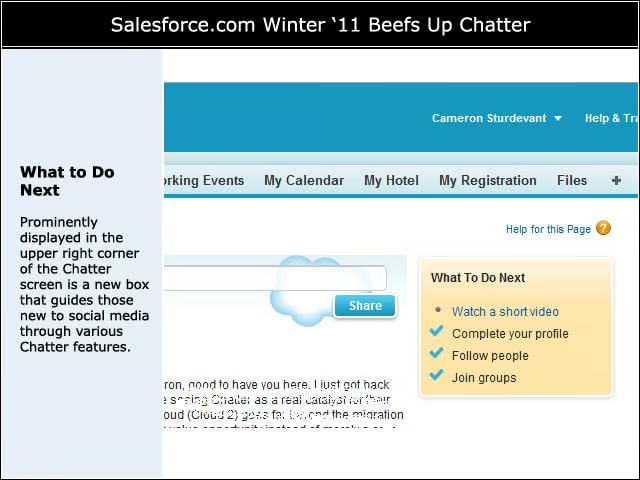
Prominently displayed in the upper right corner of the Chatter screen is a new box that guides those new to social media through various Chatter features.
Recommended
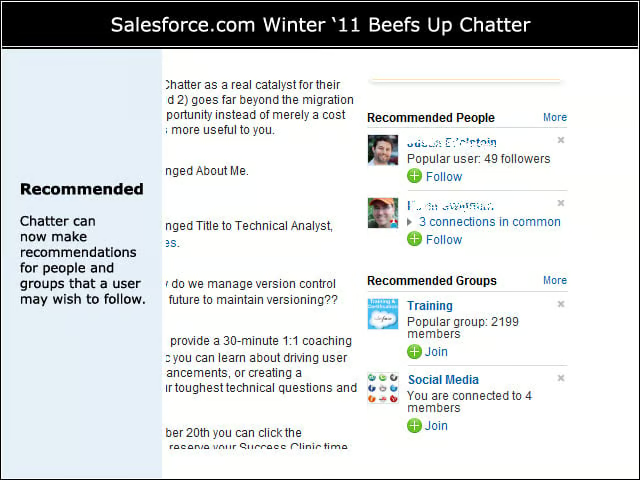
Chatter can now make recommendations for people and groups that a user may wish to follow.
E-mail Settings
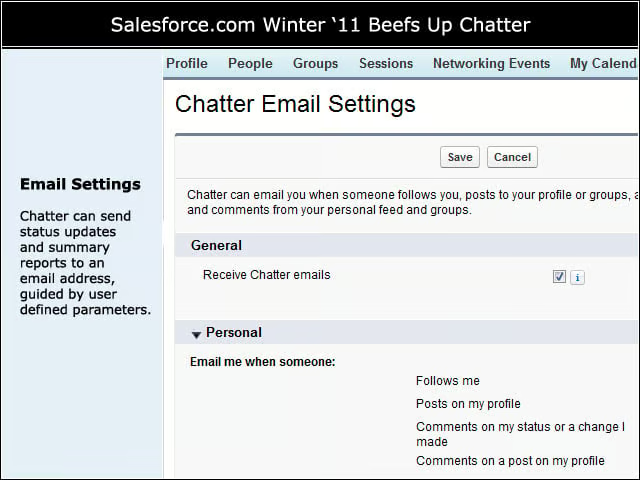
Chatter can send status updates and summary reports to an e-mail address, guided by user-defined parameters.
Feed Results
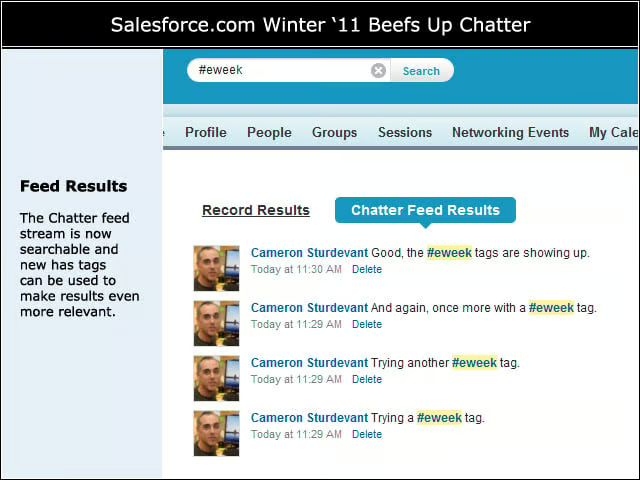
The Chatter feed stream is now searchable and new hash tags can be used to make results even more relevant.