







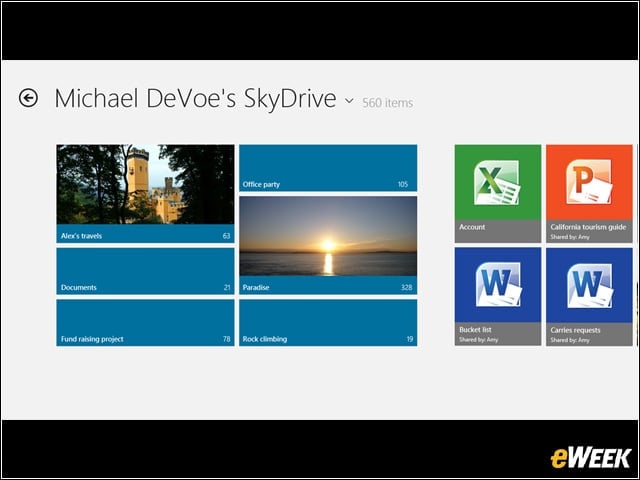
SkyDrive
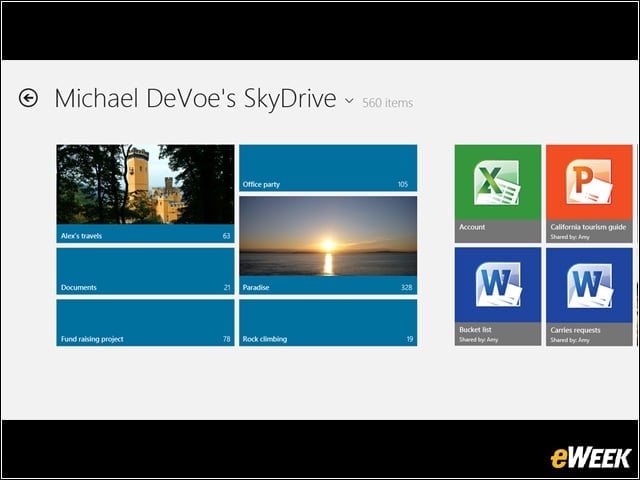
SkyDrive and an Internet connection give you access to practically everything on your PC.
Start Screen
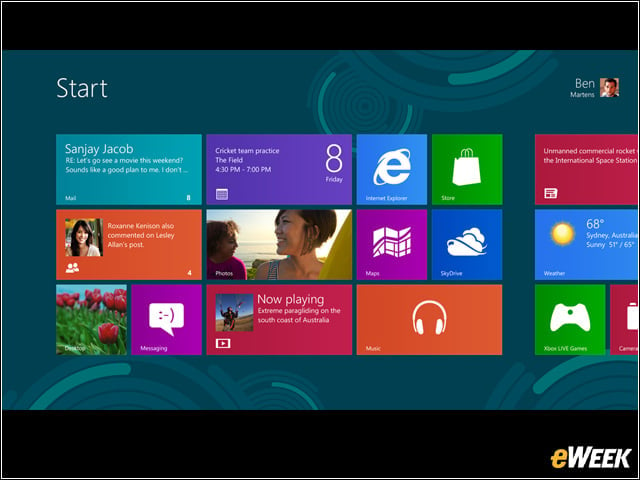
Here’s a view of the new Windows 8 Release Preview start screen. It has all the information you care about in one place, with tiles changing and updating in real time so you can stay on top of things.
Touch Keyboard
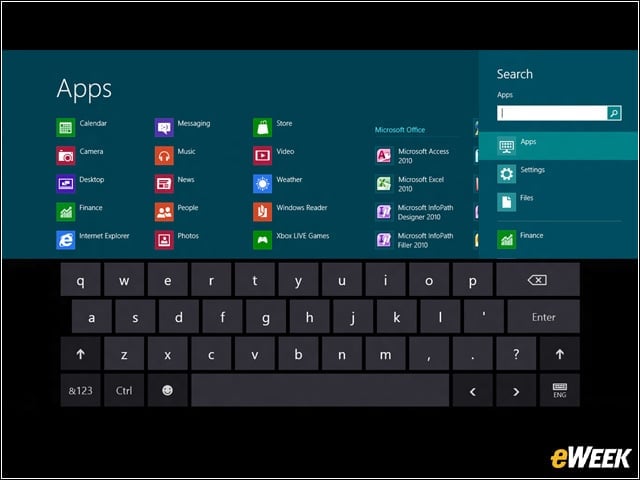
Windows 8 allows users to type naturally with the touch keyboard.
Windows Store
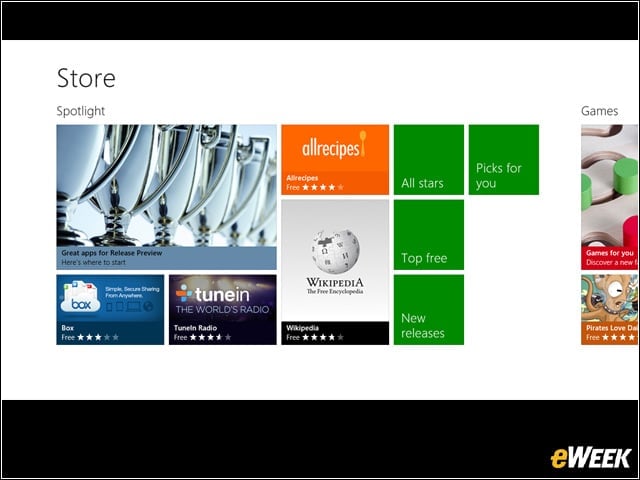
Users can choose from a variety of apps in the Windows Store.
Internet Explorer 10
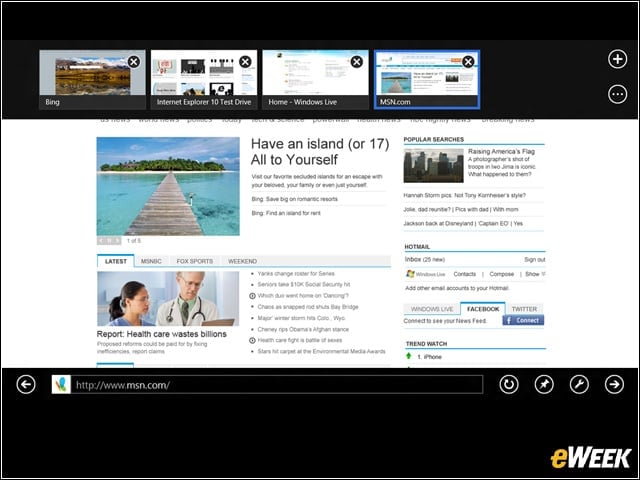
With the upcoming version of Microsoft’s Internet Explorer, all your open sites are located in one convenient location.
Multiple Monitors
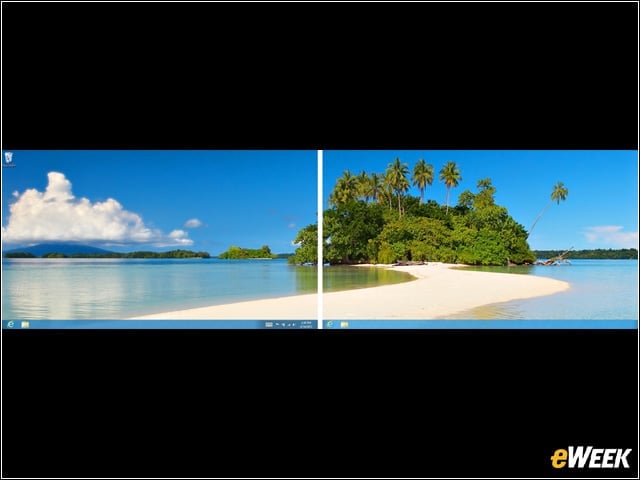
Windows 8 Release Preview works seamlessly with multiple monitors. Microsoft has tried to make PCs relevant again in an era of tablets and smartphones, and multiple monitors is one way for the company and its OEM partners to get businesses and consumers excited about computers again.
Windows 8 Release Preview
Microsoft made the Windows 8 Release Preview available May 31. It is the final version of the company’s new operating system that will be available before the product ships. If everything goes according to plan, Microsoft will likely unveil Windows 8 in October, making it ready for the 2012 Christmas shopping season.
Get in Touch
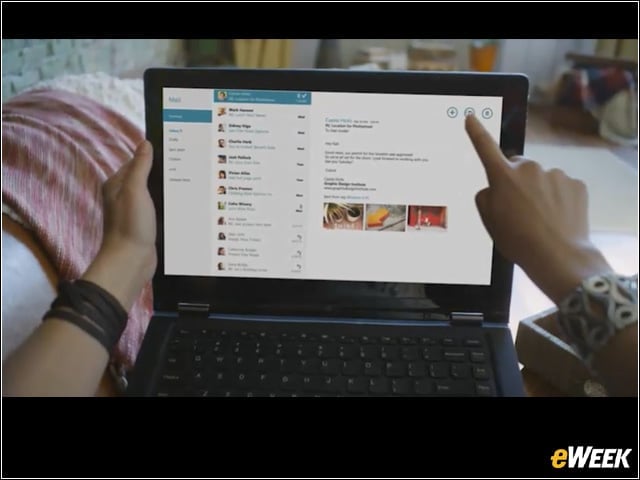
With Windows 8, touch is in. Here, a Windows 8 Release Preview user is shown using the product on a touch-enabled laptop. Again, it’s way for Microsoft to make laptops relevant in an age of tablets.
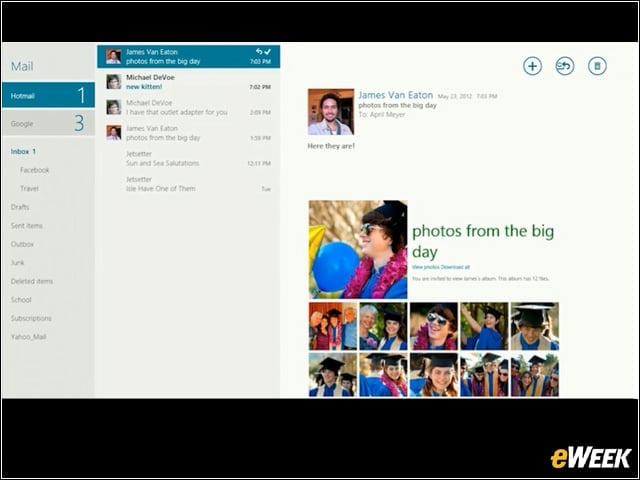
Here’s an example of the mail app on Windows 8 Release Preview.
Visual Studio 2012
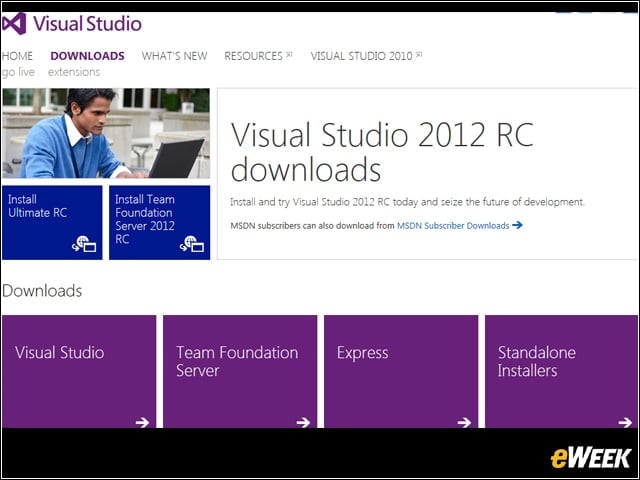
In addition to delivering Windows 8 Release Preview on May 31, Microsoft also made available the newly named Visual Studio 2012 Release Candidate.