







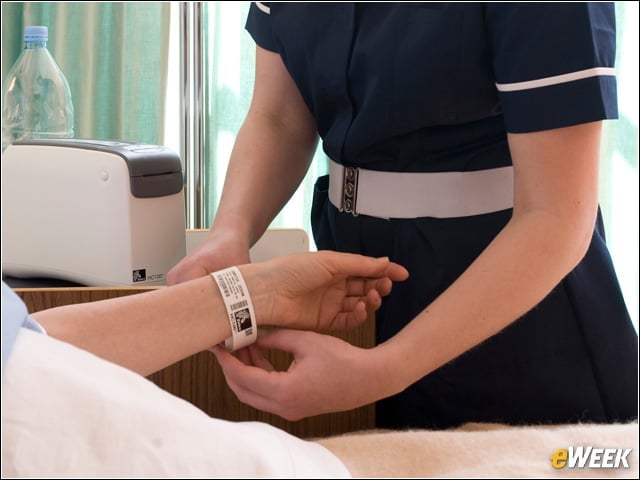
Zebra HC100 Thermal Printer
Zebra’s HC100 thermal printers are used to print the wristband labels in a hospital’s supply chain area or pharmacy, said Torres. When nurses scan a patient’s ID card and then print out a wristband from a mobile printer to place on a medicine vial, the process is safer for patients than if a nurse pulled a label from a sheet of paper containing information for multiple patients, said Torres. “The barcode and the mobile printer really are just key to this patient safety effort that is the basis for the electronic health record,” she said.
Zebra QL Plus Series Mobile Printer
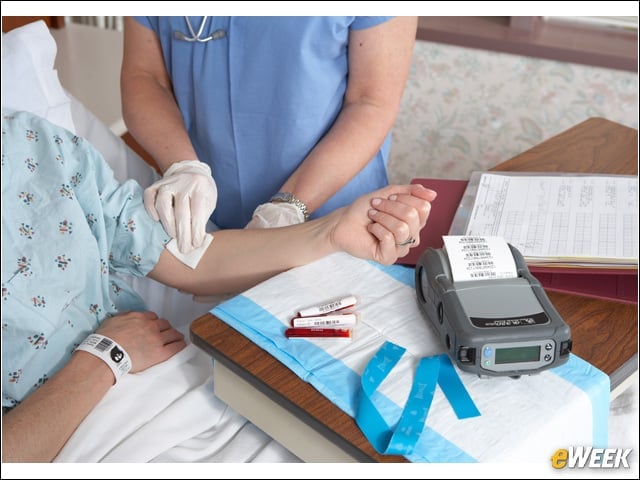
Nurses and clinicians use devices such as the Zebra QL Plus Series Mobile thermal printer to print barcodes for patients’ blood vials. The printer features Bluetooth and WiFi to allow clinicians to print labels wirelessly over the hospital’s network.
Motorola-Symbol PPT8800
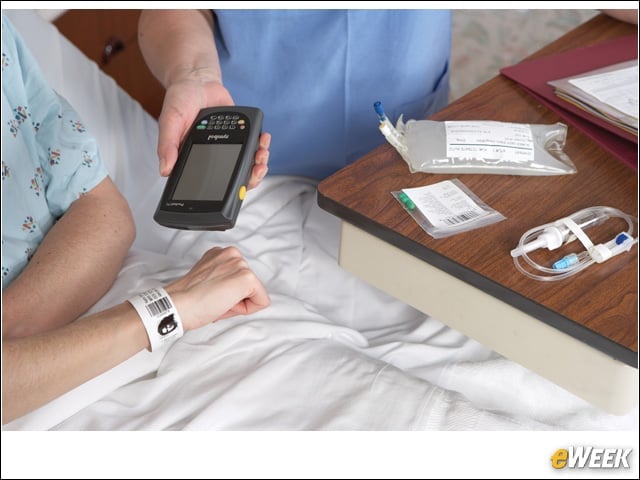
Motorola partners with Zebra on scanners that allow nurses to scan a patient’s barcode to match up with blood vials, EHRs and medication.
Lexmark Solutions Composer
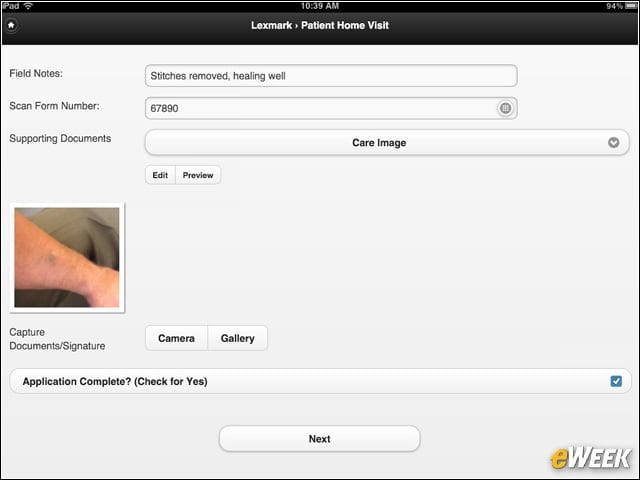
Hospitals can use Lexmark Solutions Composer to customize apps for the iPad and enable home health care providers to document trips to the field. Clinicians can use an iPad to capture clinical photos and fill out forms electronically.
Lexmark Distributed Intelligent Capture
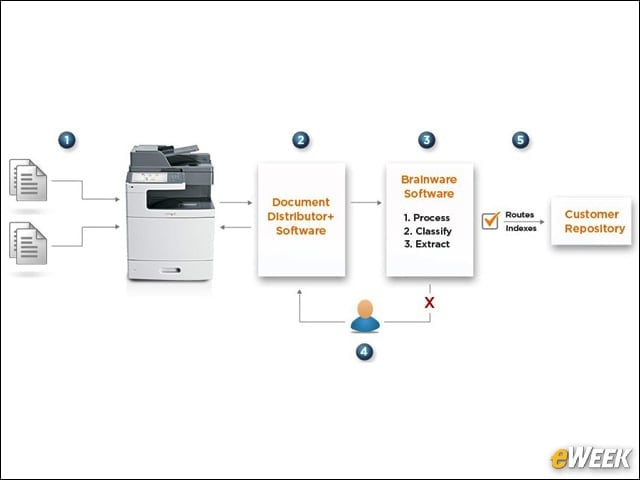
Whether it’s an admissions form for a medical school or a hospital, Lexmark’s Distributed Intelligent Capture application can extract the data, categorize it and export it into databases such as EHRs. In March, Lexmark acquired Brainware, along with its Distiller platform (now called Perceptive Intelligent Capture), which powers Lexmark’s data-capture software for health care.
HP Multifunction Printers
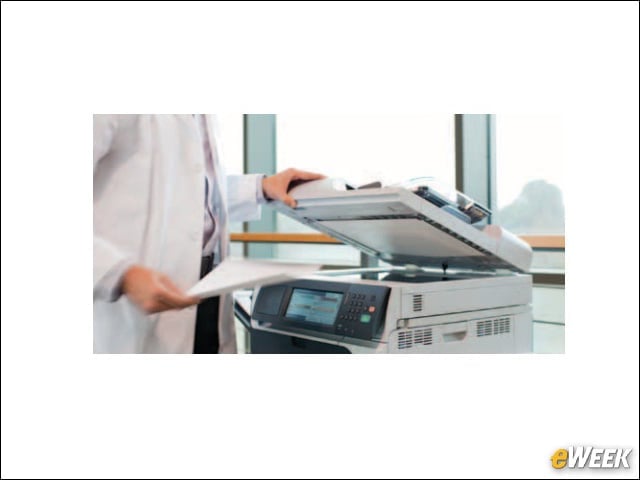
HP’s multifunction printers (MFPs) work with Hyland’s OnBase ECM application to allow doctors to capture analog unstructured data such as patient identification cards and procedural consent forms for transfer into EHRs, Randy Hickel, worldwide health care market development consultant for HP, told eWEEK.
Hyland OnBase Electronic Content Management
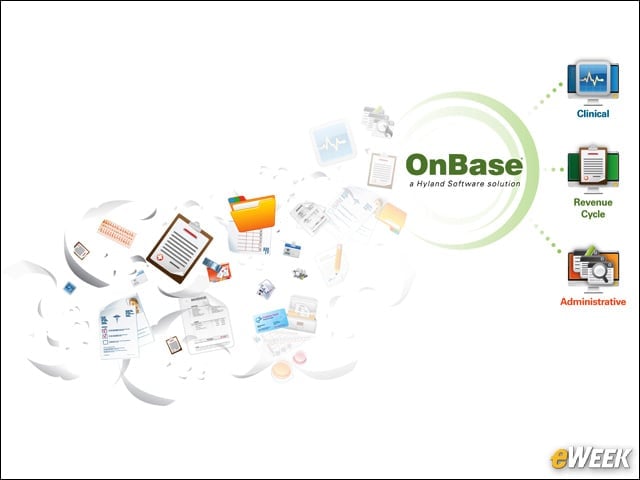
Hyland’s OnBase ECM software allows health care providers to store unstructured content and link it directly to the EHR. The company’s Advanced Capture technology translates printed and handwritten characters into words.
HP Distributed Workflow Solution
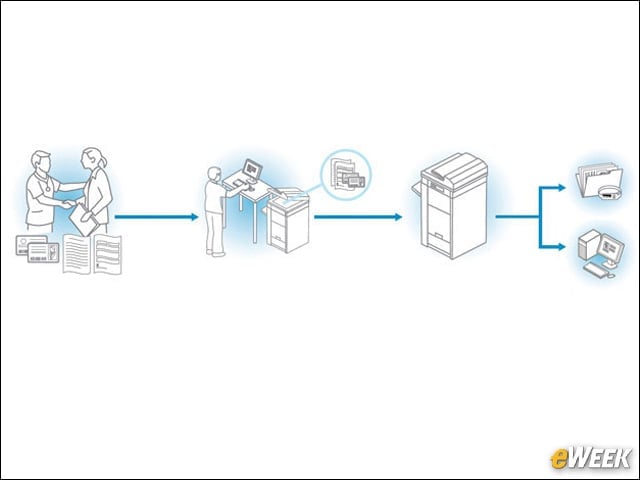
The integration of ECM software with EHRs as part of HP’s Distributed Workflow Solution allows doctors to avoid having to exit one program to look at records and open a new application for newly scanned records, Hickel explained. “That clinician wants to be able to access all scanned records by simply clicking a button within that patient’s record,” said Hickel. EHR applications by companies such as Cerner, Epic and GE feature this single-button functionality. In addition, OnBase enables HP’s MFPs to automate indexing for health care documents, according to Hyland Software.
HP Capture and Route
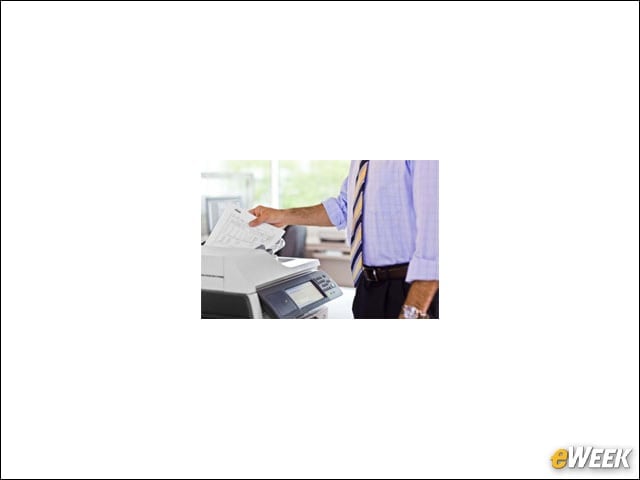
After scanning from an MFP, clinicians can use HP’s Capture and Route software to convert the document into Word, JPG or PDF file formats. Users can upload files or capture an image from a smartphone or tablet so it can be imported into an EHR.
HP ElitePad
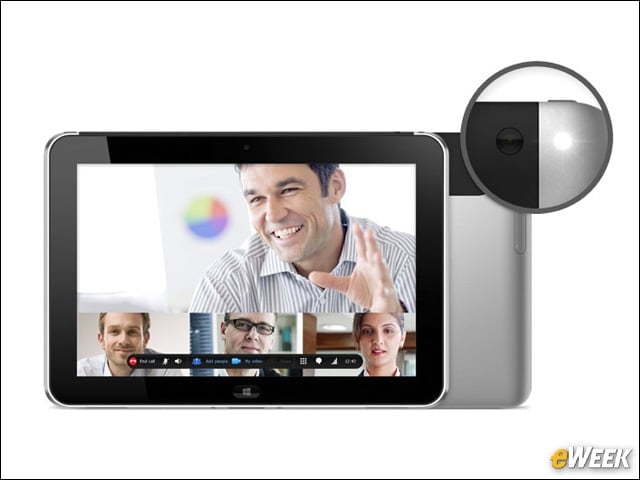
Available in January 2013, the HP ElitePad Windows 8 tablet will be able to run the company’s Capture and Route software to upload data from scanned forms into an EHR. The tablet’s cameras on the front and back will allow providers to capture images of patient IDs or forms. Barcode readers and scanners can also be attached to the unit, said HP’s Hickel.