








LABS GALLERY: Chrome 3.0 Beta Shows Googles Rush to Catch Up with Rivals

by Jim Rapoza
Customized Thumbnails
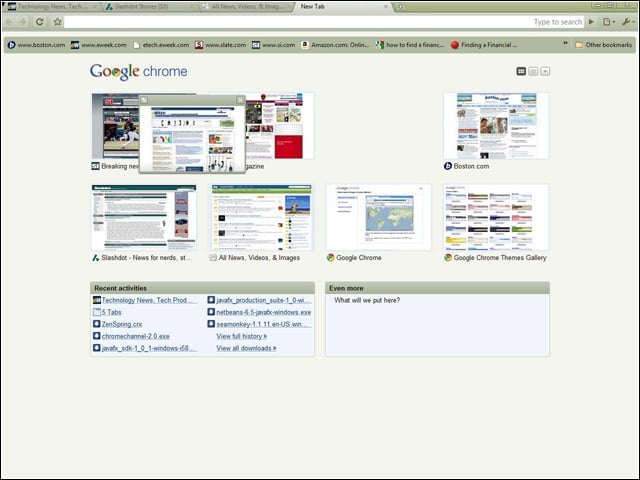
With the Google Chrome 3.0 beta, users can customize thumbnails in the new-tab page by dragging and dropping sites to new spots on the page.
Pinned
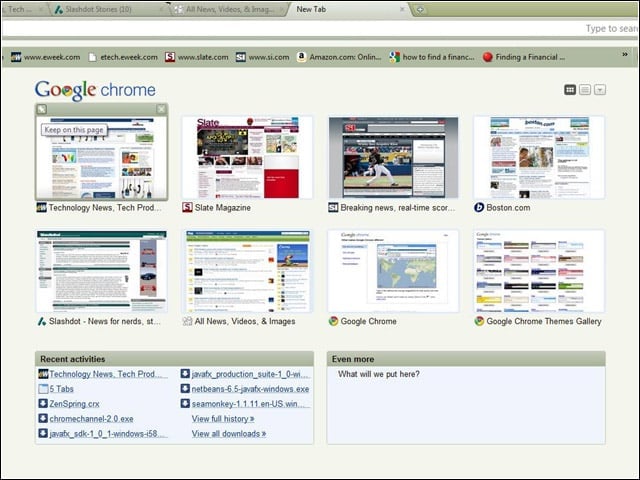
As is the case with browsers such as Opera and Safari, the Chrome 3.0 beta lets users pin a site to a specific spot on the new-tab page so it stays there no matter how often it is visited.
New-Tab Layout
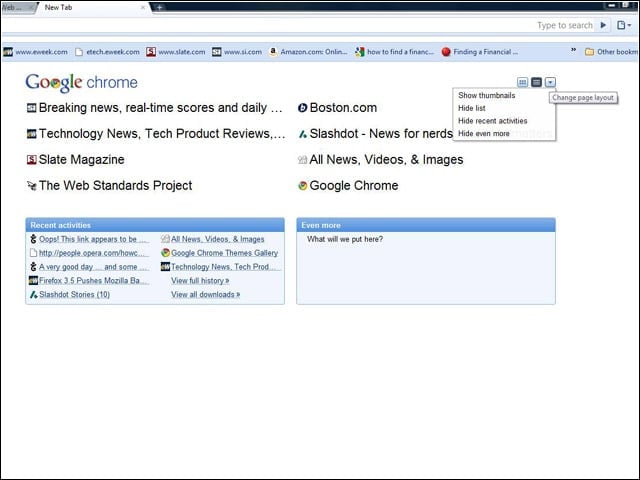
The layout of the new-tab page can also be controlled so it shows lists instead of thumbnails of frequently visited sites.
Themes
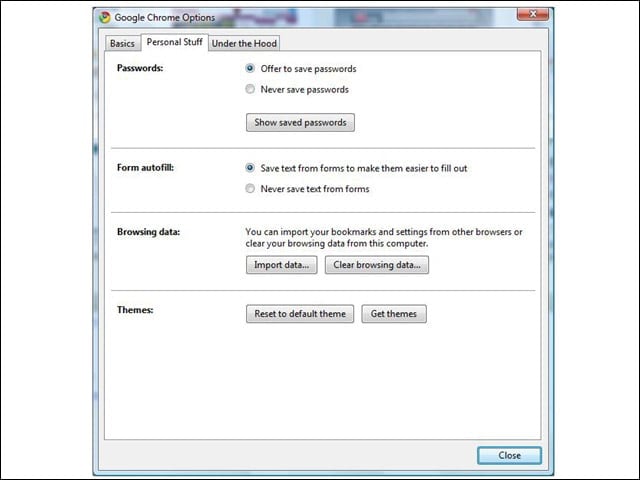
The basic look and feel of Chrome can now be customized through the use of themes.
Online Gallery
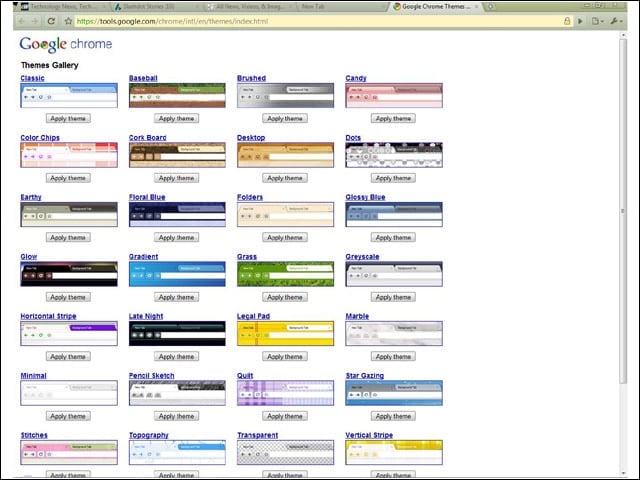
An online gallery of themes lets users of the Google Chrome 3.0 beta try out different color styles and backgrounds.
Omnibox
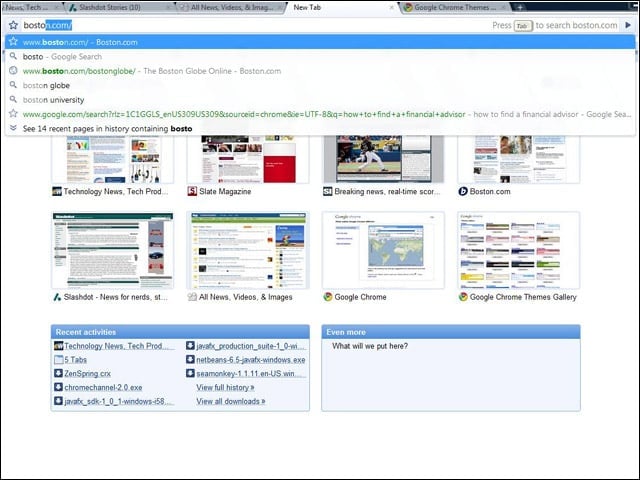
The address bar—or Omnibox, as Google calls it—displays icons that let users know if a result is a Website, search, favorite or site in the browser history.
Acid3 Test
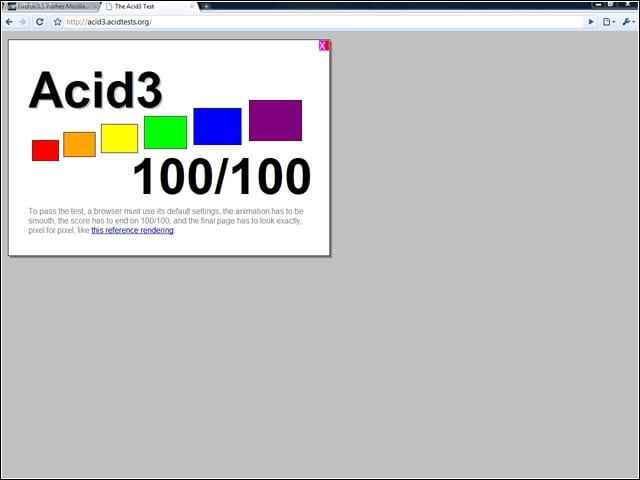
While Chrome 2.0 gets a near-perfect score in the Web Standards Project’s Acid3 test, the Chrome 3.0 beta gets a perfect score.
HTML 5 Support
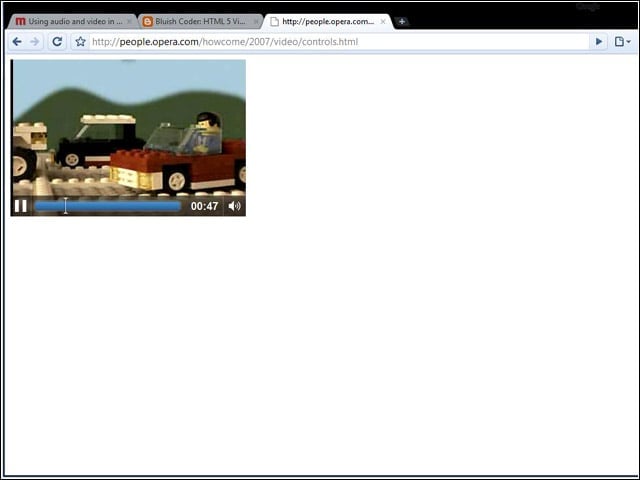
The beta of Google Chrome 3.0 features increased HTML 5 support, including the ability to run video natively in the browser.
