








Dialing Up 20 Details on New BlackBerry Curve 8520 Smartphone
by Nicholas Kolakowski
No Title
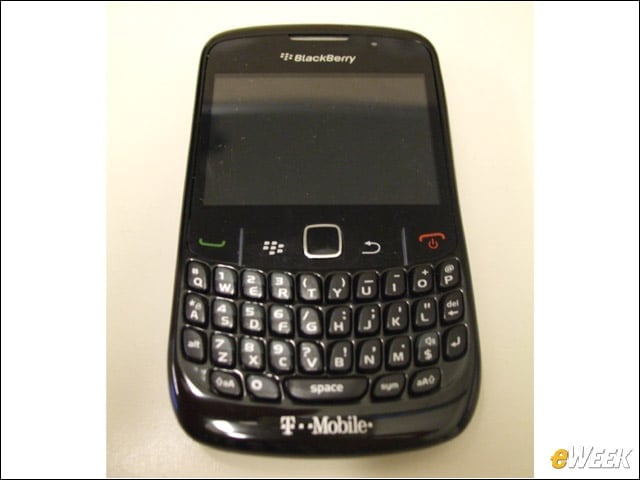
The BlackBerry Curve 8520 smartphone has been designed to be as small as possible while still preserving the hard QWERTY keyboard. Measuring 109 by 60 by 13.90mm, it weighs 106 grams with the battery included.
No Title
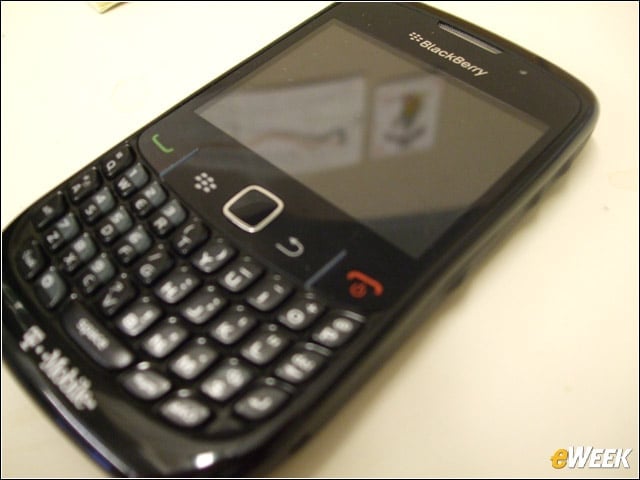
The trackpad on the front of the device replaces the once-ubiquitous track ball, which had a nasty habit of collecting debris and grime. The principle remains the same, with tiny movements needed to navigate.
No Title
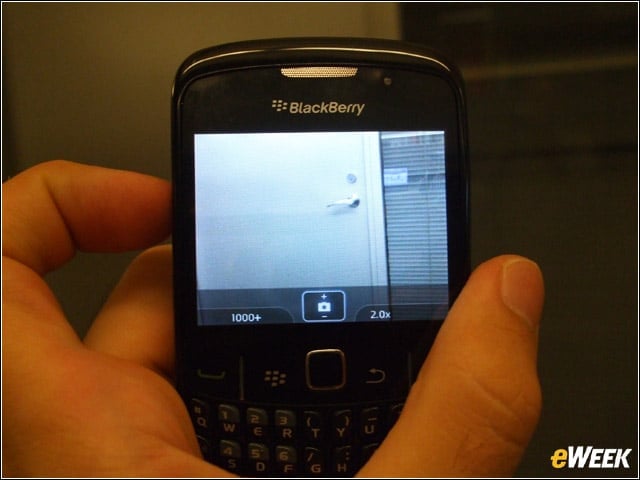
The 2-megapixel camera features a 5x digital zoom, and can take both still images and video.
No Title
The device includes “Convenience” keys on the left- and right-hand sides of the device; the left one opens the voice-dialing application, while the right one opens the camera in order to snap a picture.
No Title
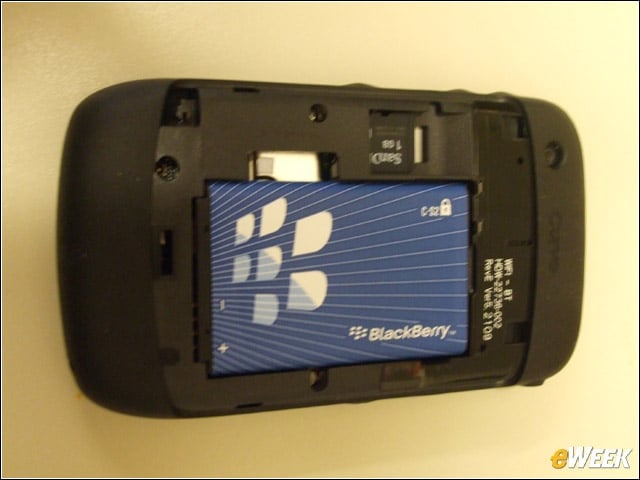
The 1150mAh removable/rechargeable cryptographic lithium-cell battery provides 4.5 hours of talk and 17 days of standby time on a single charge.
No Title
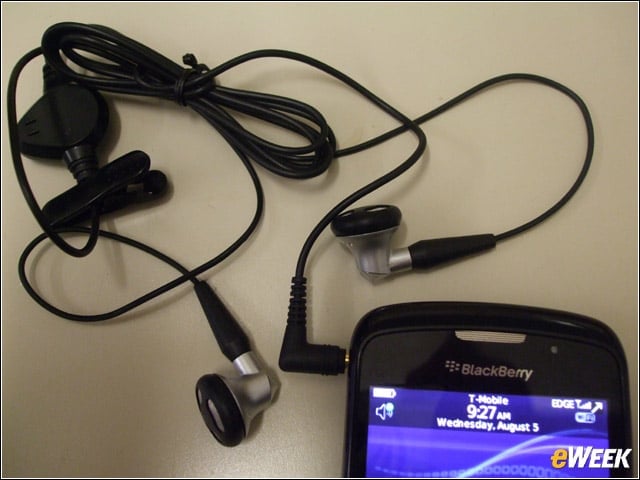
A 3.5mm stereo headset jack allows for hands-off calling.
No Title
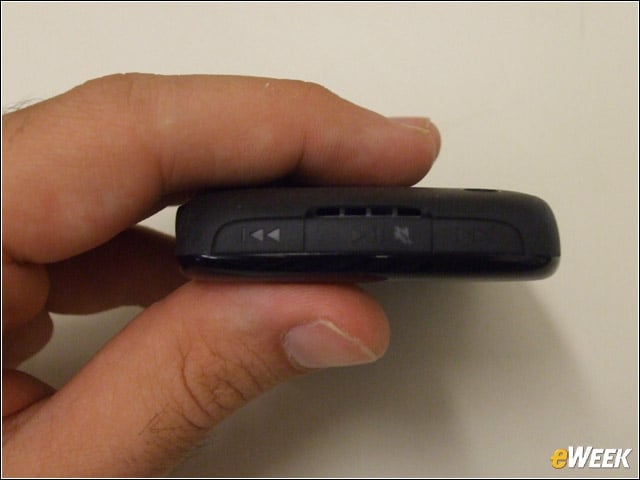
The top of the device includes a “Play/Pause/Mute” key, for muting calls and playing media files; a “Previous” key, for playing the previous media file in a category, and a “Next” key, for playing the next media file in a category.
No Title
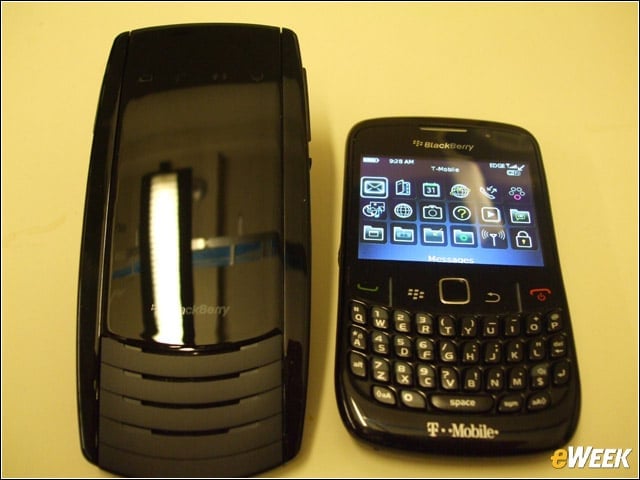
The Bluetooth-enabled BlackBerry Visor Mount Speakerphone VM-605 serves a number of vehicle-related functions. The first, obviously, is to make and answer calls via speakerphone. With the second, the device connects with your vehicles sound system to play audio files stored on your BlackBerry device.
No Title
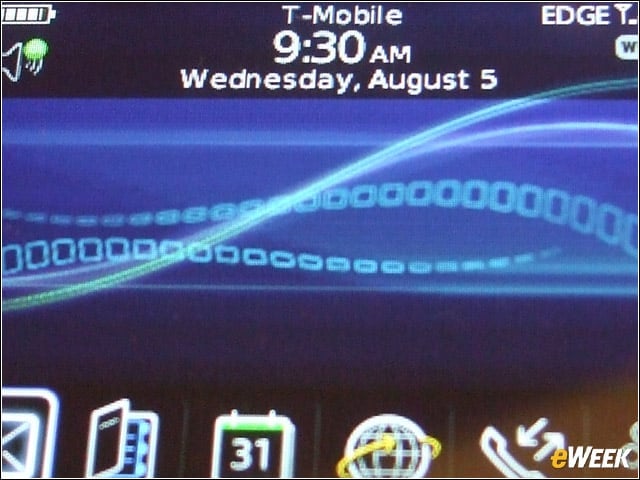
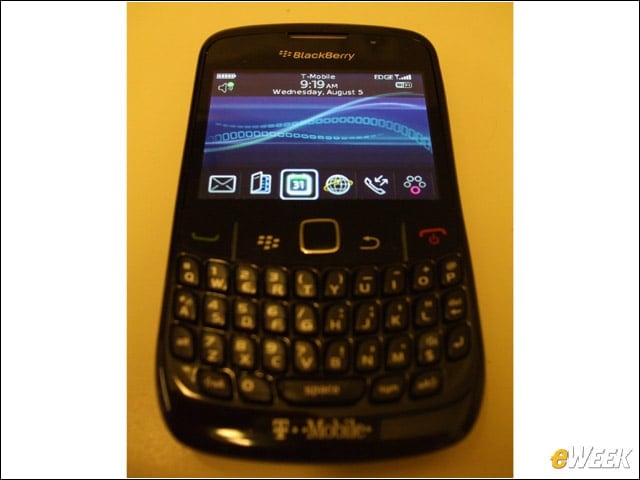
The opening screen allows quick access to e-mail, contacts, calendar, browser, phone and “Show MyFaves,” which is a T-Mobile feature.
No Title
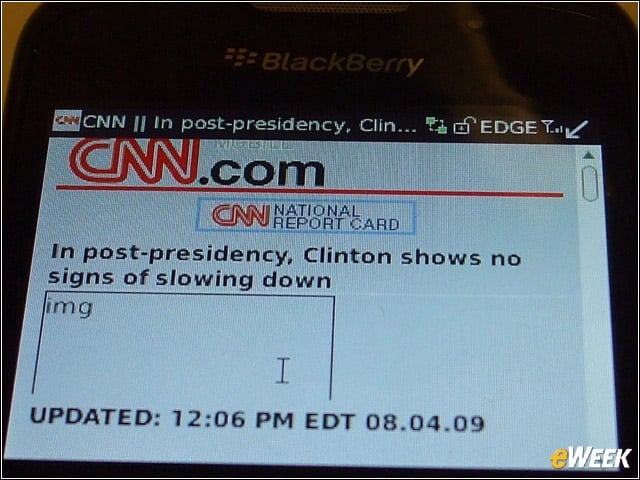
With regard to Wi-Fi, the device is 802.11b/g enabled, with a number of Wi-Fi Alliance Certifications and access to both the BlackBerry Enterprise Server and Internet Server. For most users, however, all that matters is getting the news headlines without waiting forever.
No Title
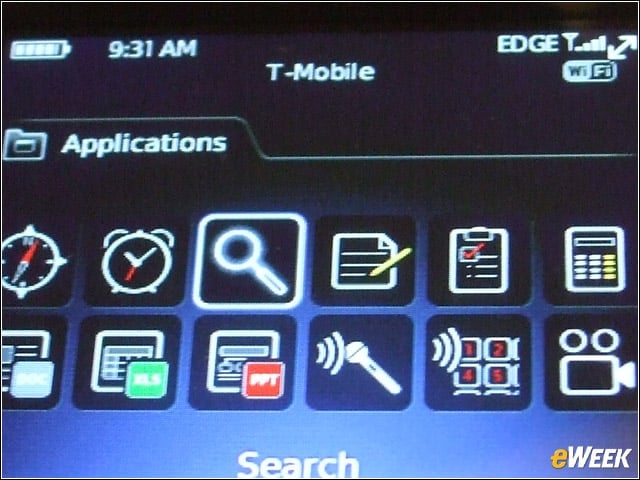
The BlackBerry Applications menu features widgets for connecting to everything from Search and Video to Maps and Documents.
No Title
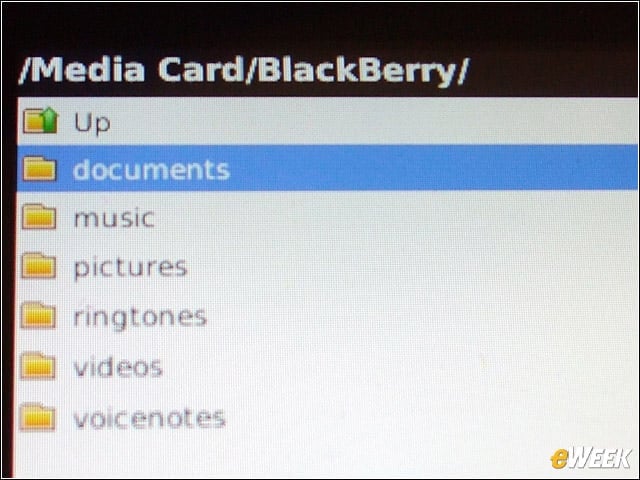
BlackBerrys Word to Go, Sheet to Go and Slideshow to Go allow for light editing of .doc, .xls and .ppt documents while on the move.
No Title

For the procrastinators, the BlackBerry Curve 8520 features a selection of games, including the ever-popular BrickBreaker.
No Title
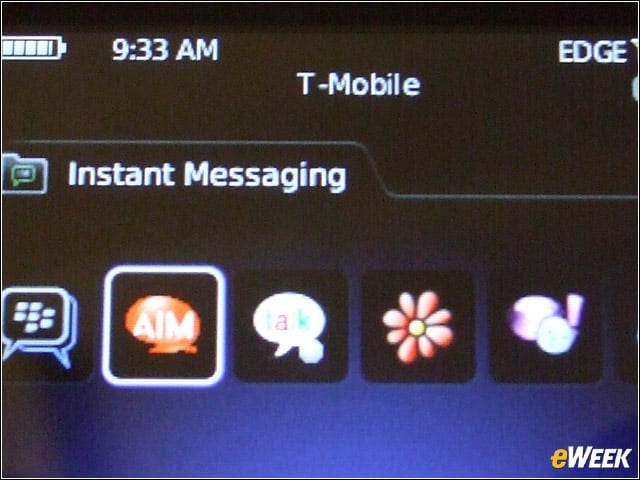
Instant messaging programs come preloaded onto the device. Also included are social-networking apps such as Facebook for BlackBerry smartphones and Flickr Photo Uploader for BlackBerry smartphones.
No Title
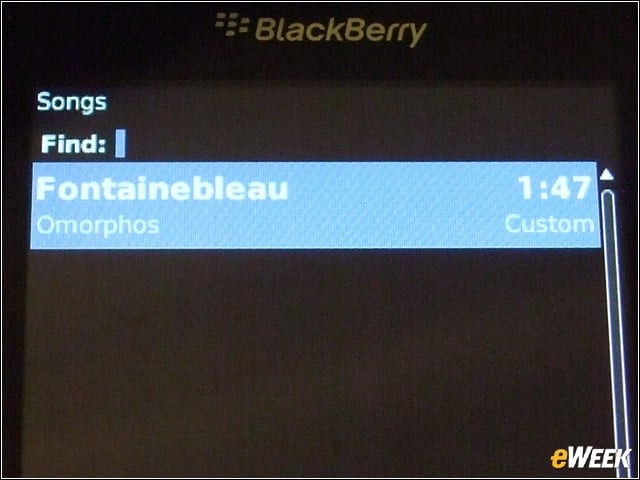
In a bid to expand beyond the traditional business audience, the BlackBerry Curve 8520 has a substantial built-in music aspect; users can listen to songs and build playlists that can be cycled through using dedicated device buttons.
No Title
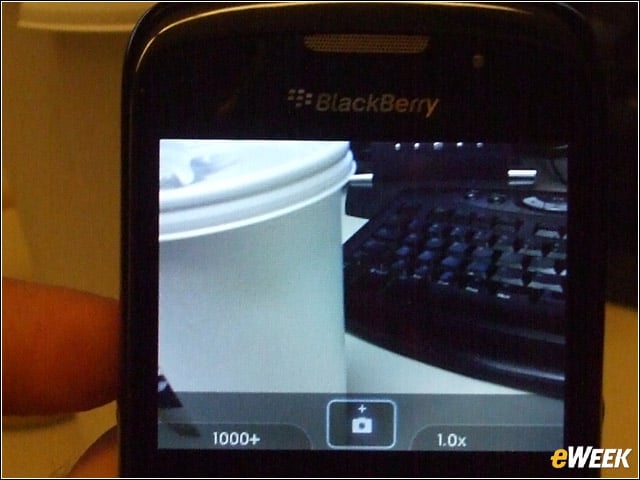
The high-resolution 320-by-240-pixel color display supports over 65,536 colors and measures 2.46 inches on the diagonal.
No Title
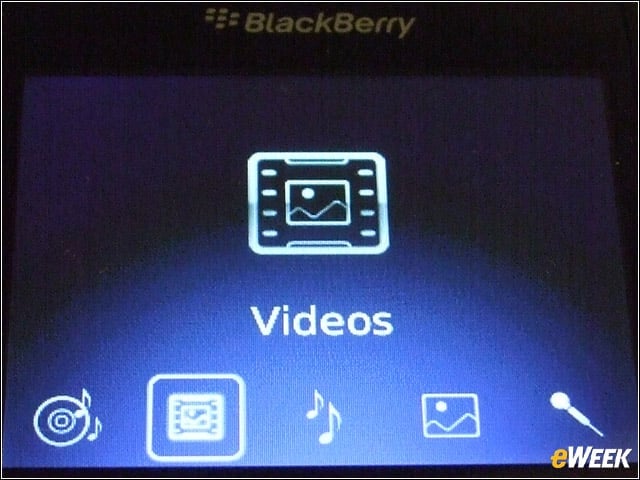
The devices media player allows users to watch video clips, movie trailers and the like. A mobile streaming feature also allows access to video and news clips (from sites built for mobile streaming). Video formats supported include MPEG4, H.263, H.264 and WMV3.
No Title
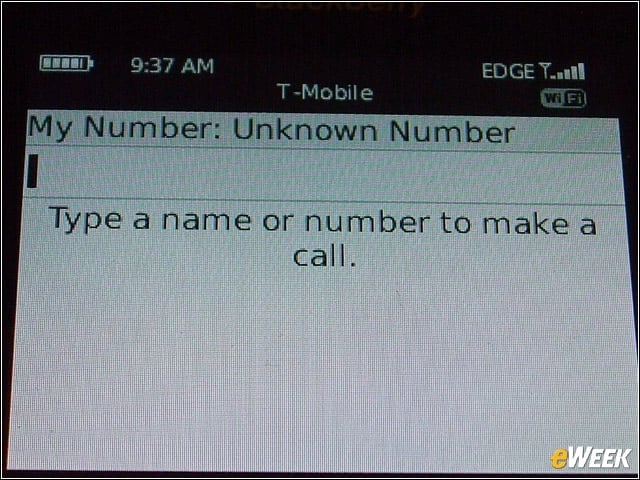
Voice input/output options include, in addition to the integrated speaker and microphone, hands-free headset and Bluetooth headset.
No Title
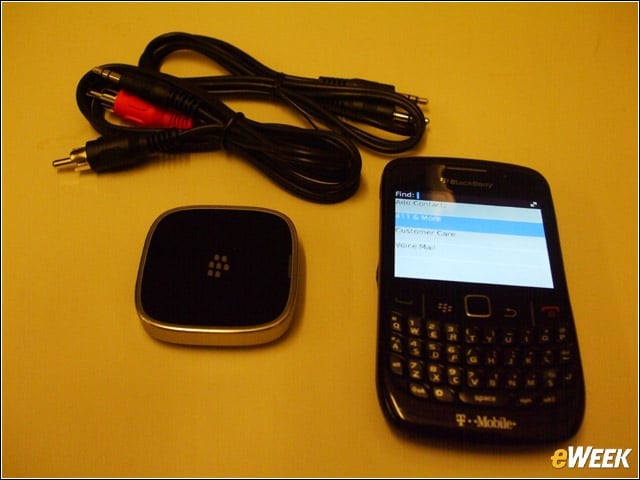
The BlackBerry Remote Stereo Gateway builds a wireless connection between the BlackBerry Curve 8520 (or other BlackBerry smartphones) and your stereo. Unfortunately for anyone who ever wanted to take a call on Bose speakers, the accessory will not wirelessly transmit calls from your BlackBerry to your stereo.
No Title
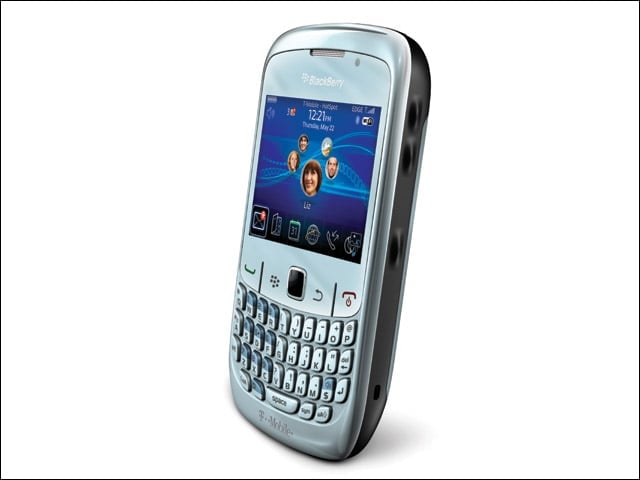
For its initial release, the BlackBerry will come in two tones: Black and “Frost” (the latter shown here).