







eWEEK Labs Walk-Through: BlackBerry Storm 9530 Smartphone
eWEEK Labs Walk-Through: BlackBerry Storm 9530 Smartphoneby eWEEK Labs
Touch Away
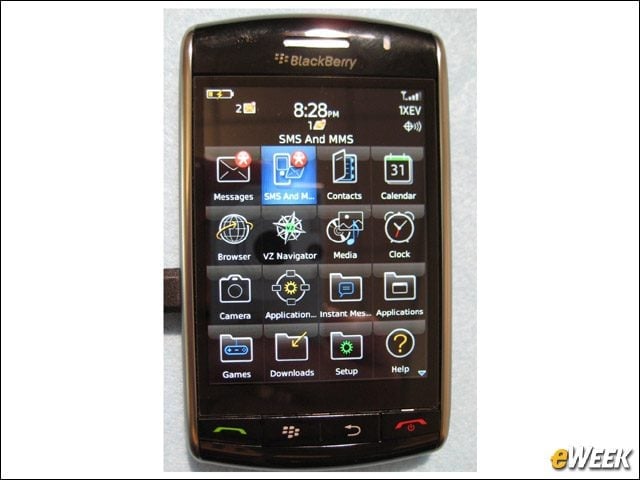
By going without the thumb keyboard of its other BlackBerry siblings, the Storm can boast a large, touch-sensitive 480 by 360 pixel display.
Web Browser
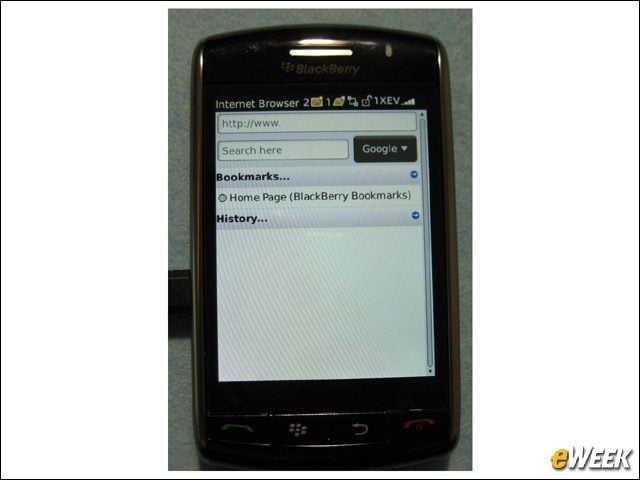
One of the best uses of the BlackBerry Storm’s new display space is Web browsing.
Portrait Keyboard
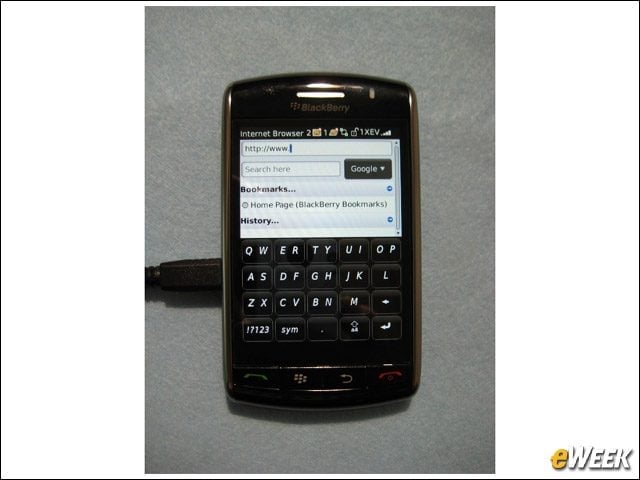
The Storm sports a built-in accelerometer, like Apple’s iPhone devices. When held in portrait orientation, the Storm offers up the RIM two-letter-per-key keyboard configuration found on devices such as the BlackBerry Pearl.
Landscape Keyboard
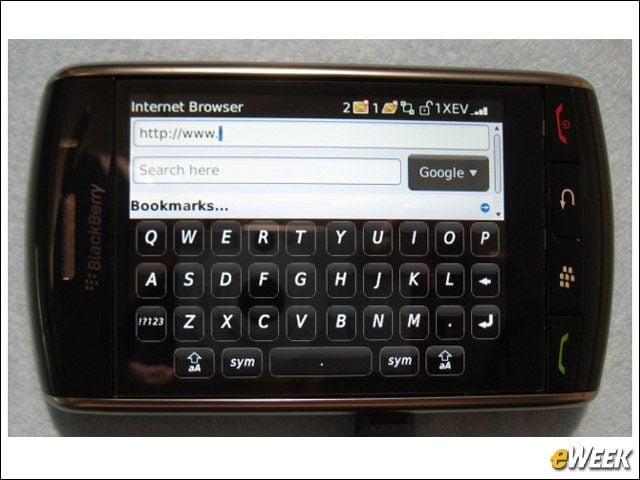
When held in landscape orientation, the Storm’s software keyboard spreads out into a traditional QWERTY format. We found it easier to type with the larger-button, portrait-orientation key configuration.
Browse Away
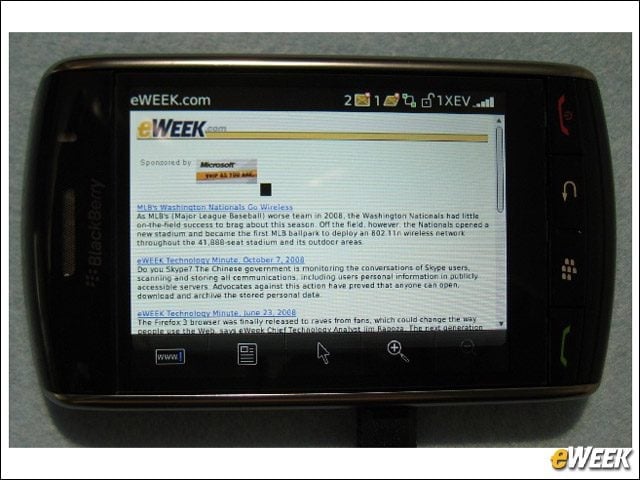
We experienced snappy file transfer speeds while using the Storm’s Web browser.
Menu Button
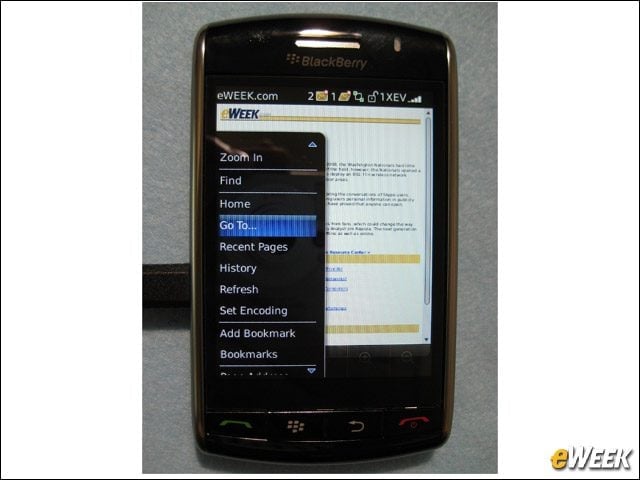
In typical BlackBerry style, the Storm offers a pop-up, context-sensitive menu for carrying out most operations.
The Eye of the Storm
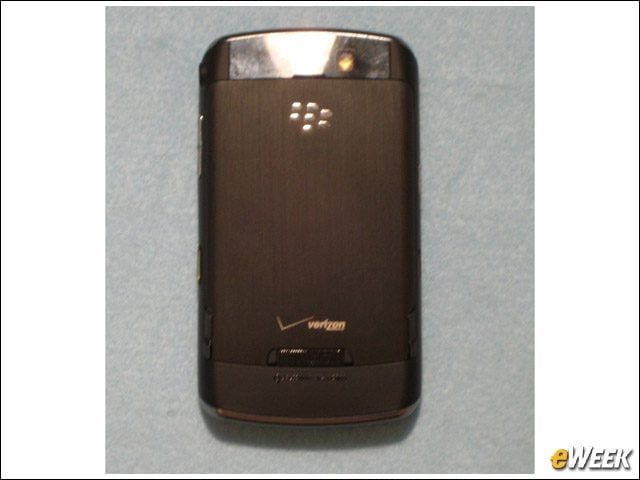
The Storm carries a pretty standard built-in camera, with a rather bright flash.
Removable Battery
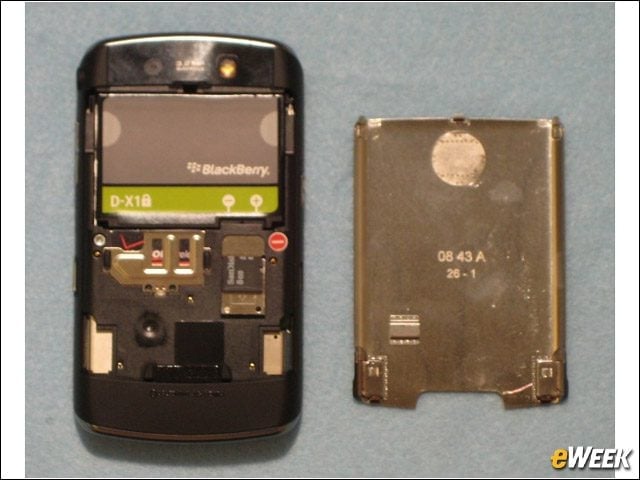
The Storm’s battery, out of which we squeezed over 6 hours of talk time, is removable and user-replaceable.
Storage and SIM
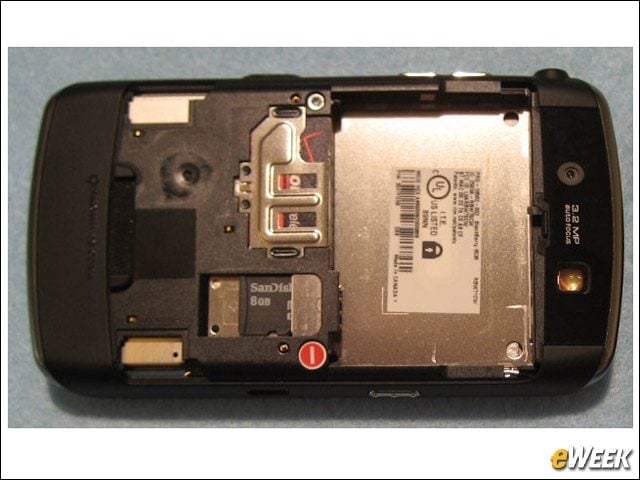
The Storm ships with an 8GB SD card preinserted, along with a SIM (Subscriber Identity Module) card for using the unit’s included GSM radio.
Side Buttons
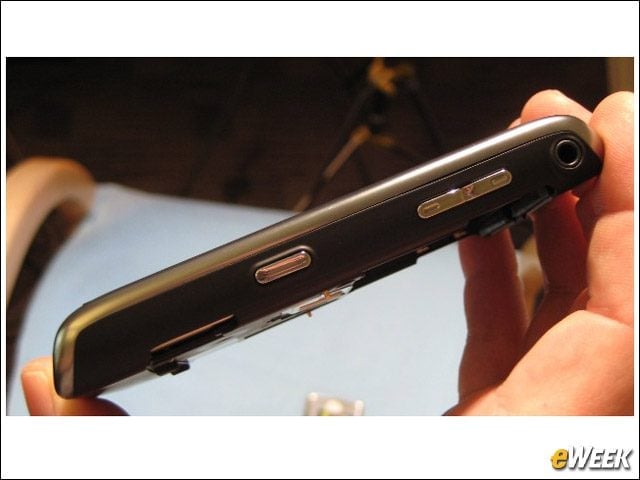
In addition to its button-like touch-screen, the Storm carries physical buttons for controlling volume, locking the device screen, muting the sound, using the camera and launching the voice dial application.
Application Center
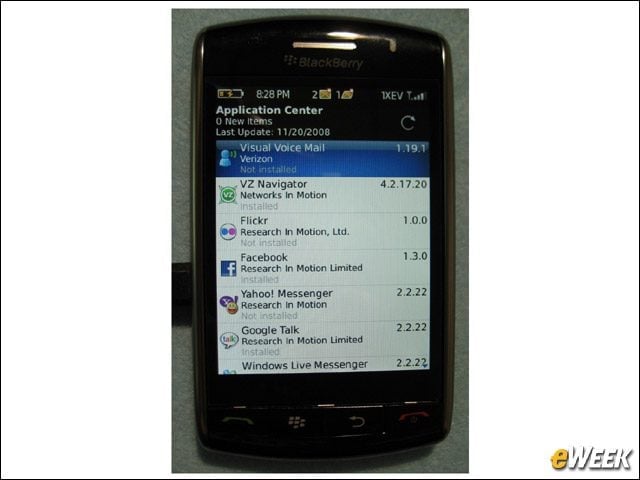
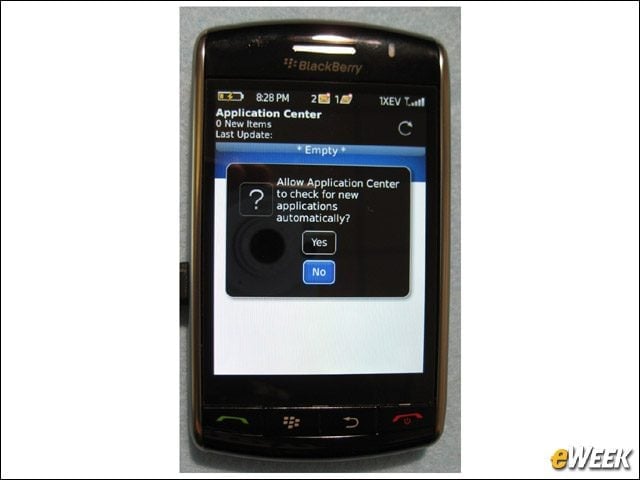
The Storm offers a small set of applications to install—mostly instant messaging applications at this point.
Application Control
True to BlackBerry form, the Storm offers a long list of security features, including granular application controls.
