








Firefox on Honeycomb

Note the various Firefox controls atop the Motorola Xoom tablet shown here in portrait mode. Click to zoom.
Landscape

Fennecomb in landscape mode, with application tray on the left.
Tabs Menu

Check out the Tabs menu pull-down in Fennecomb.
Awesome Bar
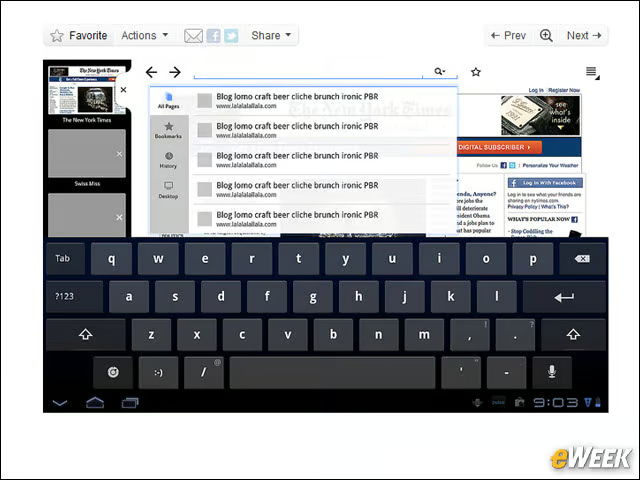
Tabs look much better in landscape mode.
More!
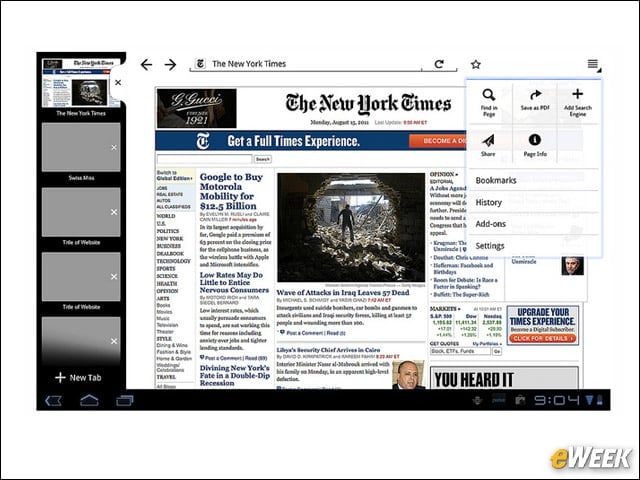
Fennecomb’s “More” menu, accessible by tapping the button on the top right.
Dialog
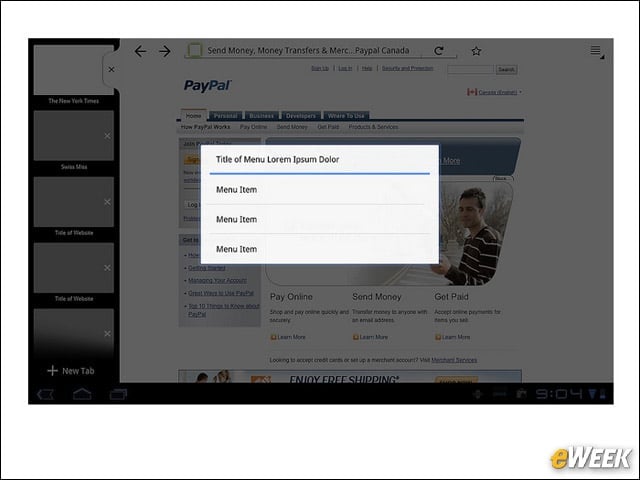
Firefox Fennecomb dialog box style. What do you think?
Site ID
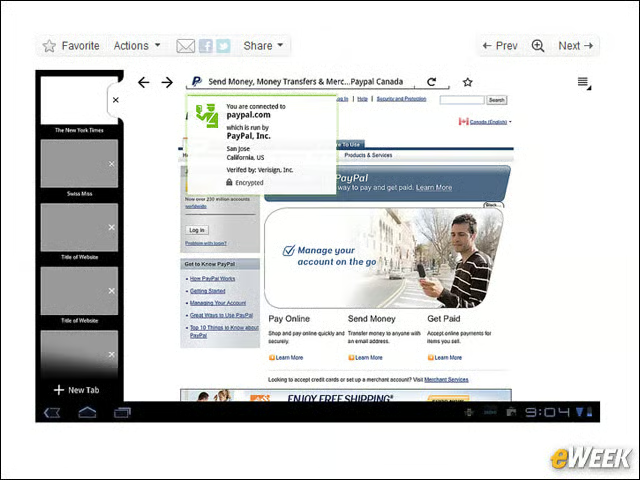
Firefox shows how the Site ID menu will look dropped down over the display.
Menus
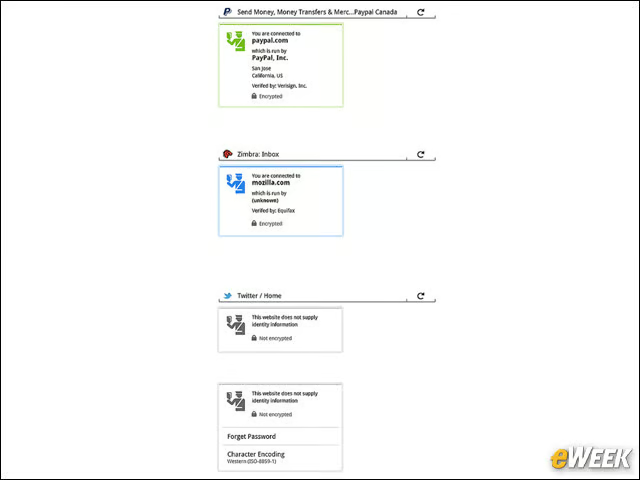
View the various security modes, color-coded by strength.
Scrolling
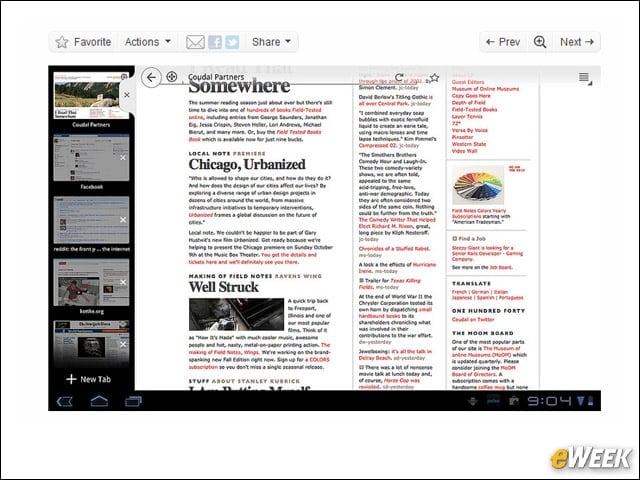
The top view fades as users scroll, an interesting UI touch.
Colors
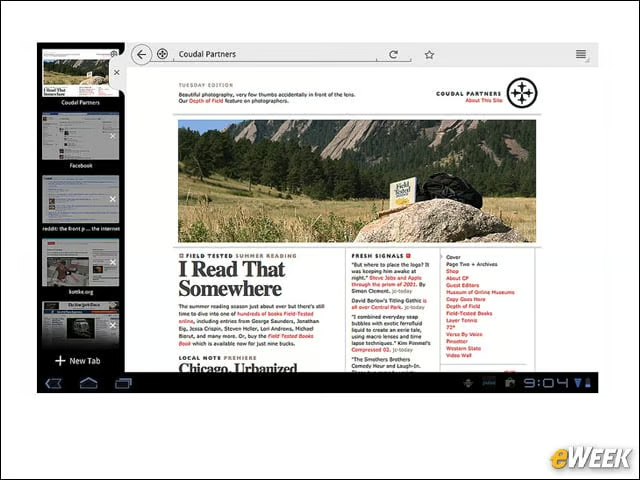
Firefox says it offered some color-scheme changes. Can you tell?