







- Galaxy Tab 10.1 Unboxed
- The Tabs Thin Frame
- Tablets Rear Panel
- Tab Central Command
- Running Searches on the Tab
- Using Gmail
- Copy/Paste
- Photo-sharing
- Photo Gallery
- Facebook Stretched
- Games
- Application Tray
- Music Streaming
- Books, Too
- Like a Real Book
- Google Maps
- YouTube Accessibility
- Playing Movies
- Flash Download
- Leaves of Grass
Galaxy Tab 10.1 Unboxed
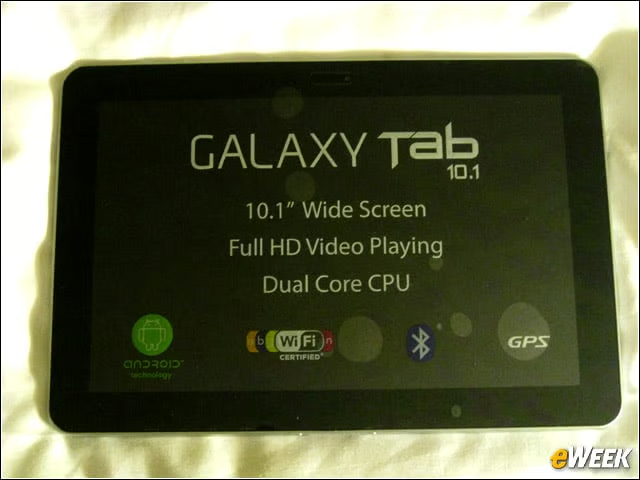
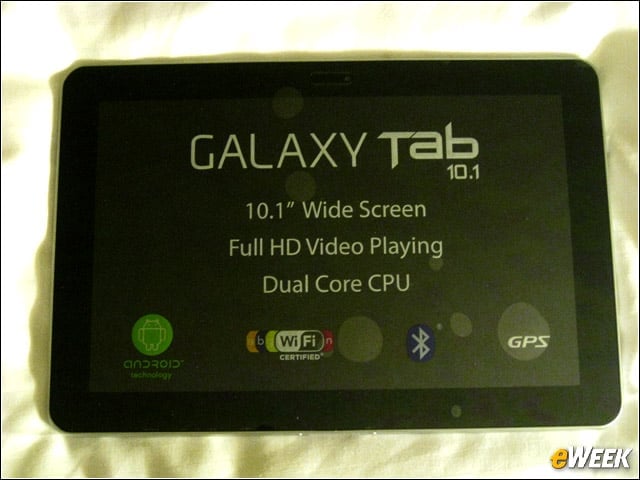
Here is the Galaxy Tab 10.1 unpacked. While the Xoom felt heavy at 1.6 pounds, the Tab 10.1 is a lightweight at 1.31 pounds. That’s almost one small smartphone’s worth less weight than the Xoom, ranking with the iPad 2’s 1.33 pounds.
The Tabs Thin Frame
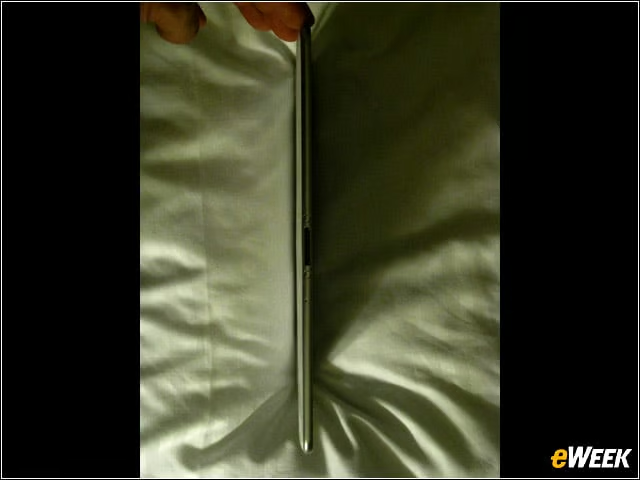
Can you say thin? The Tab 10.1 is only 0.34 of an inch. That’s thinner than today’s smartphones. The lightness and thinness of the Tab 10.1 was a breath of fresh air from the bulkier Android tablets such as the original, 7-inch Galaxy Tab and the Xoom.
Tablets Rear Panel
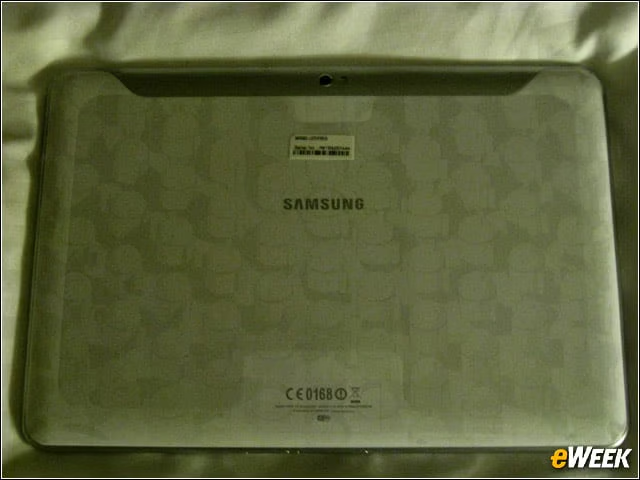
The slates’ derri???re was covered in plastic, decorated by an Android army graphic.
Tab Central Command
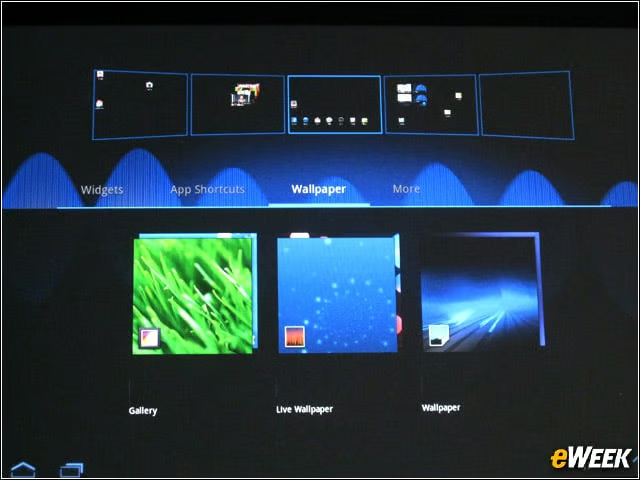
This central command, rendered on an excellent WXGA TFT LCD display (1,280-by-800 resolution), shows users a holistic view of all of their home screens, including widgets, wallpapers, shortcuts and applications. Samsung’s TouchWiz offers a Live Panel menu that users can customize to display pictures, Websites and social network feeds on any home screen.
Running Searches on the Tab
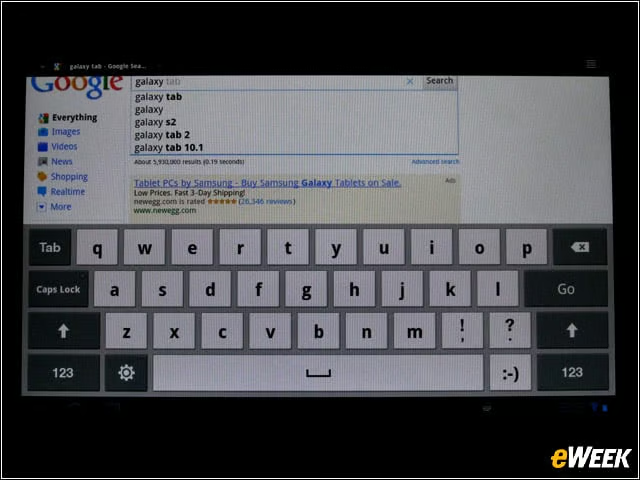
‘Searching on the Tab was fun and easy, as Google intended it. But we also found the Tab 10.1’s keyboard to be superb for a tablet, well-spaced and clean. After awhile, we even got used to typing on it.
Using Gmail
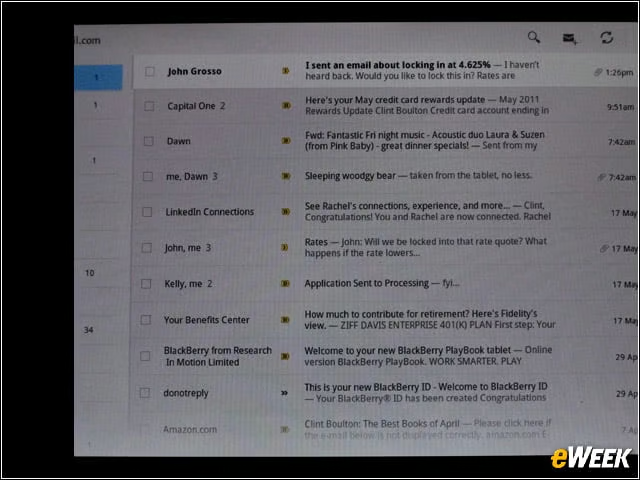
Gmail in the Tab 10.1 is a joy, particularly because Google has adapted the email app for Honeycomb. There are plenty of features here.
Copy/Paste
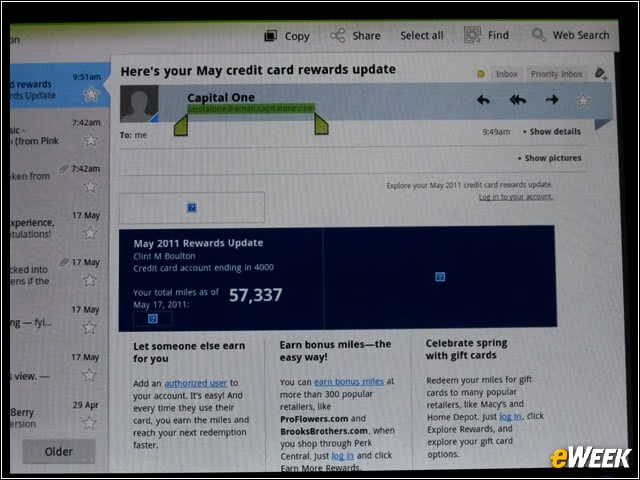
One of our favorite Honeycomb Gmail features is the ability to select text by pressing and holding on the crisp cursor.
Photo-sharing
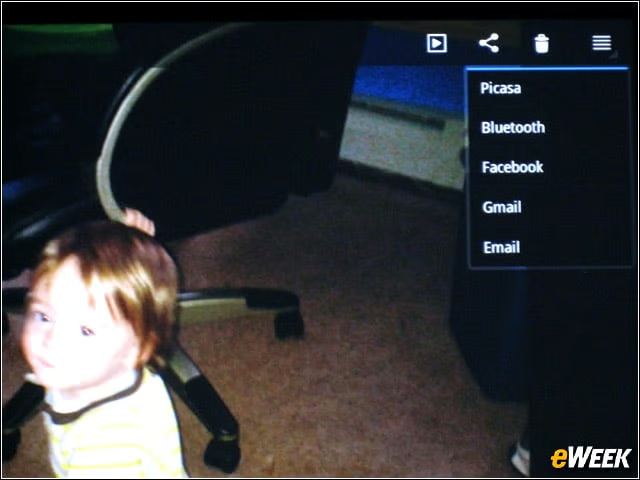
The Tab 10.1’s 8MP camera took decently crisp photos and allowed us to share them. However, latency between shots made capturing live action well nigh impossible. Good thing the device’s camera captures 1080p HD video. We found this preferable for action shots, obviously.
Photo Gallery
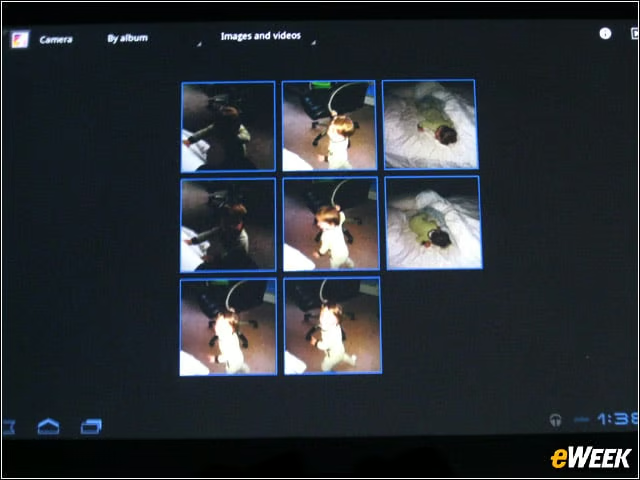
The Tab 10.1 does provide a nice photo gallery that lets users edit and assemble pictures taken.
Facebook Stretched
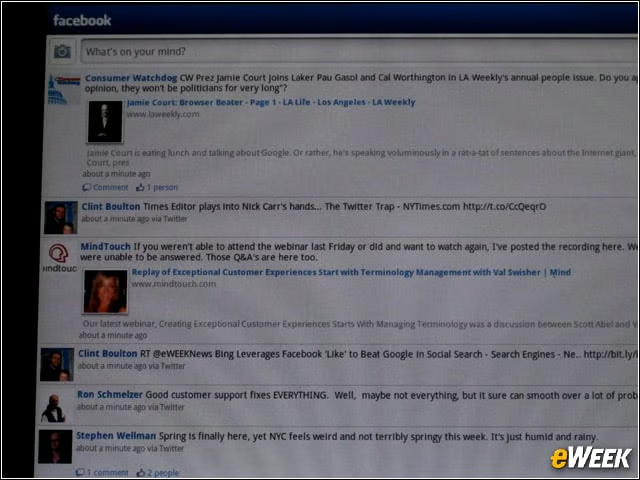
Facebook in the Tab 10.1 is elongated and funky looking, but no less functional. But we need a Facebook app tailored for Honeycomb tablets.
Games

Again, the Tab 10.1’s stereo speakers and great, super LCD display make games such as Angry Birds a joy to play.
Application Tray
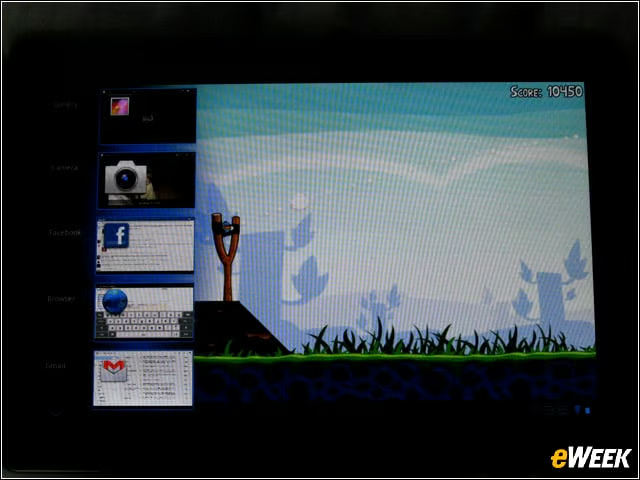
You’re looking at the application tray. When a user is done with an app, he or she may simply tap the app tray icon at the bottom of the screen to access the task manager, calendar and music player, which can be launched while other major applications are also in use. We loved this feature on the Xoom and love it here as well.
Music Streaming
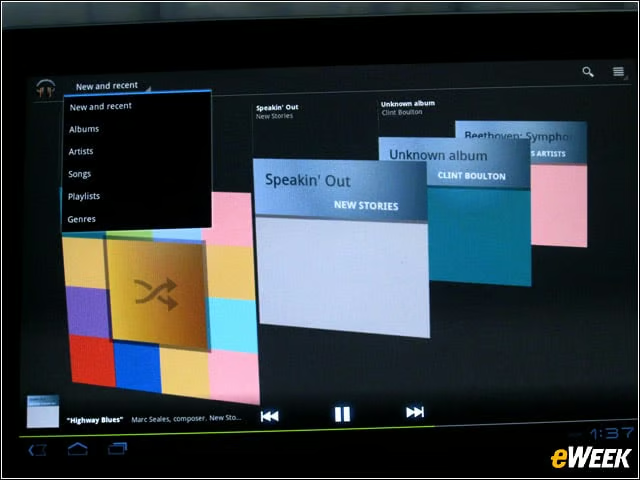
Thanks to Google’s cloud-based, beta music streaming service, our music synced right to the Tab 10.1 once we associated the slate with our Google account. Samsung also has a music hub to let consumers access more than 13 million songs.
Books, Too
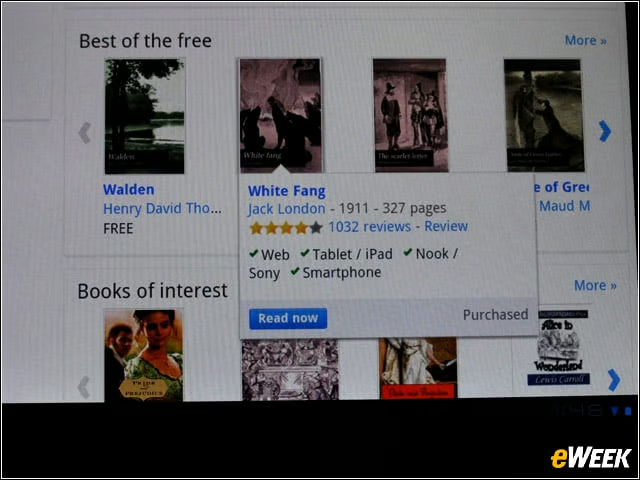
Next, eWEEK checked out the book-reading factor via Google’s eBookstore, selecting Jack London’s classic, “White Fang.”
Like a Real Book

Google’s scanning served us well, showing pages that felt like the digital version of the original text.
Google Maps
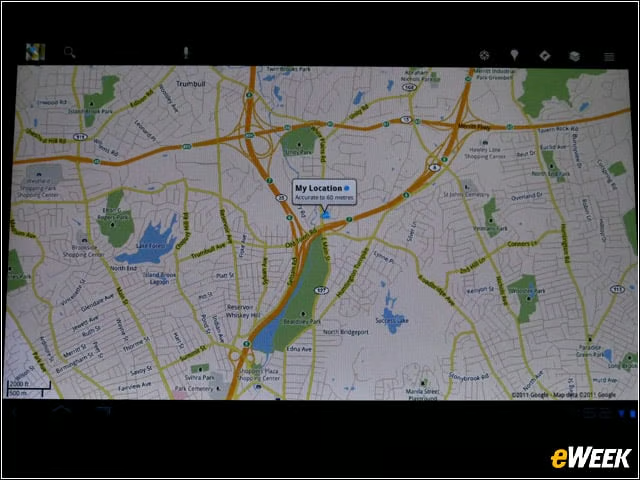
Google Maps, always a favorite with Maps Navigation, is super on the Tab, rendering buildings in 3D thanks to Google Maps for Android.
YouTube Accessibility
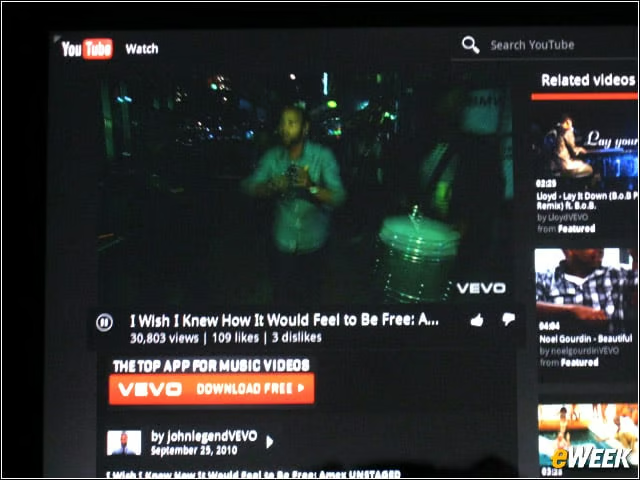
Another Google staple, YouTube, is easily accessible via Honeycomb’s deck-of-cards widgets, allowing users to flip through videos as if they were stacks of cards.
Playing Movies
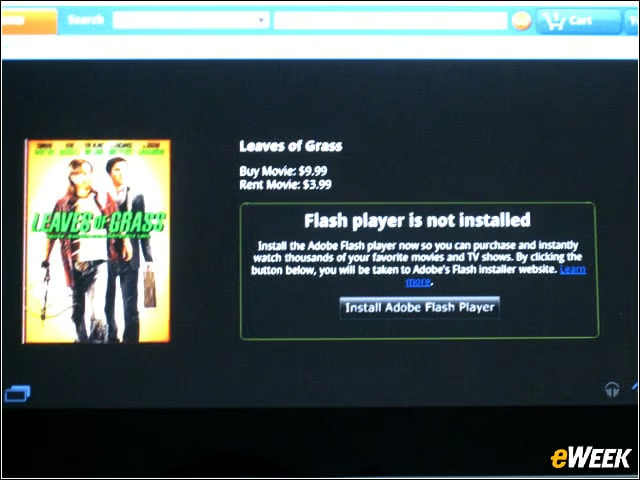
Netflix isn’t running on the Tab 10.1 yet … but we wanted to see if we could access our content from Amazon Instant Video. We quickly learned we needed the latest Flash Player 10.2.
Flash Download
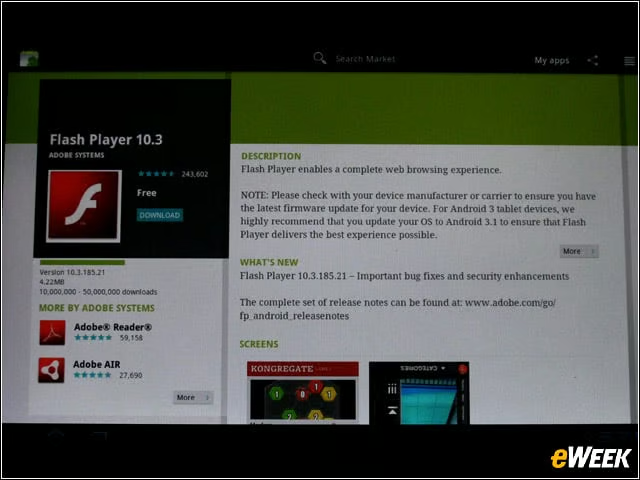
We quickly downloaded Flash 10.2 from the Android Market.
Leaves of Grass
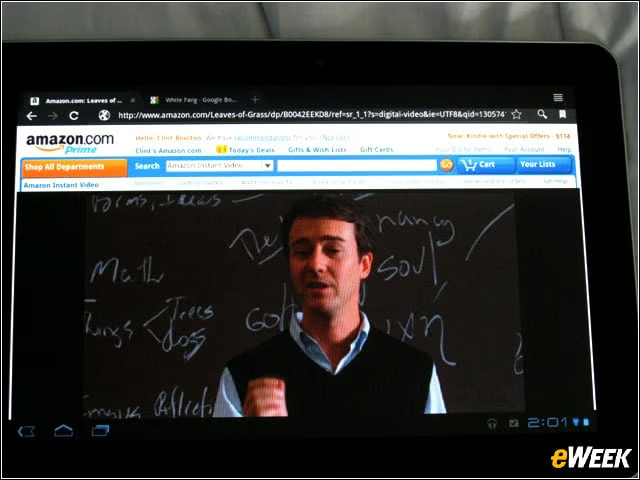
Boom! Once Flash was installed, we returned to Amazon Instant Video and began watching “Leaves of Grass.” Once the movie buffered properly, it played great, though the pause and forward and rewind controls are buried at the bottom. Clearly, Amazon Instant Video is not optimized for the Honeycomb tablets the way it is for, say, Google TV. This needs work.