







- Jetstream Weighs In
- Jetstream vs. Samsung Galaxy Tab
- Jetstream Side
- Jetstream vs. Tab, Side
- Camera Advantage
- Home Screen
- Data Manager
- Browsing to Yahoo?
- Google Search
- Access to Gmail
- Twitter Preloaded
- Friend Stream
- YouTube
- Google Books
- Downloading Movies
- Scribe Time
- Scribe Menu
- Highlight nnd Eraser Button
- Highlighter
- Note-Taking Practice
- Evernote Application
Jetstream Weighs In
The Jetstream is an average looking tablet until you power it on. One thing we were immediately put off by was its weight, which tips the scale at 25 ounces. That’s 1 pound, 9 ounces at a time when the Samsung Galaxy Tab 10.1, which has same display dimensions, weighs less than 1.3 pounds. Apple’s iPad 2 is also around 1.3 pounds.
Jetstream vs. Samsung Galaxy Tab
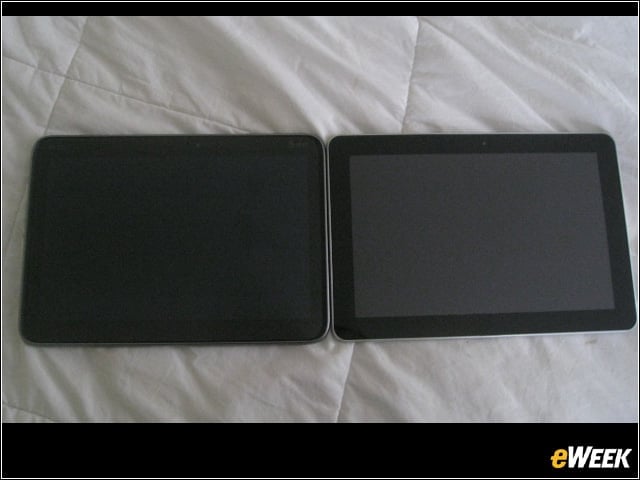
We weren’t kidding you. Check out the Jetstream next to the Tab. Similar dimensions.
Jetstream Side
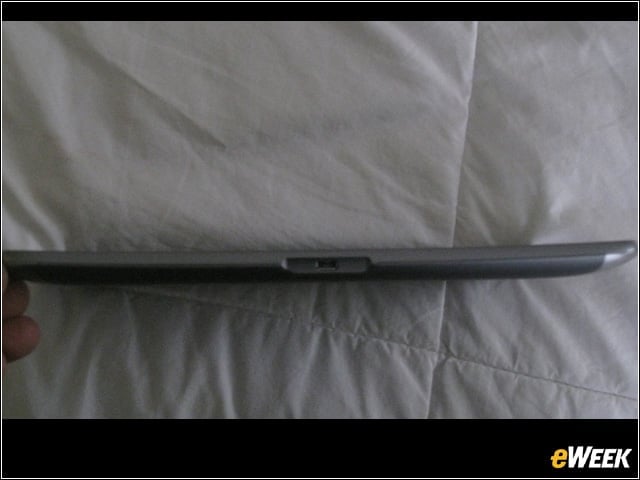
The Jetstream measures 9.9 inches long, 7 inches wide, but a chunky .51 inches thick.
Jetstream vs. Tab, Side
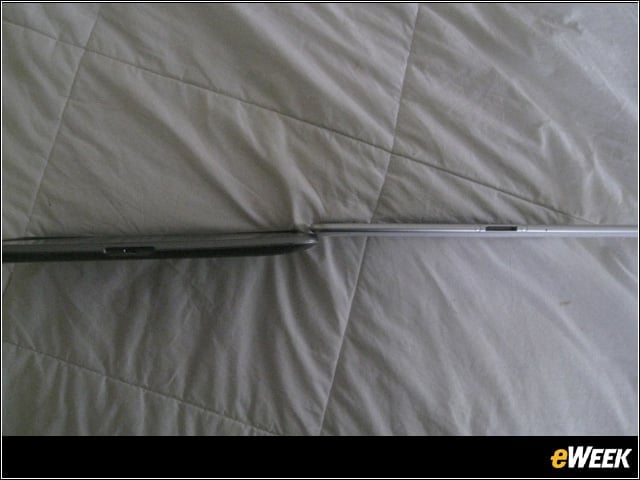
Indeed, the Jetstream appears much thicker than the Tab 10.1, which is only around .32 inches thin.
Camera Advantage
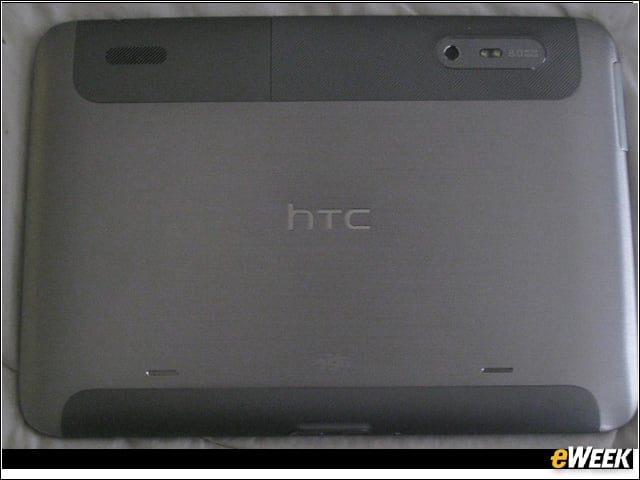
One area where the Jetstream blows the Tab 10.1 away is in the camera, which is 8 megapixels in the back and records video in 1080p. The front camera is a 1.3 megapixel shutter. As a side note, while we liked the contoured design of the Jetstream, we’re not fans of the gray matte backs HTC prefers for its Android smartphones and tablets.
Home Screen
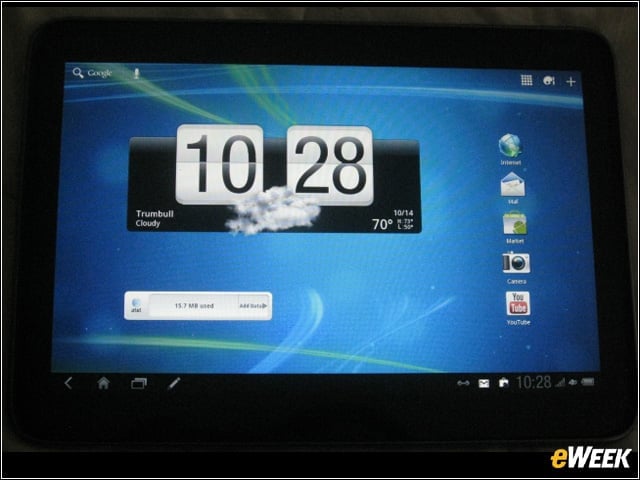
One of five customizable Jetstream home screens, this example shows the weather widget as it appears on the HTC Sense 1.0 UI for tablets, the first time the UI appears on a Honeycomb tablet. Note the AT&T data manager widget below the weather report.
Data Manager
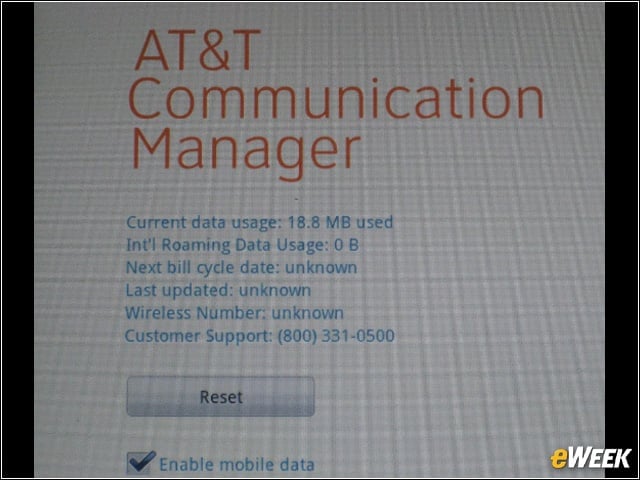
A quick tap shows us how much data the applications we’re running are consuming. The tablet has 32GB of memory, and 1GB of RAM.
Browsing to Yahoo?
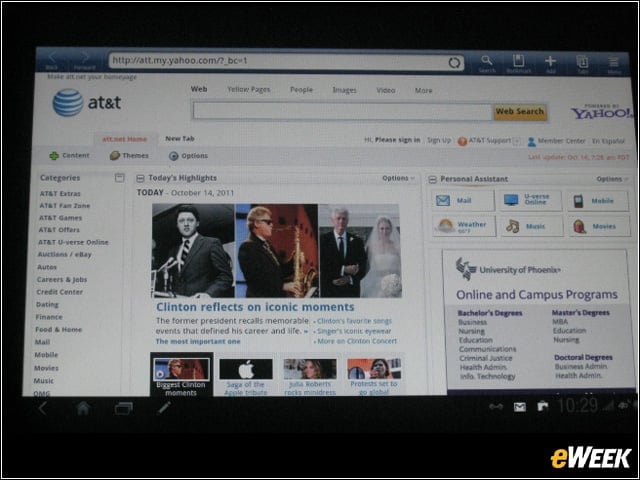
Interestingly, when users tap the “Internet” button to browse the Web, they are taken to Yahoo, not Google, which is no doubt a holdover fulfillment from AT&T’s long-running deal with Yahoo to integrate Web services.
Google Search
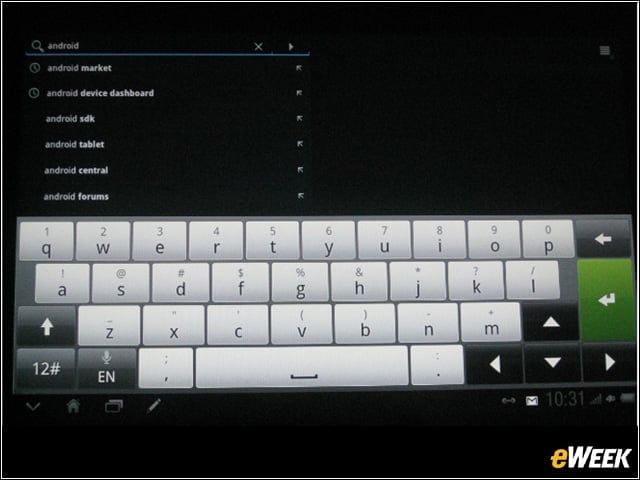
Have no fear, though. The Jetstream still has a Google search bar at the top of the screen. Just tap it and type your query.
Access to Gmail
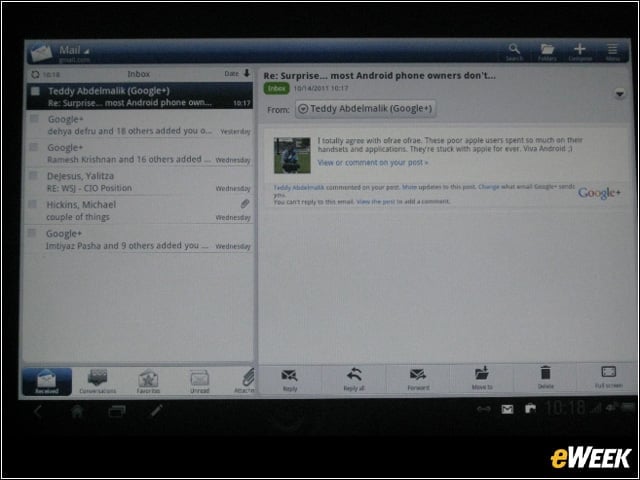
We love how Honeycomb renders Gmail on tablets-the dual-pane view with messages left and selected message on the right. Gmail management tools live at the bottom.
Twitter Preloaded
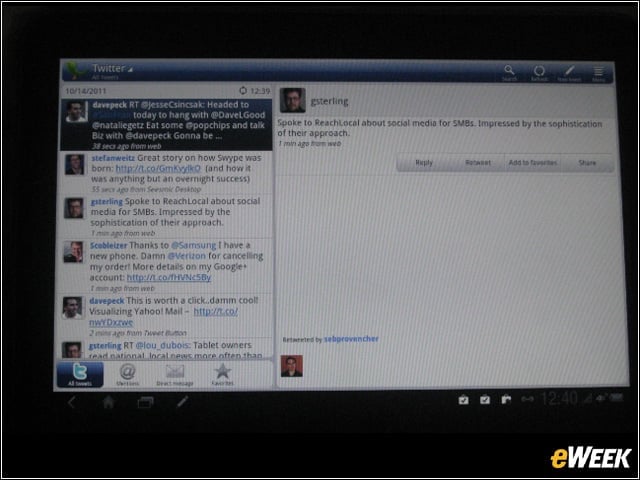
Twitter, also preloaded on this tablet, is rendered similarly. View messages along the left-hand rail and the latest message on the right.
Friend Stream
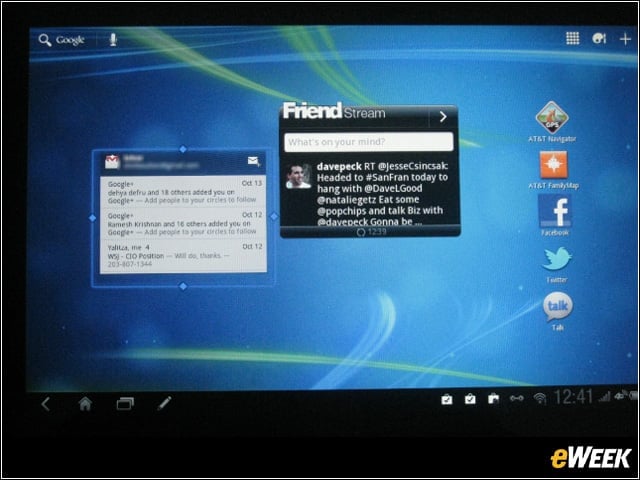
HTC’s Friend Stream integrates Facebook and Twitter streams and renders them in a widget on the home screen.
YouTube
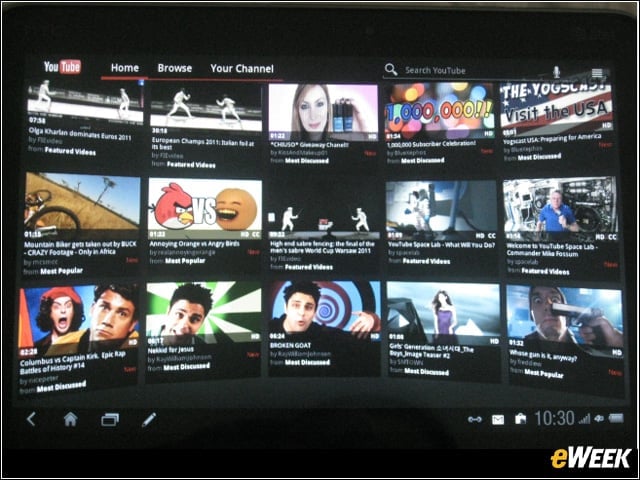
Jetstream also comes with YouTube and apps such as Footprints for location-based assistance, GameWorld and Let’s Golf 2. There are also several pieces of HTC and AT&T bloatware you can ignore.
Google Books
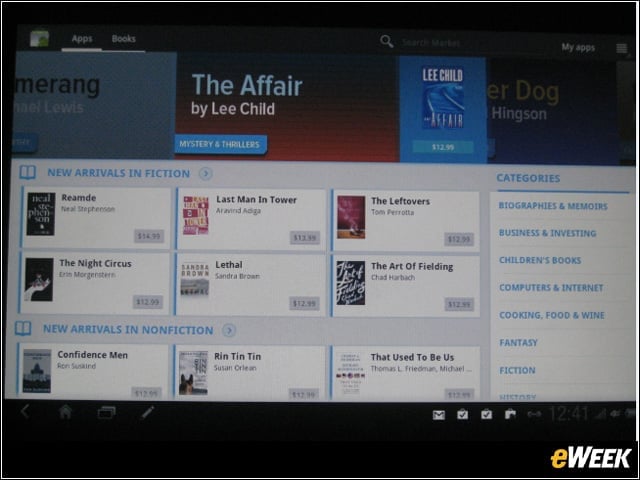
Google Books is preloaded and looks great on the tablet.
Downloading Movies
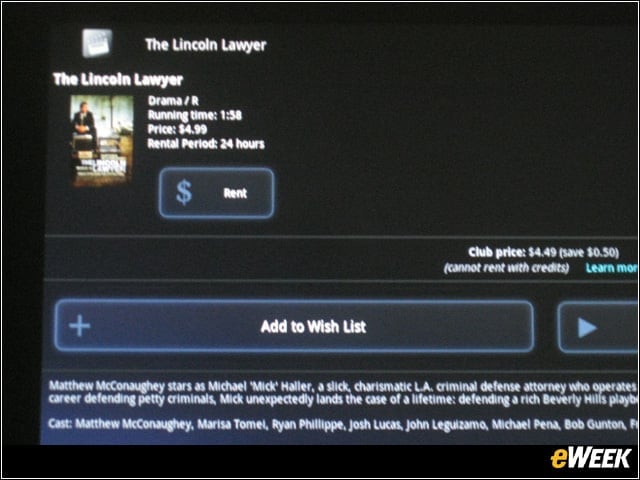
mSpot provides the movie downloads-for fees, of course. It’s a non-Android Market app, so you’ll need to give the Jetstream permission to access it.
Scribe Time
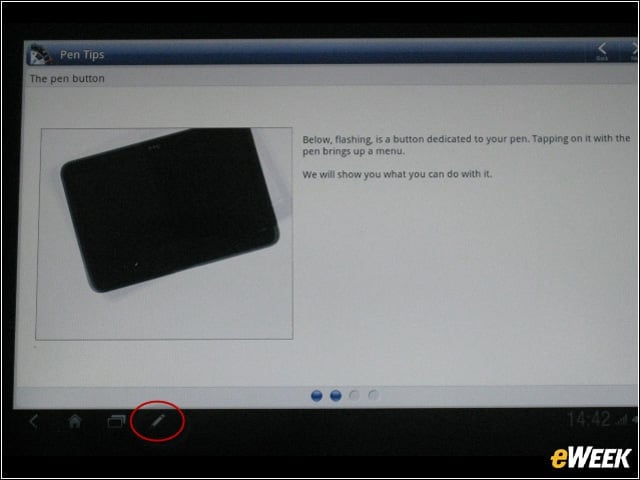
Jetstream offers a nice little tutorial for using the Scribe digital pen and application. The Scribe is free for now, but will cost $80 when the promotion is up.
Scribe Menu
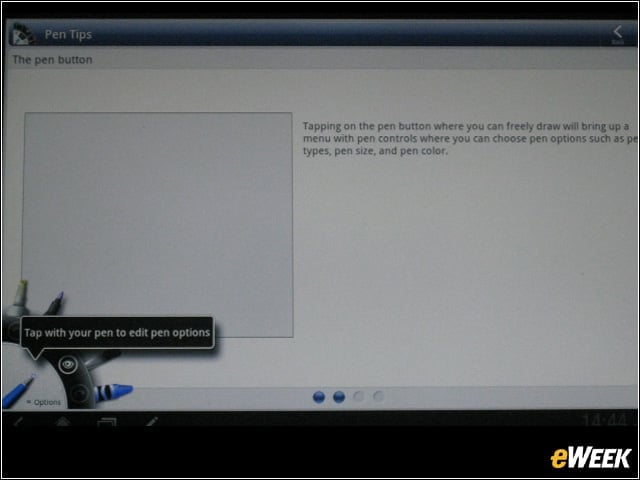
Note the Scribe palette below. Choose writing/drawing colors and pen/brush strokes based on your preference.
Highlight nnd Eraser Button
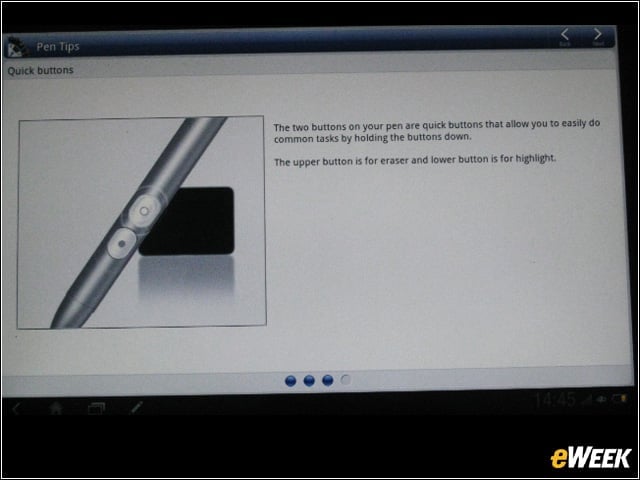
The Scribe has highlight and eraser buttons.
Highlighter
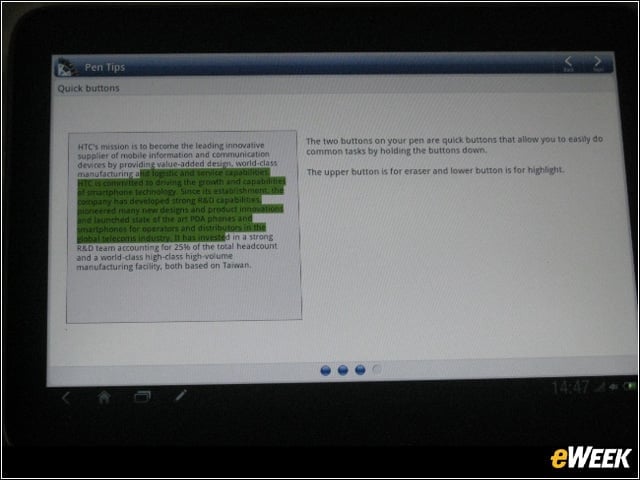
Heres the highlighter button in action.
Note-Taking Practice
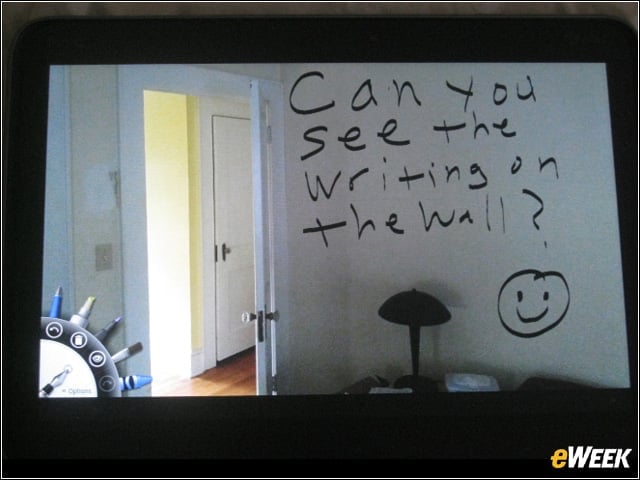
We took a picture and then wrote a message on it to be saved. It worked like a charm!
Evernote Application
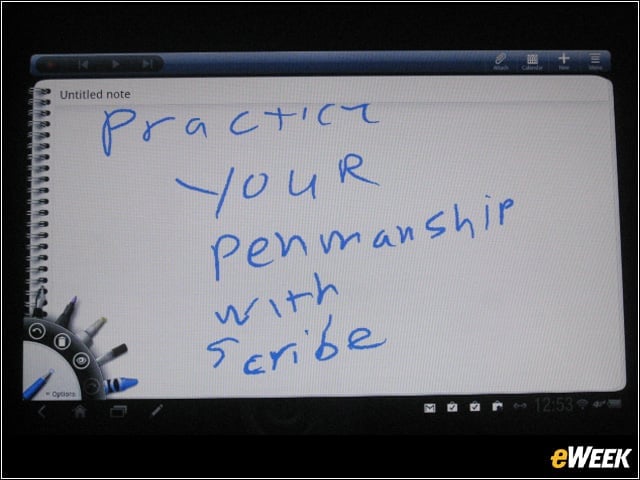
Or take a picture. Then write on it and save it to note-taking app Evernote’s cloud, like this. Overall, Scribe worked just as it did in our review of the HTC Evo View 4G tablet from Sprint. However, that device has a 7-inch screen. The roomier display of the Jetstream made Scribe more appealing to us.