







LABS GALLERY: BlackBerry 5.0-Based Devices Unlock BES 5.0 for Exchange Features
By Andrew Garcia
Activation
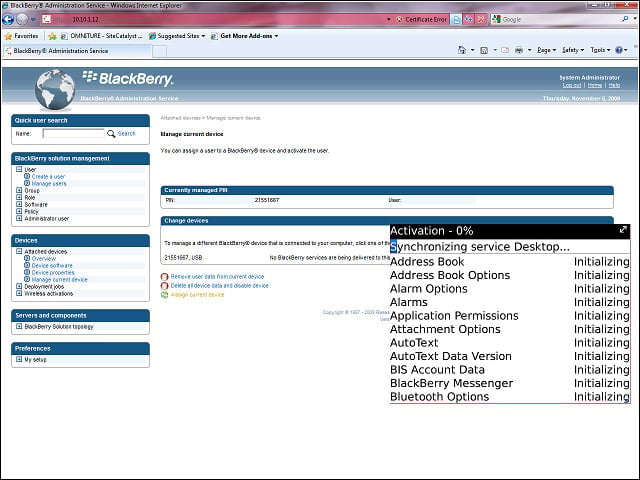
Activating a BlackBerry 5.0-enabled device—such as the Bold 9700 or Storm2—to a BES 5.0 for Exchange Server unlocks a number of new features for enterprise users.
Windows Shares
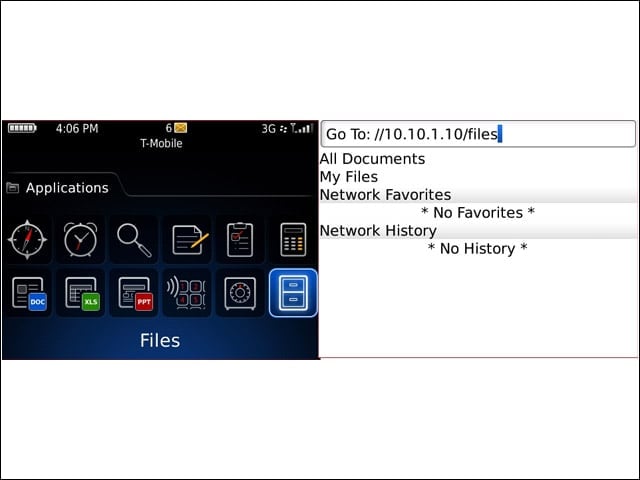
Using the new Files application, users can reach through the perimeter firewall via the BES server into Windows shares on the protected corporate network.
Log-in and Browse Shares
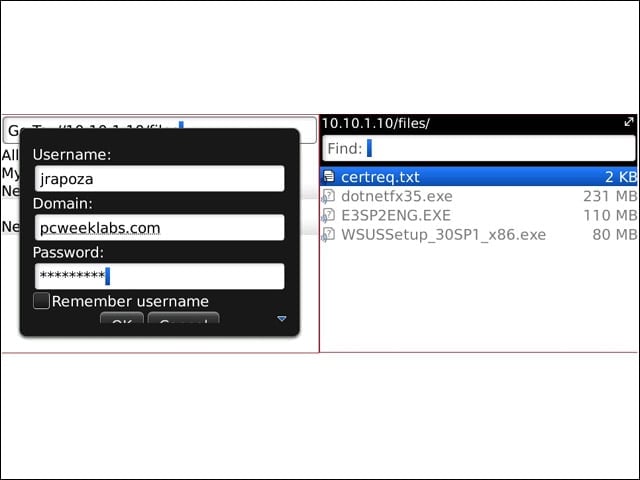
After entering domain credentials, users can browse the accessible share or search it. However, search doesn’t reach into any down-level folders.
Publishing UNC and History
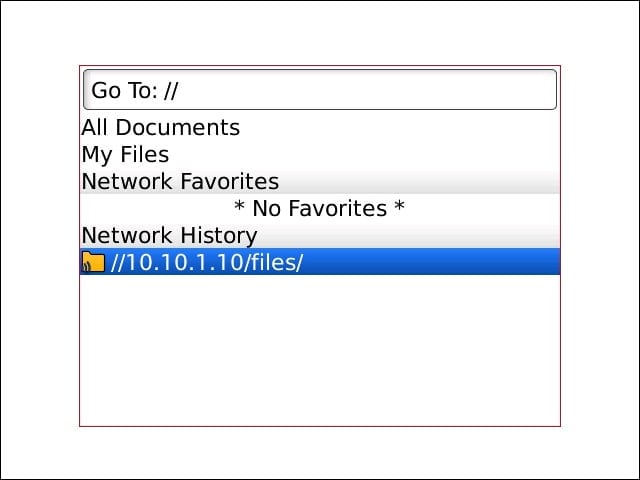
Unfortunately, BES doesn’t offer policies to publish UNCs to individuals or groups of users, so the user needs to input the address once. On subsequent attempts, the address is cached in Network History.
File Size
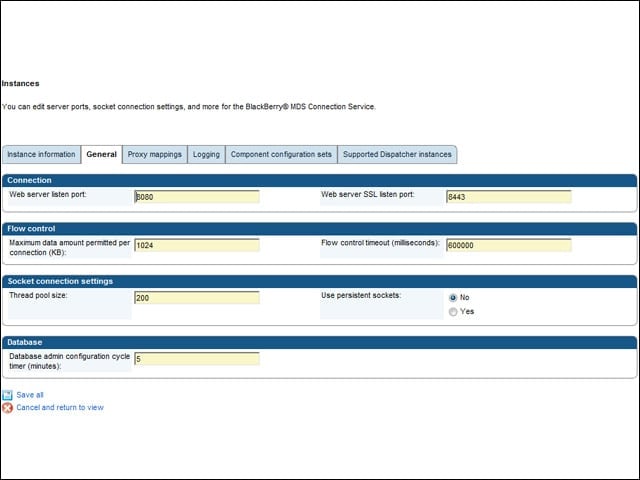
By default, the BES MDS Connection Service limits downloads from Windows shares to 1MB per connection. BES administrators can adjust the size.
Calendar Attachments
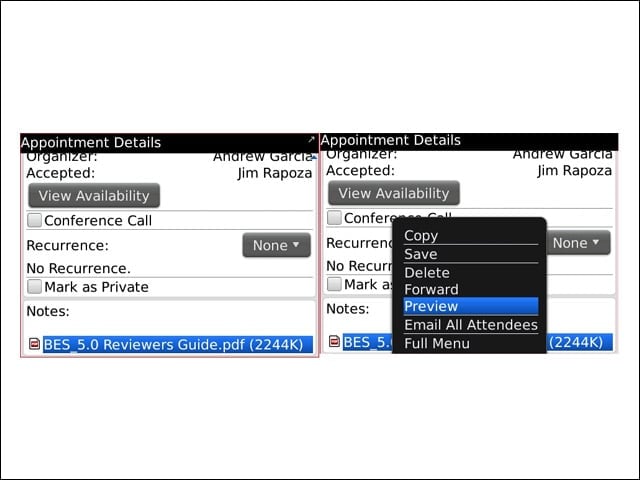
BlackBerry users can now access and view attachments to Exchange calendar entries.
File Support
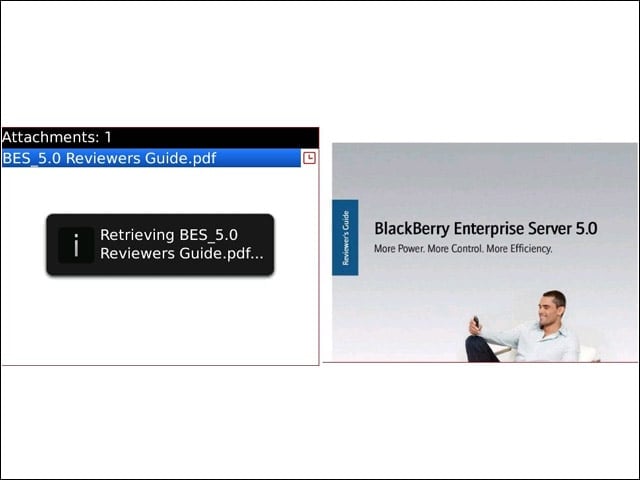
Viewable attachments include PDF, DOC/DOCx, XLS/XLS and PPT/PPTx. RIM also claims ODF support with BlackBerry 5, although I did not test that.
Inbox Folder Manipulation 1
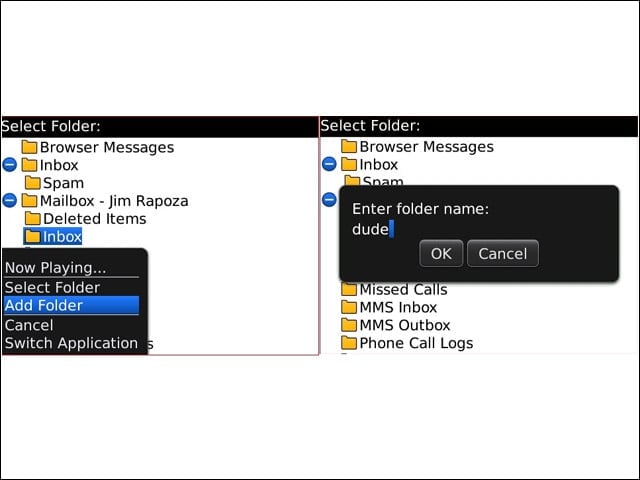
Users can now manipulate folders in Exchange from the BlackBerry. Here, I added a folder. How quickly these changes are reflected in Exchange will depend on how busy the BES infrastructure is.
Inbox Folder Manipulation 2
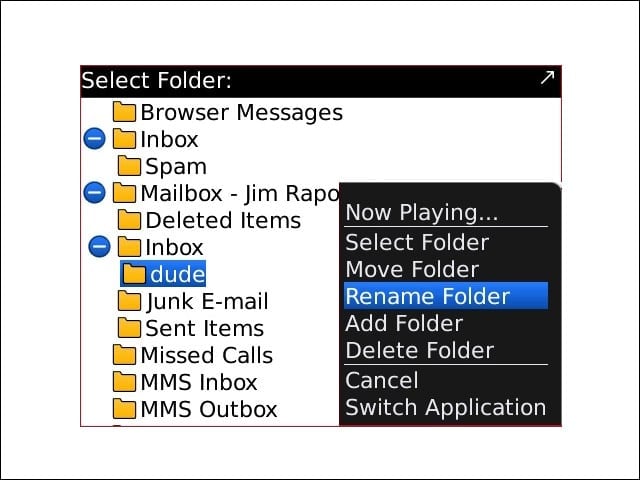
With the new folder added, I could move, rename or delete folders.
