







LABS GALLERY: iPhone OS 3.1 with iTunes 9 Adds Enterprise Allure
iPhone OS 3.1
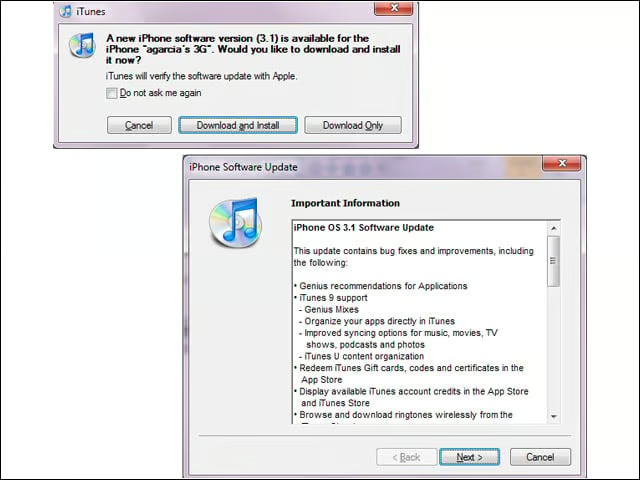
Released this week, the iPhone OS 3.1 firmware (along with the new iTunes 9) weighs in at 306.2MB. The new release lets users organize third-party apps in iTunes and paste phone numbers directly into the keypad, as well as improves Exchange Server calendar syncing.
App Store Organization
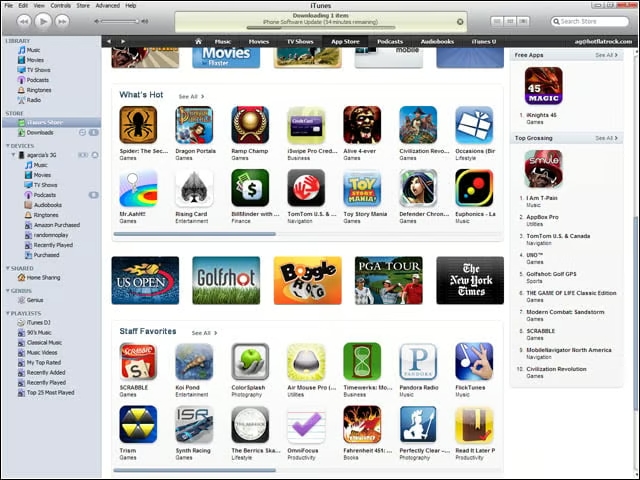
The App Store has been reorganized somewhat to allow for more effective browsing. Of note, users can view Top Paid, Top Free and, for some reason, Top Grossing applications, along with Staff recommendations and New and Noteworthy rosters.
Sorting
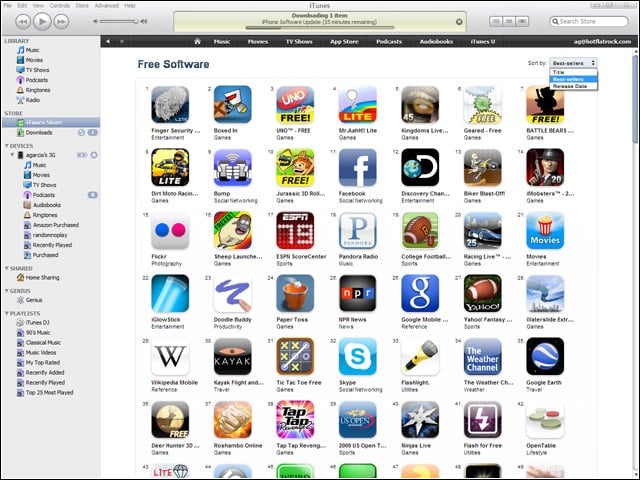
Users can sort the breakout application categories according to release date, position among best sellers or alphabetically by name.
Individual App Entries
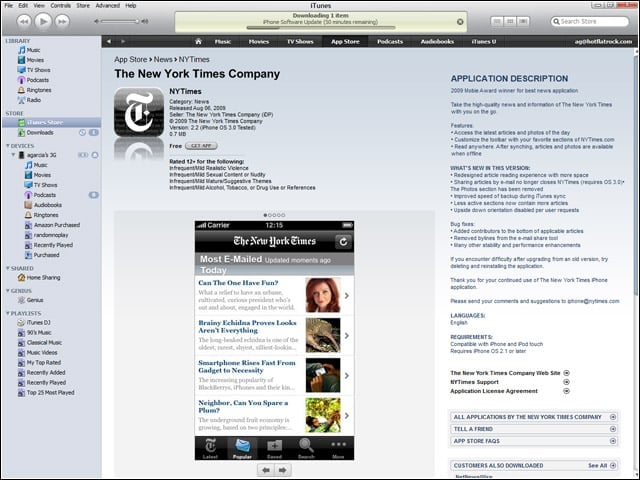
The presentation of individual application entries hasn’t changed much.
App Organization
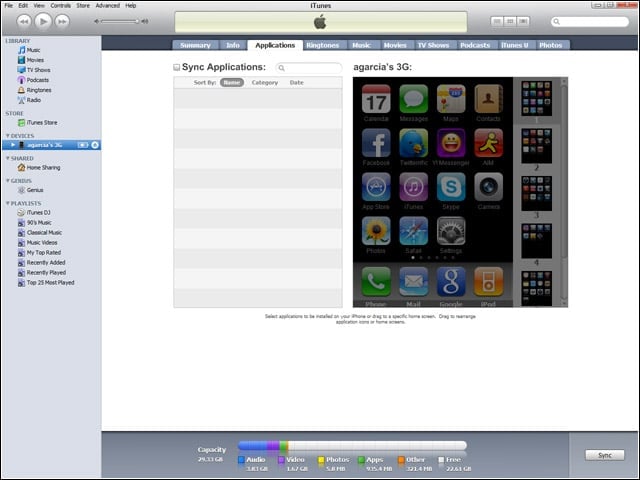
Users no longer need to drag applications from screen to screen to organize the on-device desktop. With iPhone OS 3.1, users can instead organize the layout from the desktop—making it simpler to recover to a familiar setup after a restore.
More App Organization
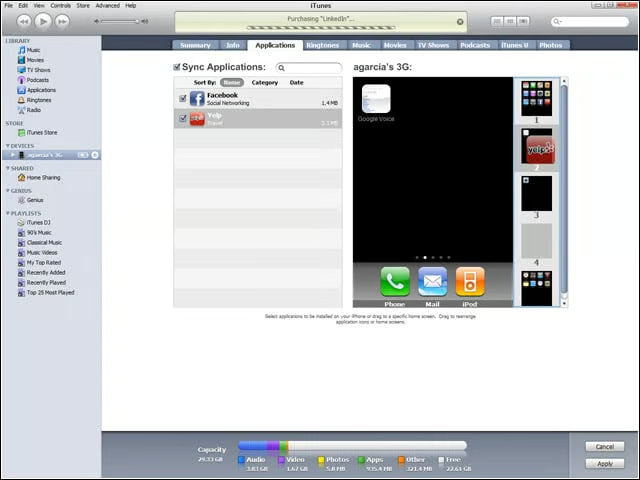
To organize applications from within iTunes, simply drag the app icon to the intended screen.
On-Device App Store
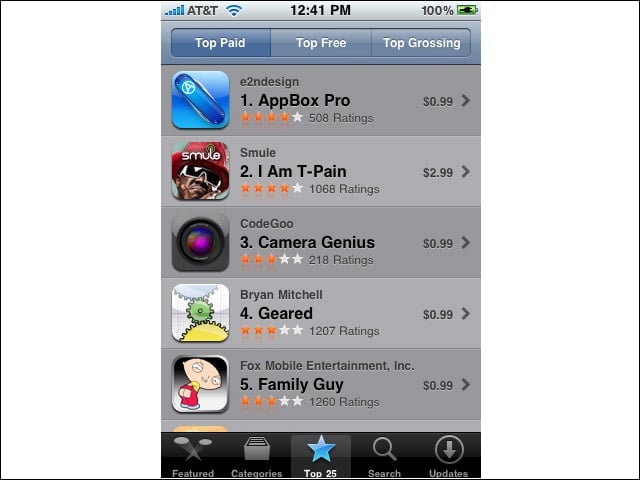
On-device, browsing the App Store hasn’t changed significantly (save for the inclusion of the same Top Grossing category).
Paste Numbers
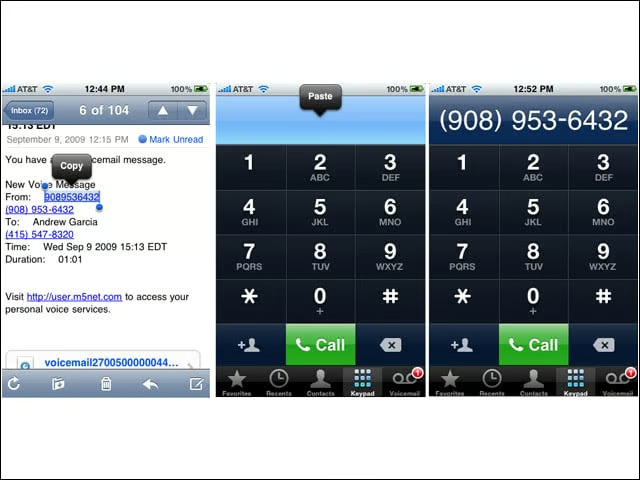
Users can now cut numbers from other applications and paste them directly into the dialer.
Bluetooth Voicedial
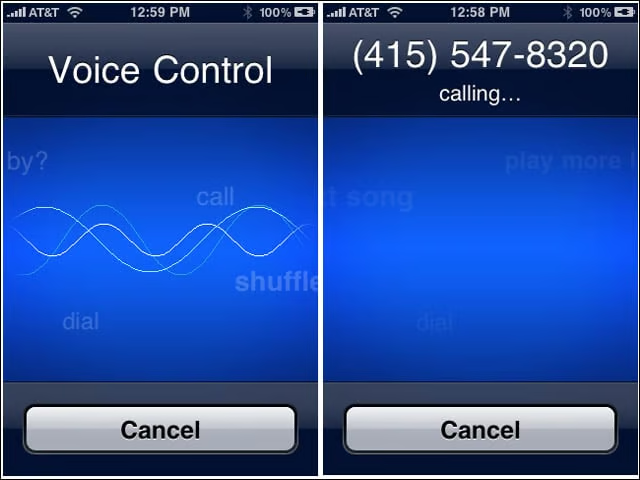
A big improvement over iPhone OS 3.0, Version 3.1 allows the use of voice commands over Bluetooth to dial the phone or control music playback.
