







LABS GALLERY: NBA League Pass for iPhone Delivers Hoops Action to Mobile Users
by Andrew Garcia
Live Games
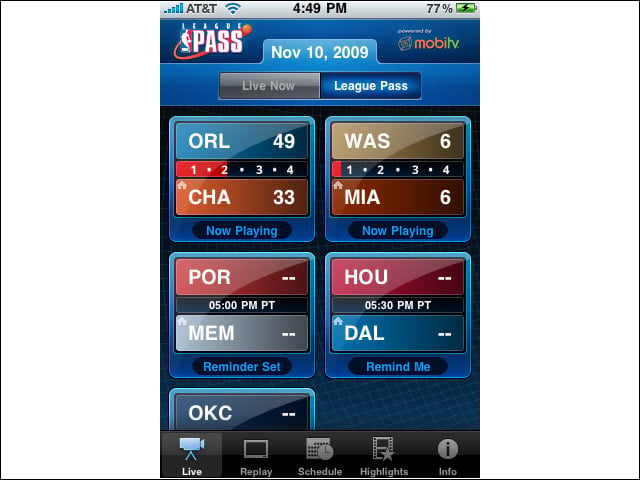
From the Live panel, users can see in-progress game status, as well as the day’s upcoming games. Tapping the game box of in-progress games starts the near-live video feed.
Blackout Rules Apply
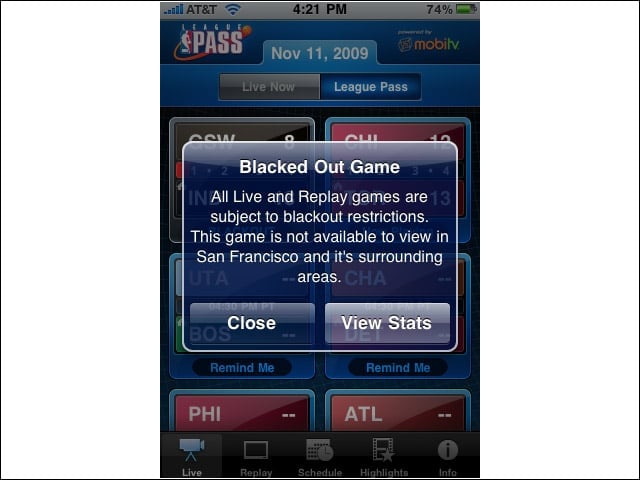
League Pass for iPhone is subject to the same blackout restrictions as League Pass on cable or the Web. Rules are enforced with location checks via GPS and IP address. In other words, you wont see any home games or nationally televised games.
Wi-Fi Connection
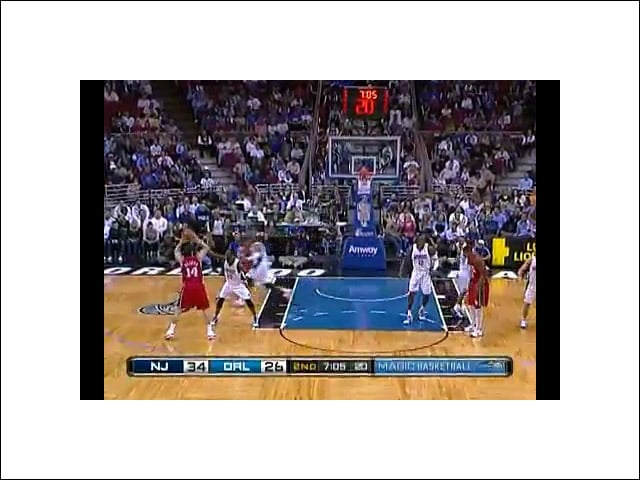
Over Wi-Fi, the picture quality is surprisingly good given the speed at which basketball is played.
3G Connection
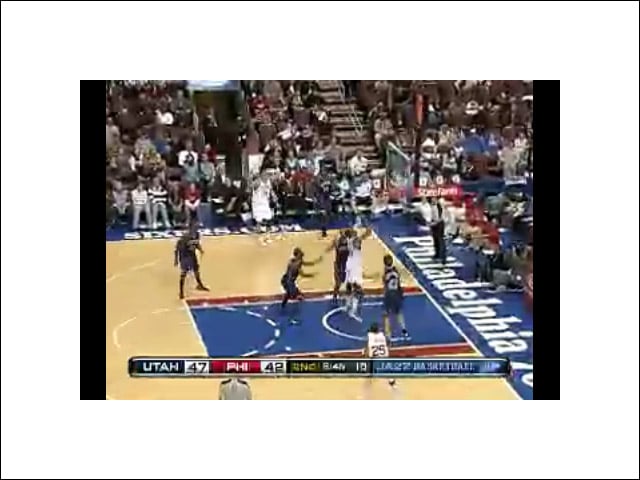
Video is also available over 3G, network conditions permitting. The picture isn’t nearly as sharp as with Wi-Fi, though, and can be a little hard to watch during fast breaks.
Audio-Only
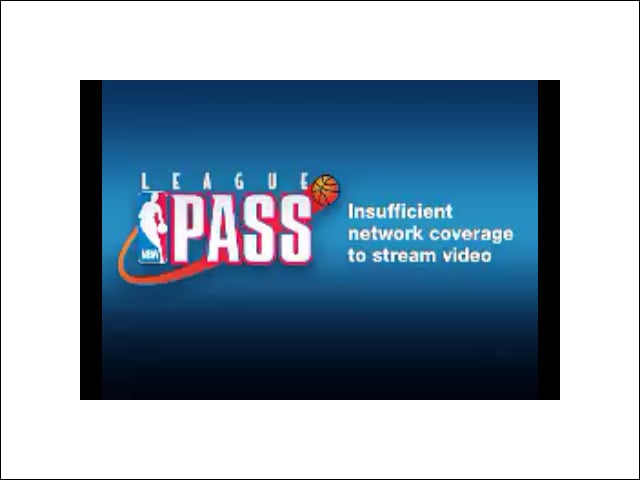
When bandwidth is extremely limited, the connection will downgrade to audio-only. The downgrade works great, but upgrading back to video seemed to require a restart of the game feed.
Live Game On-Screen Controls
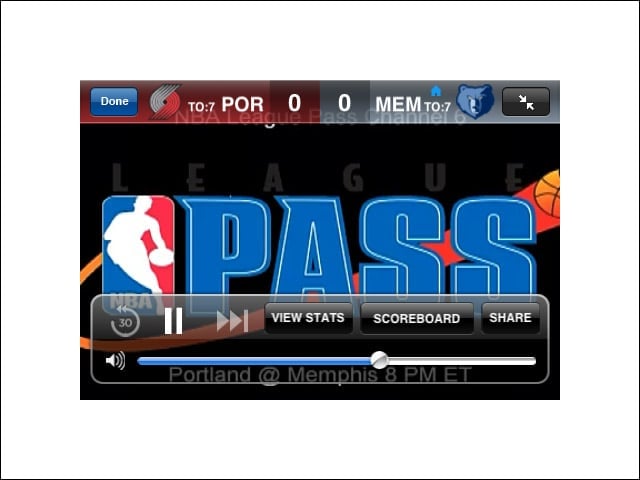
From within live games, users have limited on-screen controls: 30-second rewind, jump to life or pause. Users can also look at stats or that days scores.
Replay On-screen Controls
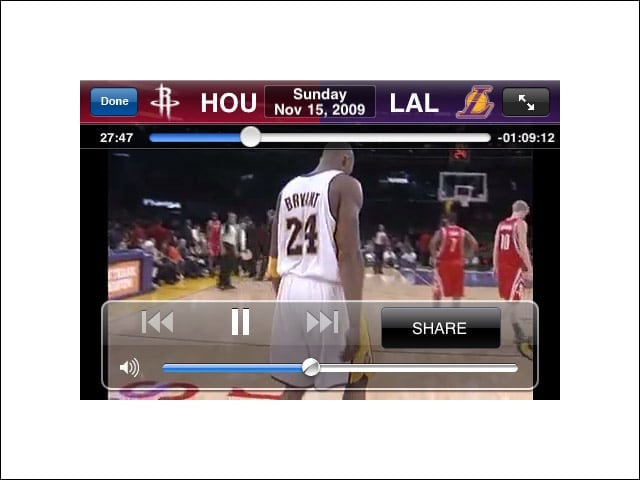
When viewing replays, users get a time slider to move throughout the broadcast.
Live Stats
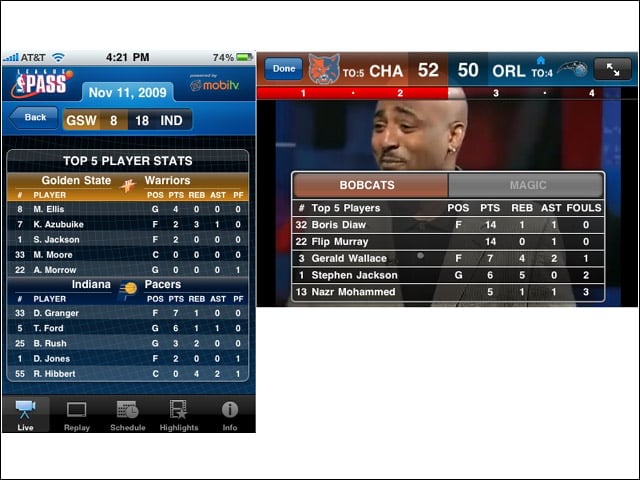
Fantasy junkies can get a few different quick views of key stats for both teams’ players, from within a live game or from the menu.
Social Networking
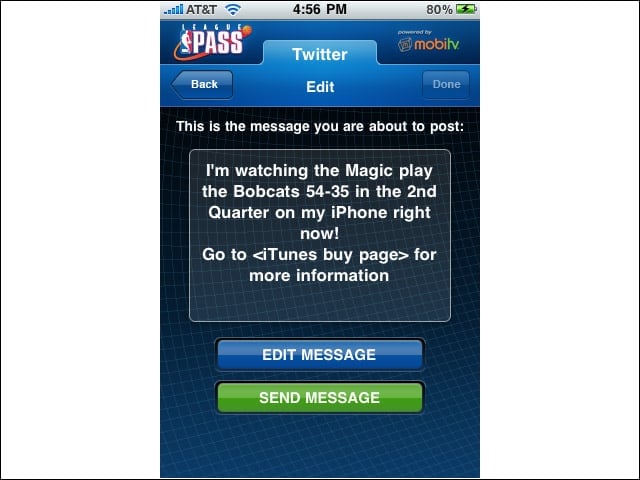
Users can let Twitter followers and Facebook friends know the up-to-date status of the game being watched.
Highlights
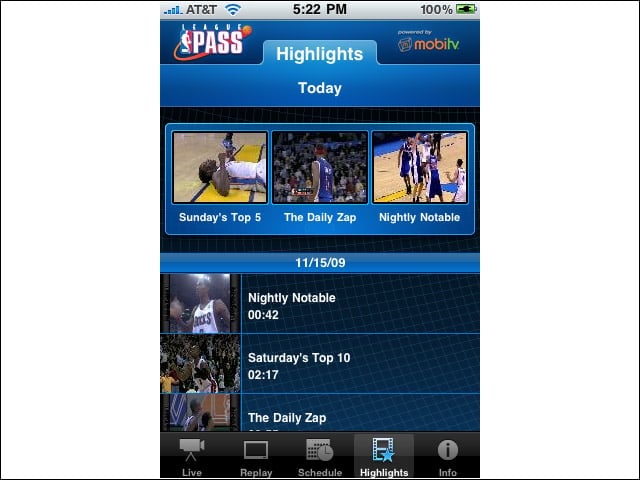
Although the League Pass application includes highlight reels, the available choices are somewhat limited: Top-five plays, player of the day and a brief game-by-game recap are the main options.
Notifications
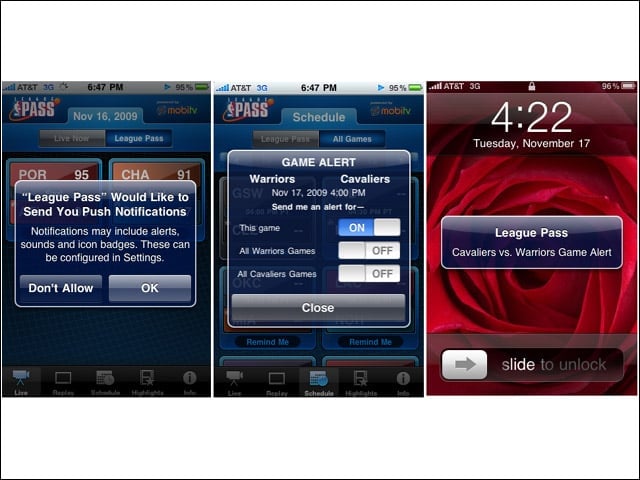
Users can set up alerts to warn when a specific game is about to start or a favorite team is about to play, leveraging the Apple iPhones Notification system. Alerts typically arrive 2 or 3 minutes before a game is scheduled to start, which is about 12 minutes before tip-off.
