








Notification Center

OS X Mountain Lion changes the way notifications from applications work (for example, when iTunes needs an update) so that they appear briefly and then, depending on the nature of the alert, it slides away or remains until dismissed.
Messaging

OS X Mountain Lion adds messaging to the Mac desktop operating system so that users can communicate with anyone on an iPad, iPhone or iPod Touch that is running at least iOS 5.
AirPlay Mirroring

OS X Mountain Lion will let users connect wirelessly to share content on the computer to an AirPlay-enabled TV (think Apple TV) or speakers.
Game Center Added

OS X Mountain Lion adds the Apple Game Center app to the desktop, making it possible to game with other Game Center users.
Dinner Recommendations
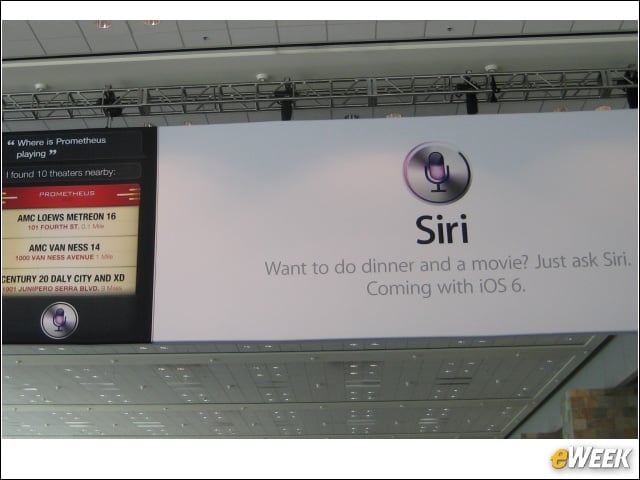
iOS 6 with the Siri intelligent assistant can now locate restaurants, and uses recommendations and reservation apps to ease making a choice and getting a table. During the keynote, Siri was also used to get information about movies and movie stars.
Sports Scores, Statistics
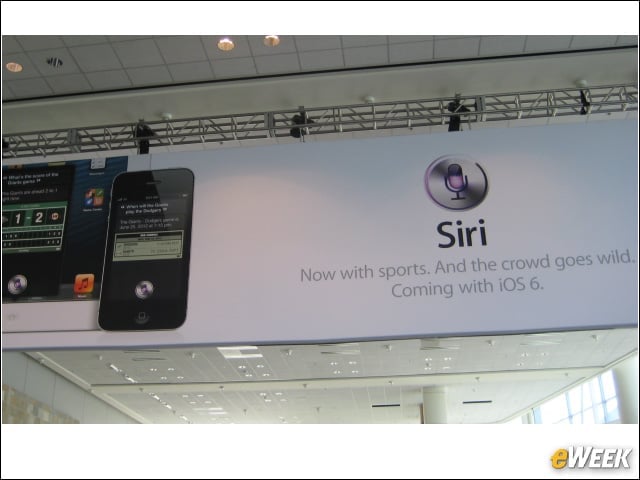
In iOS 6, Siri will be able to answer a variety of questions about major-league sports and the athletes who play them, including the latest scores and performance comparisons.
Driving Directions

iOS 6 with the Maps app will gain turn-by-turn direction capabilities with an API that developers can access. Although this was unveiled as if it were a heretofore unheard of capability, most higher-end Android phones have had this capability for years.
Maps Flyover Feature Seems Gimmicky

The iOS 6 Maps app demonstration of the “flyover” capability shows a cityscape in 3D. The feature seems like a gimmick designed to draw attention from the fact that Maps doesn’t have a truly useful StreetView-like capability.