







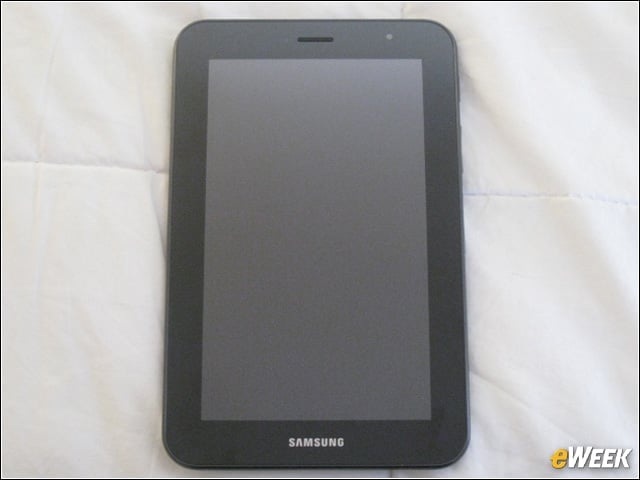
Screen
The Tab 7.0 Plus has a 7-inch, WSVGA (1024 x 600) PLS LCD display. There is also a 2 megapixel shutter in the front to enable video chat.
Camera
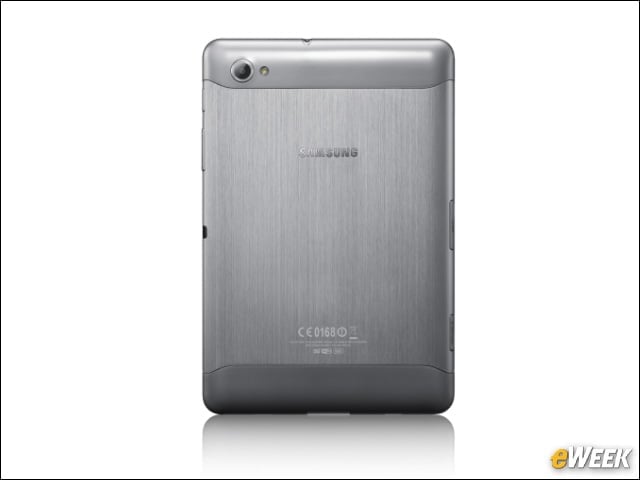
The metallic slate is equipped with a modest 3 megapixel camera in the rear, with video recording in 720p HD and playback in 1080p HD.
Side View
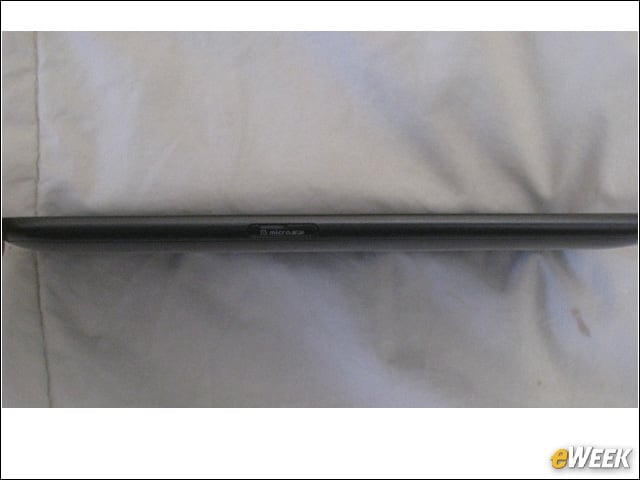
The Galaxy Plus 7.0 weighs only 12.2 ounces and is only .39 inches thick, making it super portable for jacket pockets and handbags.
Tab 7.0 vs. Tab 10.1
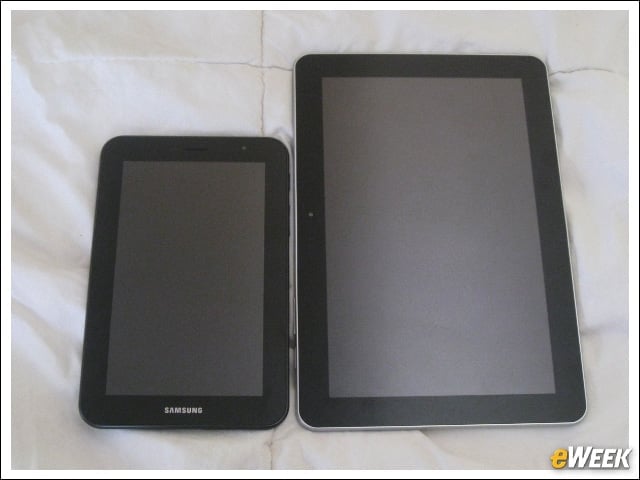
The Tab 7.0 Plus next to Samsung’s Galaxy Tab 10.1 really provides perspective on just how small the Plus is.
Powering Up the Tabs
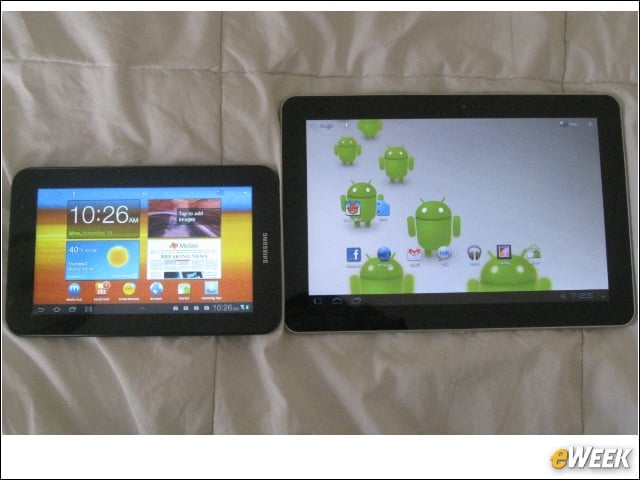
We power on the Tabs to show you the screens. The Tab 10.1 has Honeycomb 3.1, while the Tab 7.0 Plus has Honeycomb 3.2 with TouchWiz widgets.
TouchWiz Widgets
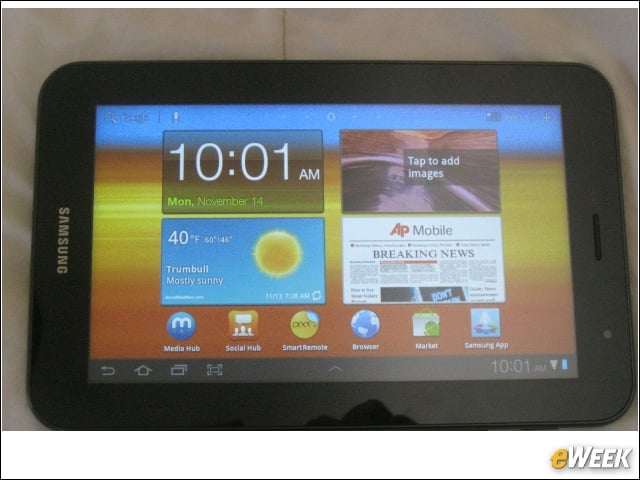
Here is a closer look at those customizable TouchWiz widgets.
Social Hub
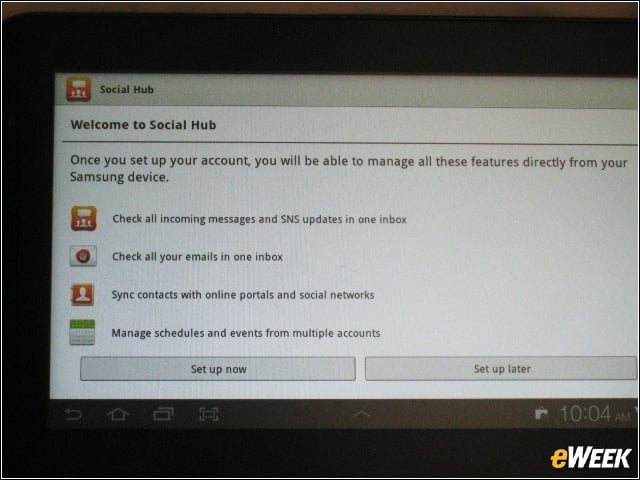
Tab 7.0 Plus relies on the social hub to help users streamline their feeds.
Social, in Aggregate
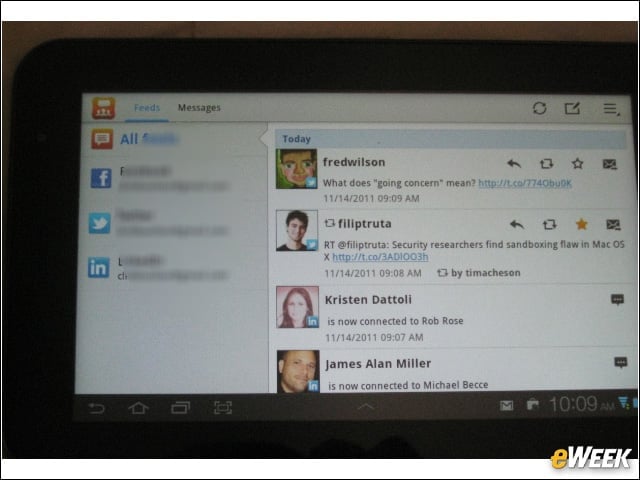
Here is what the social hub widget looks like once integrated with Facebook, Twitter and LinkedIn accounts. Users may also provision the widget to include email accounts.
Widgets
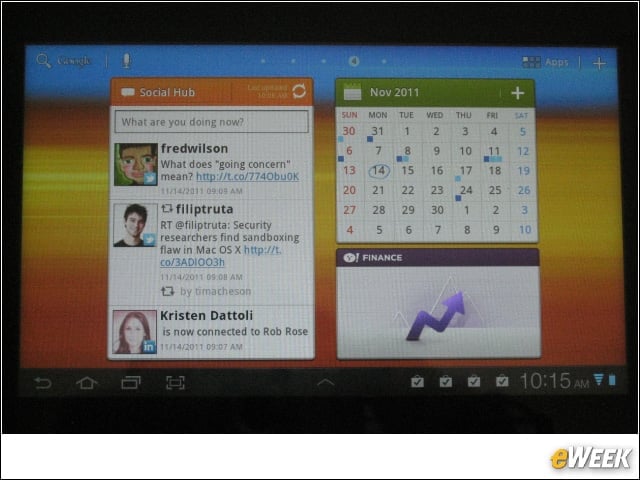
This is the social hub alongside the 7.0 Plus’ calendar and Yahoo Finance widgets. Users may move the widgets across any of the Tab’s five customizable home screens.
Task Manager
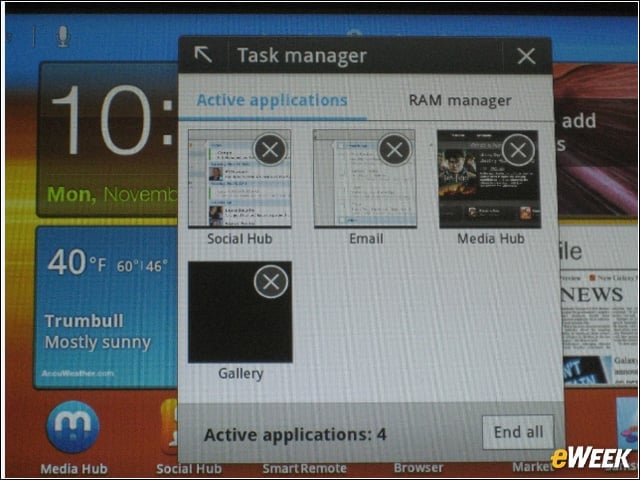
This Task manager widget allows users to shut down apps and manage RAM.
Notepad
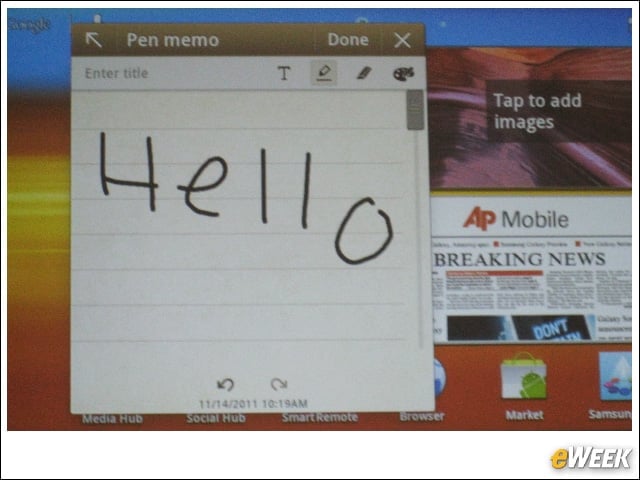
This great little widget lets users write notes with a stylus or their finger.
Mini Apps Tray
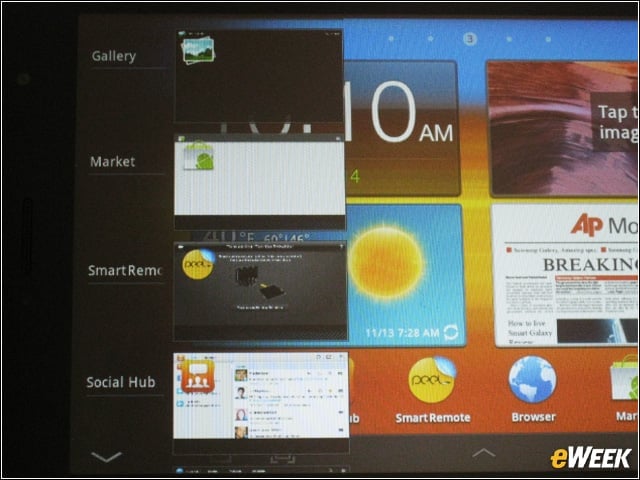
Users can get a bird’s eye view of their apps from the mini apps tray.
Remote TV App
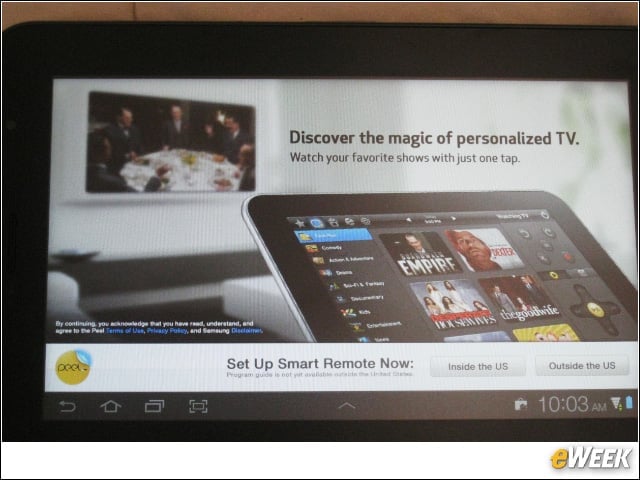
Peel’s Smart Remote lets users instantly find and watch favorite TV shows and discover new shows based on preferences. It’s preloaded to let users control their home entertainment system from the Tab 7.0 Plus.
Media Hub
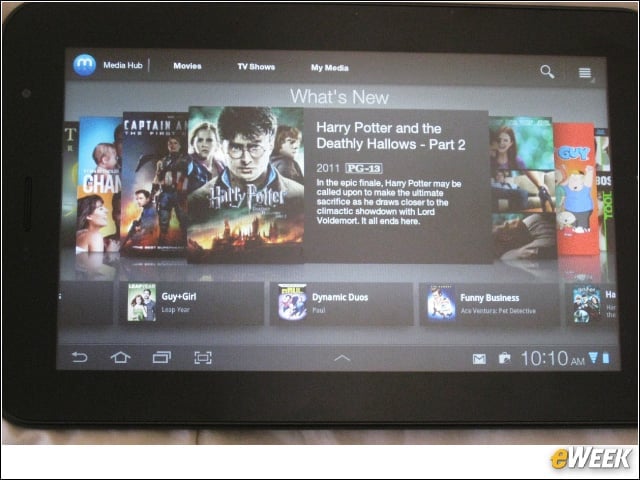
Samsung’s Media Hub provides an on ramp to movies and TV on the tablet.
Easy Android Market Access
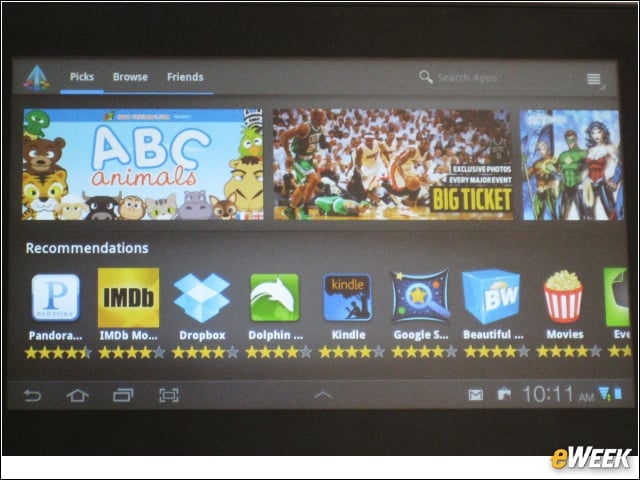
Samsung’s Apps tab offers easy access to Android Market apps.
Internet Movie Database Searches
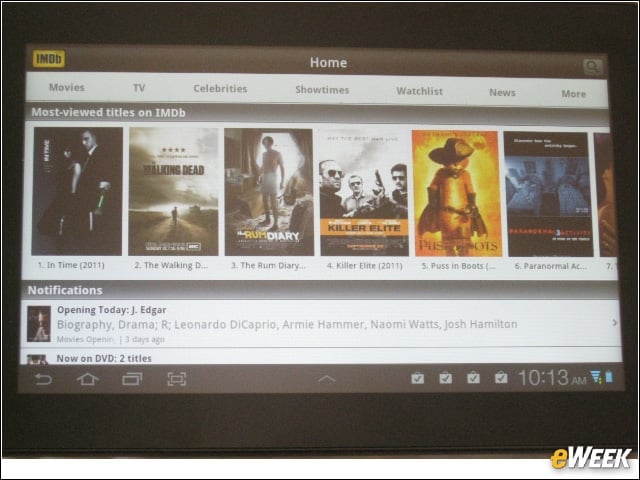
From this Apps tab, we downloaded the IMDB movie database app through Google’s Android Market.
Magazines
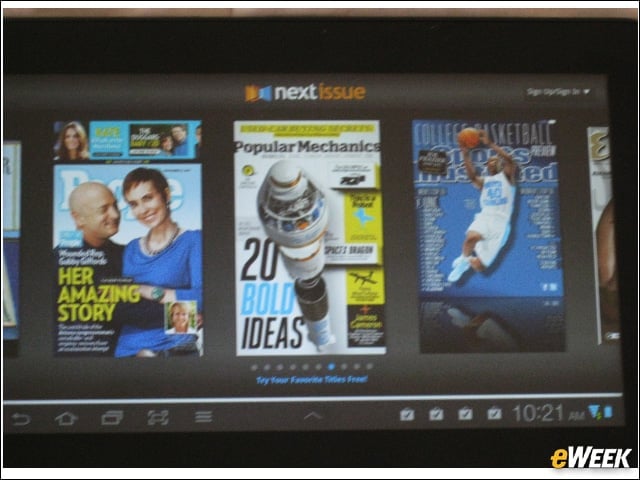
Tablets such as the 7.0 Plus lend themselves to reading content, which is why the Next Issue magazine app comes preinstalled on this slate.