







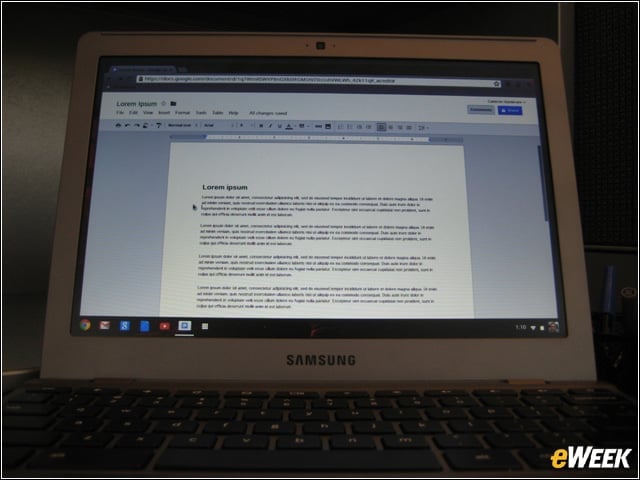
The Latest Chromebook
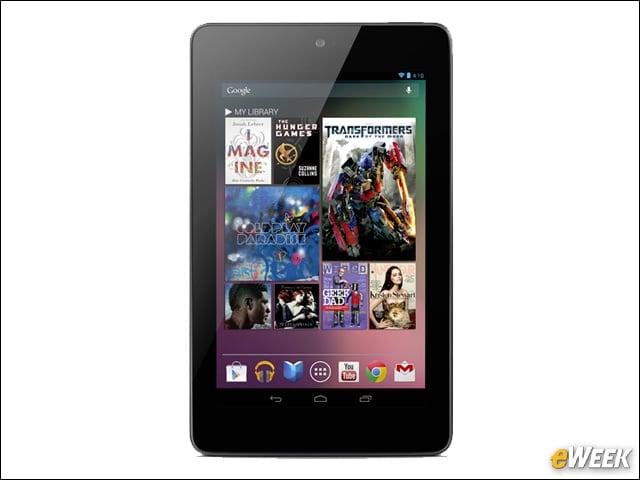
The new Samsung Series 5 550 Chromebook is basically a netbook that is linked to a Google account.
Limited Offline Mode
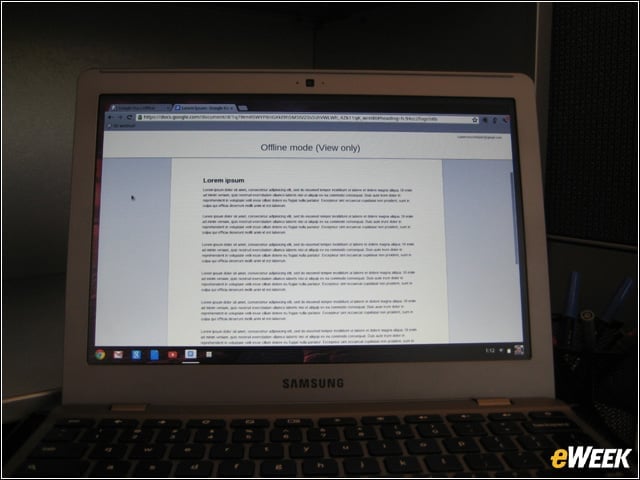
Here you see that I’m able to access a Google Docs document while disconnected from the network. However, I can only view the document.
Top View
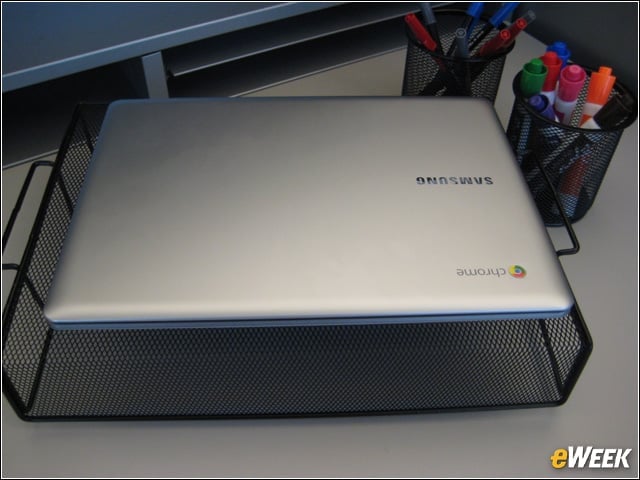
The Samsung Series 5 550 looks like a run-of-the-mill laptop and is unremarkable in design, style or dimensions.
Front Edge
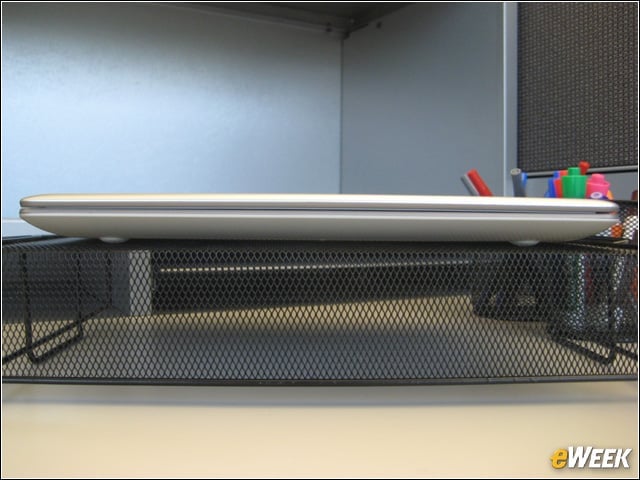
There are no ports on the front of the Chromebook. There are no latches anywhere. The open/close action is smooth.
Right-Side View
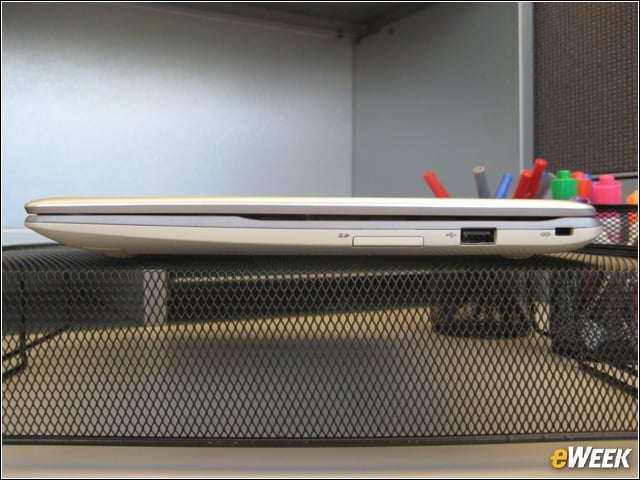
The right side of the device (from left to right) includes a Secure Digital (SD) card slot, USB 2.0 port and a Kensington lock port for physical security.
Rear View
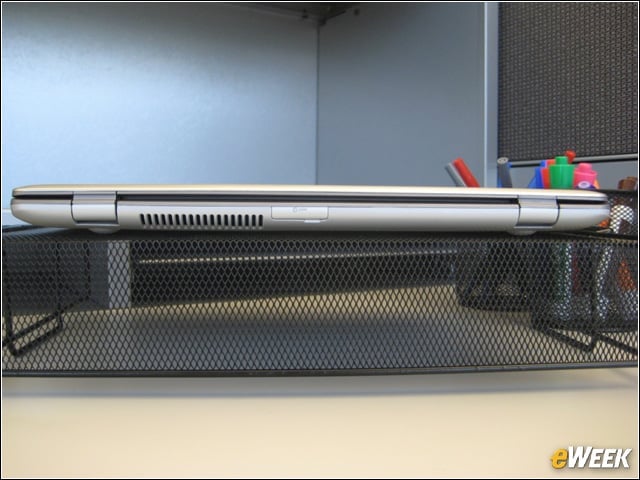
The Universal SIM card slot is shown in the rear view.
Left-Side View
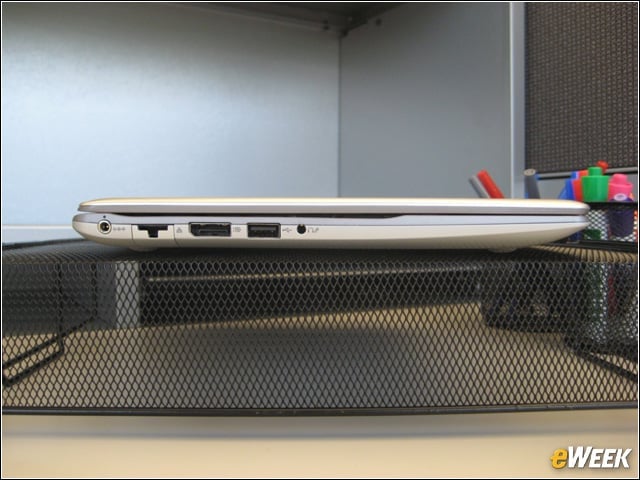
The left side of the Chromebook (from left to right) includes the power jack, RJ-45 network port (closed), DisplayPort ++ (compatible with High Definition Multimedia Interface [HDMI], Digital Video Interface [DVI] and VGA), USB 2.0 and headphone jack.
RJ-45 Port Open
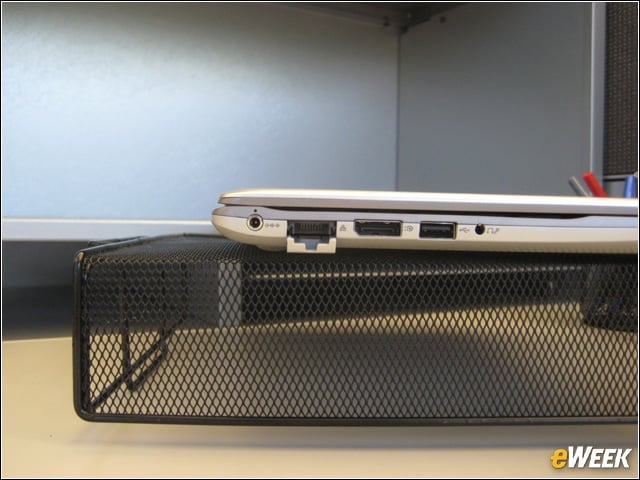
To make a wire-line connection, just open the RJ-45 port.
Underside View
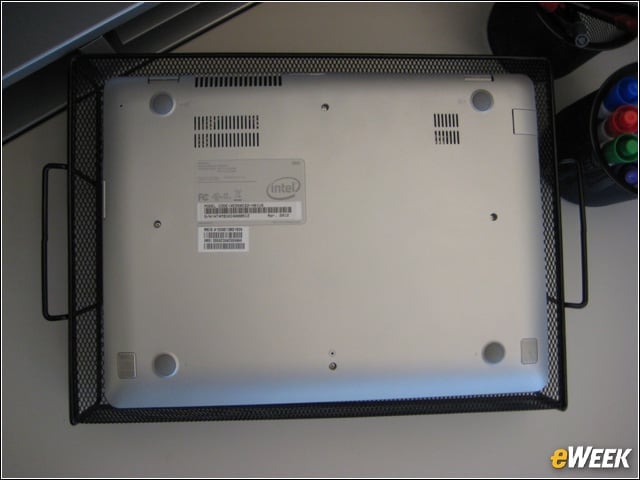
On the lower edge, you can see the two speaker ports. There is no user-serviceable battery access.
The All-New Chromebox
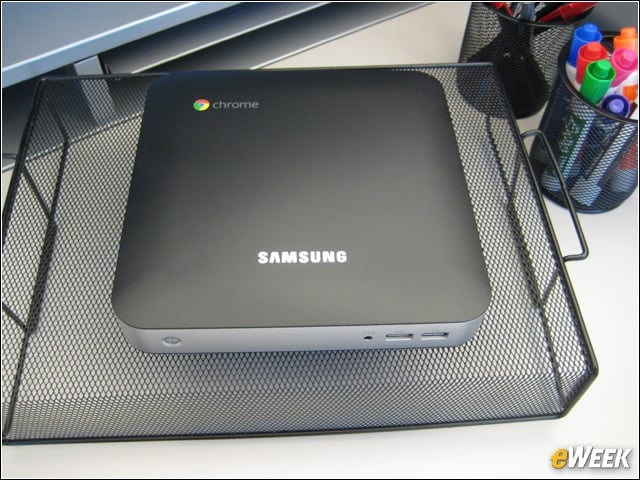
The Samsung Series 3 Chromebox is the first desktop device to run the Chrome operating system.
Front View
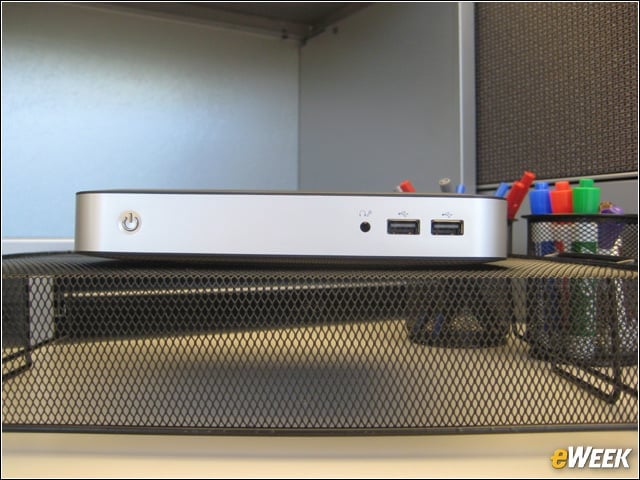
The front of the device (from left to right) includes the on-off switch, headphone jack and two USB 2.0 ports
Rear View
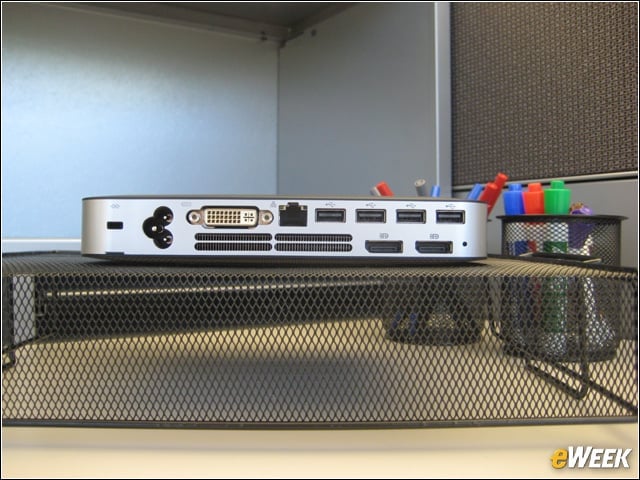
The rear of the devices (from left to right) includes a Kensington lock, power jack, DVI port, network connection, four USB 2.0 ports and two DisplayPort++ ports.
Underside View
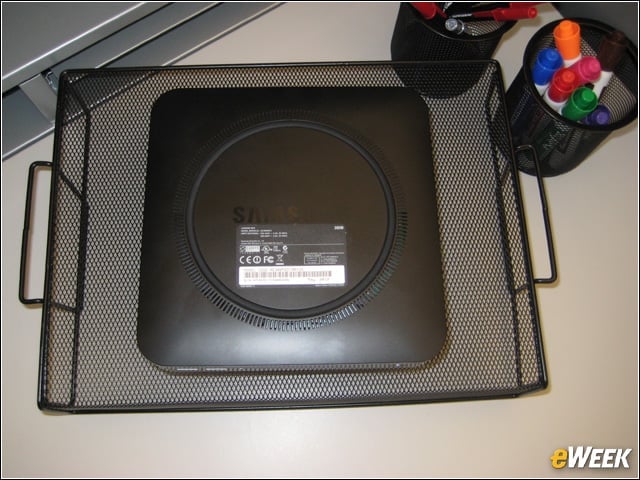
There are no user-serviceable parts in the Chromebox.
Connecting to Google
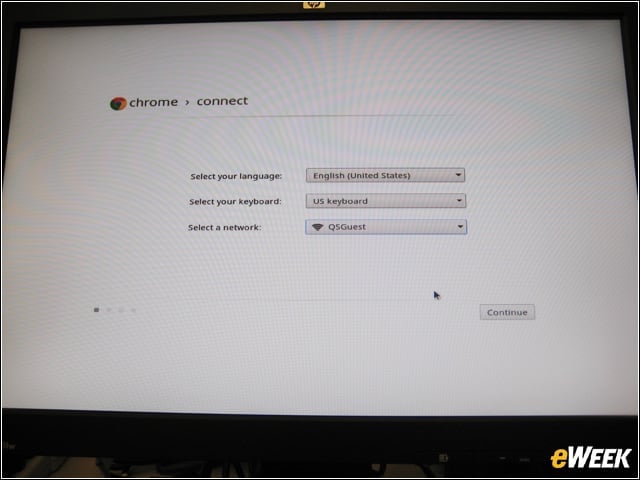
Both the Chromebox and the Chromebook are tethered to a user’s Google account.
Welcome to Chrome
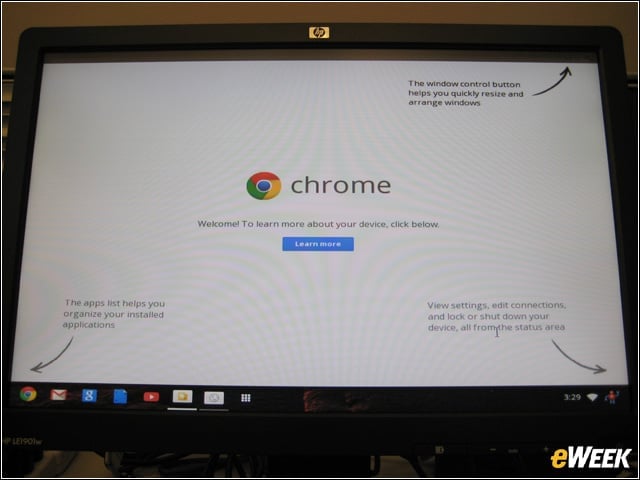
The user is greeted with an introduction to Chrome when first signing on to either the Chromebox or the Chromebook.