







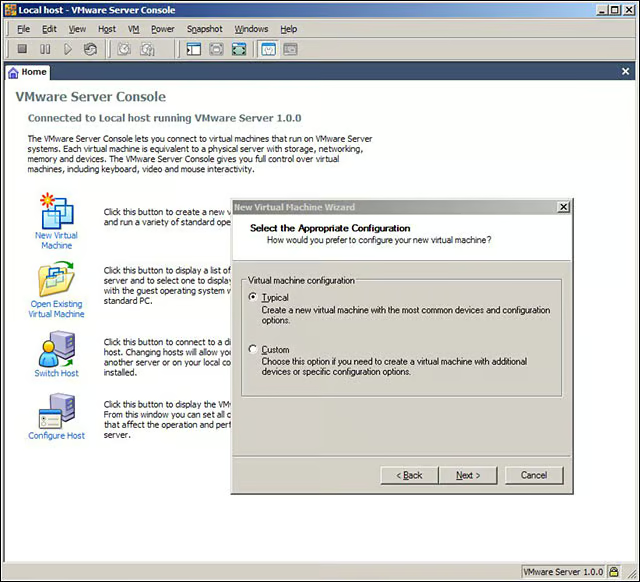
- eWEEK Labs Walk-Through: VMware Server 1.0
- eWEEK Labs Walk-Through: VMware Server 1.0 – VM configuration settings
- eWEEK Labs Walk-Through: VMware Server 1.0 – Web management interface
- eWEEK Labs Walk-Through: VMware Server 1.0 – Console application
- eWEEK Labs Walk-Through: VMware Server 1.0 – Connecting to VMWare servers
- eWEEK Labs Walk-Through: VMware Server 1.0 – Memory allocation
- eWEEK Labs Walk-Through: VMware Server 1.0 – Controlling VMs over the network
eWEEK Labs Walk-Through: VMware Server 1.0
It was easy to create virtual machines with VMwares Server 1.0s Console application.
eWEEK Labs Walk-Through: VMware Server 1.0 – VM configuration settings
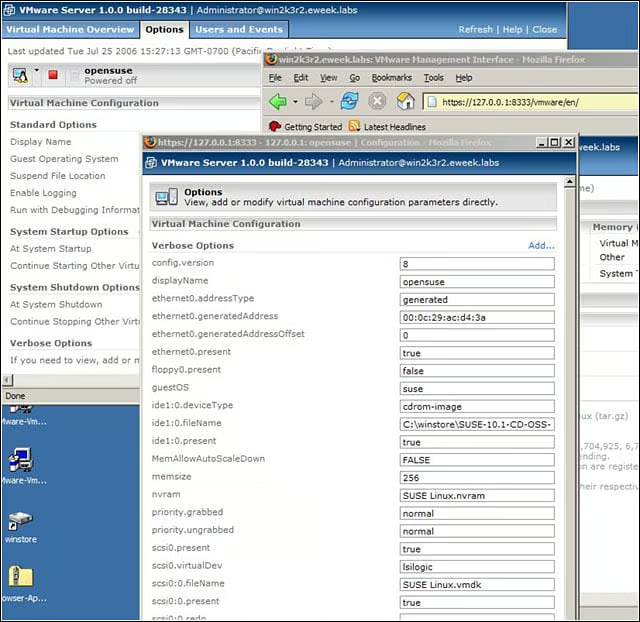
We could adjust VM configuration settings from VMware Servers Web interface.
eWEEK Labs Walk-Through: VMware Server 1.0 – Web management interface
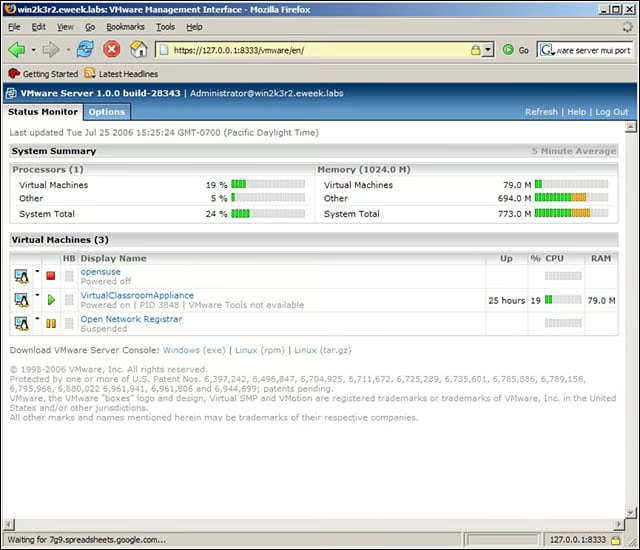
Using VMware Servers Web management interface, we could monitor our VMs.
eWEEK Labs Walk-Through: VMware Server 1.0 – Console application
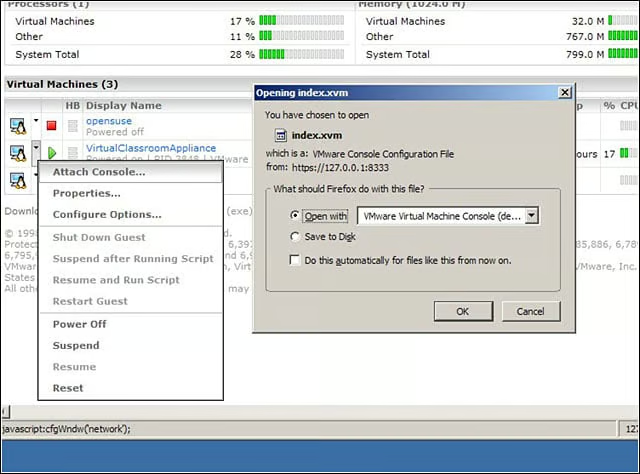
We used VMware Servers Console app to remotely control the VMs wed created.
eWEEK Labs Walk-Through: VMware Server 1.0 – Connecting to VMWare servers
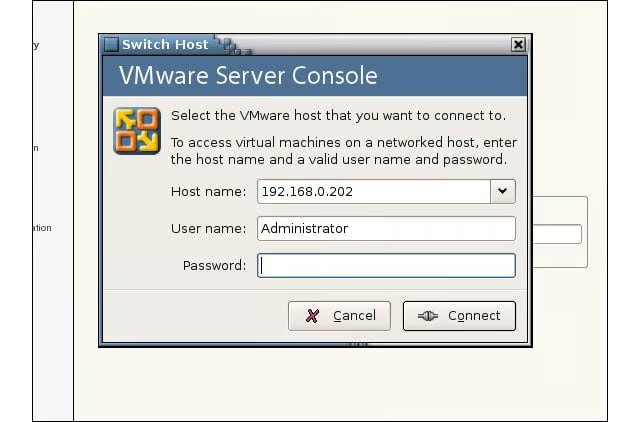
Connecting to VMware Servers from the Console was easy during eWEEK Labs tests.
eWEEK Labs Walk-Through: VMware Server 1.0 – Memory allocation
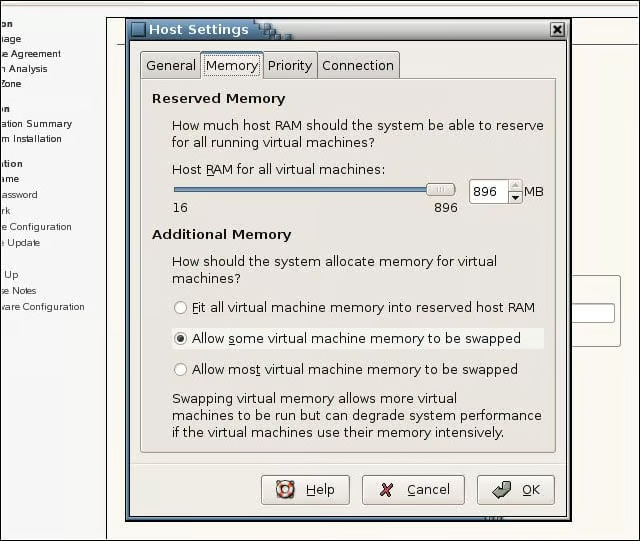
We could control memory allocation for our machines, but not CPU allocation.
Advertisement
eWEEK Labs Walk-Through: VMware Server 1.0 – Controlling VMs over the network
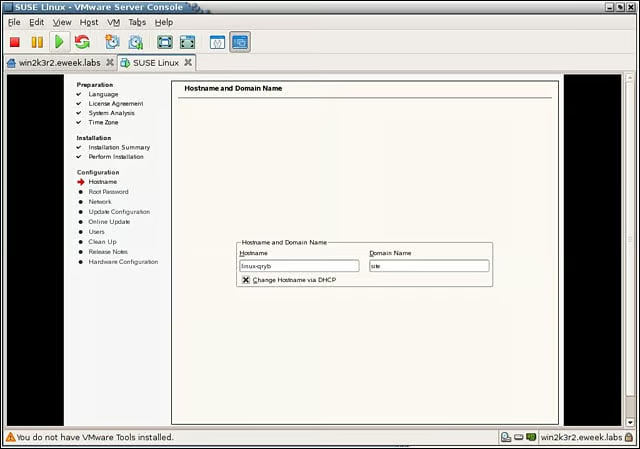
We used the VMware Server Console to control VMs over the network.
Listen to this article