







10 Features to Anticipate in Windows 7
No Title
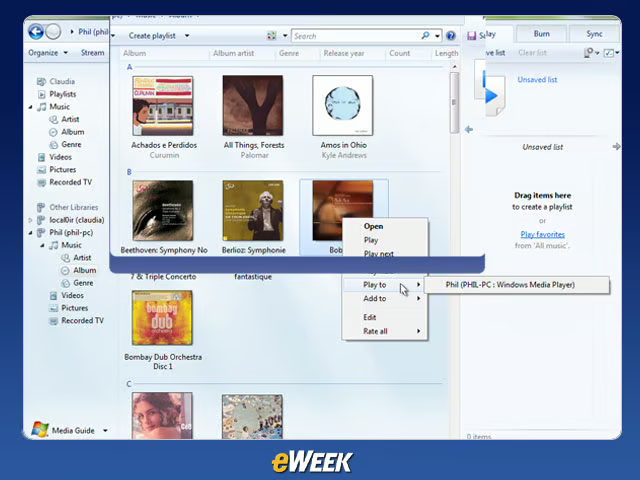
Less Memory NeededThanks to a variety of programming tweaks, including memory management that devotes resources only to open windows, Windows 7 needs less processing power to run than its predecessor. That means more multitasking ability, not to mention a faster workflow.
No Title
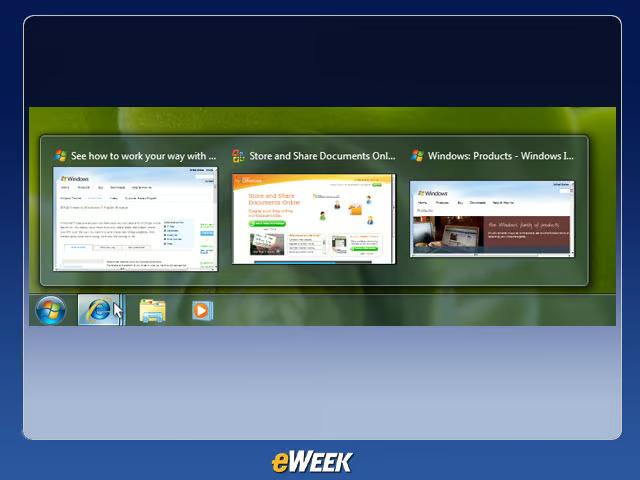
The TaskbarWindows 7’s simplified taskbar reduces applications to thumbnail logos that can be hovered over with the cursor to open a tiny preview window. This allows the user to view multiple projects and Web pages simultaneously.
No Title
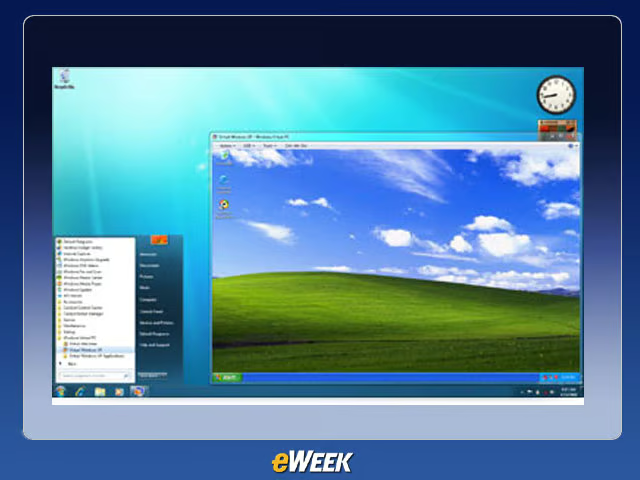
Windows XP ModeMicrosoft addressed user complaints about lack of backward compatibility in Windows Vista by introducing Windows XP Mode for Windows 7 Professional and Ultimate editions, allowing “last mile” compatibility for any XP applications that won’t run in Windows 7.
No Title
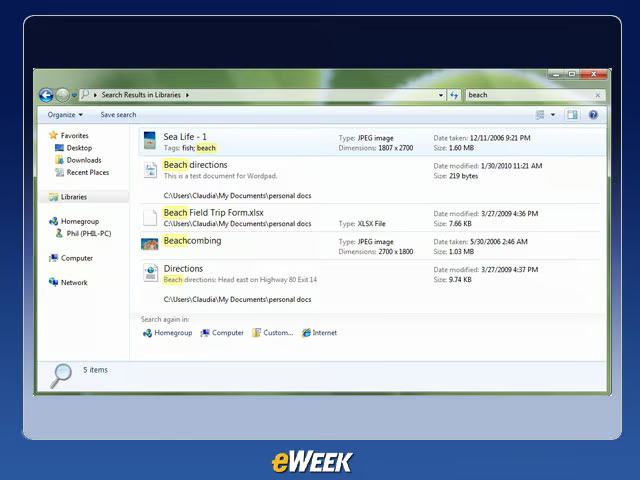
Federated SearchWindows 7’s upgraded search capabilities include OpenSearch-based Federated Search, for exploring both local and network drives in addition to intranet storage. Search also includes a preview pane, sparing the user from having to open an application in order to view a particular item.
No Title
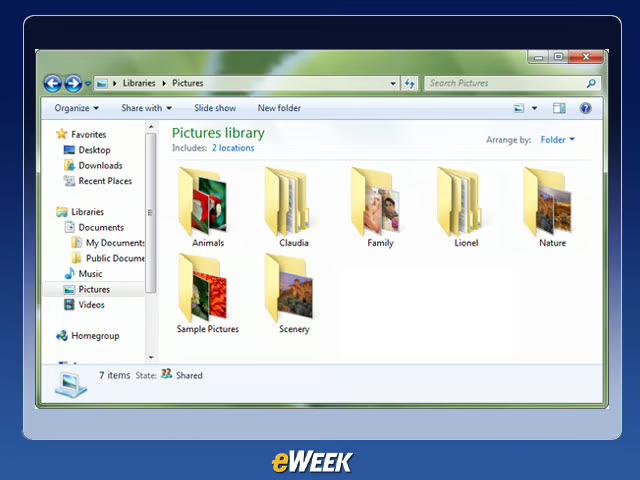
LibrariesThis new feature allows users a greater degree of control over how to order and store information on their PCs, allowing them to take folders of content stored in different places on the system and group them within a Library for ease of access.
No Title
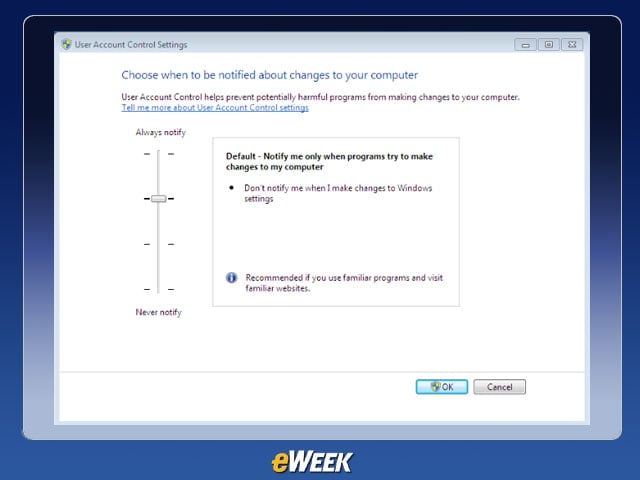
User Account ControlsInstead of Vista’s constant security prompts, which drove a number of users absolutely insane, in Windows 7 the User Account Control Settings can be adjusted: Users can choose from Never Notify, Always Notify and two in-between options.
No Title
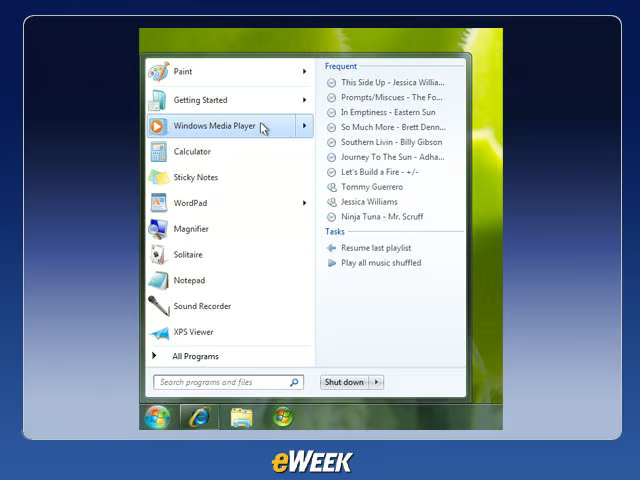
Start MenuThe customizable Start Menu allows for adjustment of the display and behavior of links, icons, menus and the like.
No Title
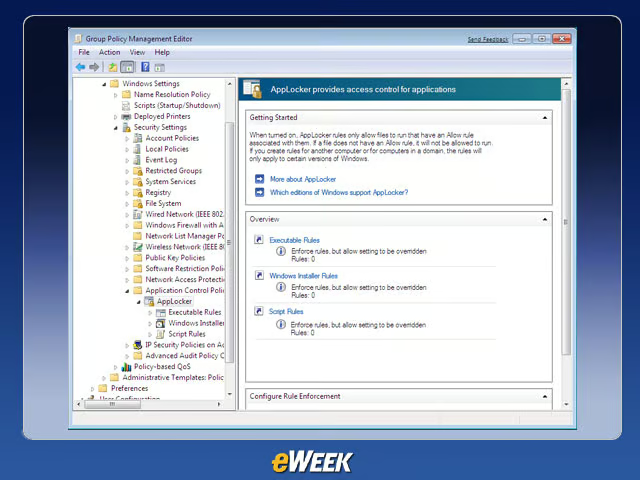
AppLockerThis tool, available with the Enterprise and Ultimate editions of Windows 7, can be used in locking down certain applications on an administrator level.
No Title
Chance to Leave Vista and XPVista has been the target of many user complaints over the years, and XP is nearly eight years old. The chance to upgrade to a 21st century operating system could appeal to many Windows users.
No Title
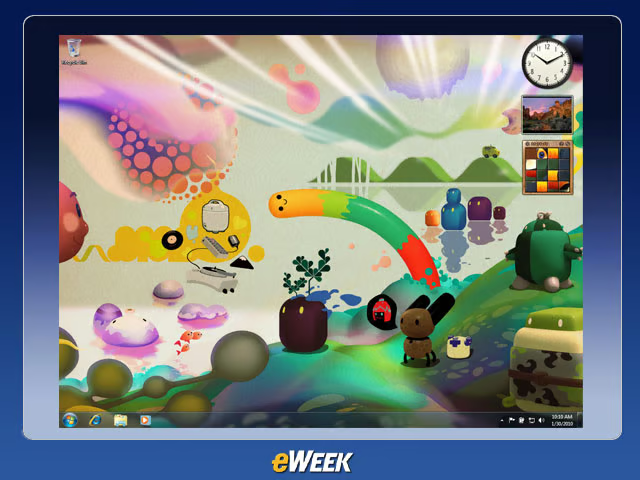
Trippy Backgrounds In place of regular blank backgrounds or innocuous nature shots, Microsoft decided that a large portion of its desktop wallpapers should be completely and utterly trippy.