








NotebookLM may be leading the AI notebook race, but many users are still weighing alternatives.
At the time of writing, NotebookLM led an ongoing Android Authority reader poll with 33% of responses, ahead of alternatives such as Open Notebook, Obsidian, Notion, Recall, and Atlas.
The results offer a glimpse into a market that is still taking shape. As AI tools expand from chatbots into systems for managing knowledge and research, vendors are now competing on workflow, organization, and usability rather than AI capabilities alone.
This article looks into NotebookLM alongside five alternatives worth considering.
What is NotebookLM?
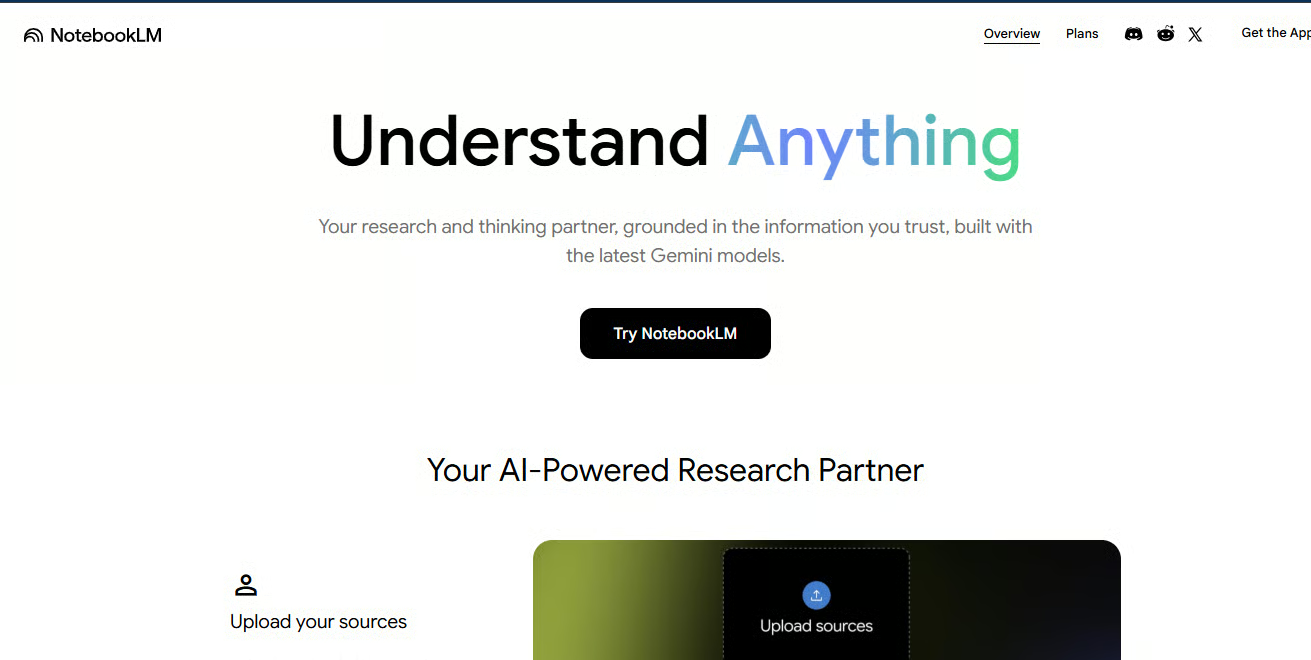
NotebookLM is Google's AI-powered research assistant built on Gemini. Users can upload PDFs, notes, documents, websites, and other source materials, then ask questions, create study guides, and produce AI-generated summaries.
Unlike traditional AI chatbots, NotebookLM grounds its responses in user-provided materials. This makes it useful for research, studying, document analysis, and knowledge management.
Availability: Web, Android, iOS
Pricing: Free
Notion: a comprehensive research tool
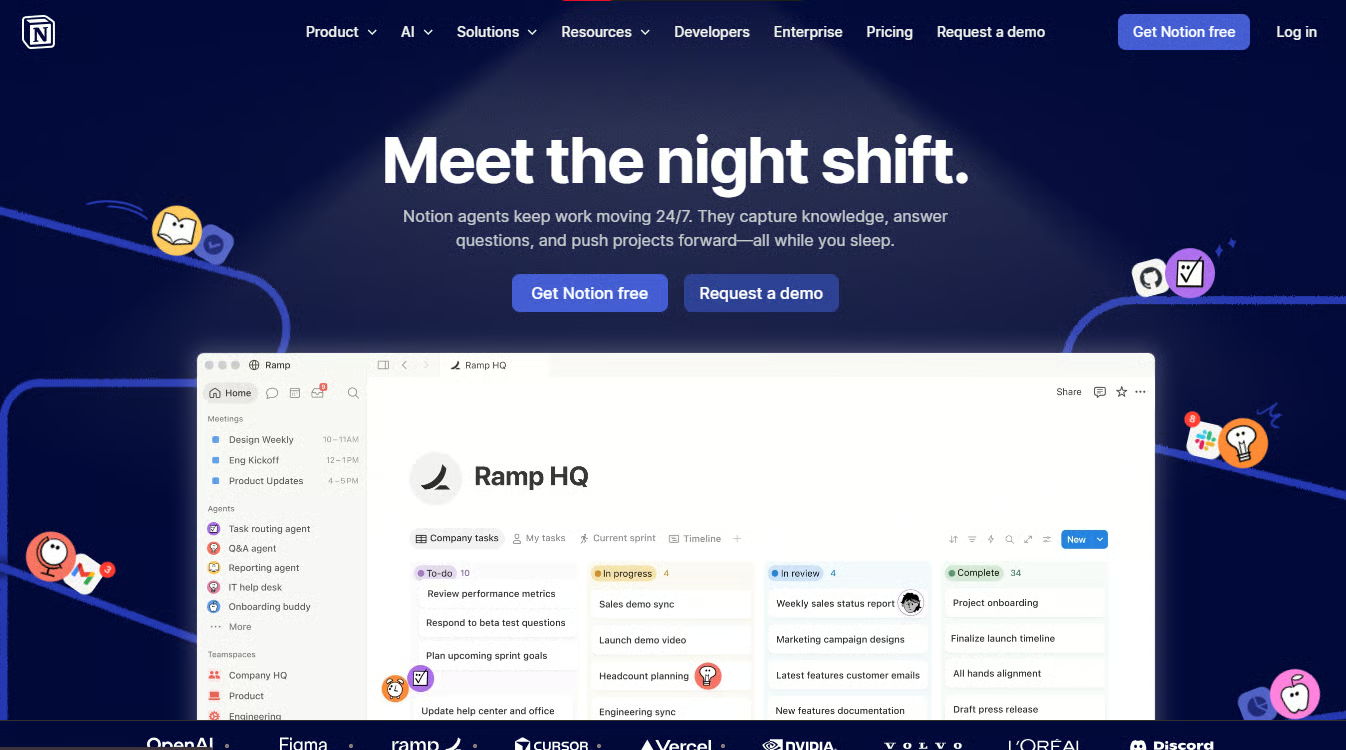
Notion is an all-in-one productivity platform that combines note-taking, document creation, databases, project management, and AI tools.
Where Notion stands out is in organization. Users can connect notes, projects, tasks, and databases within the same environment, making it easier to manage ongoing work than NotebookLM's notebook-centric approach. Notion’s collaboration features also make it a strong option for teams.
The trade-off is that Notion is not as focused on source-grounded research.
Best for: Teams, project managers, founders, and users looking for an all-in-one workspace
Availability: Web, Android, iOS
Pricing: Starts free, with options for Plus, Business, and Enterprise custom pricing
Obsidian: prioritizing offline access
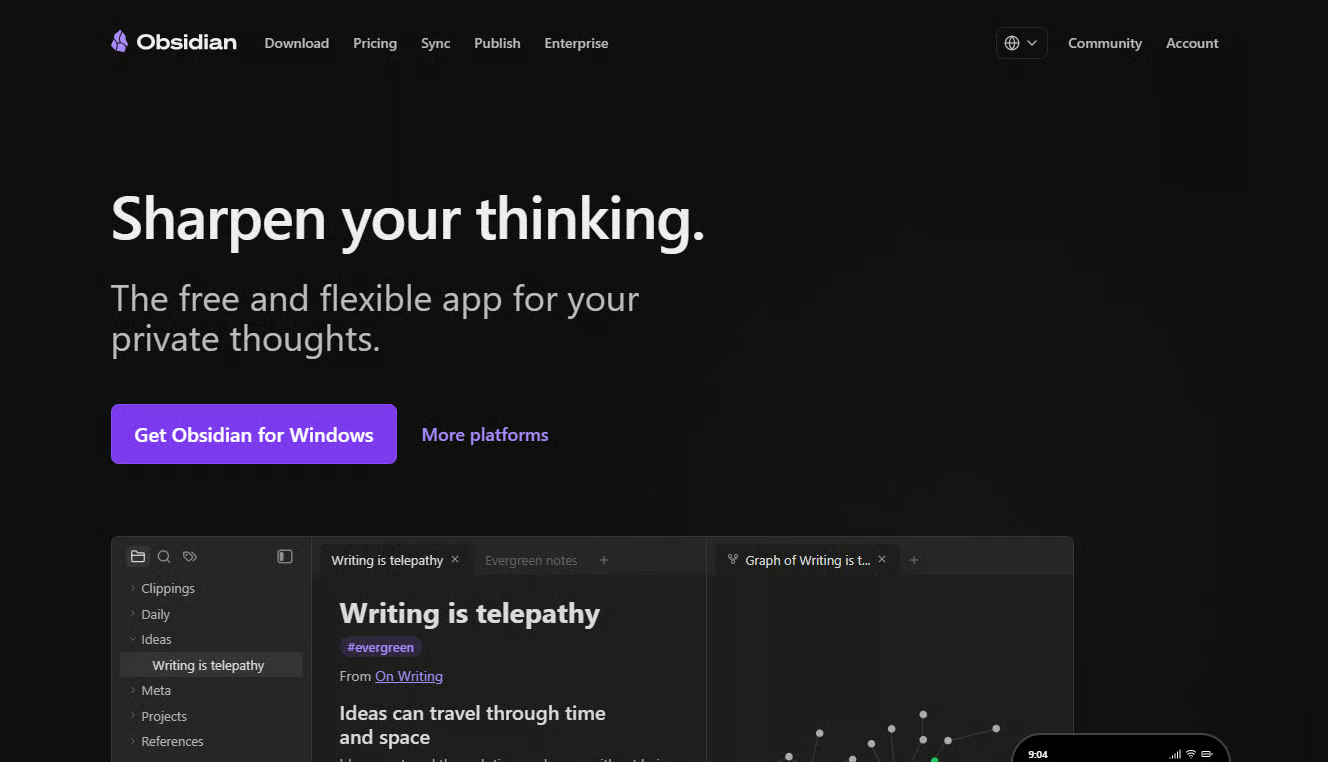
Obsidian is a knowledge management platform built around local Markdown files. The platform allows users to create interconnected notes while maintaining complete ownership of their data.
Obsidian’s biggest strength is flexibility. Users can customize Obsidian through several plugins, build detailed knowledge graphs, and work offline. Its Graph View feature also helps visualize relationships between ideas and notes.
However, Obsidian has a steeper learning curve than NotebookLM.
Best for: Researchers, developers, writers, and privacy-conscious users
Availability: Windows, macOS, Linux, Android, iOS
Pricing: Dynamic pricing model; Forever Free plan, Sync, Publish, and commercial plans, plus Catalyst, a one-time payment plan with specific functionality
Recall: turn your web browsing into a knowledge base
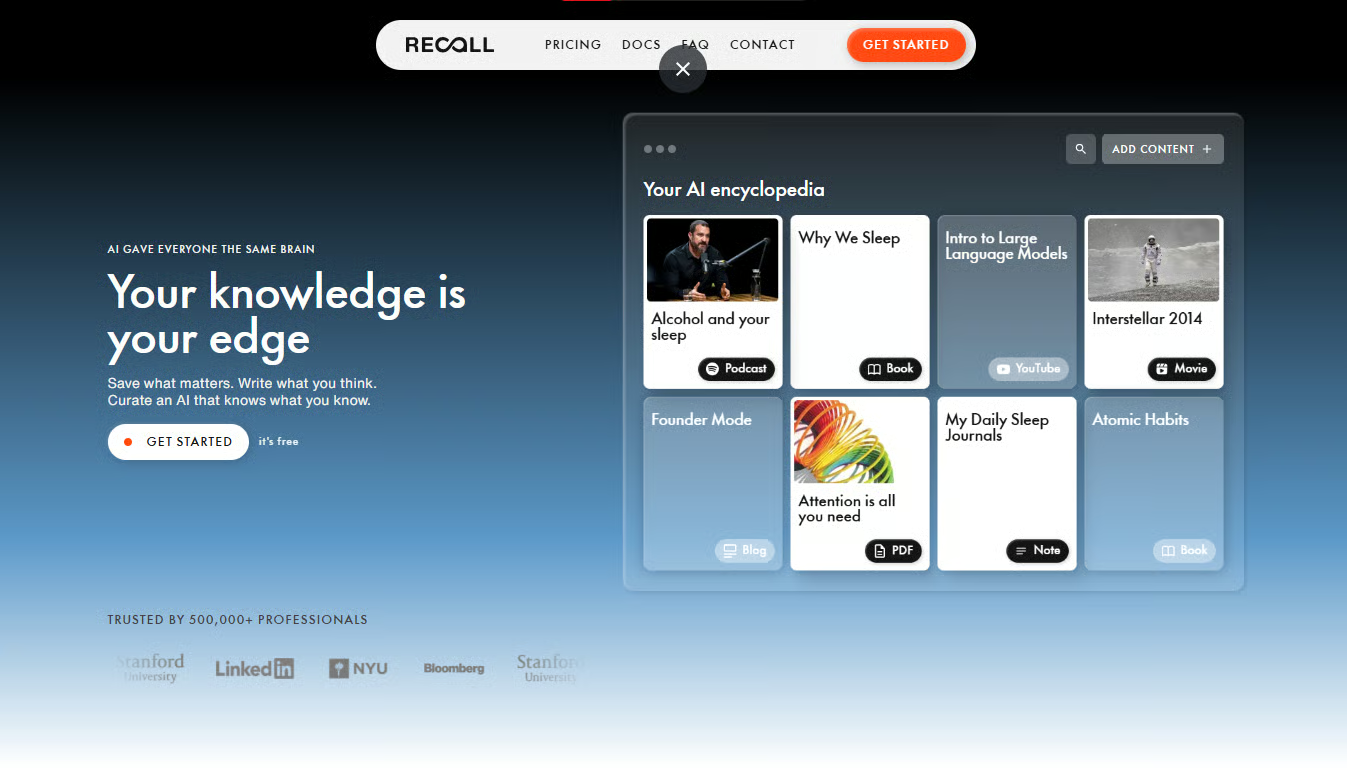
Recall is an AI-powered knowledge management tool designed to help users capture, organize, and revisit information from articles, videos, podcasts, PDFs, and websites.
The main advantage is long-term knowledge retention. Recall automatically connects related information across a user's library, helping surface links between topics that may otherwise be overlooked.
NotebookLM is generally stronger for specific document collections and source-based analysis. Recall focuses more on collecting and organizing information over time than deeply analyzing individual research projects.
Best for: Lifelong learners, students, researchers, and content-heavy professionals
Availability: Web, Android, iOS
Pricing: Free, Plus, and Max plans
Atlas: the notebook for academia
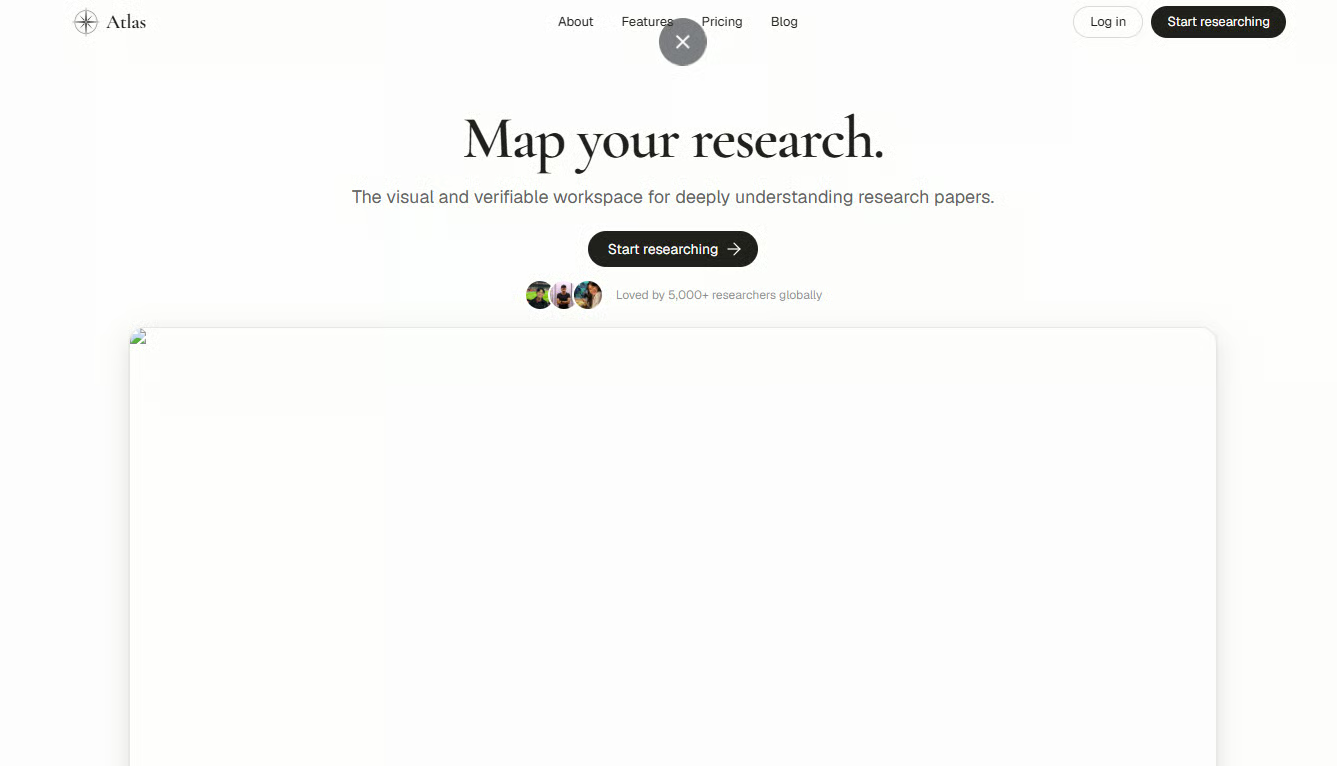
Atlas is an AI research platform built for users working with large collections of documents and academic materials. The tool combines AI-assisted research with citation support and knowledge mapping tools.
One of Atlas' key strengths is research visualization. The platform helps users identify connections between sources, concepts, and findings, making it useful for exploring complex topics. There is also a strong emphasis on citations and source transparency.
Users looking for quick summaries, study guides, or broader usage may find Atlas limiting.
Best for: Academics, analysts, graduate students, and professional researchers
Availability: Web, Android, iOS
Pricing: Free plan and a $17 per month pro plan
Open Notebook: an open-source alternative
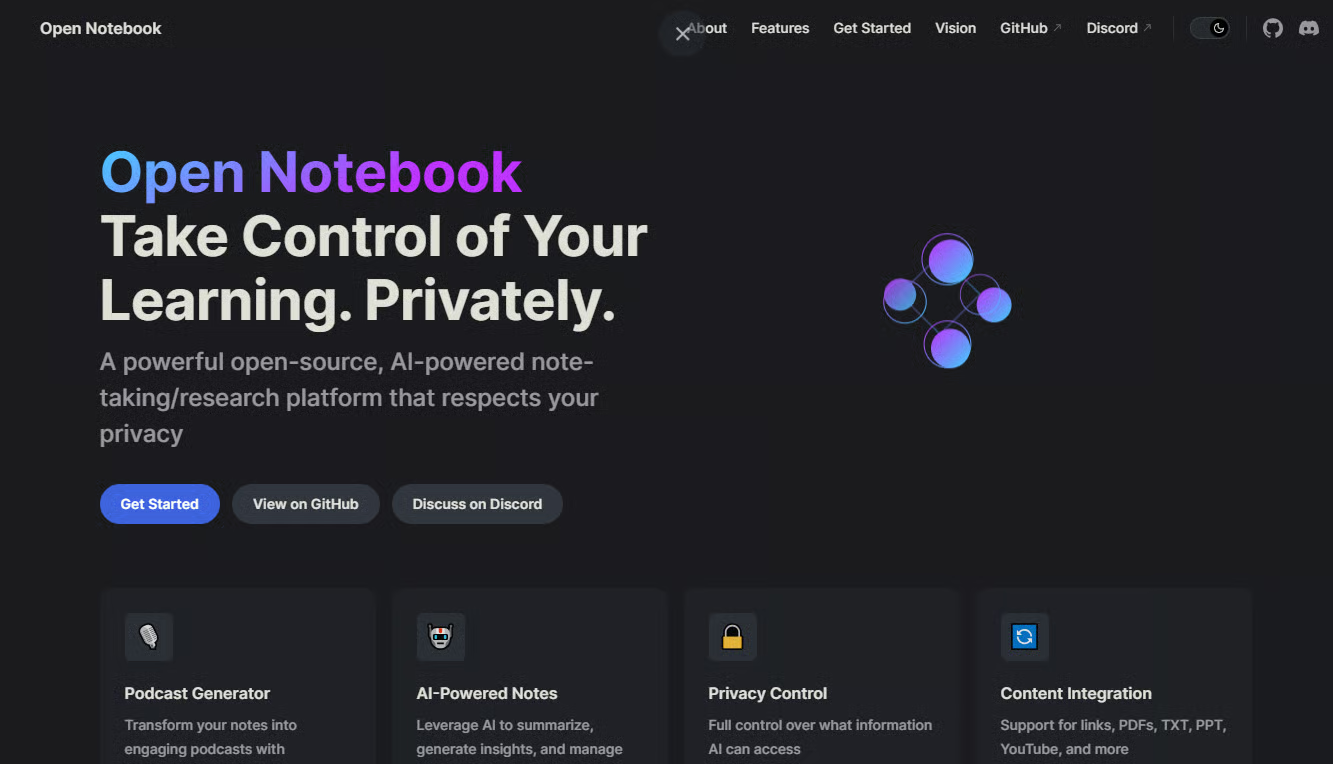
Open Notebook is an open-source AI research assistant that offers document analysis, source-grounded conversations, and AI-powered summaries.
Open Notebook is similar to NotebookLM in many ways but gives users greater control over deployment and data management.
As an open-source tool, the platform can be self-hosted, users can select their preferred AI models, and they can maintain greater control over privacy and security.
The trade-off is complexity. Open Notebook typically requires more technical expertise to deploy and maintain than NotebookLM, which offers an out-of-the-box experience.
Best for: Developers, self-hosters, and organizations with strict data control requirements
Availability: Self-hosted via Docker
Pricing: Free; choice of model and hosting can add costs
Bottom line
Although NotebookLM remains one of the strongest AI research assistants available, the growing number of alternatives shows that different users prioritize different aspects of knowledge management.
Notion focuses on organization and collaboration; Obsidian emphasizes privacy and customization; Recall is built for long-term knowledge retention; Atlas targets research-intensive workflows; and Open Notebook prioritizes openness and control. The best choice depends on how you collect, organize, and work with information.
Also read: Google I/O 2026 brought new Gemini tools across Search, Android, Chrome, and Workspace.