







- LABS GALLERY: Office 2010 Beta Provides New Ways to Slice and Dice Data, Build Apps
- Cancel
- Application Parts
- Security Warning
- Backstage Security
- Trust Center
- Context Aware Spell-Checking
- Context Unaware on the Web
- Navigation Pane
- Create Pivot Chart
- Handy Forms
- Helpful Help
- Import Operation
- More PivotChart
- Filtered PivotChart
- Slicer
- No Title
LABS GALLERY: Office 2010 Beta Provides New Ways to Slice and Dice Data, Build Apps
by Jason Brooks
Cancel
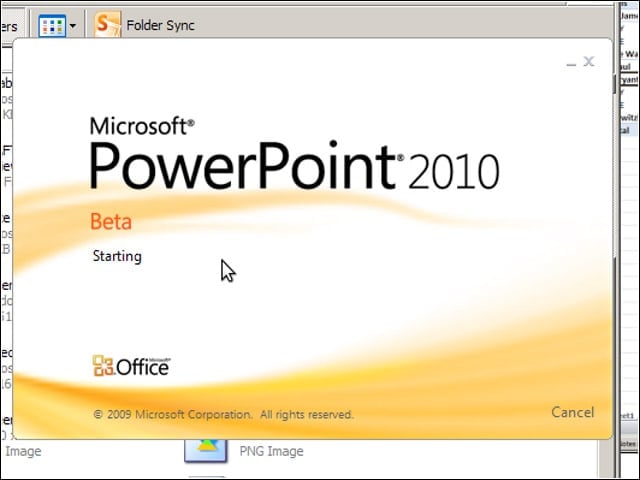
The Office team has put its splash screens to good use in the 2010 edition of Office, adding a Cancel button for bailing out of unintentionally opened Office applications before they finish loading—nice for when you’ve opened the wrong (large) document.
Application Parts
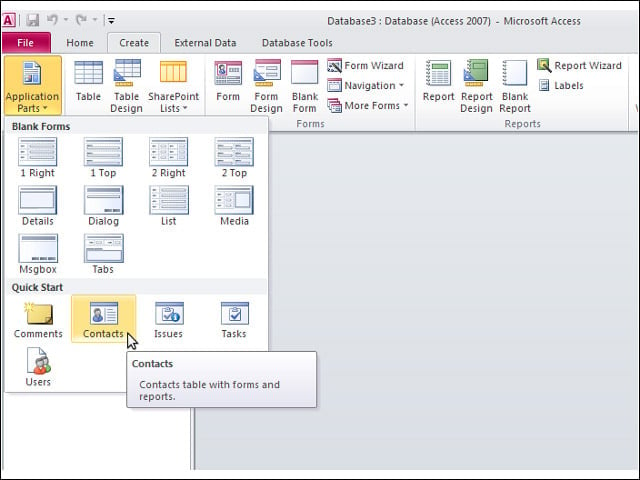
Access 2010 offers up some common components for building database-backed applications under the feature called Application Parts.
Security Warning
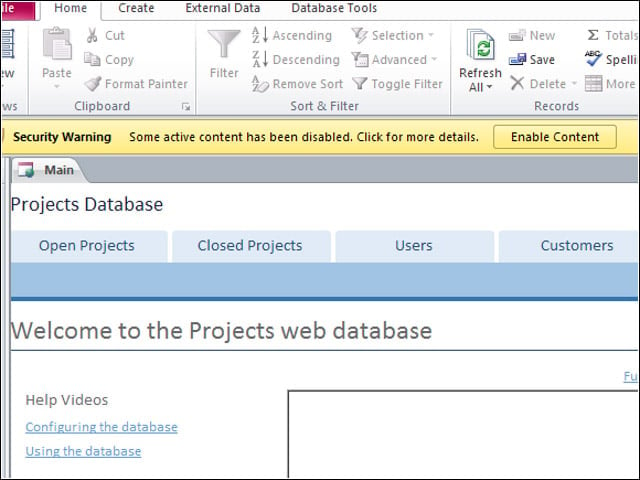
I was met with a security warning message after creating a new database from an Access template.
Backstage Security
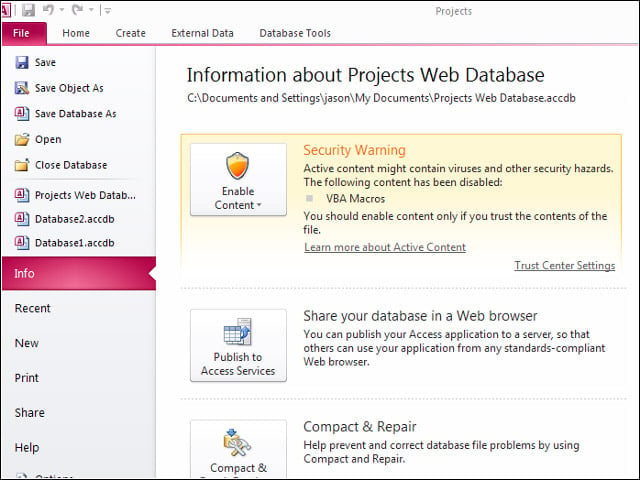
The Backstage Area of Office’s applications is a good place to put security warning information.
Trust Center
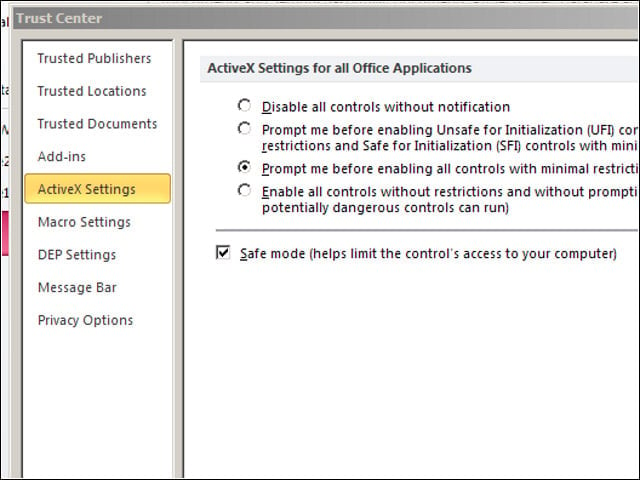
Office packs quite a range of built-in security management settings.
Context Aware Spell-Checking
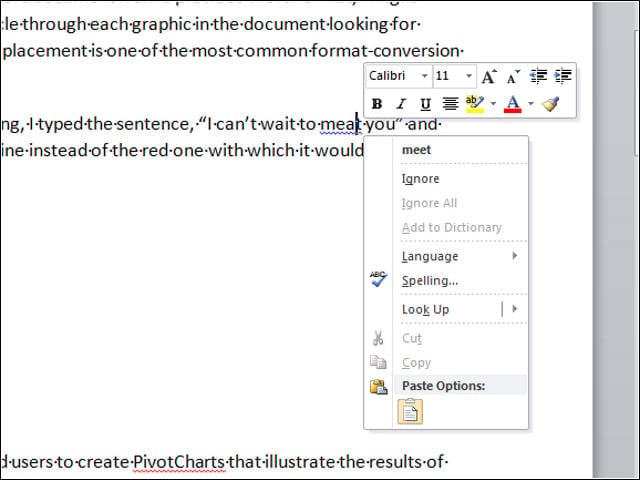
Next Halloween, Word 2010 will be ready to help you keep straight which witch you’re talking about with context-aware spell-checking.
Context Unaware on the Web
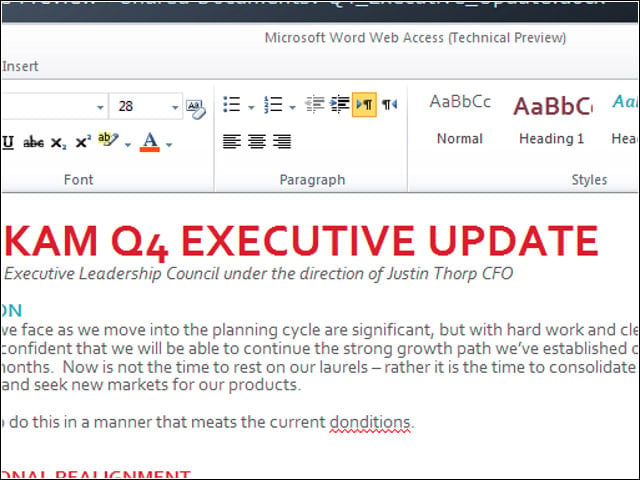
The Web-based version of Office lacks context-aware spell-checking. See where it catches my misspelled “conditions” but misses the “meat” misuse.
Navigation Pane
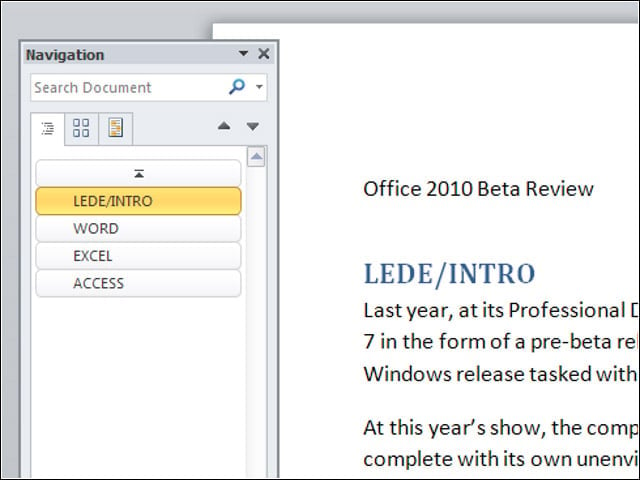
I used Word 2010’s Navigation Pane to move around in my document and to re-order its sections by dragging and dropping headings.
Create Pivot Chart

I channeled the NBA stats I’d imported into Access into an Excel PivotChart.
Handy Forms
The application templates provided by Access included tables fronted by rich forms.
Helpful Help
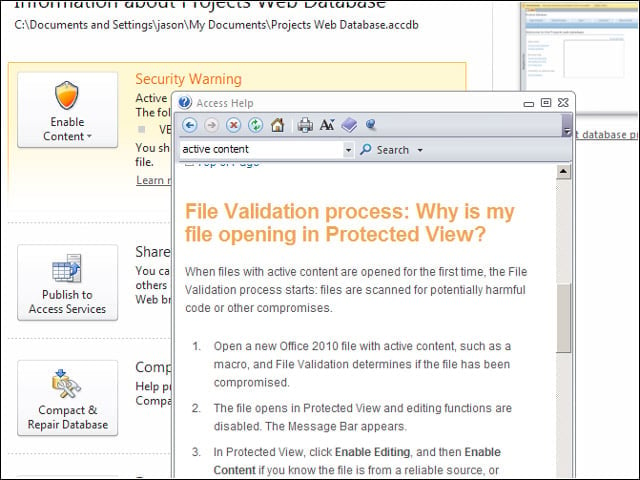
With most beta products, I’m accustomed to seeing “under construction” notices where help files should be, so I was pleasantly surprised at the state of the help system in this Office beta.
Import Operation
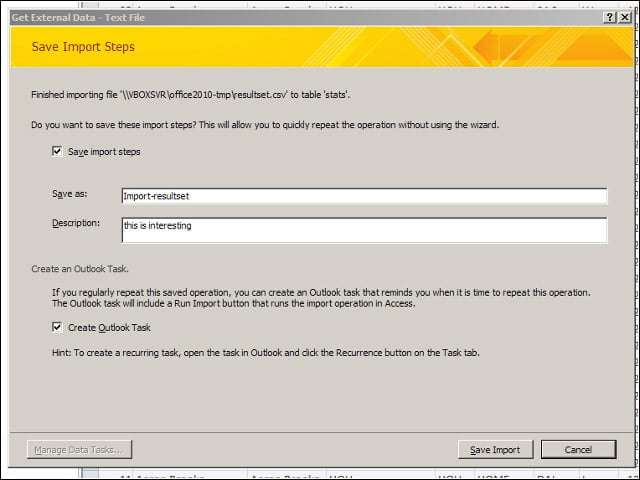
After importing a CSV file into Access, the application offered to store the steps involved and set up a recurring reminder in Outlook to prompt me to run future imports.
More PivotChart
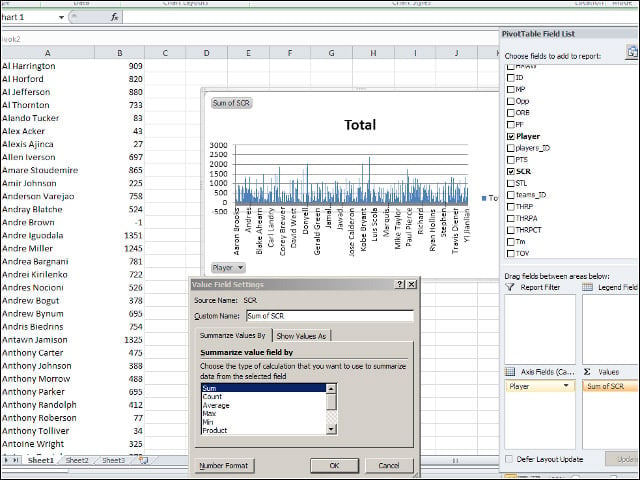
With a few hundred players included, my chart was rather unwieldy.
Filtered PivotChart
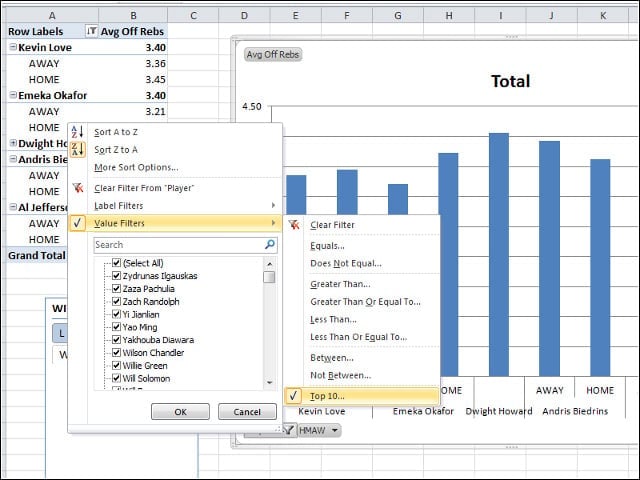
I used the new PivotChart Navigation buttons to filter my field of players down to the top performers.
Slicer
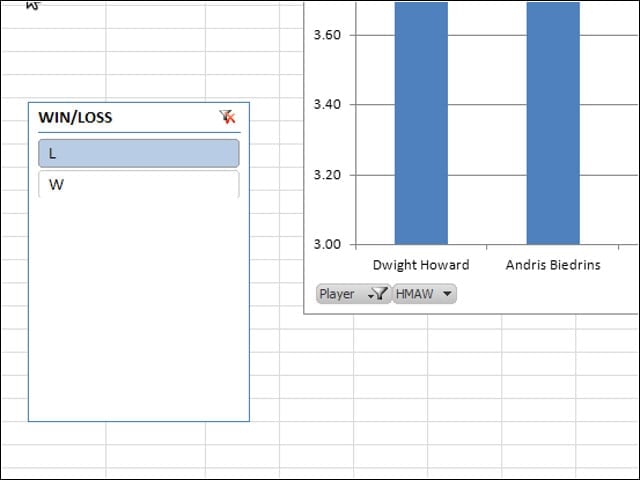
I used Excel’s new Slicer feature to swap between viewing my top performers in win or losses only.