







LABS GALLERY: Windows Server 2008 R2 Stands Out Most for Hyper-V, Win 7 Features
by Jason Brooks
Multiple Management Points
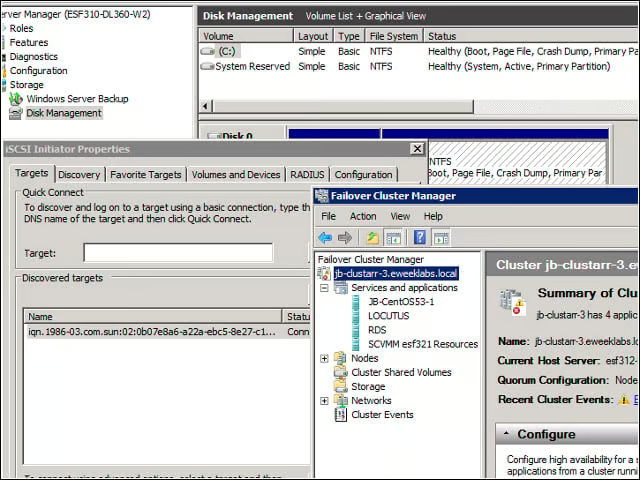
In contrast with virtualization-only products such as VMware’s ESX Server, Hyper-V is baked into Windows Server, which means visiting various separate Windows configuration tools to perform Hyper-V operations such as shared storage management.
Validation Wizard
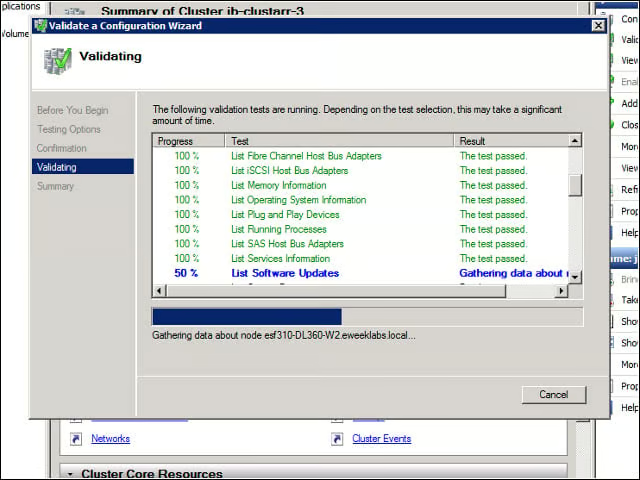
R2’s Failover Cluster Validation wizard proved invaluable for rooting out the handful of configuration wrinkles I encountered during my tests of this feature.
Create a New VM
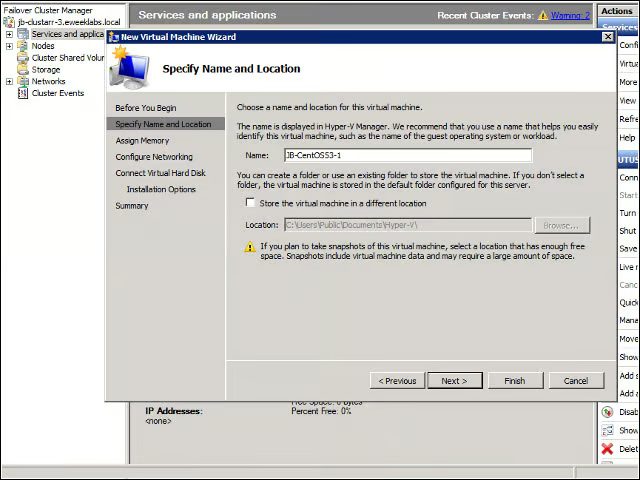
Once I’d configured my Failover Cluster, I could create new virtual machines from the Failover Cluster management console, as well as from the Hyper-V management consoles for each of my nodes.
Legacy Peripherals
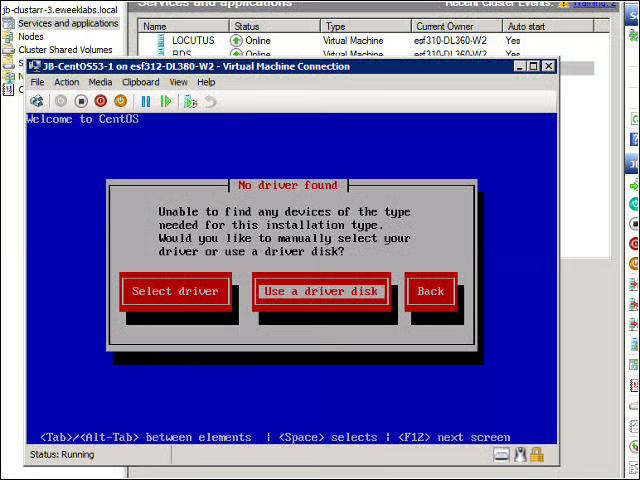
Microsoft has released compatibility drivers for Linux machines running Red Hat Enterprise Linux and SUSE Linux Enterprise Server, but I had to start out with a “legacy” network device to complete a network installation of my Linux VM.
Live Migration
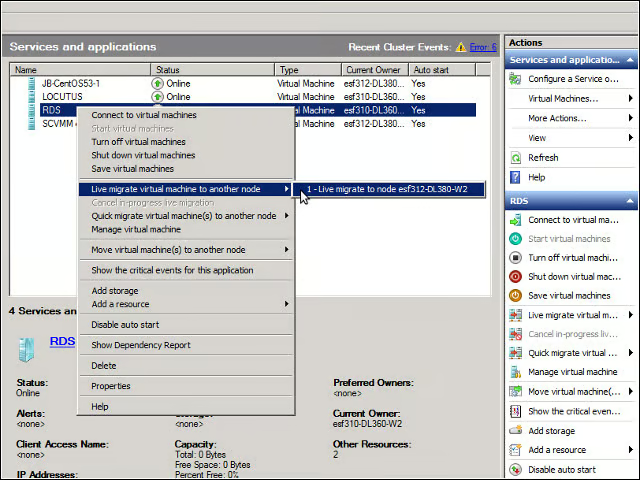
Moving running VMs from one node to another was fast and easy using the Failover Clustering console.
Enlightened Drivers
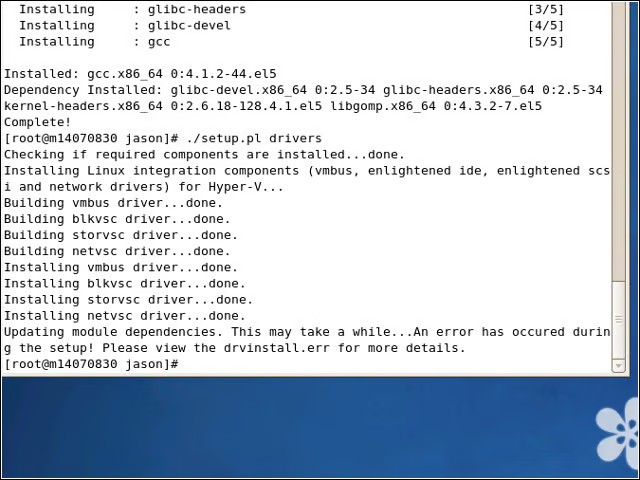
Installing the so-called “enlightened” drivers for Linux machines required a bit of dependency hunting. I’d love to see Microsoft smooth this process with a package repository for the drivers.
RemoteApp
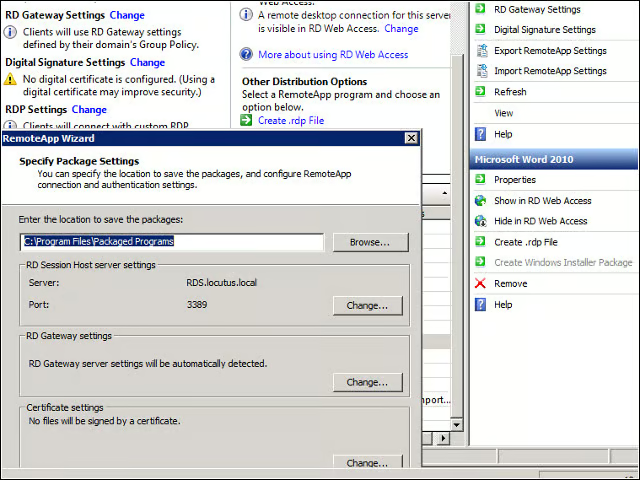
I used R2’s Remote Desktop Services to make Word 2010 available as a RemoteApp, complete with a Windows installer for integrating the hosted application with client machines.
Running RemoteApps
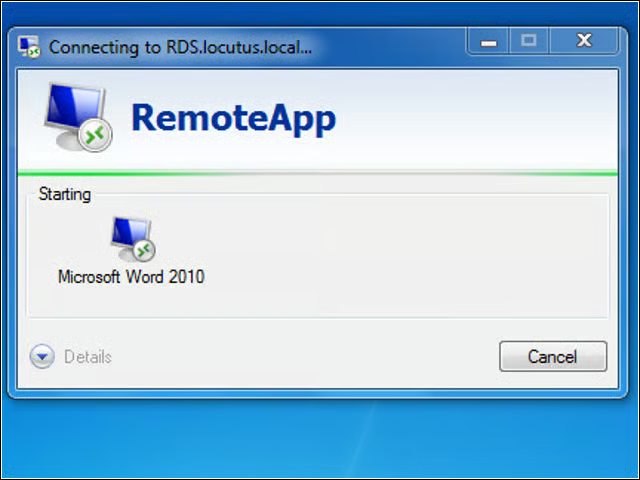
After installing my Word RemoteApp on a client system, I could launch it from the machine’s Start menu.
High Availability for VMs
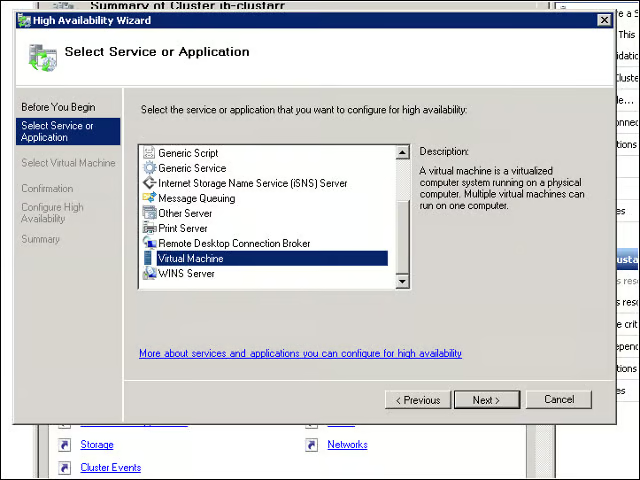
An entry for “virtual machine” appears in the list of applications and services that may be enabled for high availability.
Convert to High Availability
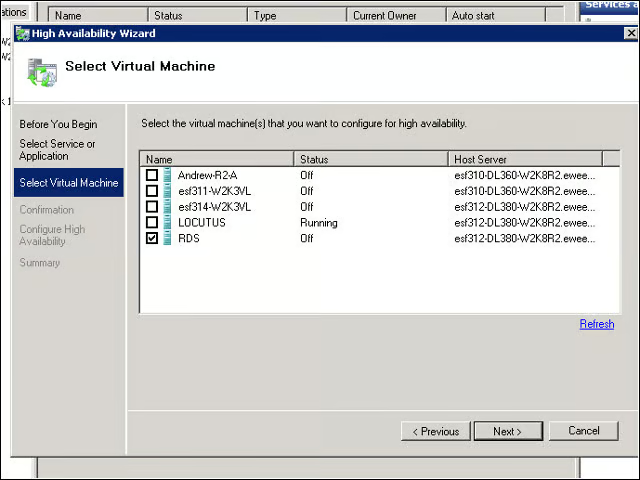
I set out to cluster one of the VMs I’d created on a single node, but I ended up having to copy and paste my virtual hard drive and recreate a VM using that disk to complete the node-to-cluster migration.
