







Microsoft Bing Maps Silverlight Features Give Users More Control
Microsoft Bing Maps Silverlight Features Give Users More ControlBy Nicholas Kolakowski
No Title
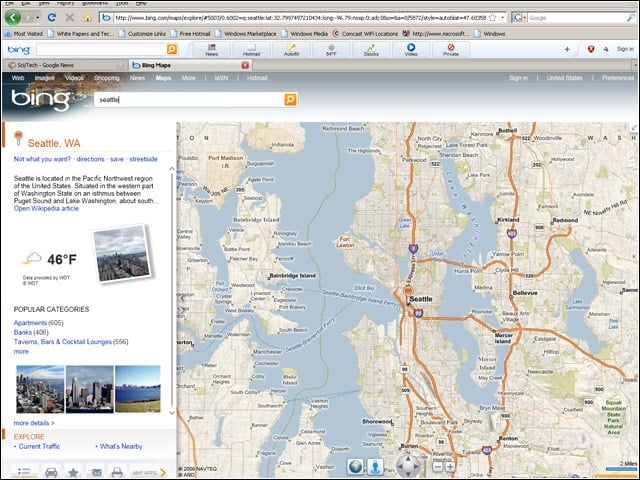
The Silverlight version of Bing Maps was taken out of beta mode on Jan. 19. The removal of that beta tag coincided with the introduction of new features.
No Title
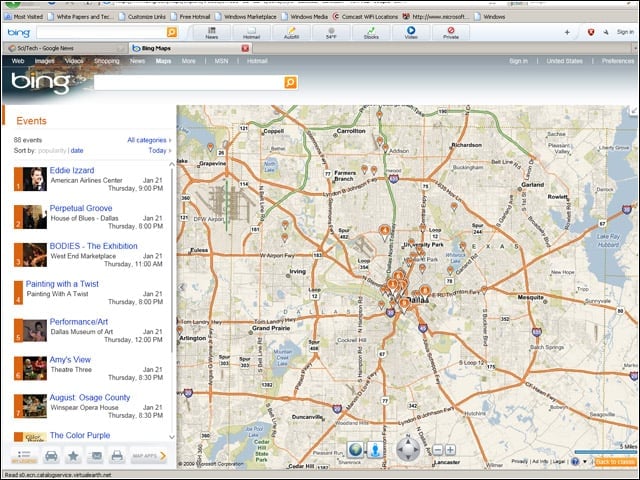
One of the two new Bing Maps applications, Local Events, studs a map with pins showing the day’s happenings.
No Title
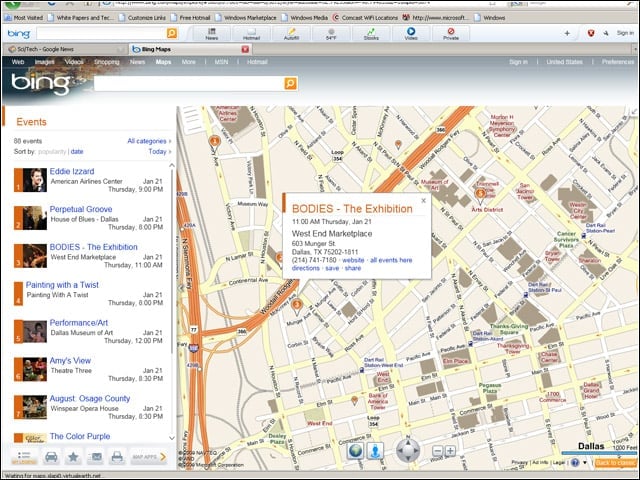
Each of those Local Events pins contains clickable information about the venue, its address, the time of the event and directions.
No Title
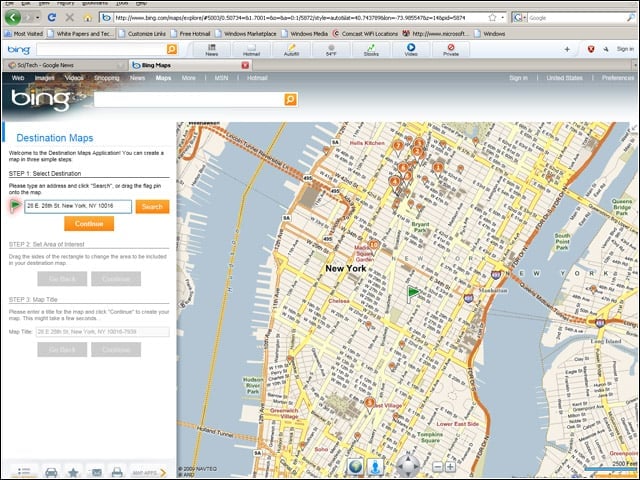
The second of the two new Bing Maps applications, Destination Maps, lets users select a location and have it rendered in a variety of styles.
No Title
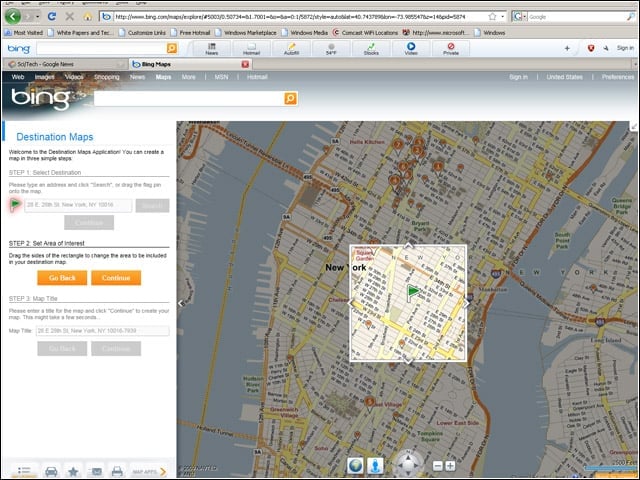
With Destination Maps, once the location has been selected, users need to “frame” the area of the map they want to render stylistically.
No Title
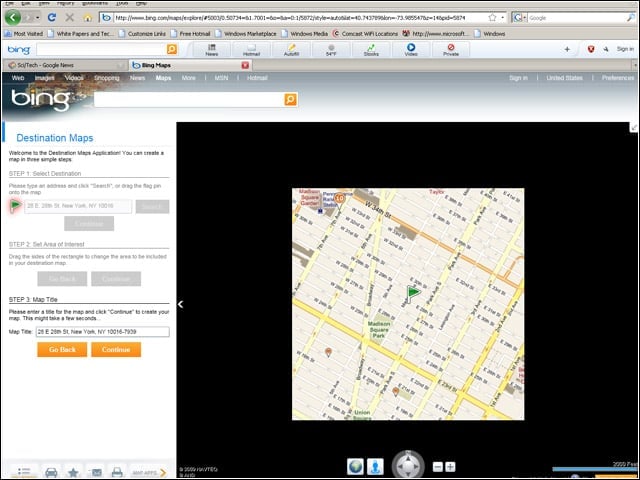
Microsoft intends Destination Maps to be used for invitations and the like, and thus asks you to title your map.
No Title
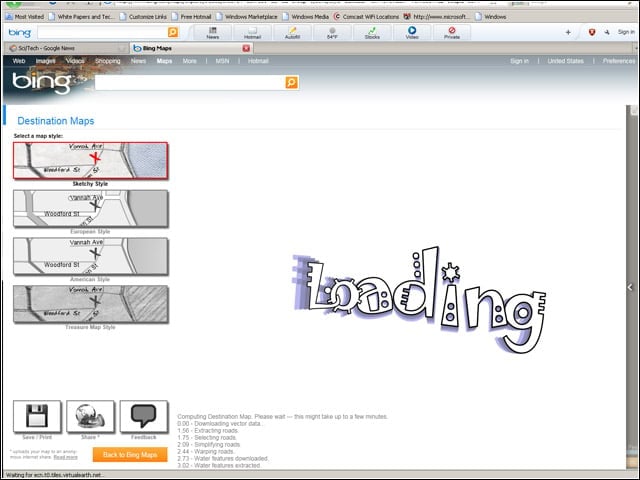
Once you’ve completed the process of selecting and naming your map, you’ll need to choose a “look” for it: Sketchy, European, American or Treasure Map.
No Title
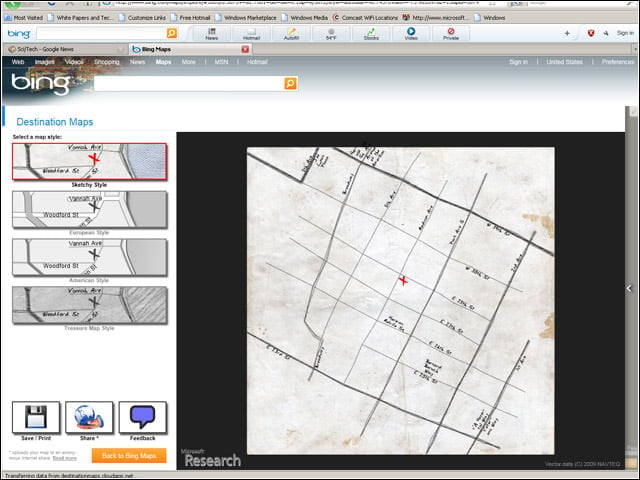
“Sketchy” map style.
No Title
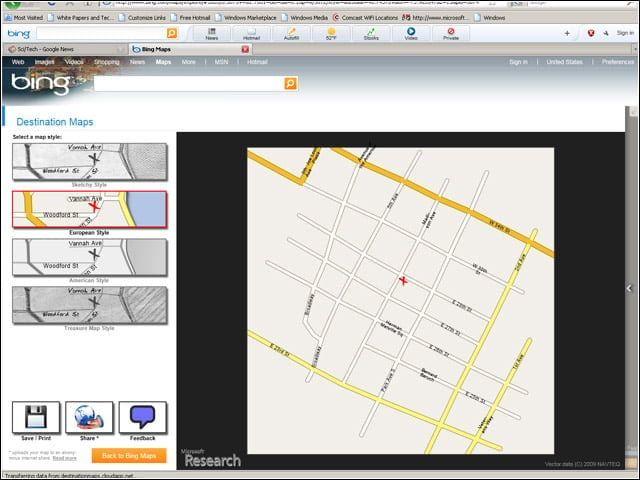
“European” map style.
No Title
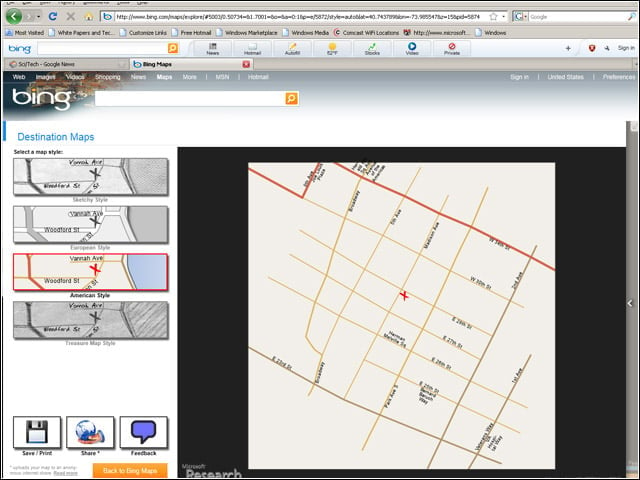
“American” map style.
No Title
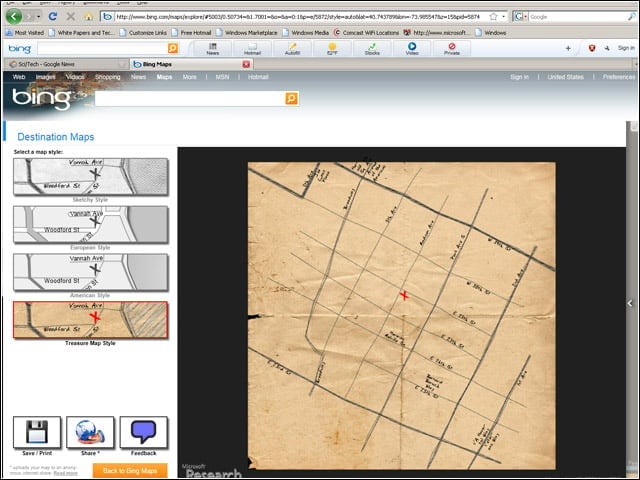
“Treasure” map style. Arrr, matey.
No Title
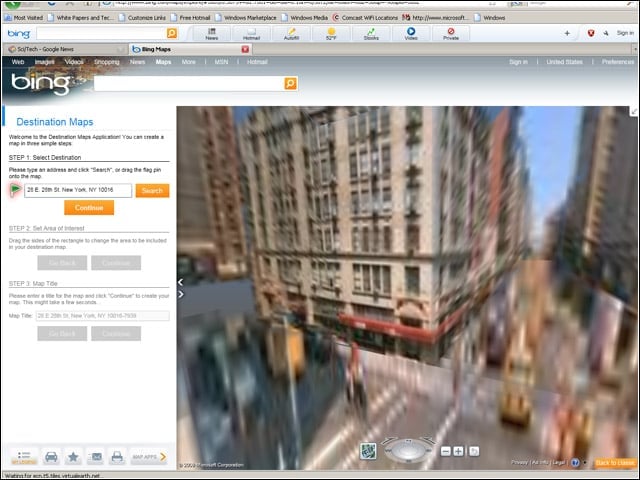
The Silverlight version of Bing Maps allows for more extensive animations, such as this “zoom down” to street level.
No Title
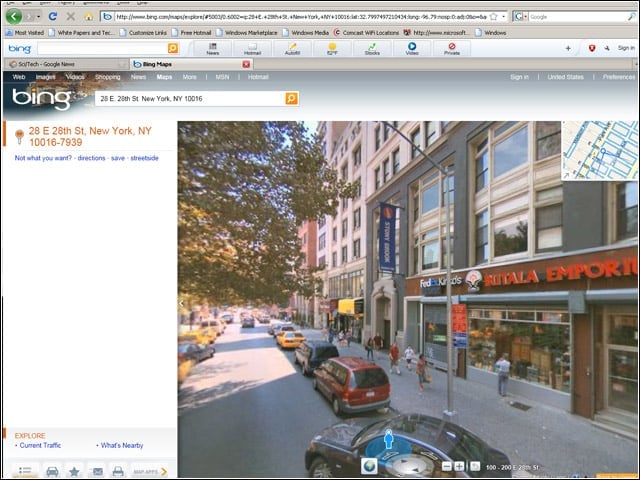
The Silverlight version of Bing Maps also allows Microsoft to build in a variety of flashy features, including Streetside, which gives users an eye-level view of terrain.
No Title
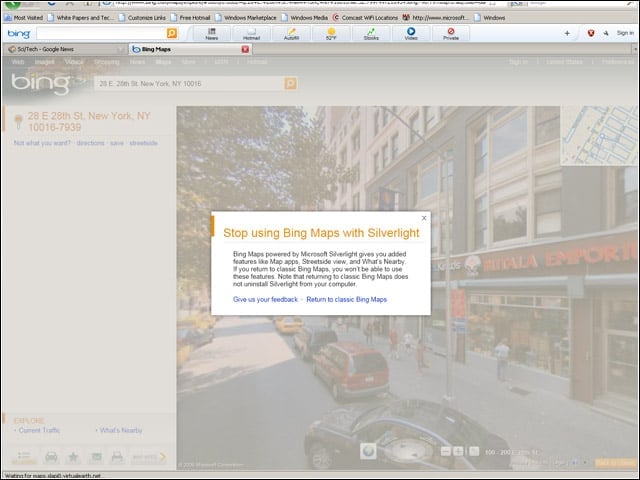
An attempt to use the Bing Maps AJAX site (referred to as “Bing Maps Classic”) leads to users being asked to install Silverlight.
No Title
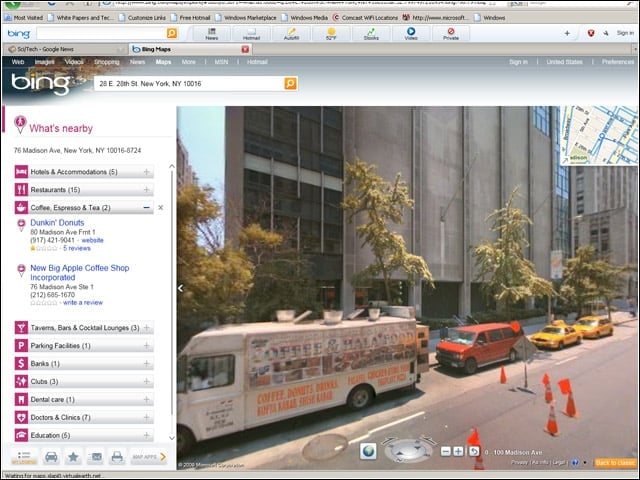
Another Silverlight-centric feature, What’s Nearby, allows you to see nearby businesses and other points of interest near any particular location.
