







Microsoft Windows 7 One Year Later
by Nicholas Kolakowski
Windows 7

Microsoft intended Windows 7 as a replacement for both the critically maligned Windows Vista and the sturdy-but-aging Windows XP. It may be succeeding: According to analytics firm Net Applications, Windows 7s market share stands at 17.10 percent, versus 60.03 percent (and falling) for Windows XP and 13.35 percent for Windows Vista.
Familiar Desktop

Windows 7s desktop was instantly familiar to anyone who had used a previous version of Windows, although Microsoft “tweaked” features such as the Start button.
Windows XP Mode

For legacy applications incompatible with Windows 7, Microsoft included a “Windows XP Mode” that can run programs in a virtual XP-compatible environment.
Library

Content from across a users PC or network can be grouped within a Windows 7 library for easy access.
More Control

Microsoft intended its new library format to give both users and administrators a higher degree of control and customization over ordering information.
Windows Power Management
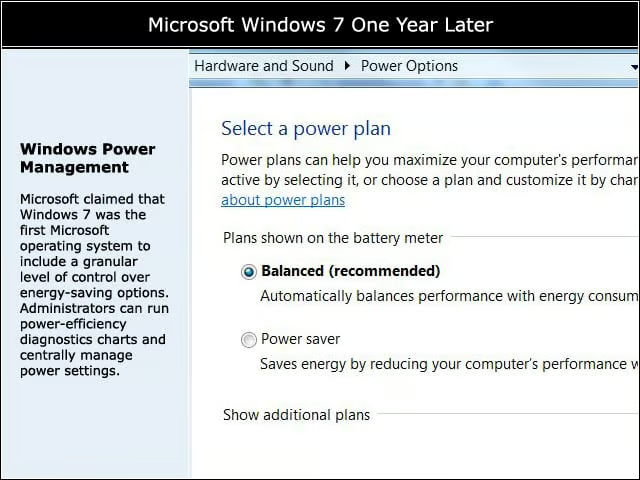
Microsoft claimed that Windows 7 was the first Microsoft operating system to include a granular level of control over energy-saving options. Administrators can run power-efficiency diagnostics charts and centrally manage power settings.
Homegroup

Windows 7 includes HomeGroup, a feature meant to simplify home networking. Microsoft intended Windows 7 to play an integral role in its “three screens and a cloud” strategy, in which shared applications are delivered to a localized cluster of devices via the cloud.??Ã??Ã??Ã
Pin to Taskbar
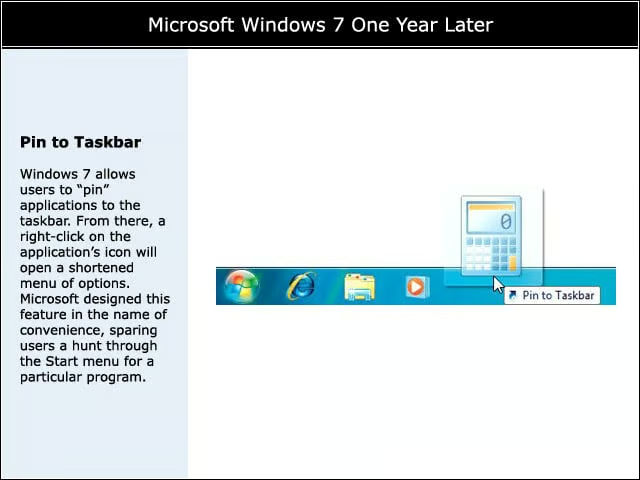
Windows 7 allows users to “pin” applications to the taskbar. From there, a right-click on the applications icon will open a shortened menu of options. Microsoft designed this feature in the name of convenience, sparing users a hunt through the Start menu for a particular program.??Ã
Snap
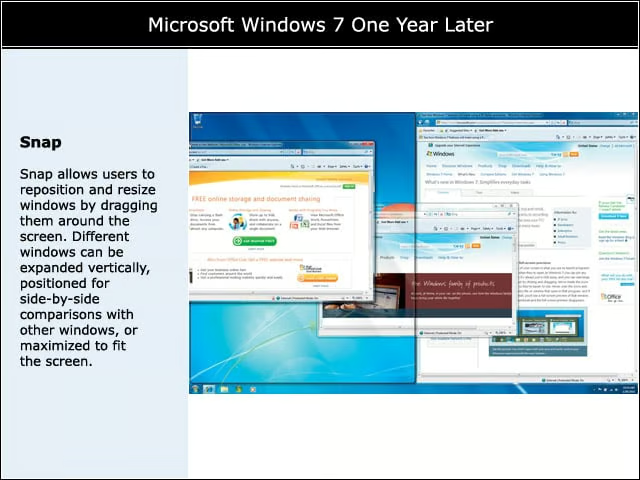
Snap allows users to reposition and resize windows by dragging them around the screen. Different windows can be expanded vertically, positioned for side-by-side comparisons with other windows, or maximized to fit the screen.
Touch Screen

Microsoft baked touch-screen functionality into Windows 7. The feature found its first use in touch-screen laptops. However, Windows 7 could soon find its way onto touch-screen tablets.
Wallpaper
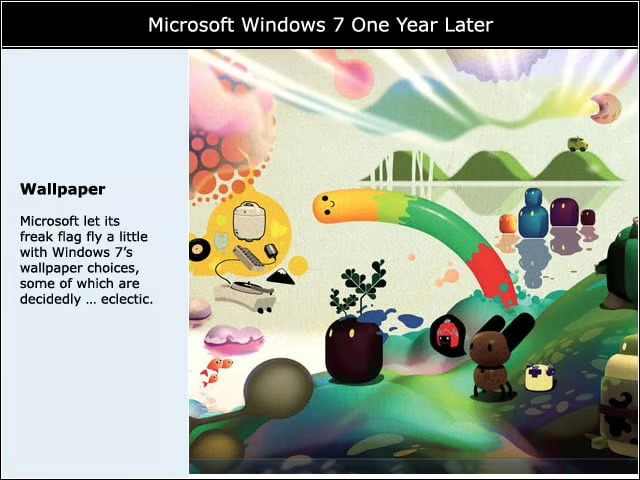
Microsoft let its freak flag fly a little with Windows 7s wallpaper choices, some of which are decidedly … eclectic.
BitLocker/BitLocker To Go
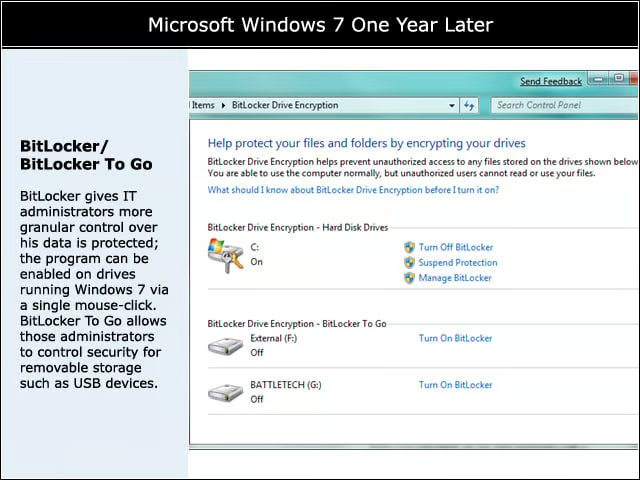
BitLocker gives IT administrators more granular control over his data is protected; the program can be enabled on drives running Windows 7 via a single mouse-click. BitLocker To Go allows those administrators to control security for removable storage such as USB devices.