








- Office 2007 SP2’s Full ODF Support Checks Out Well in Labs’ Tests
- Microsoft Update
- Tipping the Scales
- Clicking Through the Upgrade
- SP2 in the House
- ODF 1.1 Support
- ODF Support in Word 2007
- Familiar Formatting Issues
- Office 2007 as ODF Converter
- Save in ODF Format
- Are You Sure?
- Word 2007 Can Be OpenOffice.orgs Pal
- Some Image Issues Remained
- Nobodys Perfect
- ODF as Default
- Fun with Feature Incompatibility
- Save as ODS
- Crashing OpenOffice.org
- Save as PDF
- Yes, Its a PDF
Office 2007 SP2’s Full ODF Support Checks Out Well in Labs’ Tests
Microsoft Update
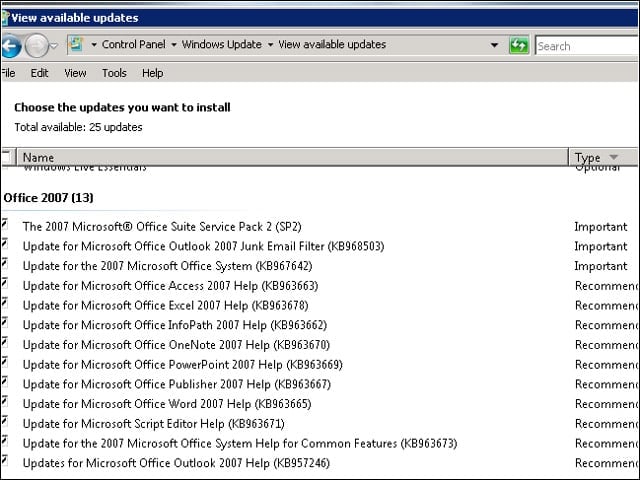
With the Microsoft Update option enabled, Windows Update offered to upgrade my Office 2007 installation to SP2.
Tipping the Scales
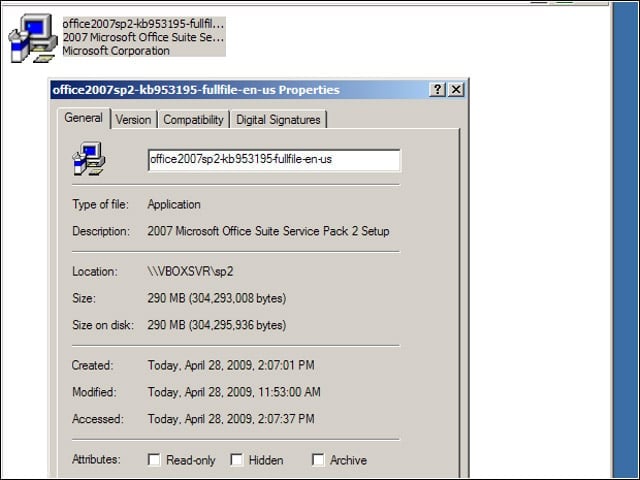
On another system, I downloaded the service pack, which weighed in at a considerable 290MB, from Microsoft’s site.
Clicking Through the Upgrade
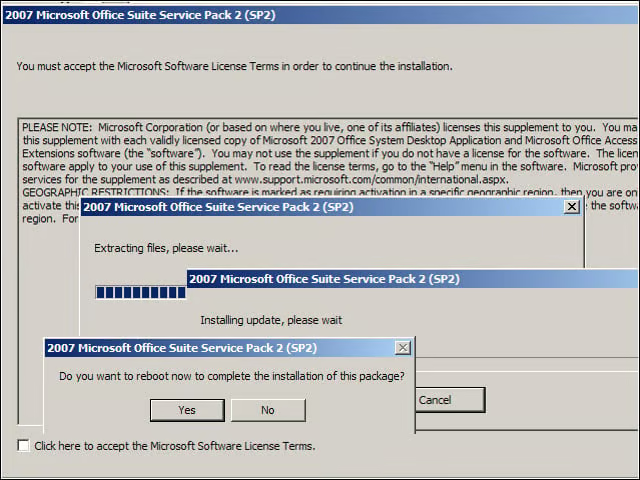
The SP2 install process was pretty standard, with a series of clicks, followed by Windows’ requisite reboot step.
SP2 in the House
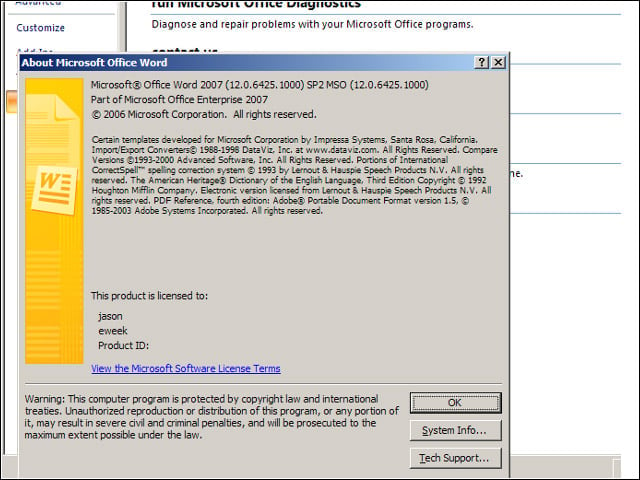
It took me a little while to find Office 2007’s “about” dialog, but once I did, I could confirm that SP2 was installed.
ODF 1.1 Support
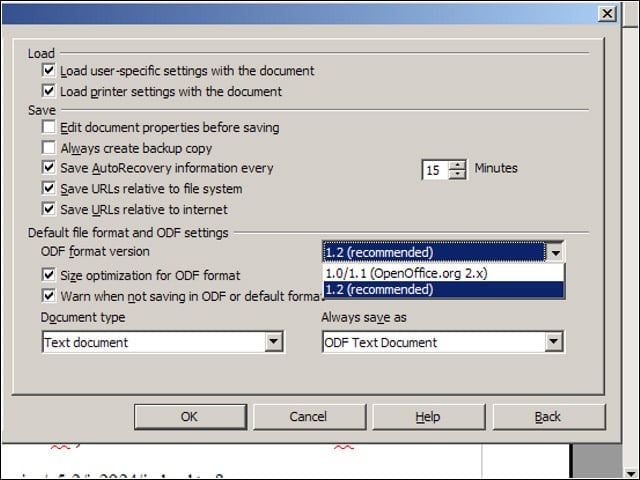
Office 2007 adds support for ODF Version 1.1, but OpenOffice.org 3.0 and later default to ODF 1.2. In my initial tests with files saved in both versions, however, I didn’t experience any miscues.
ODF Support in Word 2007
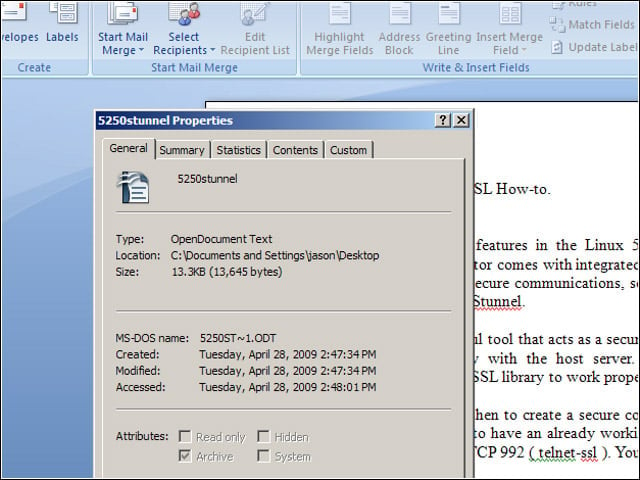
I started out opening a simple ODF text document in Word, and the document rendered well.
Familiar Formatting Issues
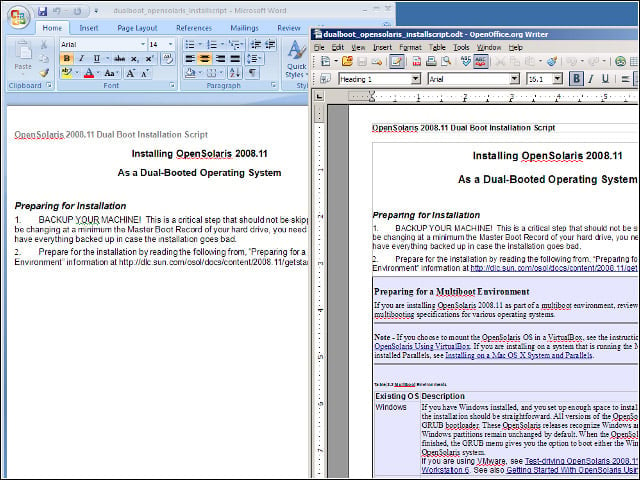
I turned next to a more complex document, and found that Word (on the left, below) added an errant page break—I’ve seen just this sort of formatting issue when opening certain Office documents in OpenOffice.org.
Office 2007 as ODF Converter

I wanted to test how well Office 2007 converted its own native documents to ODF files. Below is a Word 2007 DOCX file that I opened in OpenOffice.org. Notice the misplaced image.
Save in ODF Format
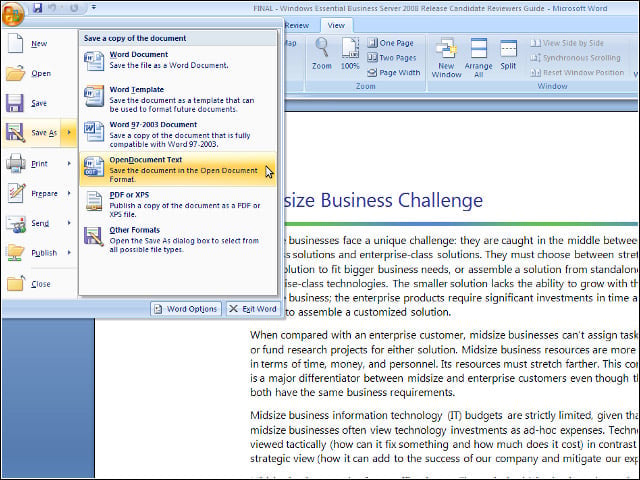
I opened the same DOCX file in Word 2007 and saved it in ODF format from the standard Office save menu.
Are You Sure?
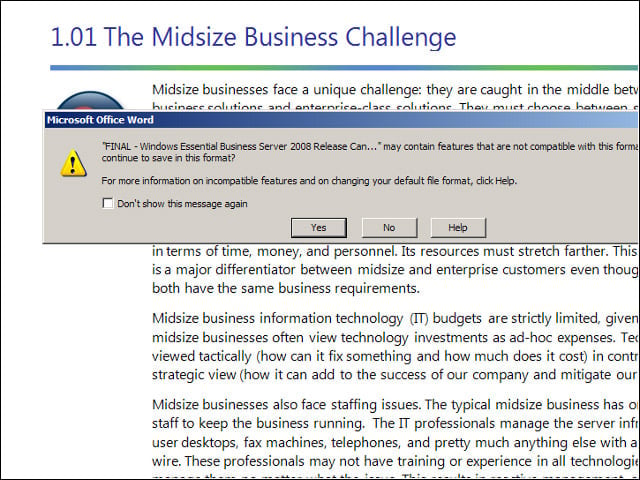
Word gave me a typical warning about the possibility of losing certain document features by saving in ODF format.
Word 2007 Can Be OpenOffice.orgs Pal
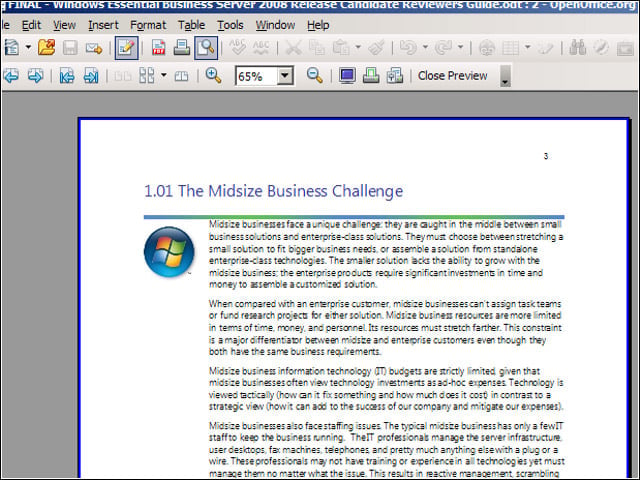
After saving the DOCX file in ODF format in Word 2007, I opened it again in OpenOffice.org. I found that my image placement issues were largely abated.
Some Image Issues Remained
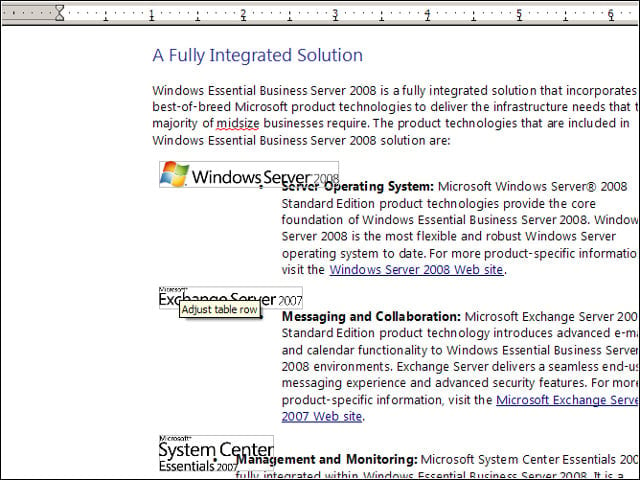
My DOCX-to-ODT conversion wasn’t perfect—I still had a few misplaced images.
Nobodys Perfect
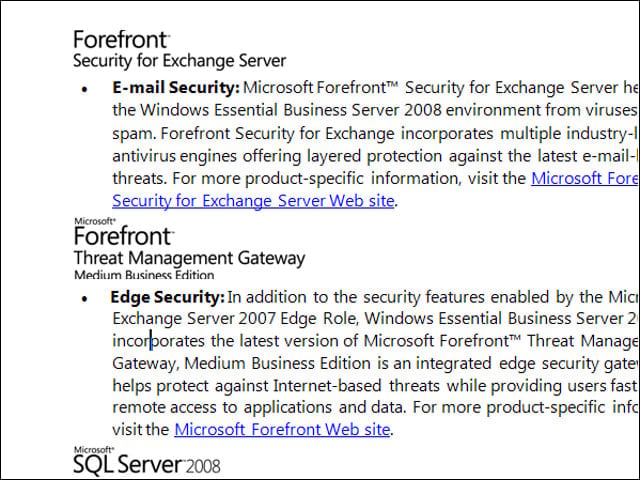
With that said, I found small image placement issues when opening that same DOCX file with Word 2007.
ODF as Default
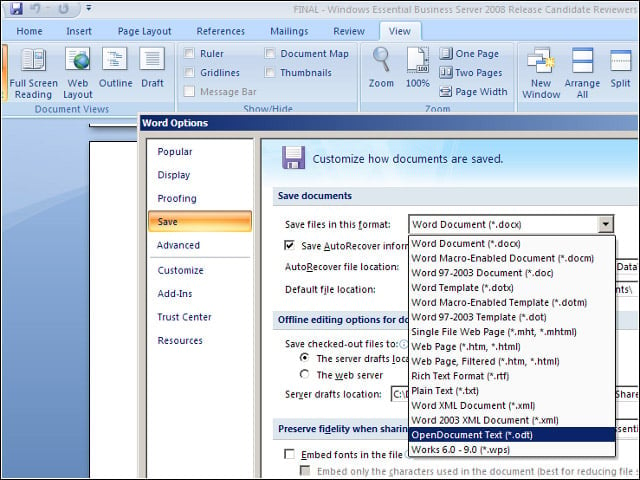
In Word 2007, I could opt to save all my text documents in ODF format moving forward.
Fun with Feature Incompatibility
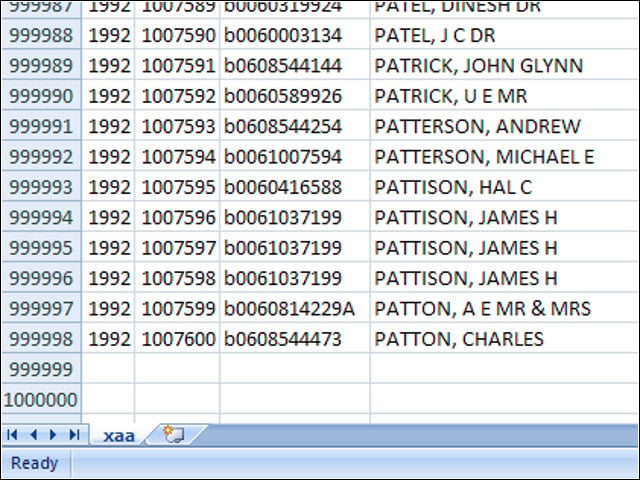
Excel 2007 can handle spreadsheets of up to a million rows, while Calc tops out at 64,000 rows. I wondered what would happen with a million-row ODF spreadsheet.
Save as ODS
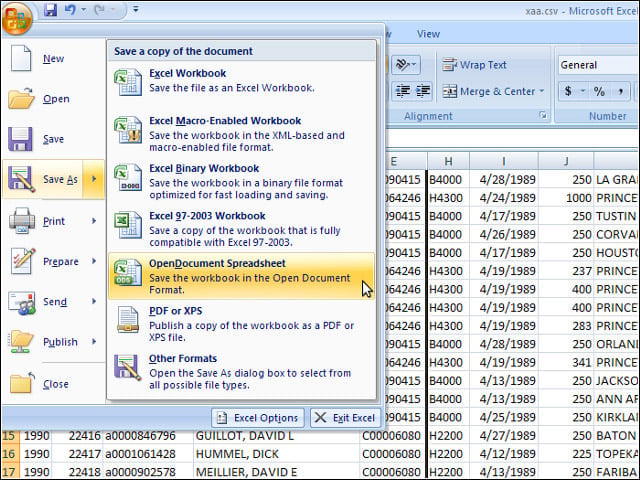
As with Word 2007, I could save my million-row spreadsheet to the ODS format using the regular save menu.
Crashing OpenOffice.org
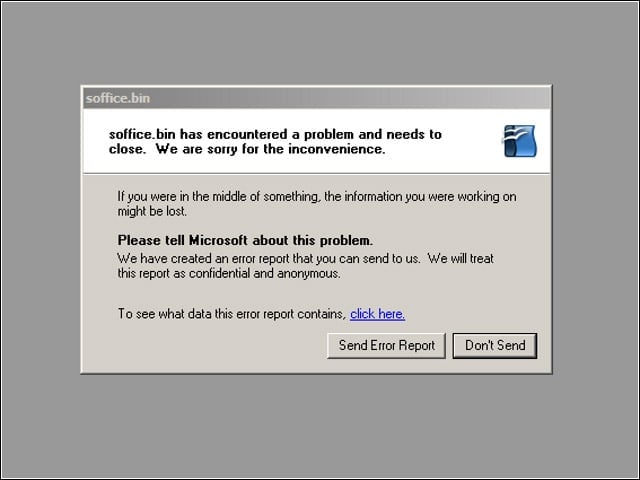
Not surprisingly, OpenOffice.org Calc crashed when I tried to open the too-large spreadsheet file. It still worked fine with Excel 2007, however.
Save as PDF
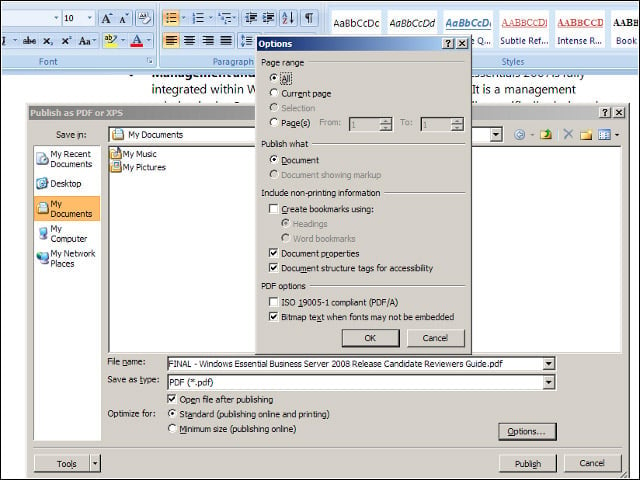
Office 2007 now supports publishing documents to PDF format—something that required a separate download pre-SP2.
Yes, Its a PDF
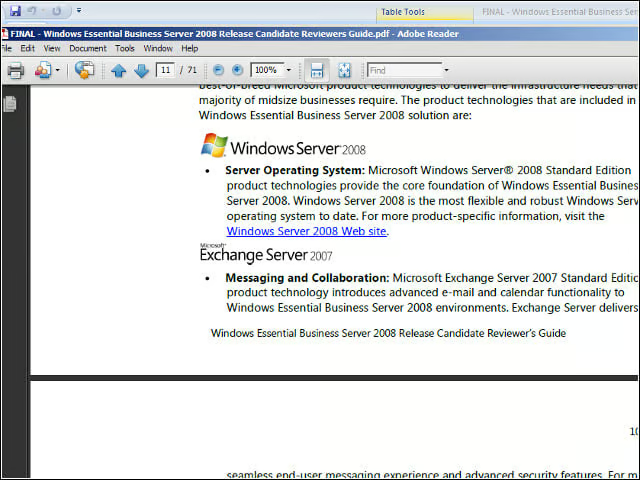
I opened the document I’d published in PDF format, and all of the formatting in the original document appeared to carry over properly.