





Parallels Workstation - Windows - News & Reviews - eWeek.com | eWeek

Parallels Workstation
Parallels Workstation
Written By
eWEEK EDITORS
eWEEK EDITORS
May 28, 2012
1 minute read
eWeek content and product recommendations are editorially independent. We may make money when you click on links to our partners. Learn More


Parallels Workstation

Parallels Workstation

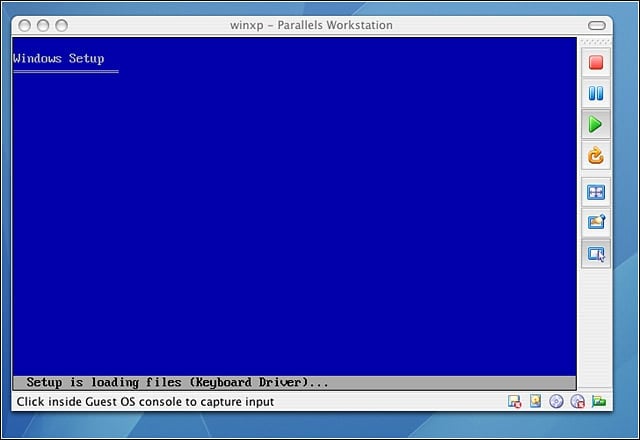
Windows XP begins to install on Parallels for the Mac.


Parallels Workstation – Installation – 2
2

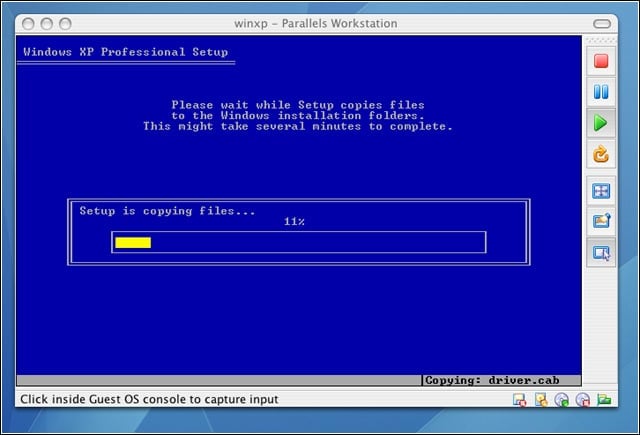
Files begin to copy during the Windows XP install on Parallels Workstation.


Parallels Workstation – Config
3

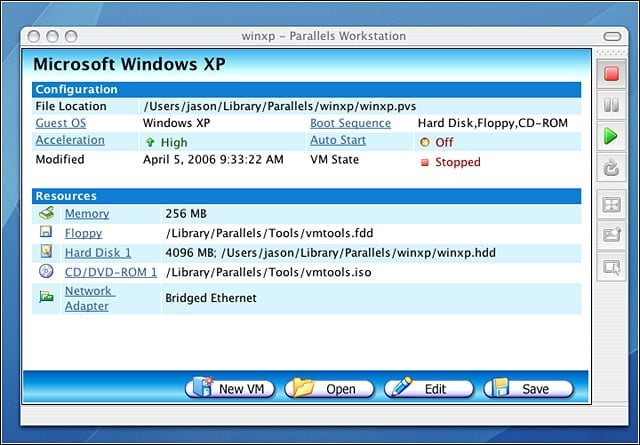
Setting up a Windows XP virtual machine with Parallels.


Parallels Workstation – Windows Net setup
4

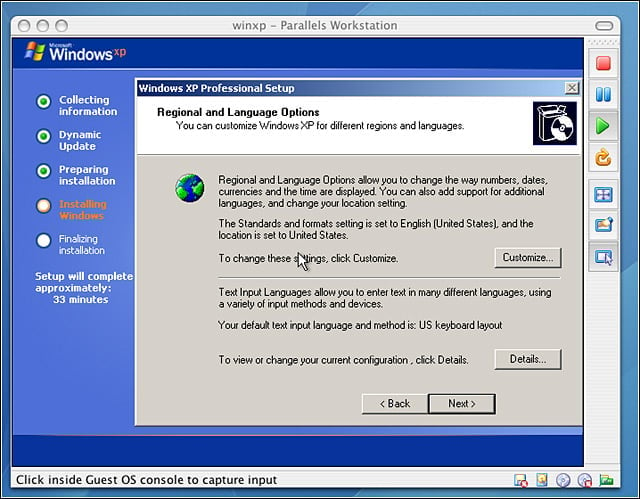
Configuration of a Windows XP VM on the Mac continues using Parallels.


Parallels Workstation – Welcome to Windows
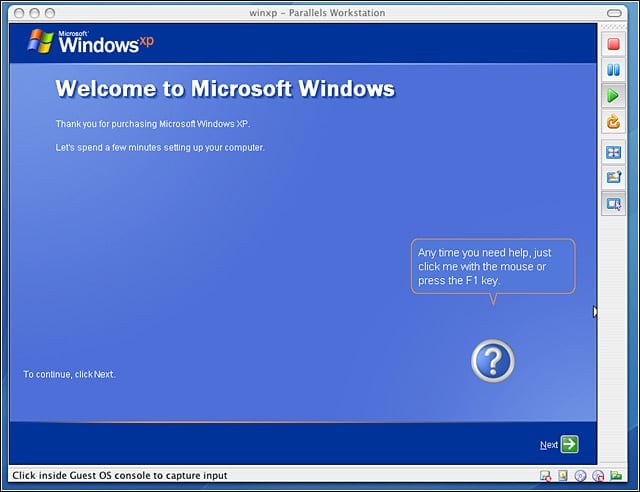
5

Windows XP installation is almost complete.


Parallels Workstation – Fresh Wiin XP install
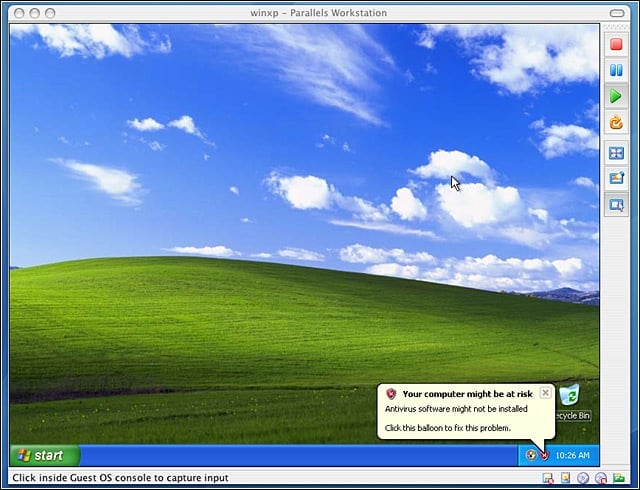
6

The familiar Windows XP launch screen, only running on a Mac using Parallels Workstation.


Parallels Workstation – Windows XP Running on Mac mini
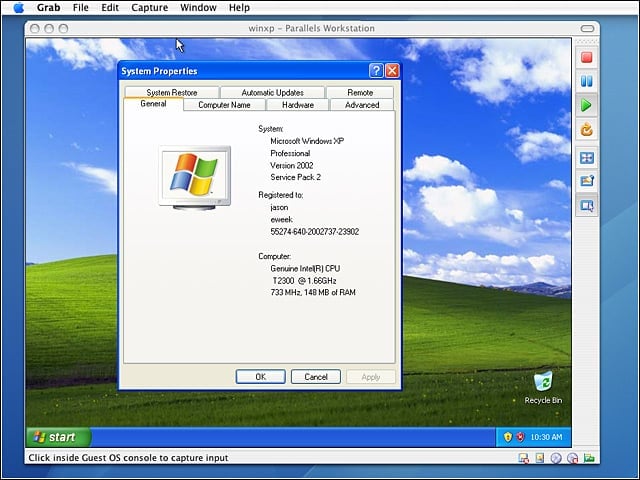
7

A fresh Windows XP system running happily on Mac hardware.

eWeek Logo

eWeek has the latest technology news and analysis, buying guides, and product reviews for IT professionals and technology buyers. The site's focus is on innovative solutions and covering in-depth technical content. eWeek stays on the cutting edge of technology news and IT trends through interviews and expert analysis. Gain insight from top innovators and thought leaders in the fields of IT, business, enterprise software, startups, and more.

Property of TechnologyAdvice. © 2026 TechnologyAdvice. All Rights Reserved

Advertiser Disclosure: Some of the products that appear on this site are from companies from which TechnologyAdvice receives compensation. This compensation may impact how and where products appear on this site including, for example, the order in which they appear. TechnologyAdvice does not include all companies or all types of products available in the marketplace.