








- Seven Things I Hate About Entourage for Apple Mac OS X (and 3 Things That Tempted Me)
- The 7 Things I Hate
- No New Calendar Appointment from E-Mail
- No Drag to Create a New Contact from E-Mail
- Junk Mail Filter Too Strict
- Entourage 2008, the Forgotten Stepchild of the Office: Mac 2008 Product Family
- Out-of-Office Function Is Weak
- Signature Selection Also Is Weak
- Poor Delegation Handling
- The 3 Things That Almost Got Me to Stay
- Subscribe to Projects
- Categories
- My Day
Seven Things I Hate About Entourage for Apple Mac OS X (and 3 Things That Tempted Me)
by Cameron Sturdevant
The 7 Things I Hate
No New Calendar Appointment from E-Mail
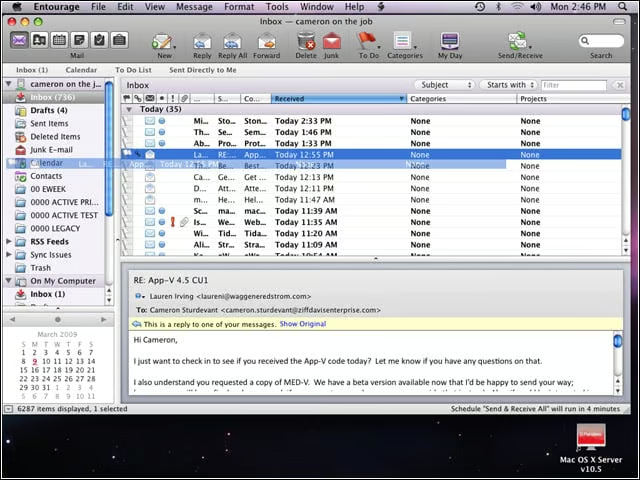
When I found that I couldn’t drag an e-mail onto the Entourage calendar to create a new appointment, I stopped using Entourage.
No Drag to Create a New Contact from E-Mail

I like to add people to my contact list by dragging e-mail they send me to my Outlook contacts module. I could use command-option-c to send to address book in Entourage, but I’d rather drag and drop.
Junk Mail Filter Too Strict
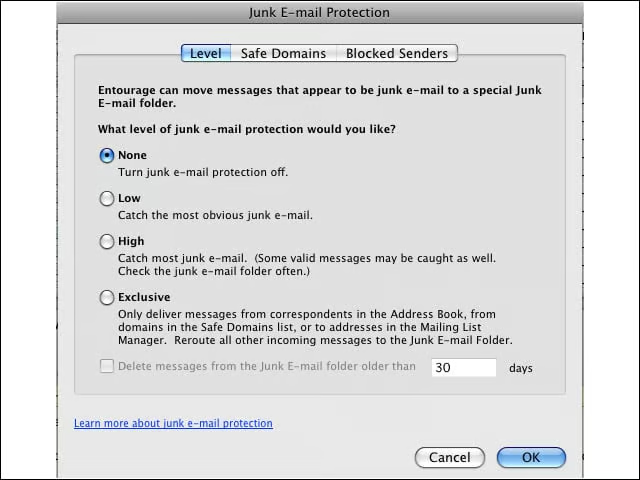
I get a lot of spam, and much of that spam makes it past our first line of defense because we want to be sure to get mail from sources around the world. The junk mail filter in Entourage was so strict—even on the lowest setting—that I had to disable the feature in order to get all my desired e-mail.
Entourage 2008, the Forgotten Stepchild of the Office: Mac 2008 Product Family
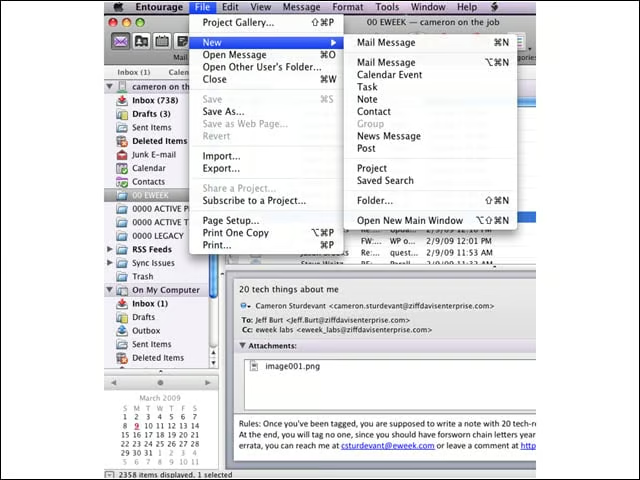
While Microsoft Word 2008 for Mac, Excel 2008 for Mac and PowerPoint 2008 for Mac got significant upgrades, it looks like Entourage was left off the product development schedule. There’s just not much new here.
Out-of-Office Function Is Weak
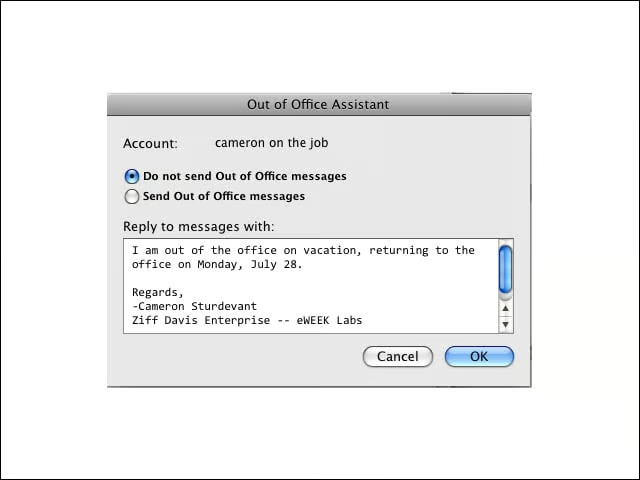
The Entourage out-of-office assistant is anemic compared with the Windows version, which allows me to use extensive rules to enable special processing of e-mail received while I’m out of the office to ensure that important messages get dealt with.
Signature Selection Also Is Weak
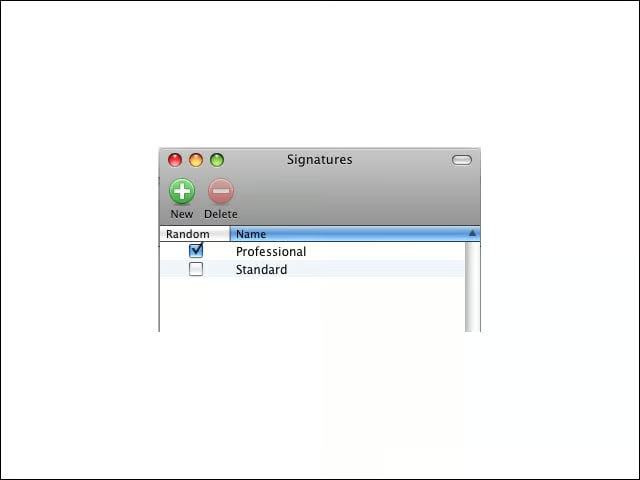
In Outlook 2007, I can assign different signatures to e-mail responses based on rules. For example, in Windows Outlook 2007 I can use a less formal signature in replies to e-mail messages and my formal signature in messages that I originate. I didn’t have this flexibility in Entourage.
Poor Delegation Handling
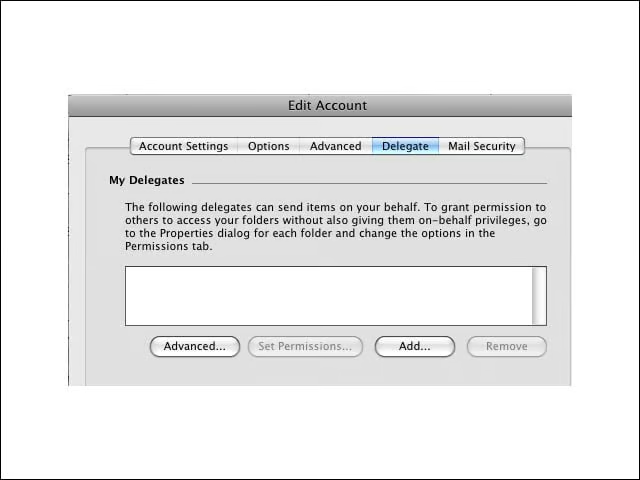
In Outlook 2007, where I am the organizer, I have much finer control over how meeting requests are handled. In Entourage, the messages are either delegated or they’re not. I could use folder options, as in the Windows version, to control “on behalf of” actions, but that was the only flexibility. In these lean times, I don’t know many people who have the luxury of delegating their calendaring to someone else.
The 3 Things That Almost Got Me to Stay
Subscribe to Projects
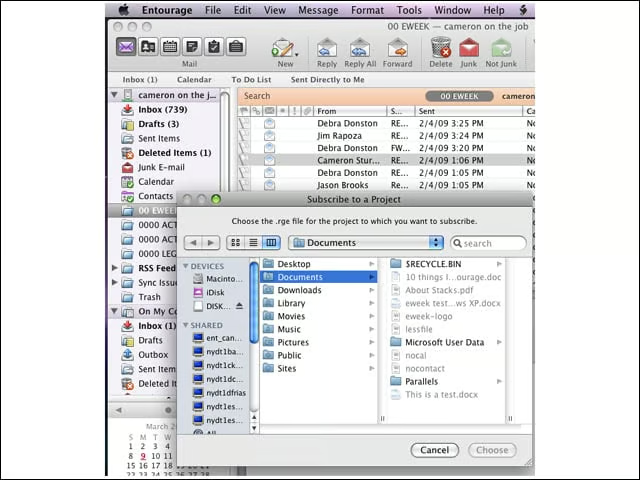
I’m a sucker for organization tools, and this feature piqued my interest.
Categories
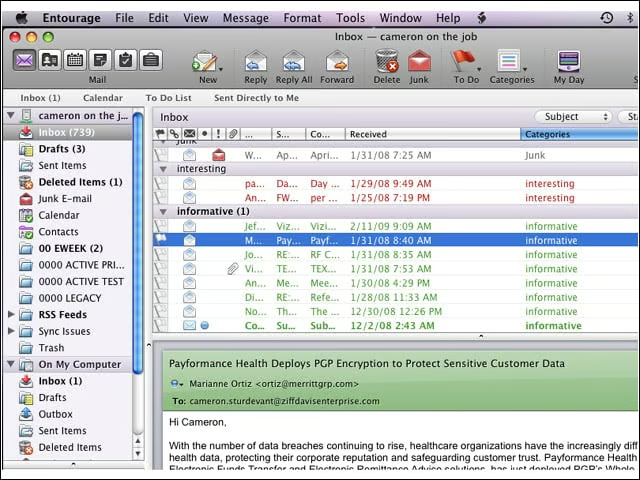
It was easier for me to use categories in Entourage than in Outlook 2007. However, as indexing and search have improved in Outlook 2007, I’ve stopped obsessively categorizing e-mail.
My Day
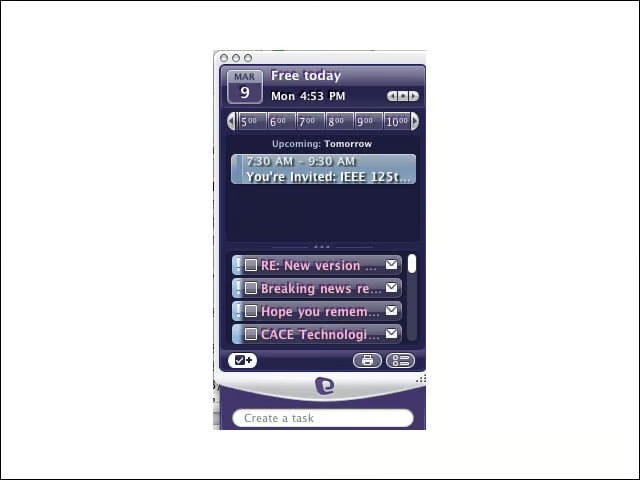
I do like My Day, Entourage’s at-a-glance roundup of what’s happening. The layout of My Day is easier to deal with than the full-page-oriented view I get in Outlook 2007.