







- The New Browser Wars in Pictures
- The New Browser Wars in Pictures – Private Browsing
- The New Browser Wars in Pictures – InPrivate Browsing
- The New Browser Wars in Pictures – Incognito
- The New Browser Wars in Pictures – No History
- The New Browser Wars in Pictures – Extended Secure Connections
- The New Browser Wars in Pictures – Green Is Good
- The New Browser Wars in Pictures – Bad Security Match
- The New Browser Wars in Pictures – Security Exceptions
- The New Browser Wars in Pictures – Auto-complete Addresses
- The New Browser Wars in Pictures – Suggest a Site
- The New Browser Wars in Pictures – Speed Browsing
- The New Browser Wars in Pictures – Grouped Tabs
- The New Browser Wars in Pictures – Extend It
- The New Browser Wars in Pictures – Accelerated Content
- The New Browser Wars in Pictures – NextGen Standards
- The New Browser Wars in Pictures – Testing, Testing
- The New Browser Wars in Pictures – Compatibility Mode
- The New Browser Wars in Pictures – Don-
- The New Browser Wars in Pictures – Desktop Web
- The New Browser Wars in Pictures – Web Helpers
- The New Browser Wars in Pictures – See More Slideshows Like This One
The New Browser Wars in Pictures
The New Browser Wars in Pictures – Private Browsing

The latest rage in new Web browsers is private browsing, offering users the ability to surf the Web without having the browser store cookies and other evidence of their browsing session. One of the first to implement this type of feature was Apple-
The New Browser Wars in Pictures – InPrivate Browsing
Beta 2 of Internet Explorer 8 calls its implementation of private browsing InPrivate browsing.
The New Browser Wars in Pictures – Incognito
Incognito mode is the private browsing feature in the beta of Google Chrome.
The New Browser Wars in Pictures – No History
All newer browsers, such as IE 8, make it simple to remove traces of a browsing session after surfing.
The New Browser Wars in Pictures – Extended Secure Connections
The current wave of browsers is providing more detailed information about secure connections on Web sites. Also, they can detect when a site uses strong Extended Validation SSL certificates, displaying a green security bar when accessing sites that use EV-SSL. Here-
The New Browser Wars in Pictures – Green Is Good
Firefox 3 also displays green for sites using EV-SSL and provides detailed information about a site-
The New Browser Wars in Pictures – Bad Security Match
Many new browsers, including Google Chrome, display a warning when a site URL and the certificate domain don-
The New Browser Wars in Pictures – Security Exceptions

In an example of this problem, in Firefox 3, if a user types https://gmail.com he or she will be warned, as the security certificate for Gmail is for https://mail.google.com.
The New Browser Wars in Pictures – Auto-complete Addresses

Nearly all new browsers have improved address bar features that search through entire Web pages in history to offer auto-complete choices. Opera had one of the first, and still best, implementations of this feature.
The New Browser Wars in Pictures – Suggest a Site
Modern browsers such as IE 8 can, somewhat controversially, track site usage and suggest Web sites to users based on their browsing history.
The New Browser Wars in Pictures – Speed Browsing
Opera-
The New Browser Wars in Pictures – Grouped Tabs
Browser tabs that have been launched from the same Web page are color-coded in IE 8 to help sort through multiple open tabs.
The New Browser Wars in Pictures – Extend It
One of the biggest strengths of Firefox has been its extensive collection of add-ons and extensions; Firefox 3 improves on the management and discovery of add-ons.
The New Browser Wars in Pictures – Accelerated Content
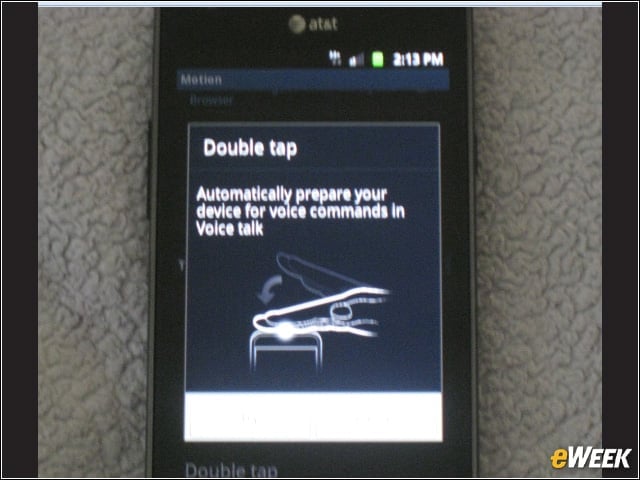
IE 8-
The New Browser Wars in Pictures – NextGen Standards
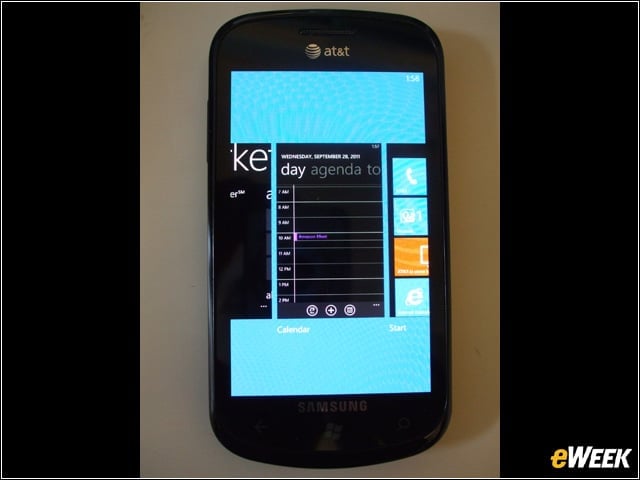
Newer standards capabilities are slowly working their way into new browsers. Here, Safari uses features of HTML 5.
The New Browser Wars in Pictures – Testing, Testing

All of the latest browsers or browser betas can pass the popular Acid2 test, though most struggle to pass the newer Acid3 test.
The New Browser Wars in Pictures – Compatibility Mode
While IE 8 has improved standards support, the problems this causes with sites optimized for older versions have led to an IE 7 compatibility mode in IE 8.
The New Browser Wars in Pictures – Don-
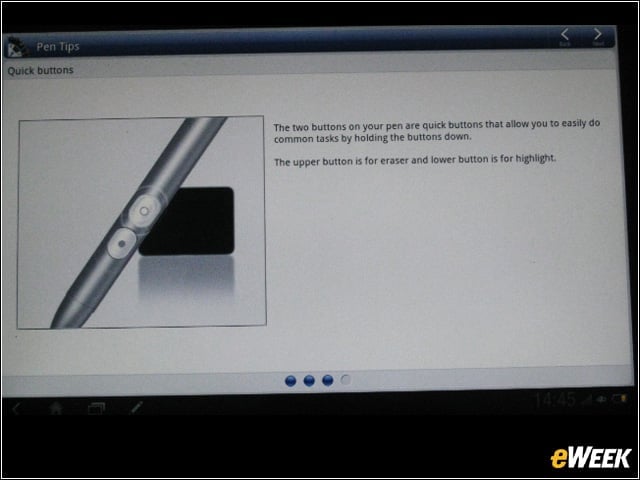
Features that attempt to detect malware and phishing Web sites are included in most browsers, such as Firefox 3.
The New Browser Wars in Pictures – Desktop Web
Offline and desktop application features are appearing in the most cutting-edge new browsers. Here, Chrome uses Google Gears to provide desktop features for Web applications.
The New Browser Wars in Pictures – Web Helpers

Along with its offline application support, Firefox 3 has the ability to use Web-based applications as helper apps within the browser.
The New Browser Wars in Pictures – See More Slideshows Like This One

10 Things You Should Know About Databases10 New Technologies IBM Is Cooking in Its Innovation Labsby Clint BoultonA Uniform Desktop Is a Secure Desktopby Cameron SturdevantThe 15 Most Influential People in Security Todayby Ryan Naraine