








- eWEEK Labs Walk-through: ThinkPad X300
- eWEEK Labs Walk-through: ThinkPad X300 – The Skinny on the X300
- eWEEK Labs Walk-through: ThinkPad X300 – Fully Charged
- eWEEK Labs Walk-through: ThinkPad X300 – Start Saving
- eWEEK Labs Walk-through: ThinkPad X300 – Solid States Only
- eWEEK Labs Walk-through: ThinkPad X300 – Green Screens
- eWEEK Labs Walk-through: ThinkPad X300 – Ergonomically Speaking
- eWEEK Labs Walk-through: ThinkPad X300 – Get Connected
- eWEEK Labs Walk-through: ThinkPad X300 – The Green-Minded Notebook
- eWEEK Labs Walk-through: ThinkPad X300 – Port Power
eWEEK Labs Walk-through: ThinkPad X300

eWEEK Labs Walk-through: ThinkPad X300 – The Skinny on the X300
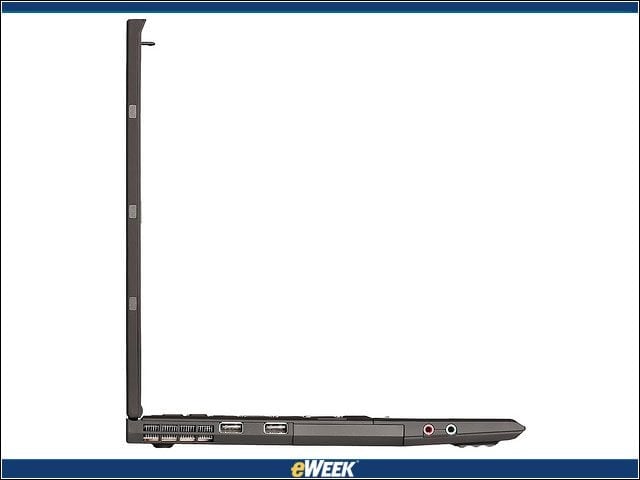
Compared with Lenovo’s X61 and X61s units, the X300 has a larger footprint (two inches bigger in width and an about an inch bigger in depth), but the X300 is about half an inch thinner than those models.
eWEEK Labs Walk-through: ThinkPad X300 – Fully Charged
The X300’s reduced power use results in impressive battery life (up to 10 hours in some configurations).
eWEEK Labs Walk-through: ThinkPad X300 – Start Saving

The ThinkPad X300 configuration eWEEK Labs tested is priced at $2,935-
eWEEK Labs Walk-through: ThinkPad X300 – Solid States Only
Much of the X300’s high cost-
eWEEK Labs Walk-through: ThinkPad X300 – Green Screens
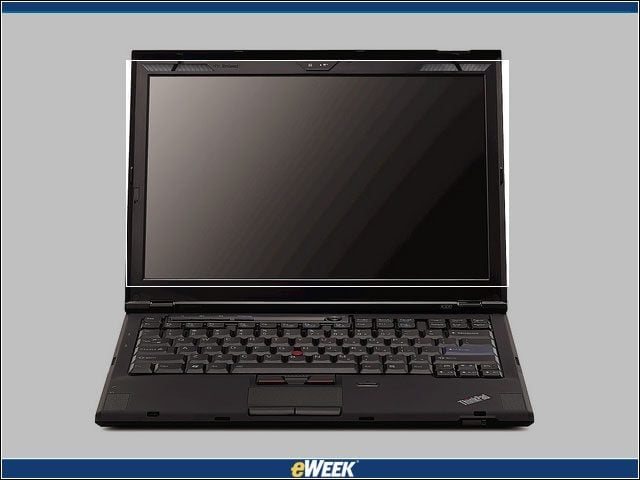
The primary advantage of the LED-backlit display is reduced power consumption; LEDs use as much as 33 percent less power than CCFL-backlit components.
eWEEK Labs Walk-through: ThinkPad X300 – Ergonomically Speaking
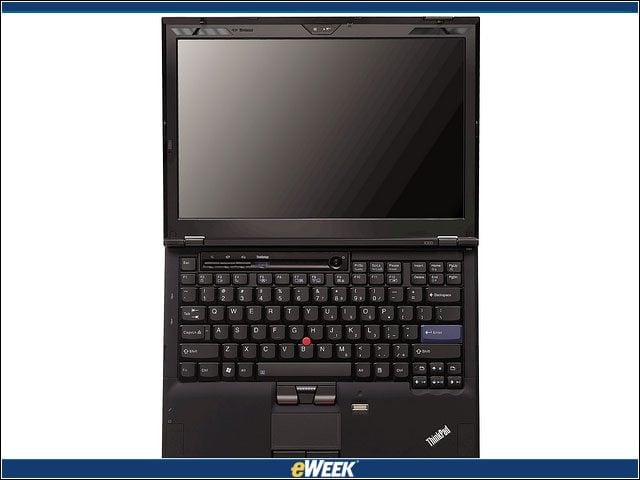
The X300’s full-size keyboard is incredibly comfortable due to its generous wrist space and responsive keys. Also appreciated is the option to mouse on either the TrackPoint input device or a touchpad.
eWEEK Labs Walk-through: ThinkPad X300 – Get Connected
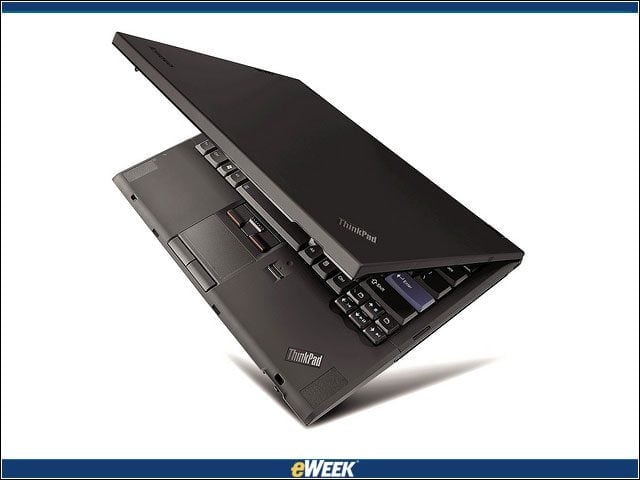
Lenovo offers a broad assortment of optional network connectivity add-ons for the X300, including a Verizon Wireless WAN adapter and a personal area network ultrawideband radio.
eWEEK Labs Walk-through: ThinkPad X300 – The Green-Minded Notebook
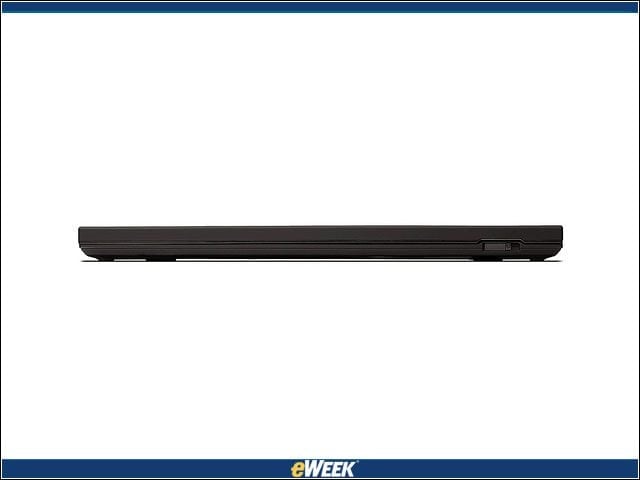
While the newest ThinkPad retains its familiar, buttoned-down exterior hue, the machine’s leading-edge internals deliver, according to Lenovo, a 25 percent reduction in power consumption compared to previous X series notebooks.
eWEEK Labs Walk-through: ThinkPad X300 – Port Power
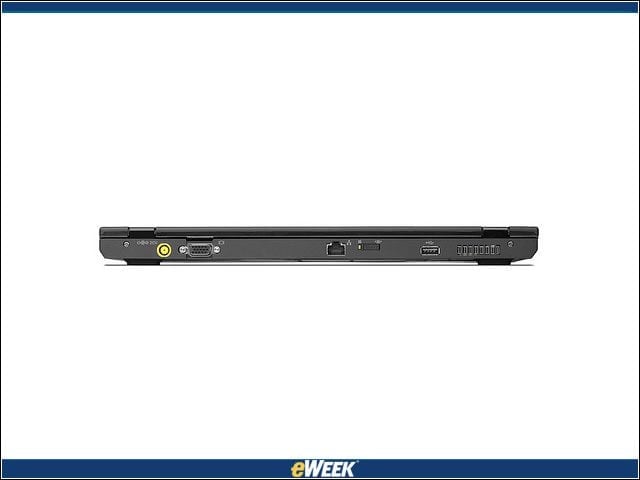
The assortment of expansion ports that stud the X300 include microphone input and headphone output ports, a VGA external display port, a digital fingerprint reader, an integrated digital microphone and a camera built into the top of the display.