





Lenovo W520 Mobilizes Compute Intensive Workloads - Desktops and Notebooks - News & Reviews - eWeek.com | eWeek

Top

Top
Apr 26, 2011
1 minute read
eWeek content and product recommendations are editorially independent. We may make money when you click on links to our partners. Learn More


Top

1

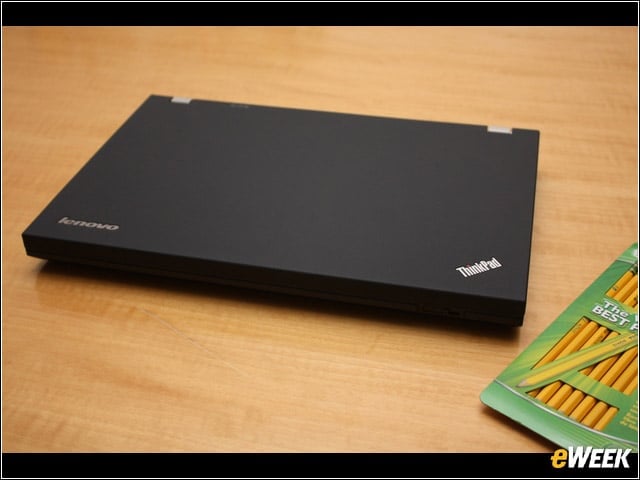
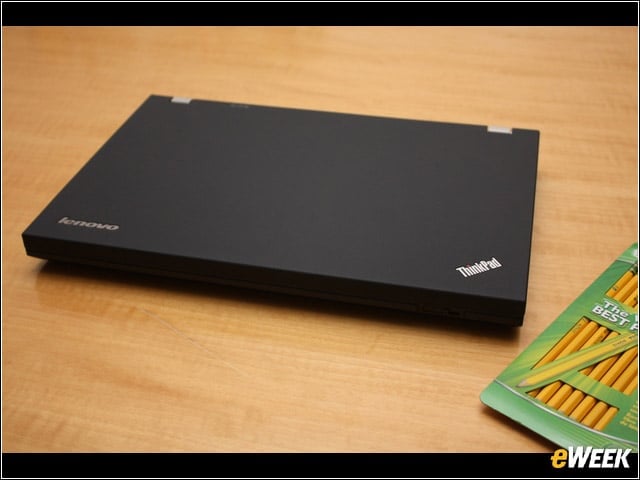
The ??í15.6″ Lenovo W520 has the same look as the W510 but packs twice as much of just about everything including CPU and RAM while managing to stay cool and quiet.


Working
2

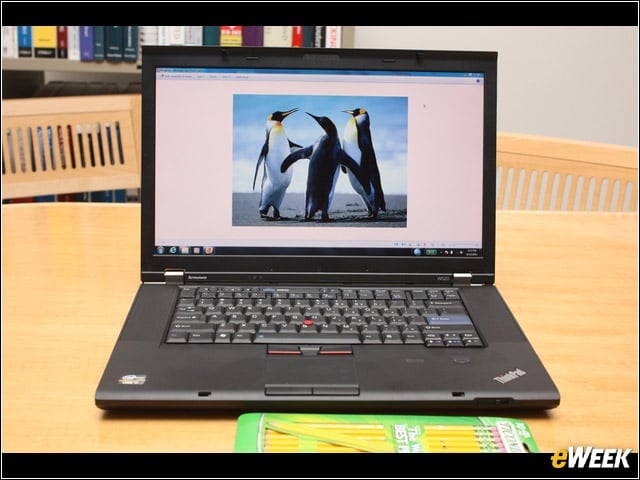
The bright display, dreamy keyboard experience, and cool running system make the W520 comfortable to use for extended periods of time while processing high value workloads.


Left Side
3

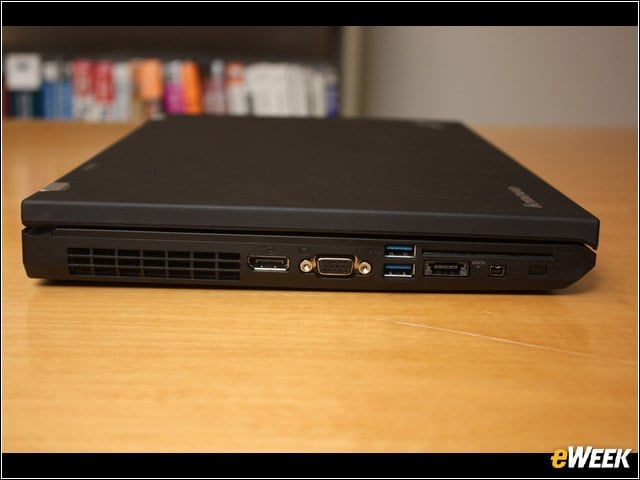
From left to right: Display Port, VGA, 2-USB 3.0, eSATA/USB combo port, IEEE1394, wireless networking on/off.


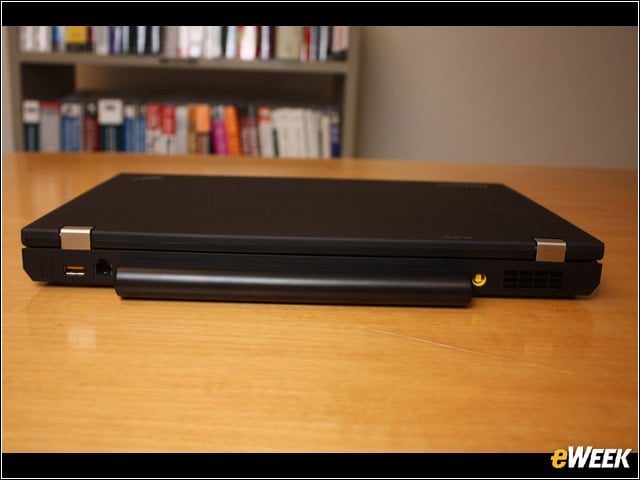
Rear
4

From left to right: powered USB 3.0, modem, power.


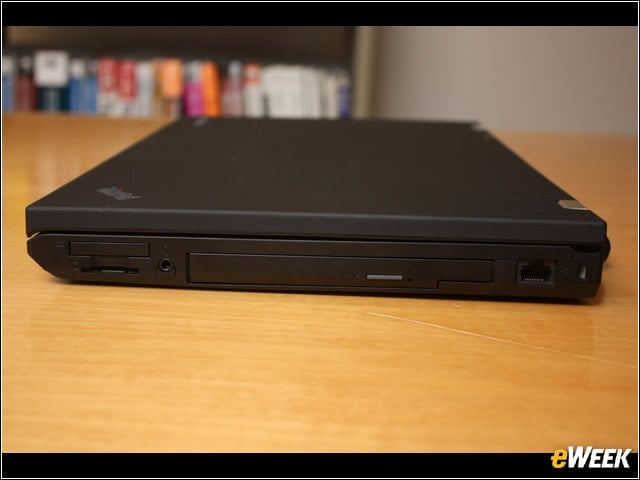
Right Side
5

From left to right: 34mm ExpressCard and MMC slots, headphone jack, optical drive, RJ45 network jack.


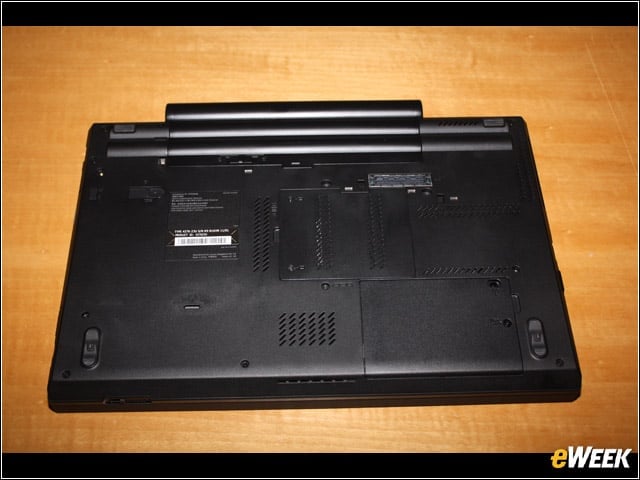
Underside
6

Battery and access ports for memory, CPU and keyboard access.


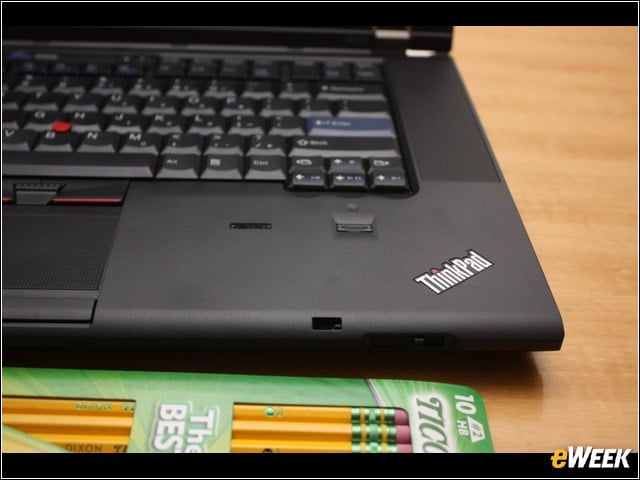
Color
7

The color calibration sensor is seen here to the right of the fingerprint reader.

eWeek Logo

eWeek has the latest technology news and analysis, buying guides, and product reviews for IT professionals and technology buyers. The site's focus is on innovative solutions and covering in-depth technical content. eWeek stays on the cutting edge of technology news and IT trends through interviews and expert analysis. Gain insight from top innovators and thought leaders in the fields of IT, business, enterprise software, startups, and more.

Property of TechnologyAdvice. © 2026 TechnologyAdvice. All Rights Reserved

Advertiser Disclosure: Some of the products that appear on this site are from companies from which TechnologyAdvice receives compensation. This compensation may impact how and where products appear on this site including, for example, the order in which they appear. TechnologyAdvice does not include all companies or all types of products available in the marketplace.