








Debians Lenny Remains an Apt Community Linux Option
by Jason Brooks
Upgrading from Etch
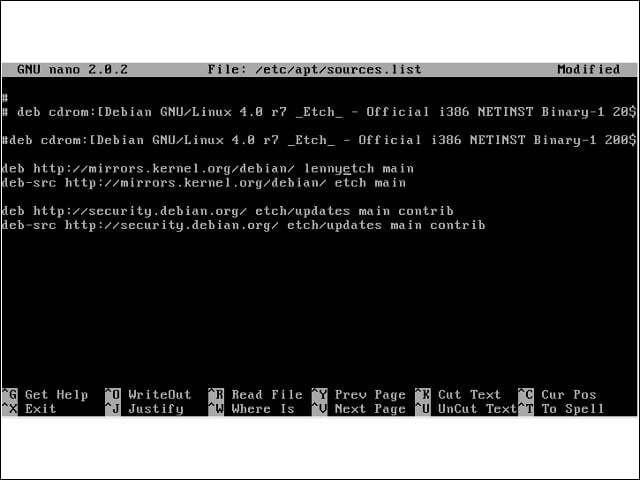
Support for in-place upgrades of production machines is one of the capabilities that the Debian project has long touted. I began the update by directing my Etch installation to train its attention on the new Lenny repositories.
Familiar Software Tools
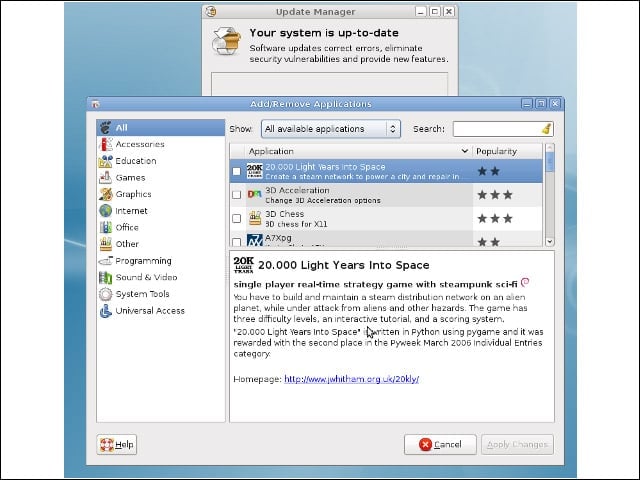
Back in the land of the GUI, I recognized a handful of Lenny’s software tools, including the Add/Remove software and Update Manager applications, from recent Ubuntu releases.
New Software Tools
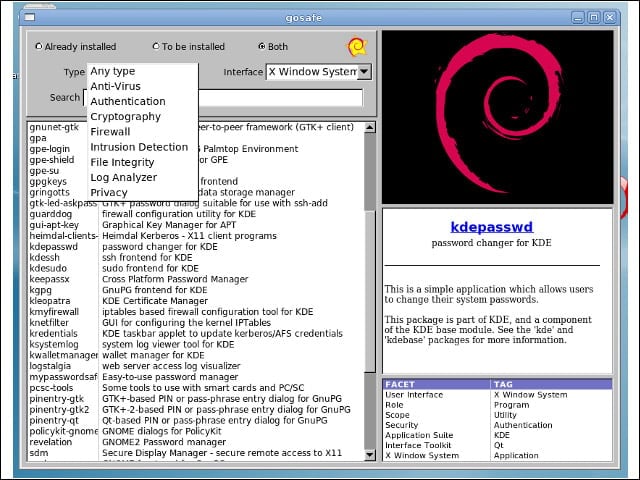
Lenny also ships with a handful of new tools for browsing through particular genres of applications available in the Debian repositories. With its large number of available software packages, Debian is great for thumbing through what the open-source world has to offer.
Slow and Steady
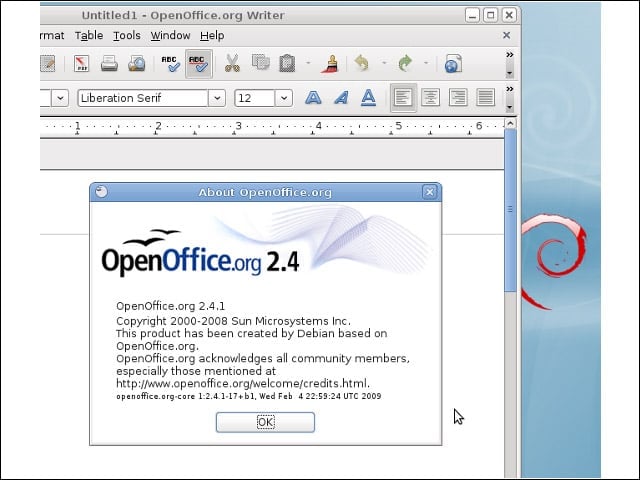
True to its reputation for measured, deliberate package testing, Debian ships with a set of applications that tend to be a bit older compared with other Linux distributions. For instance, Lenny still ships with OpenOffice.org 2.4.
Unstable to the Rescue
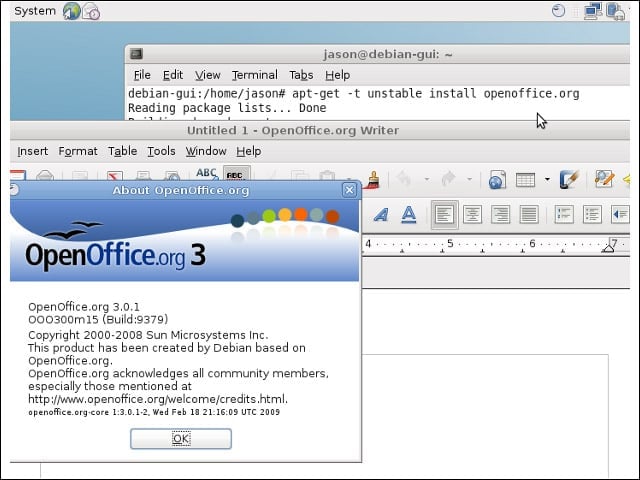
However, I could step up to OpenOffice.org 3.0 by instructing my Lenny installation to pull down the newer packages from Debian’s “unstable” repository.
An Antique Linux Dialog
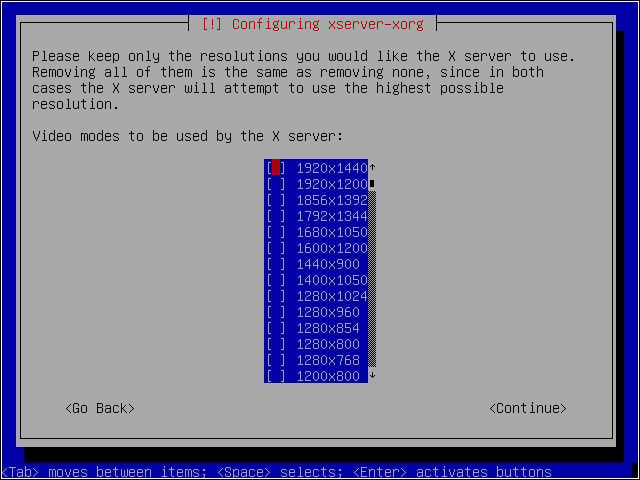
With the inclusion of X.Org 7.3, Lenny’s X server can auto-configure itself with most hardware. In other words, you can bid adieu to cryptic-looking configuration dialogs like this one, taken from Debian 4.
Free as in Flash Player

Debian 5 ships with the open-source Swfdec Flash player, which worked well for me when playing YouTube videos and viewing Flash-based Web site advertisements.
Adobe Flash
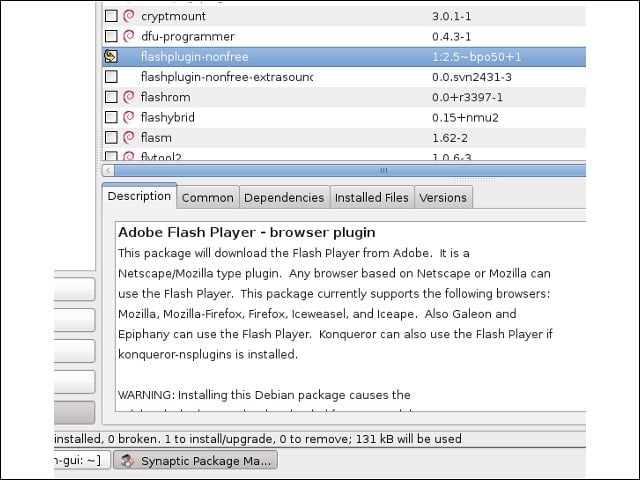
Swfdec didn’t handle all the Flash content I encountered, but I could install Adobe’s own non-free Flash player easily enough through the system’s regular software tools.
