







- ‘Jaunty Jackalope’ Ubuntu 9.04 Sets Out to Conquer Cloud, Netbook Territory
- Exchange Support in Evolution
- Ext4 File System
- New Notifications
- OpenOffice.org 3.0
- ImageWriter
- Netbook Remix
- Smartphone-style Interface
- Switch Between Apps
- Home Screen
- Server Roles
- Encrypted Disks
- Time Zone Picker
- Virt-Manager Networking
- Virt-Manager Storage
- Xorg Options Editor
‘Jaunty Jackalope’ Ubuntu 9.04 Sets Out to Conquer Cloud, Netbook Territory
Exchange Support in Evolution
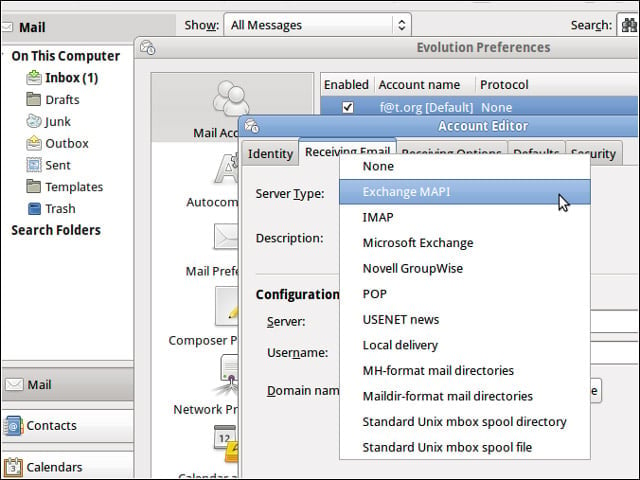
Ubuntu’s GNOME 2.26 desktop environment brings with it support for Microsoft’s MAPI Exchange messaging protocol.
Ext4 File System
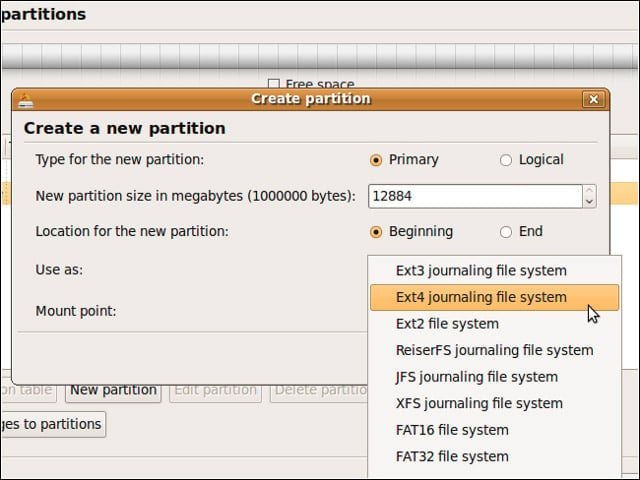
Jaunty includes Version 2.6.28 of the Linux kernel and offers support for the Ext4 file system as an option.
New Notifications
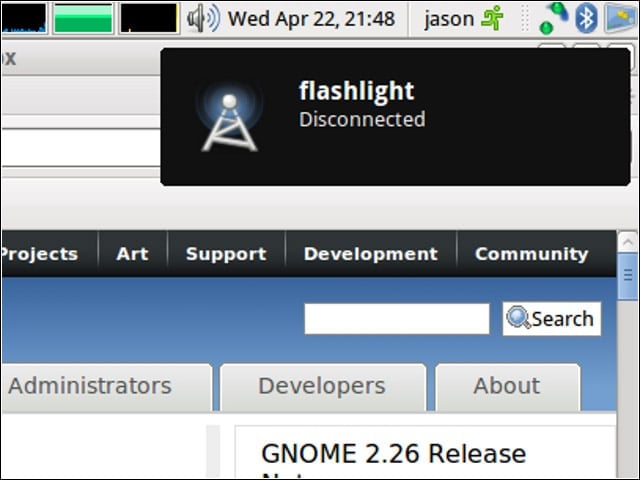
Ubuntu 9.04 sports a slick-looking new notification system.
OpenOffice.org 3.0
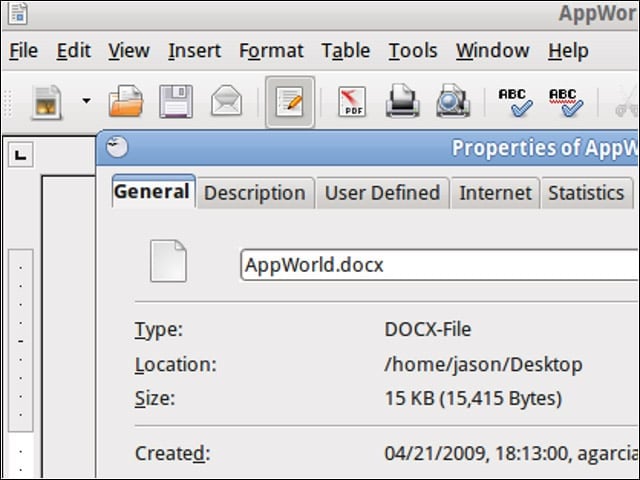
Jaunty includes the Office 2007 file-format-wrangling version 3.0 of the OpenOffice.org productivity suite.
ImageWriter
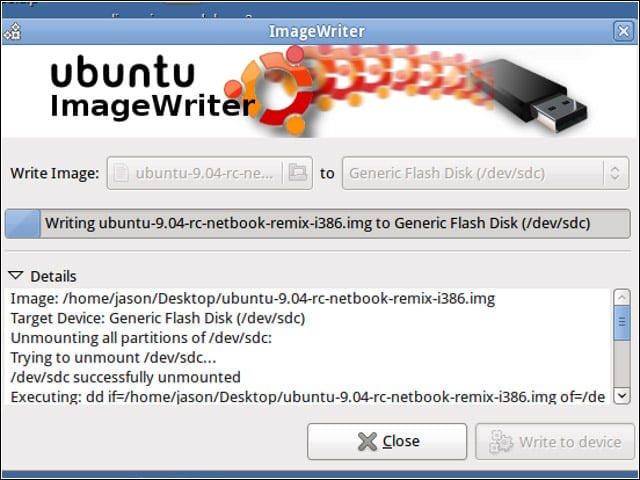
I used usb-imagewriter to turn a 1GB USB memory stick into an installer and live test environment for Jaunty’s netbook remix edition.
Netbook Remix
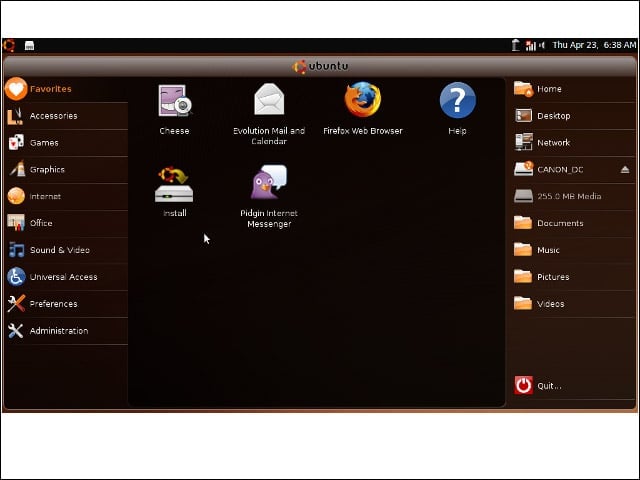
I tried out the stick on an MSI Wind U100 with a 10-inch display, and I found that the remixed Jaunty release made the most of the small screen.
Smartphone-style Interface
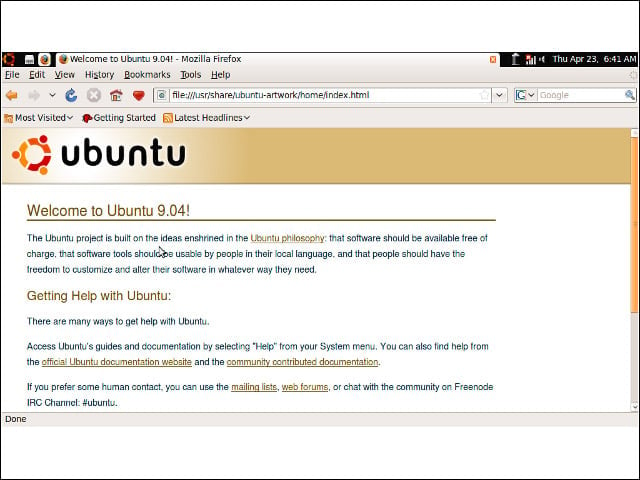
The system did away with the familiar desktop, window and menu structure, and offered me instead an interface more akin to a smartphone.
Switch Between Apps
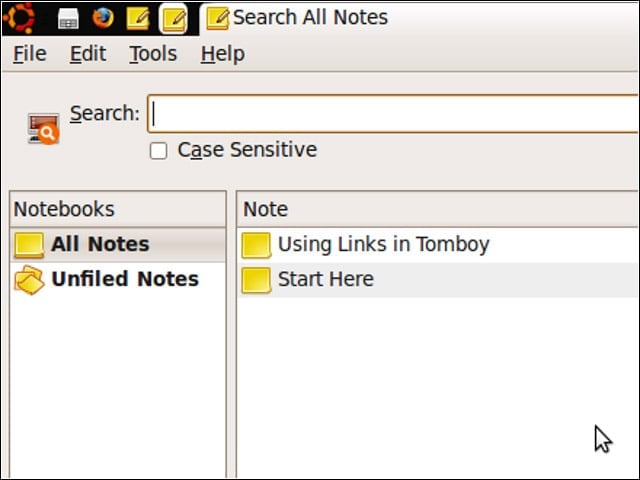
A small bar atop the display contained links I could use to bring other open applications to the front or push everything to the back and expose the home screen again.
Home Screen
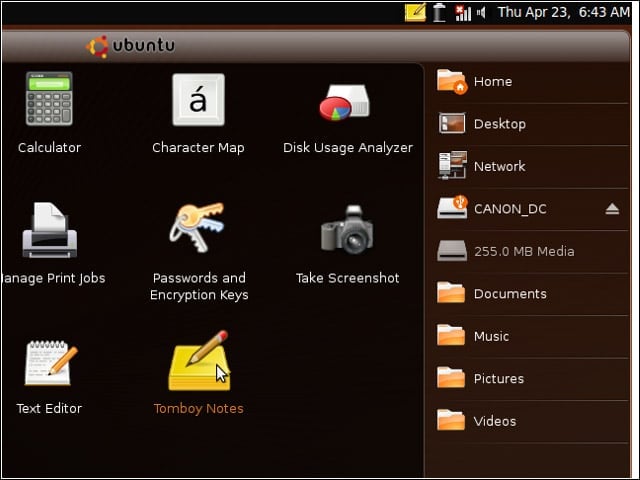
When I followed one of the application or location links laid out on my home screen, the application or file manager window would fill the whole screen.
Server Roles
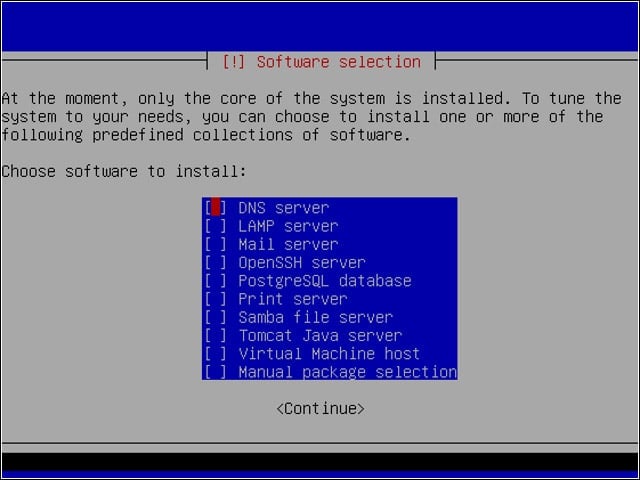
Ubuntu 9.04 offers to install bundles of server role-specific applications.
Encrypted Disks
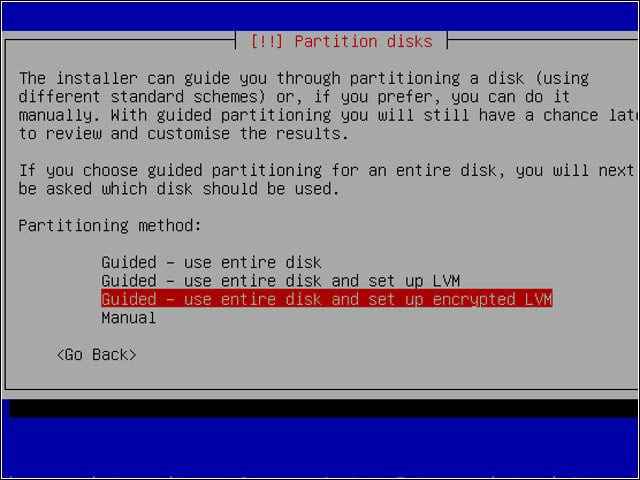
To install a system with encrypted partitions, you must use Ubuntu’s text-based “alternate” installer.
Time Zone Picker
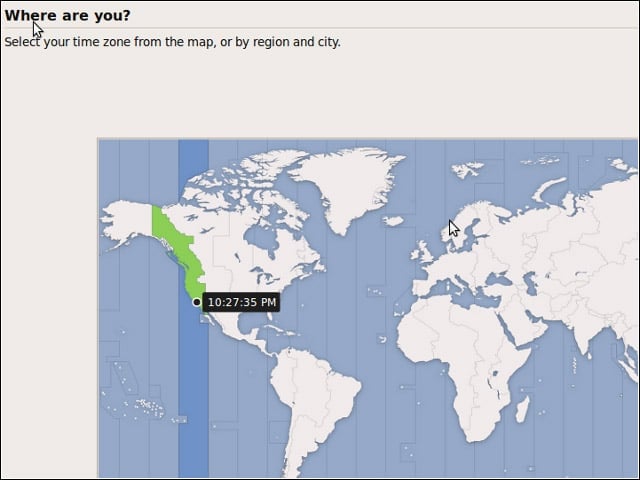
Ubuntu’s graphical installer sports a handsome new time zone picker.
Virt-Manager Networking
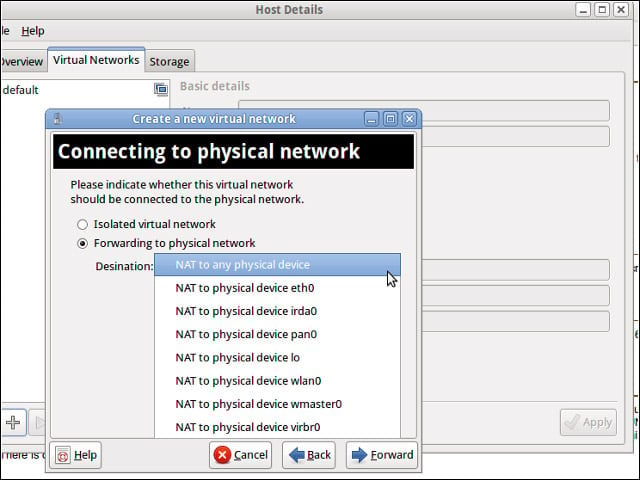
The virt-manager administration tool has picked up some new virtual network management functionality.
Virt-Manager Storage
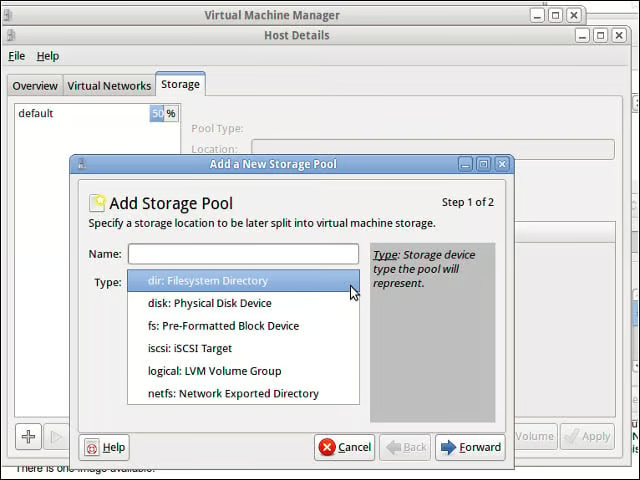
In addition, the virt-manager application offers more storage management flexibility.
Xorg Options Editor
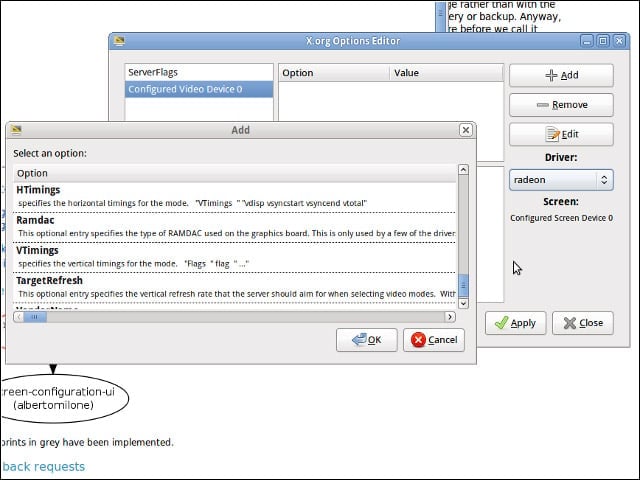
Ubuntu does a good job of auto-detecting display and graphics hardware, but xorg-options-editor might do the trick if you have special configuration options to set.