







LABS GALLERY: Web-Based OpenGoo Office Productivity Suite Is Worth Watching
by Jason Brooks
Installing OpenGoo
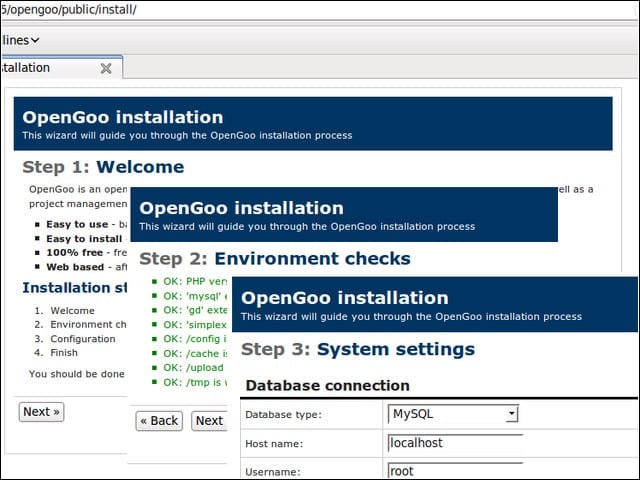
OpenGoo installation involves dropping the project’s code into the Web folder of your LAMP server, visiting a configuration page and walking through basic setup steps.
Getting Started
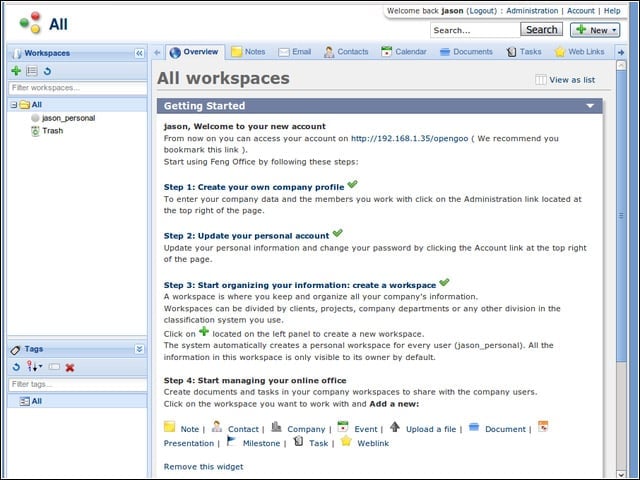
OpenGoo presented me with a dashboard that laid out further steps for configuring my application instance.
Dashboard
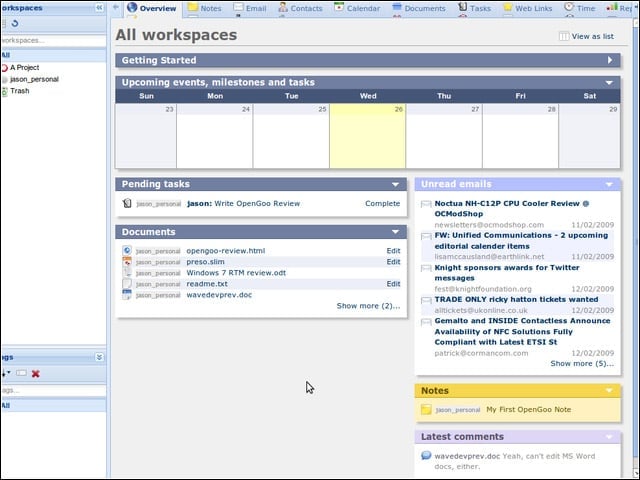
Once I’d been using OpenGoo for a while, I could return to the dashboard for an overview of the documents, events, messages and other items in my workspaces.
Document Editing
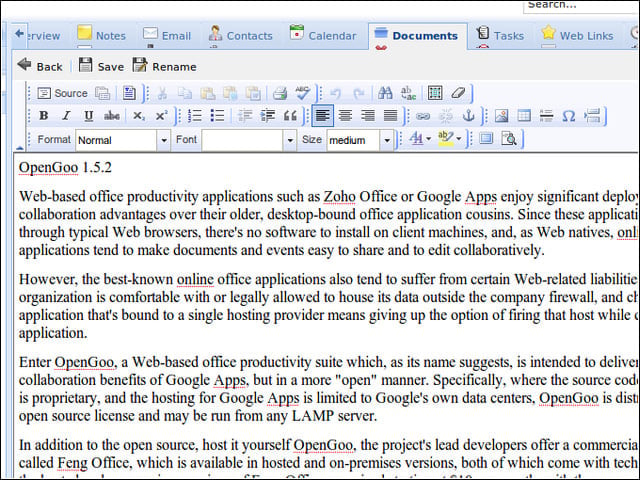
I found it fairly easy to create new documents in OpenGoo.
Font Issues
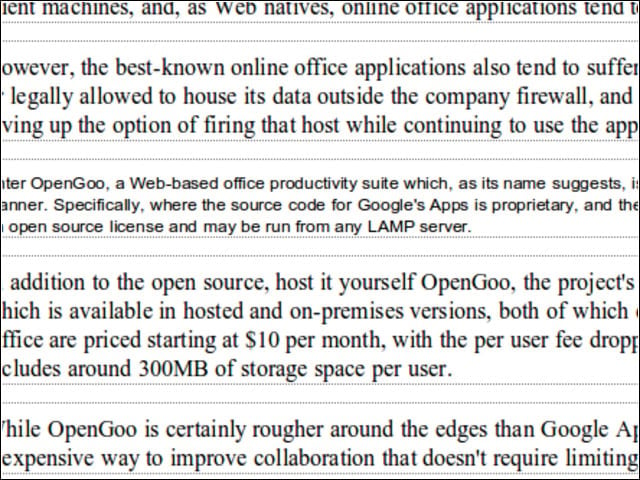
I did, however, experience some issues keeping my document fonts consistent—OpenGoo had a way of reverting to Arial in some cases.
Document Management
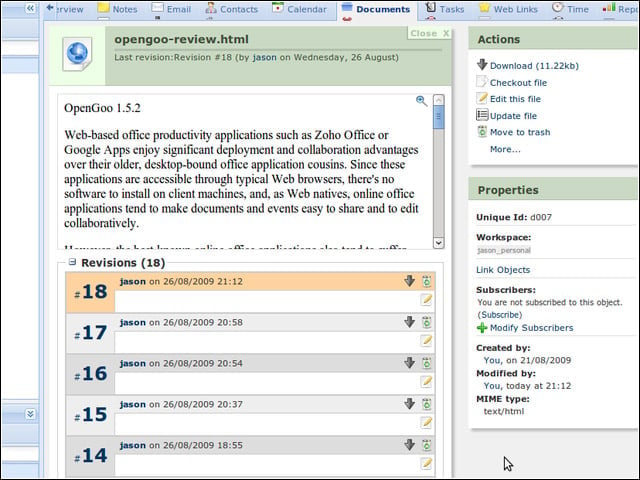
OpenGoo wouldn’t let me edit .doc or .odt documents—HTML is the suite’s format of choice. Regardless of the document format, however, I could upload, download, check out and manage versioning on my word processor files.
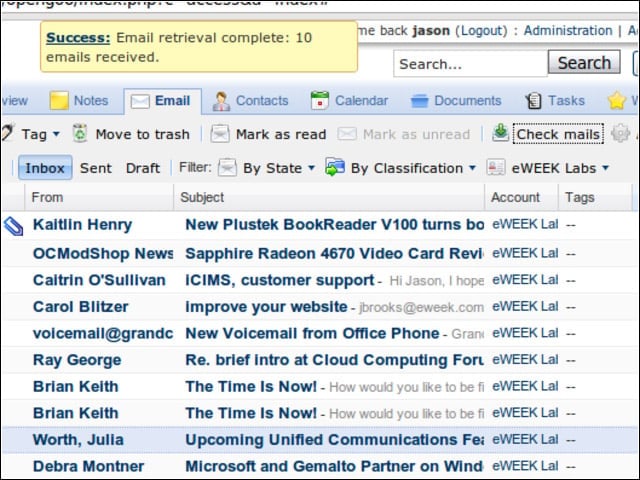
The OpenGoo e-mail component is decent—nothing I would leave Gmail or Outlook for, but potentially useful for specific project-related mail accounts.
Administration
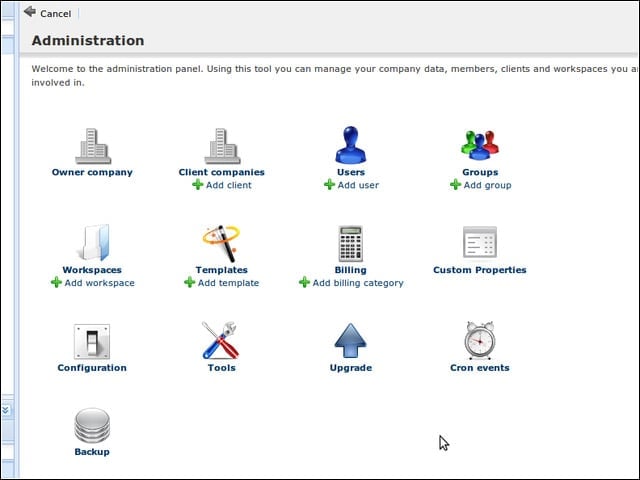
OpenGoo organizes its management functions under an easily navigable administration tab.
Backup
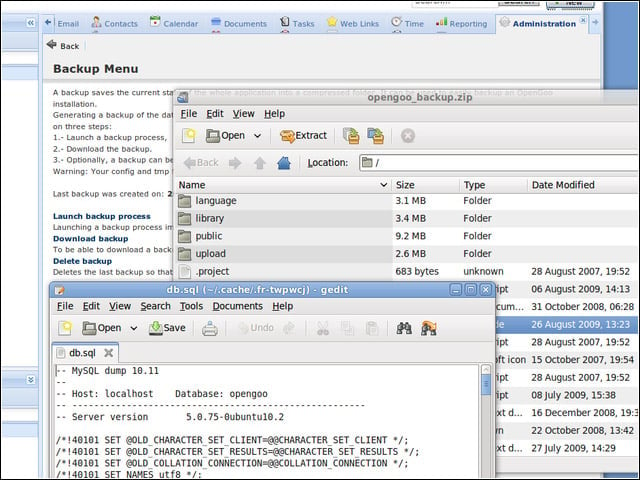
I installed an optional module to create backups of the files and databases that made up my installation.
Calendar
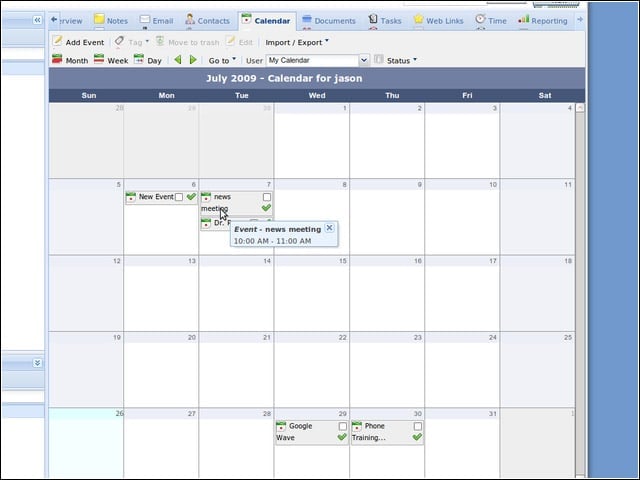
The OpenGoo calendar works well enough online, but it’s rather light on mobile device and calendar server syncing options. A simple iCal import is as far as this component goes.
Contacts
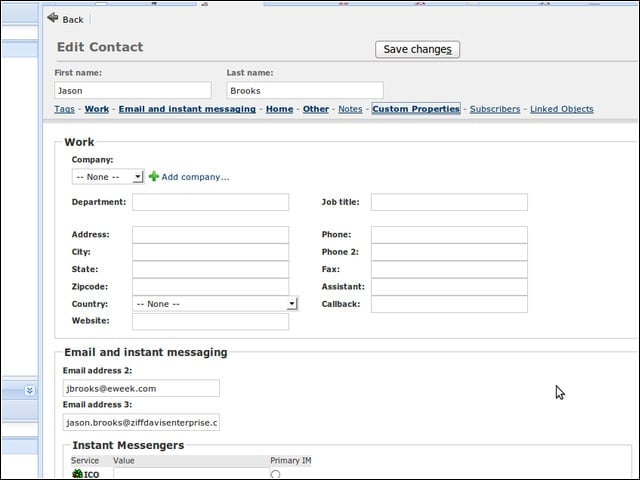
OpenGoo offers a solid contact management feature.
Contact Import
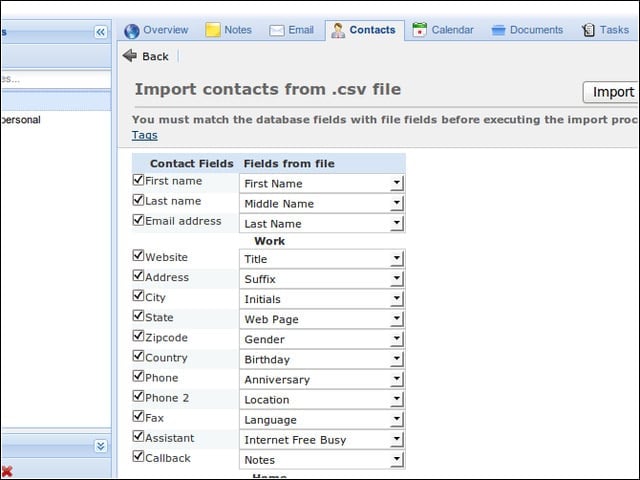
I imported a bunch of contacts into OpenGoo from a CSV file and used the system’s field matching interface to get my data lined up correctly.
Notes
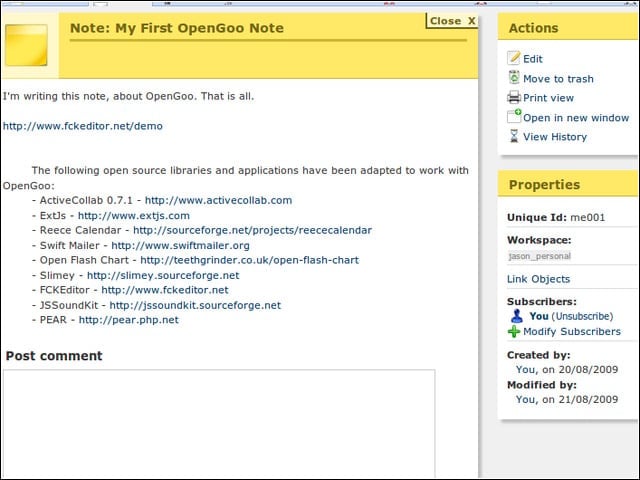
OpenGoo sports a notes feature, which I used here to jot down the various open-source components that make up the suite.
Reports
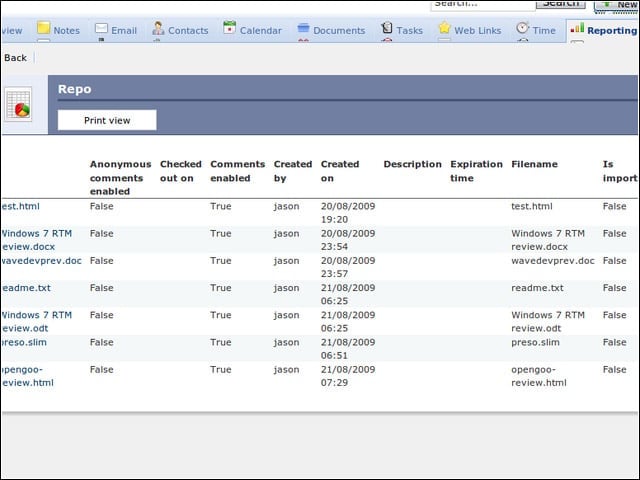
The system’s reporting module makes it easy to pull up views of the data stored within OpenGoo.
Tasks
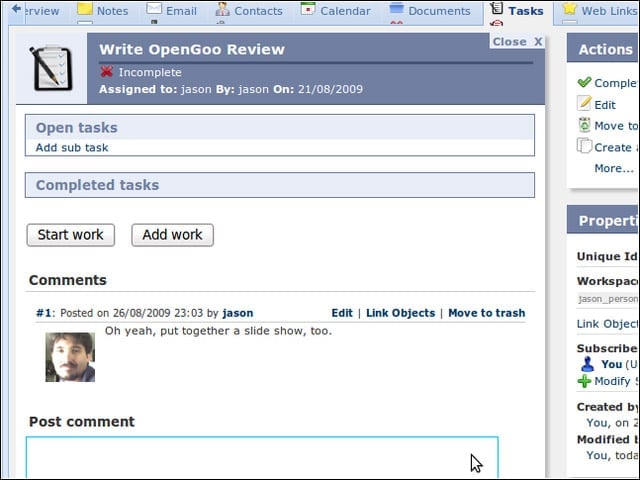
I didn’t get too fancy with OpenGoo’s tasks feature, but this component can be used to manage projects across teams of workers.
