







- OpenOffice.org 3.2 Racks Up Spreadsheet Tweaks and File Format Fixes
- OLE Object Support, After
- OLE Object Support, Before
- Password Protection in 3.2
- Password Protection in 3.1
- One-Way Password Protection
- Two-Way Password Protection
- MediaWiki Extension
- MySQL Connector Extension
- MySQL in Calc
- Query Wizard
- Copy and Paste of Noncontiguous Ranges
- Fun with Auto-complete
- No Title
OpenOffice.org 3.2 Racks Up Spreadsheet Tweaks and File Format Fixes
OpenOffice.org 3.2 Racks Up Spreadsheet Tweaks and File Format FixesBy Jason Brooks
OLE Object Support, After
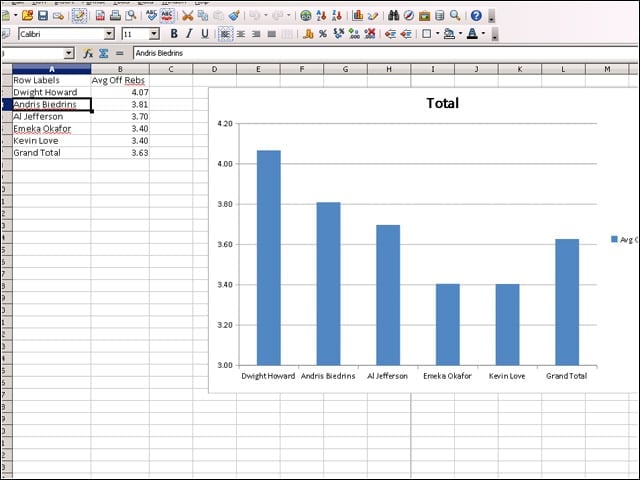
OpenOffice.org 3.2 comes with better support for documents saved in Microsoft’s OOXML format, including support for Pivot Tables and OLE objects embedded in Excel spreadsheets.
OLE Object Support, Before
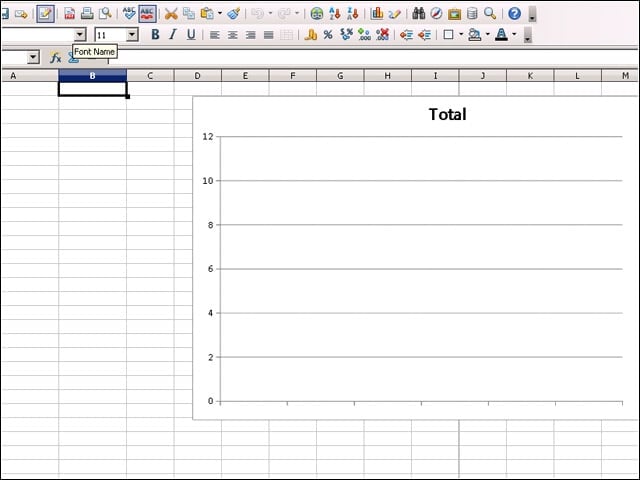
In OpenOffice.org Version 3.1 the sorts of embedded objects that Version 3.2 displays without issue end up lost in translation.
Password Protection in 3.2
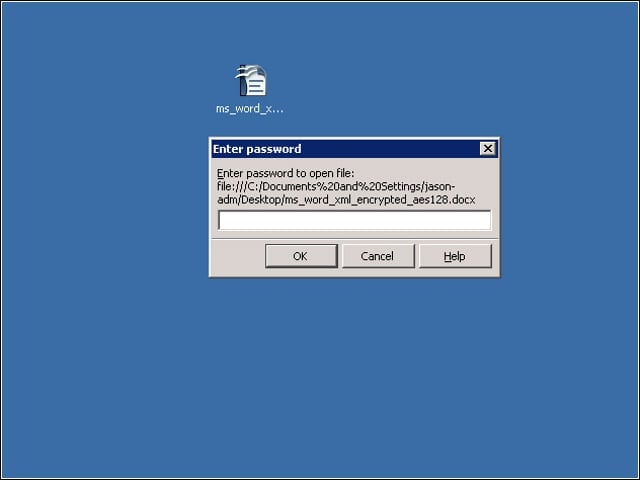
Version 3.2 of OpenOffice.org adds support for opening password-protected documents stored in Office 2007’s default format.
Password Protection in 3.1
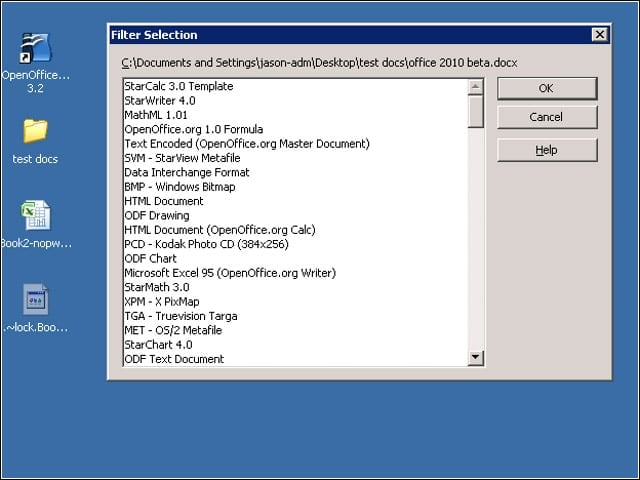
In the previous OpenOffice.org release, opening password-protected OOXML documents turned up this dead-end import dialog.
One-Way Password Protection
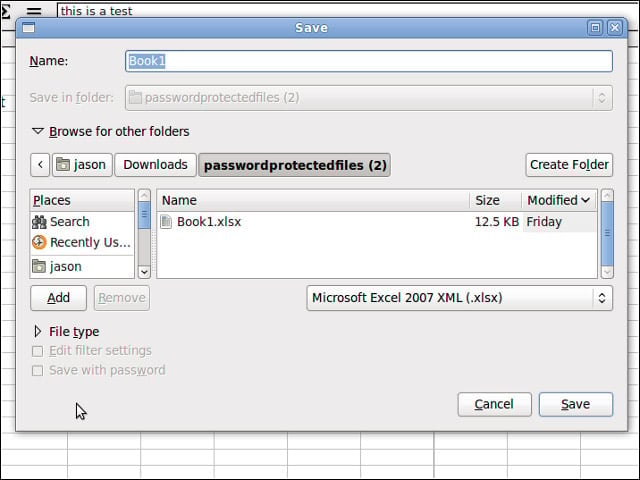
More work remains on the OOXML password-protected document support front, however, as OpenOffice.org 3.2 can’t modify these documents and send them back in that newer format.
Two-Way Password Protection
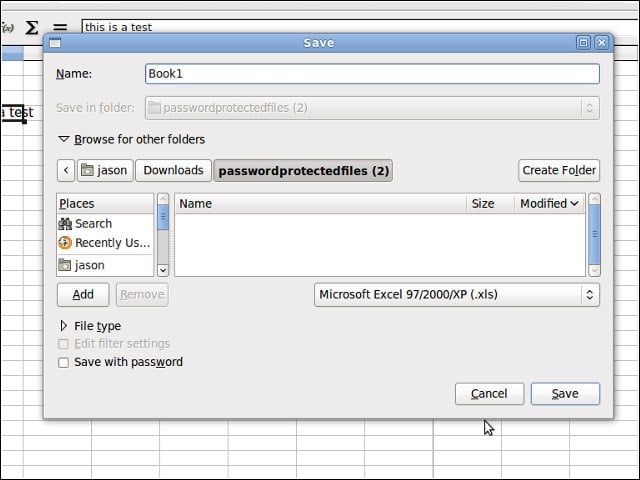
However, OpenOffice.org does a fine job creating and modifying password-protected Office documents using the older binary formats.
MediaWiki Extension
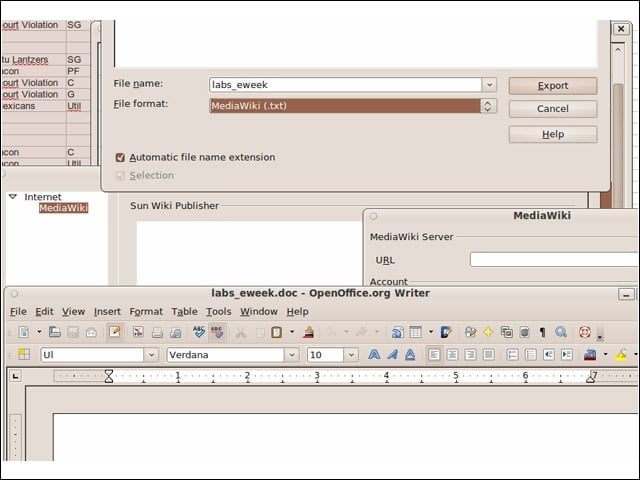
The MediaWiki export feature of OpenOffice.org Writer has moved out into an extension in Version 3.2.
MySQL Connector Extension
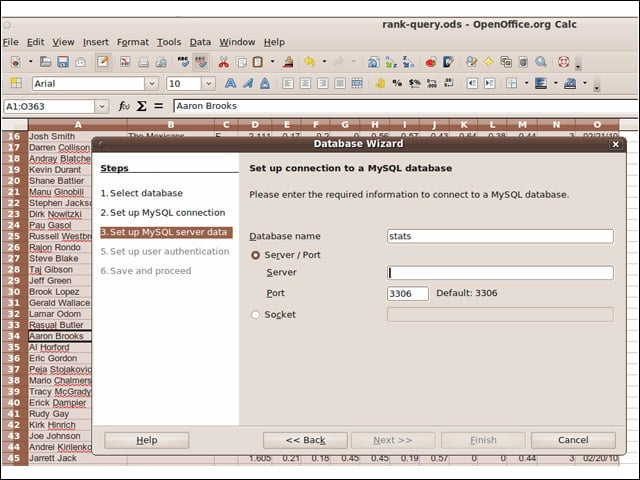
I was impressed with the project’s MySQL Connector extension, which makes it easy to access this database from applications across the suite.
MySQL in Calc
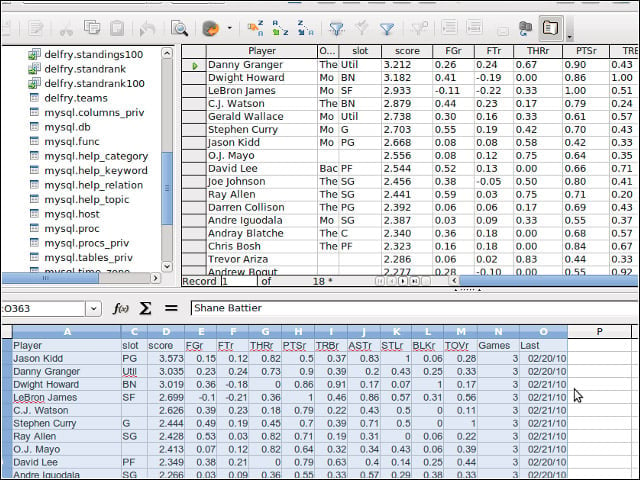
Once I’d established the connection to my MySQL database with the connector, I could access my tables and queries throughout the suite.
Query Wizard
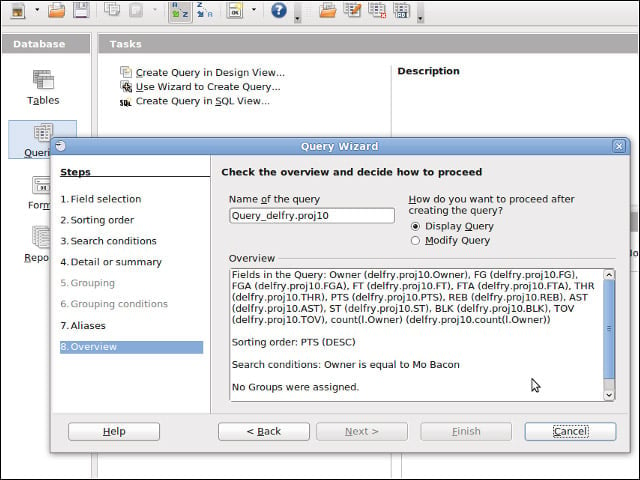
I could create queries for my MySQL database within OpenOffice.org Base using the application’s query wizard, or by inputting my own SQL.
Copy and Paste of Noncontiguous Ranges
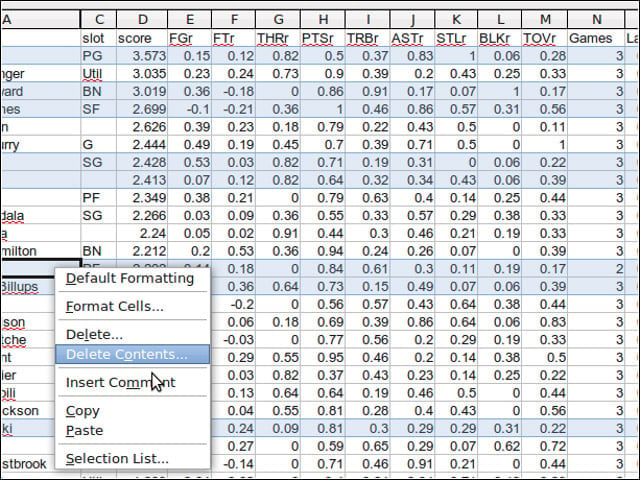
I was happy to see that OpenOffice.org’s Calc spreadsheet application now supports copying and pasting noncontiguous ranges of cells.
Fun with Auto-complete
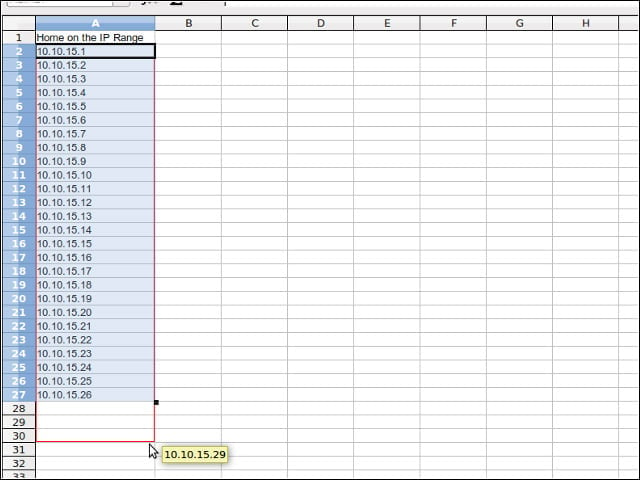
Calc sports a smarter auto-complete feature that correctly recognizes new patterns such as IP address ranges.
