





OpenOffice.org Highlights - Data Storage - News & Reviews - eWeek.com

OpenOffice.org Highlights
OpenOffice.org Highlights
Written By
eWEEK EDITORS
eWEEK EDITORS
May 28, 2012
1 minute read
eWeek content and product recommendations are editorially independent. We may make money when you click on links to our partners. Learn More


OpenOffice.org Highlights

OpenOffice.org Highlights

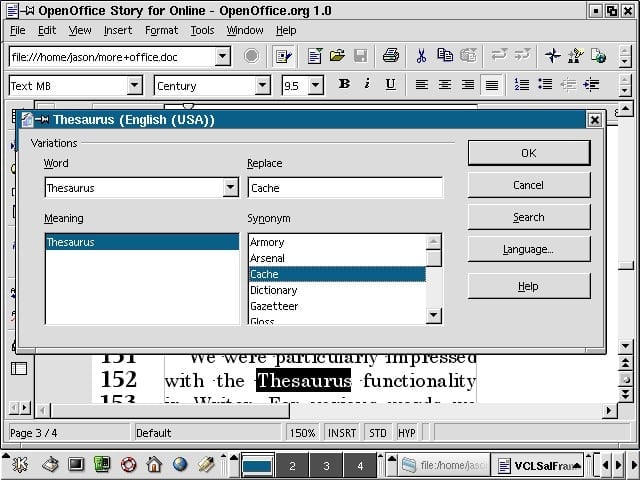
We were impressed with the breadth of OpenOffice.orgs built-in thesaurus.


OpenOffice.org Highlights – OpenOffice.org
2

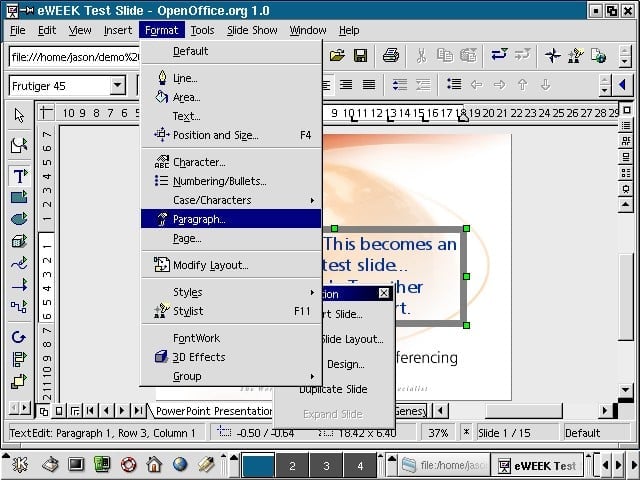
We found Impress, OpenOffices PowerPoint replacement, easy to use–including with embedded objects.


OpenOffice.org Highlights – OpenOffice.org
3

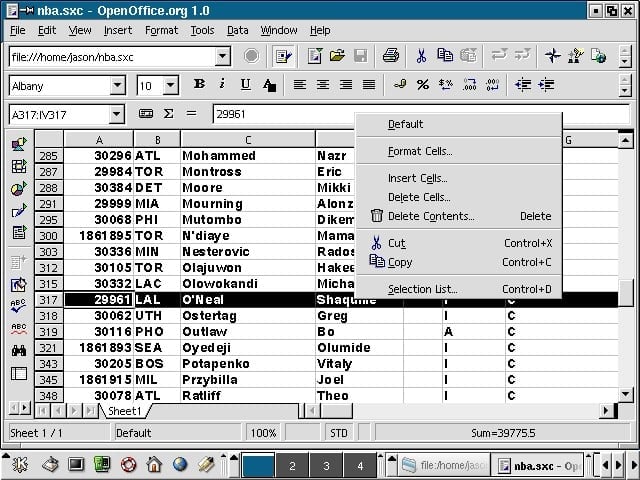
OpenOffices Calc, shown running on Linux, let us import data as were accustomed with Excel.


OpenOffice.org Highlights – OpenOffice.org
4

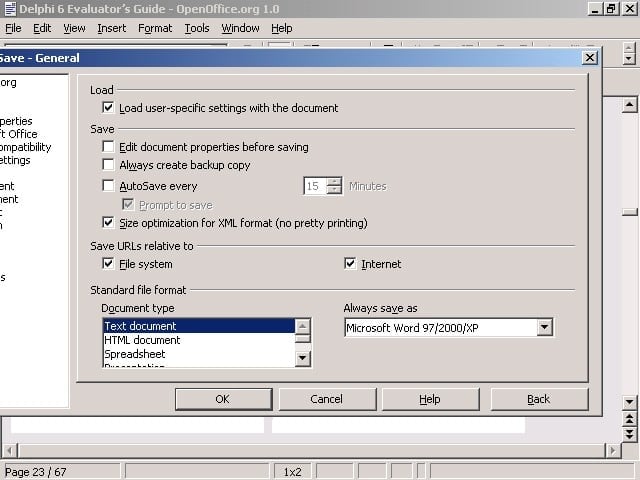
We could configure OpenOffice.org to save in MS Office formats by default.


OpenOffice.org Highlights – OpenOffice.org
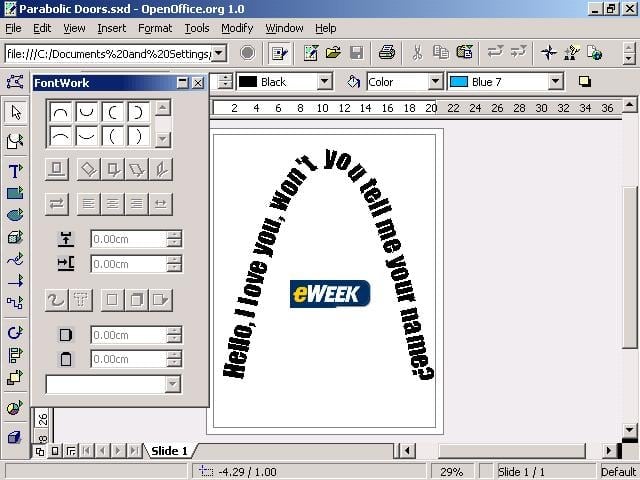
5

The Draw application in OpenOffice.org is handy for working with pictures and text.

eWeek Logo

eWeek has the latest technology news and analysis, buying guides, and product reviews for IT professionals and technology buyers. The site's focus is on innovative solutions and covering in-depth technical content. eWeek stays on the cutting edge of technology news and IT trends through interviews and expert analysis. Gain insight from top innovators and thought leaders in the fields of IT, business, enterprise software, startups, and more.

Property of TechnologyAdvice. © 2026 TechnologyAdvice. All Rights Reserved

Advertiser Disclosure: Some of the products that appear on this site are from companies from which TechnologyAdvice receives compensation. This compensation may impact how and where products appear on this site including, for example, the order in which they appear. TechnologyAdvice does not include all companies or all types of products available in the marketplace.