








- Performance Artists at the Gate
- OSX Lion Rules over His Territory
- Upbeat Jobs Bats Leadoff at WWDC
- Lion Uses Touch
- NewsStand Brings Media to You
- Everyone Now Can Have Big Eyes
- Time Machine-Like Versioning
- Automated Versions
- Lion Download will Cost Only $29
- iOS 5 Got New Photo Editing
- iOS 5 Photo Editing, Color Corrections
- iOS 5 Works with 3G and WiFi
- iCloud: The No-Brainer Storage and Collaboration App
- iCloud Also Updates Calendars, Contacts
- Daily Backups to the iCloud
- Take a Photo, Watch It Multiply
Performance Artists at the Gate

A colorful group of dancers greeted some 5,200 Apple software developers who lined up starting about three hours ahead of Steve Jobs’ keynote address to start the 2011 WWDC conference at Moscone West in San Francisco.
OSX Lion Rules over His Territory

Apple introduced the latest version of its Unix-based PC operating system, Lion, which takes performance capabilities to new levels. Lion interconnects natively with Apple’s new iCloud, which also connects the mobile OS, iOS5, for the same purposes.
Upbeat Jobs Bats Leadoff at WWDC

CEO and co-founder Steve Jobs, suffering from serious health problems for the last several years, looked and sounded a little weak but nonetheless was in good spirits for the introduction of all the new Apple software. He introduced several of his lieutenants, who then detailed most of the news.
Lion Uses Touch

Touch capabilities are a key feature of Mac OS X Lion. For example, users can pinch to zoom in on photos as they would on an iPad or iPhone.
NewsStand Brings Media to You
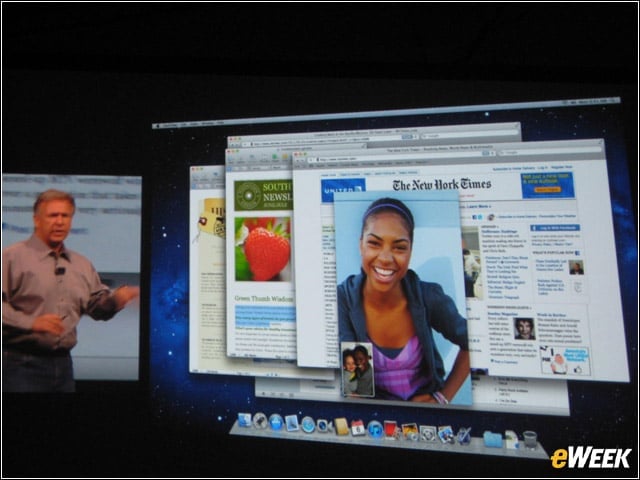
A new feature called NewsStand enables users to subscribe to and save daily, weekly or monthly publications in a special place, so that bookmarks can easily be used to keep your place, should you have to leave in the middle of a story. Editions are automatically updated each time they become available.
Everyone Now Can Have Big Eyes

Some of the new photo editing features in Lion include fun distortions like “Big Eyes.” This shot was taken onstage at WWDC and immediately edited for all to see.
Time Machine-Like Versioning
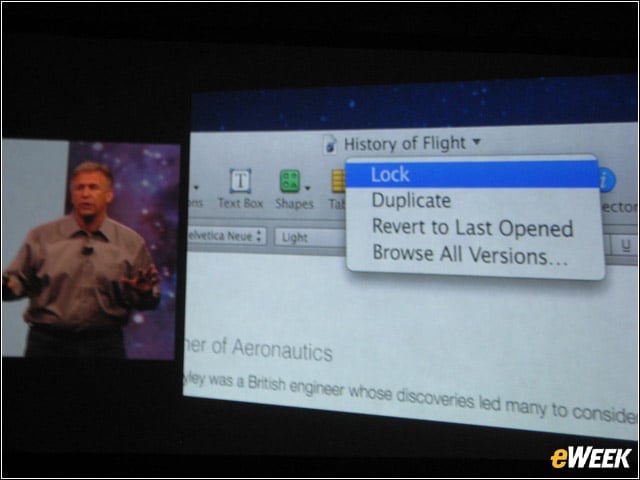
There are now a lot more controls in Lion for saving various versions of documents. The latest one will be the one available for sharing, but all previous versions also will remain available if needed. Artwork from previous version can be copied into newer one if needed.
Automated Versions
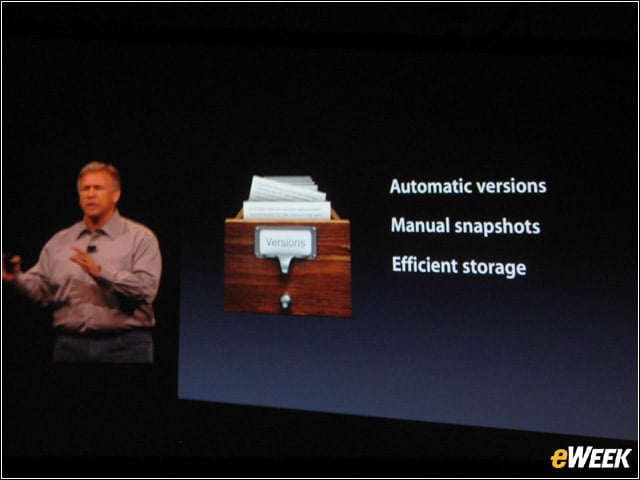
All of this is automated, Apple SVP Phil Shiller explained. Users don’t have to think about saving previous versions of document, photos or others, because the software takes care of it automatically.
Lion Download will Cost Only $29
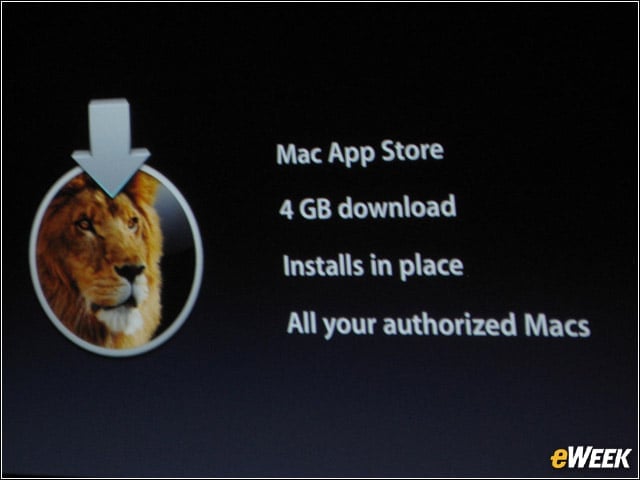
Lion will be made available for download through Apple’s AppStore only—no more discs needed for installation. It’s about a 4GB download and only one license needs to be bought for all of one person’s Apple devices.
iOS 5 Got New Photo Editing

Now, as soon as a photo is taken, it can be edited and freshened up on the spot, saving time for users.??Ã
iOS 5 Photo Editing, Color Corrections

For example, even color corrections can be done on the fly in the new iOS 5 on an iPhone or iPad.
iOS 5 Works with 3G and WiFi
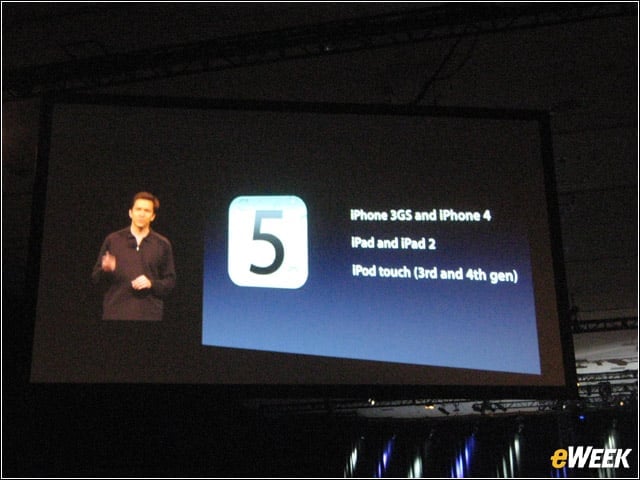
The new version of the iOS will work in both 3G and WiFi and for iPad and iPad 2, iPhone 4 and iPod Touch third and fourth generations.
iCloud: The No-Brainer Storage and Collaboration App
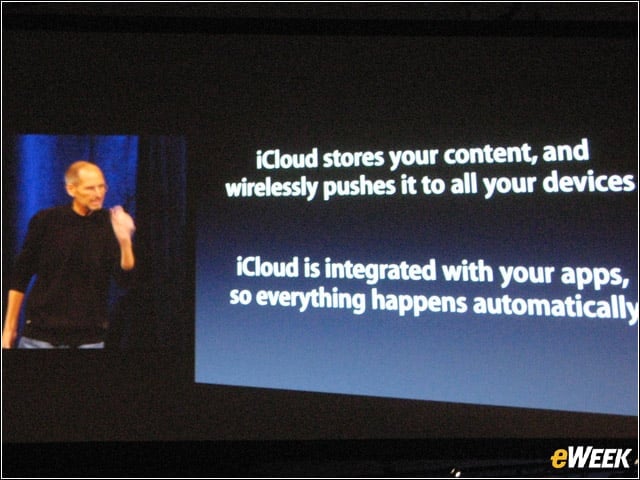
iCloud connects all Apple iOS devices by backing up all documents as they come into the device and making copies of those available on all other devices owned by the user. This includes photos and music from the AppStore, too.
iCloud Also Updates Calendars, Contacts
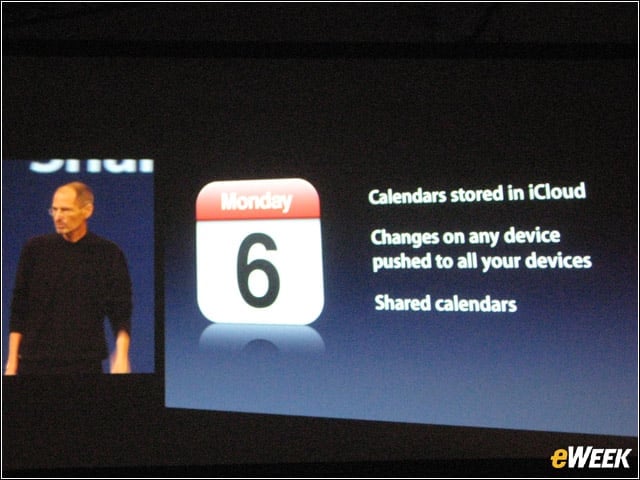
iCloud will be doing a lot of the thinking and saving for many users by the time it is available this fall. It will push calendar changes to all iOS devices a user owns, keeping them synced at all times. This will be great for groups with shared calendars.
Daily Backups to the iCloud
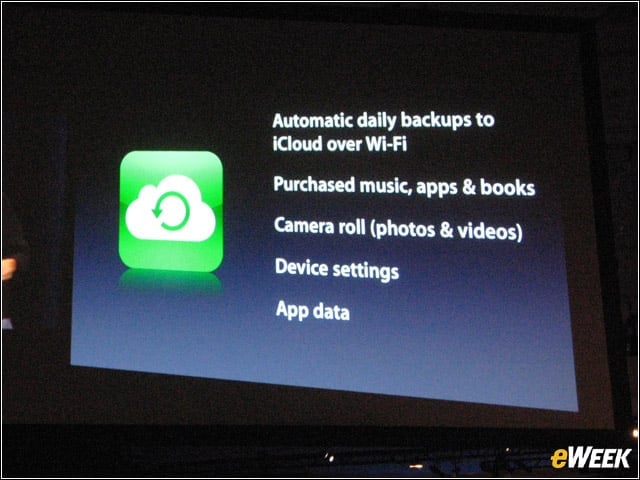
It will be hard for users to actually lose anything with the iCloud and, of course, that’s what it’s all about.
Take a Photo, Watch It Multiply
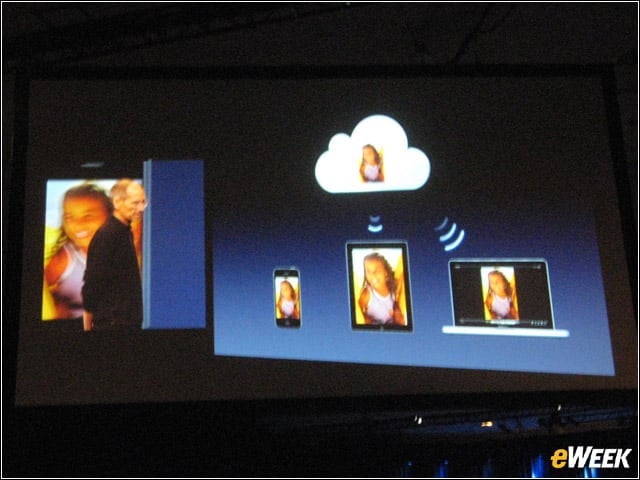
When you take a photo with an iPhone, it will get stored on the device first, then transmitted to the Apple cloud—then to an iPad or iPod Touch, if you have one.??Ã The originals are all in one place (the iCloud)—just made available on all those devices when you need the content.