






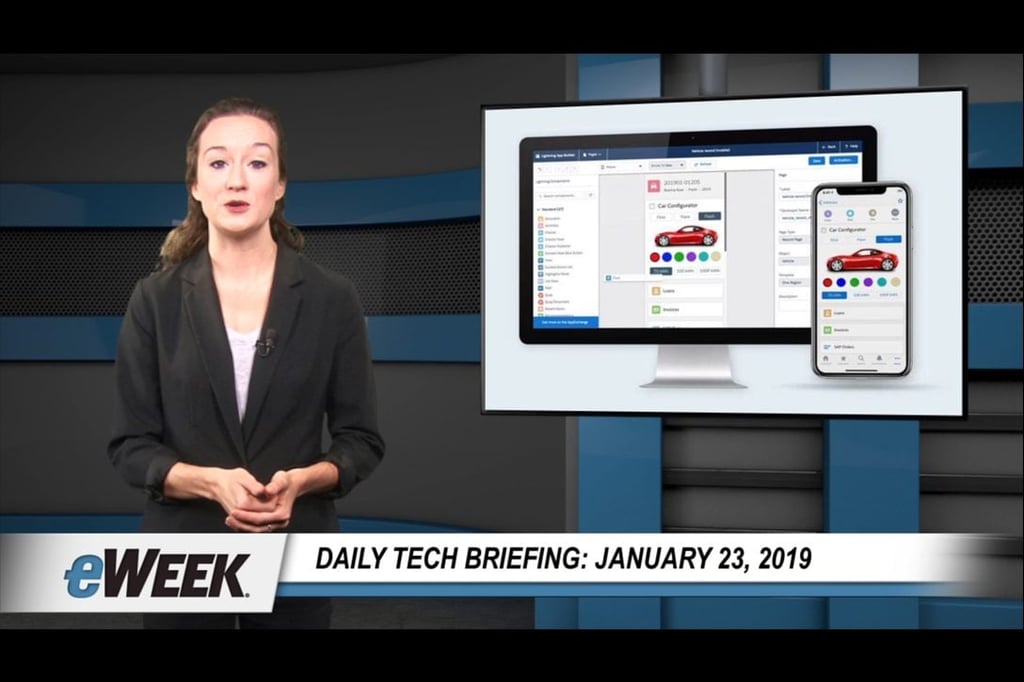


Today’s topics include Salesforce unveiling a do-it-yourself mobile application development platform, and Microsoft rolling out its MyAnalytics tracker to all Microsoft 365 users.
Aiming to speed the development and deployment of mobile applications for business, Salesforce.com has announced a new set of do-it-yourself tools and services collectively referred to as Lightning Platform Mobile, which include three major parts: Mobile Builders, Mobile Services and an all-new feature called Mobile Publisher.
Mobile Publisher takes care of all the packaging and submission processes for getting apps published and updated, making it easier for administrators to publish employee and customer apps directly on the Apple App Store and Google Play.
Meanwhile, Mobile Builders offers tools for creating immersive mobile experiences using a low-code development environment and prebuilt JavaScript components that can be used as building blocks for developing mobile apps.
Finally, Mobile Services let admins add more power to their mobile apps with elaborate workflows, Einstein’s declarative AI services and integration to third-party data.
After being previously offered in high-end subscriptions or as an extra-cost option, Microsoft’s MyAnalytics workplace activity tracking tool is now available to users of Office 365 or the Office 365 Enterprise and Business suites with Exchange Online.
MyAnalytics, which Microsoft refers to as a “fitness tracker for work,” aims to help users get a visual report on how they spend their time at work, according to Natalie McCullough, the general manager of workplace analytics and MyAnalytics for Microsoft.
The MyAnalytics tool also offers advice on how users can work smarter by cutting unproductive meeting time and by reducing the time they spend working after hours. The tool summarizes how users spend their time at work via a personal dashboard and an Outlook add-in and through weekly emails.
McCullough said, “It even uses artificial intelligence to help you stay on top of your to-dos by flagging commitments you’ve made in email.”