







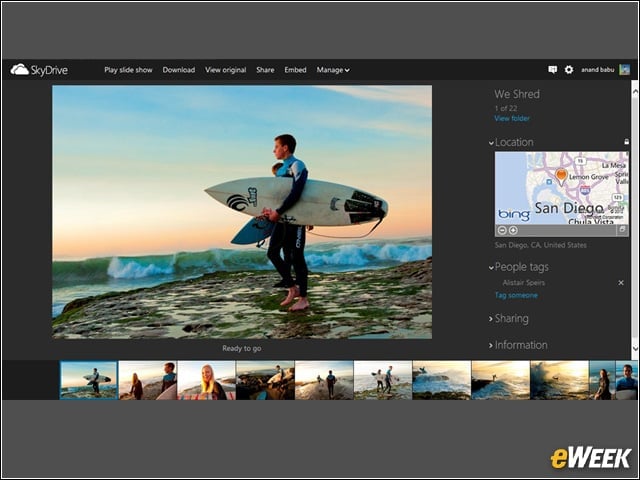
Visual Arrange
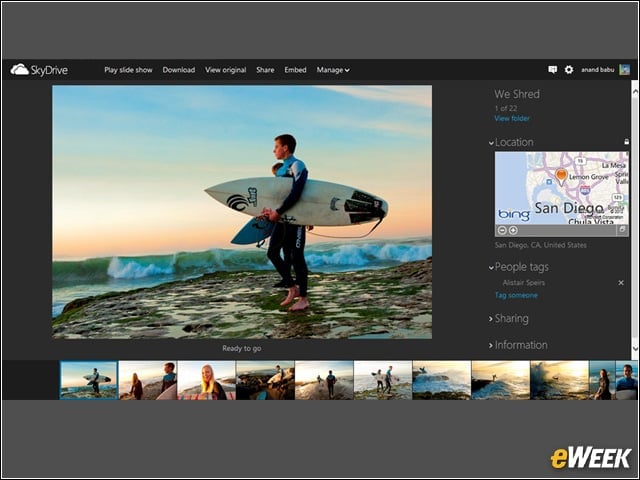
Arrange the order of photos or videos in albums just the way you want.
Contextual Toolbar
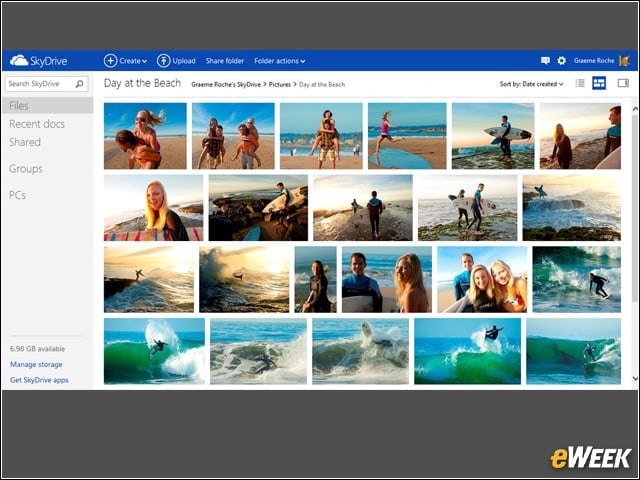
With the new SkyDrive, you need fewer clicks to do what you want.
SkyDrive.com
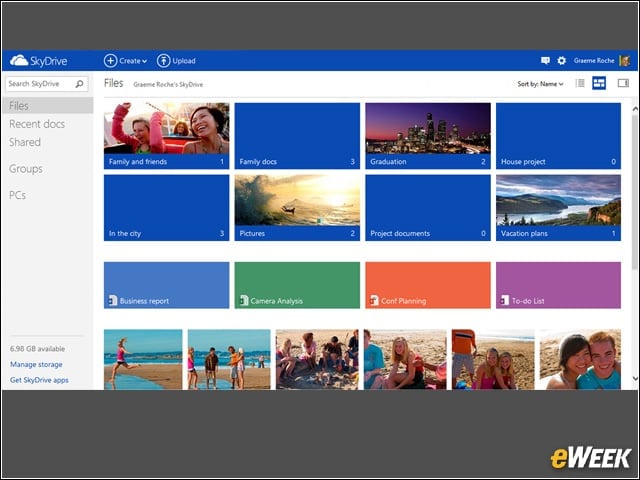
A new, modern design for desktop and tablet browsers along with new features.
SkyDrive for Android
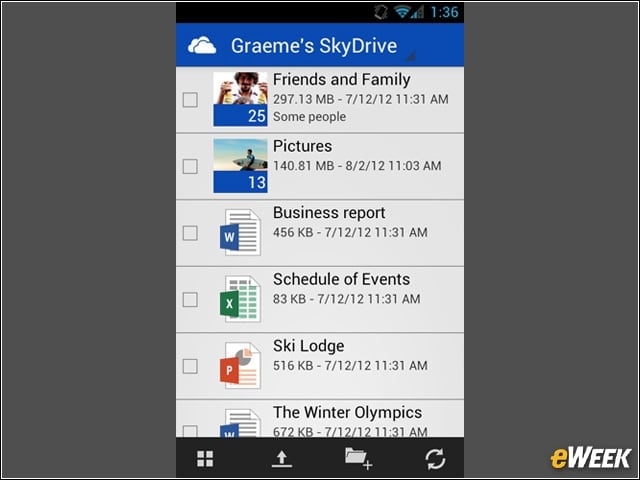
Upload, access and share files on SkyDrive from your Android phone.
SkyDrive for iPad
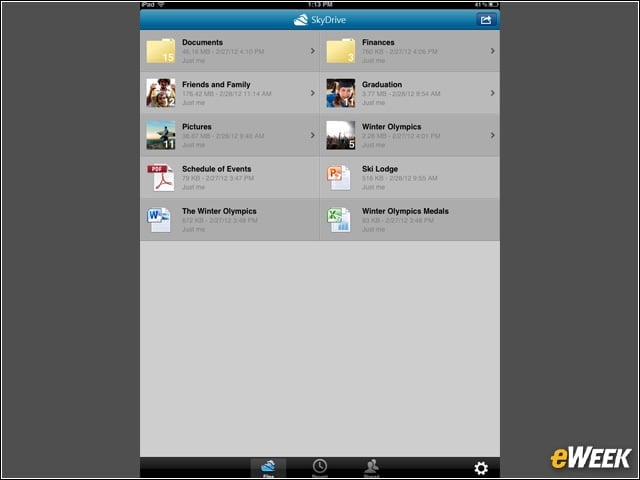
You can move, rename, and delete files, as well as share links and manage who can see files and folders right from your iPad (or iPhone). You can also manage or upload multiple files at the same time, letting you get more done in less time.
SkyDrive for Mac OS X Lion
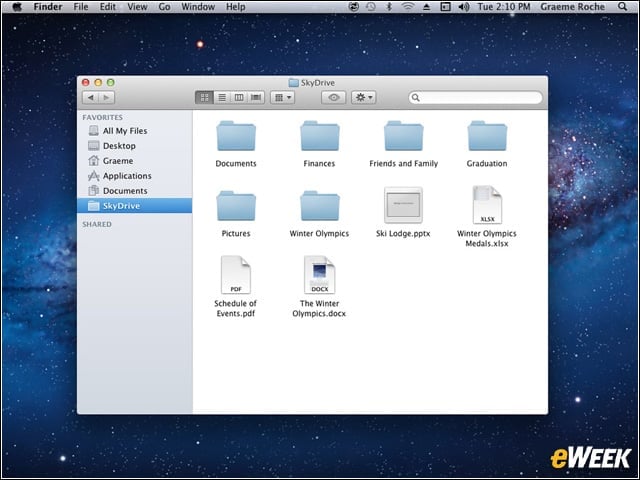
Manage your SkyDrive online or offline on your Mac. With SkyDrive in Finder, you can easily drag and drop files or folders to SkyDrive (even big files up to 2GB). Also, any Mac app that can access files locally can also access your SkyDrive, so you’ll always have your files up-to-date across Mac, PC and other devices.
SkyDrive Across All Your Devices
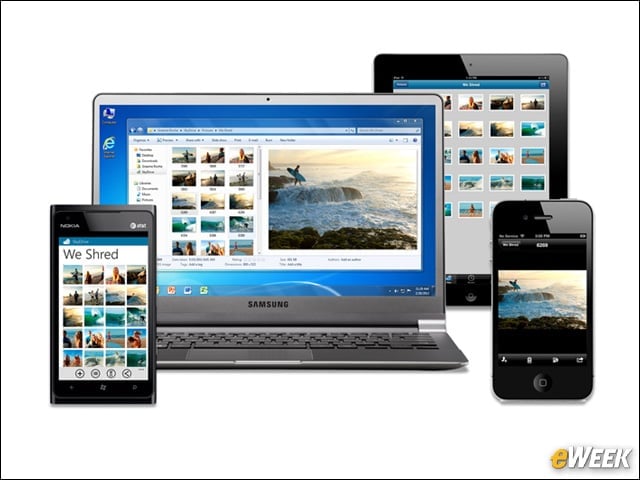
With SkyDrive for Windows, Mac, Windows Phone, iPhone and iPad, you’ll never be without the documents, notes, photos and videos that matter to you.
SkyDrive on the Web
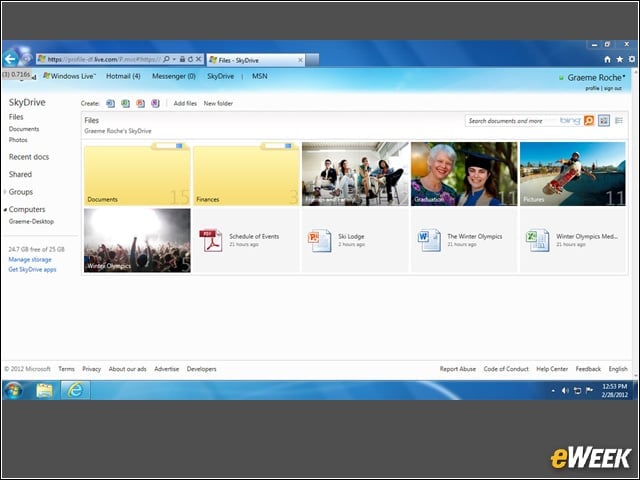
With SkyDrive.com, you can access files in the cloud from any browser, share with anyone or even work together using Office Web Apps. You can also use it to fetch files or stream videos stored across any of your Windows PCs running SkyDrive.
SkyDrive for the Windows Desktop
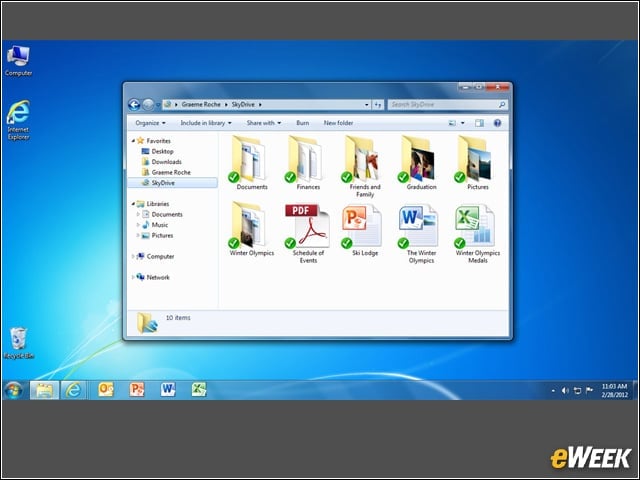
Manage your SkyDrive online or offline using the power of Windows Explorer on your PC. Easily drag and drop files or folders to SkyDrive (even big files up to 2GB). Any Windows app that can access files locally can also access your SkyDrive. Also with “fetch files,” you can instantly and securely access files stored on your PC from any browser—even if you forgot to add those files to your SkyDrive folder.