








- Vivaldi 1.0 Web Browser Makes Its Debut, Led by Opera Co-founder
- Opera Co-Founder Now CEO of Vivaldi
- Vivaldi Is Based on Chromium
- Tab Position Is Customizable
- Vivaldi User Can Stack Tabs
- Tab Stacks Can Be Tiled
- Web Panel Provides a Browser Sidebar
- Bing Is the Default Search Engine
- Quick Commands Enable Power Users
- Add Notes to Browser Pages
- Google Phishing and Malware Services Protect Users
- Vivaldi Works on Multiple Operating Systems
Vivaldi 1.0 Web Browser Makes Its Debut, Led by Opera Co-founder
The new Vivaldi 1.0 browser incorporates tab and display management features long with other functions aimed at improving how users experience the Web.
Opera Co-Founder Now CEO of Vivaldi
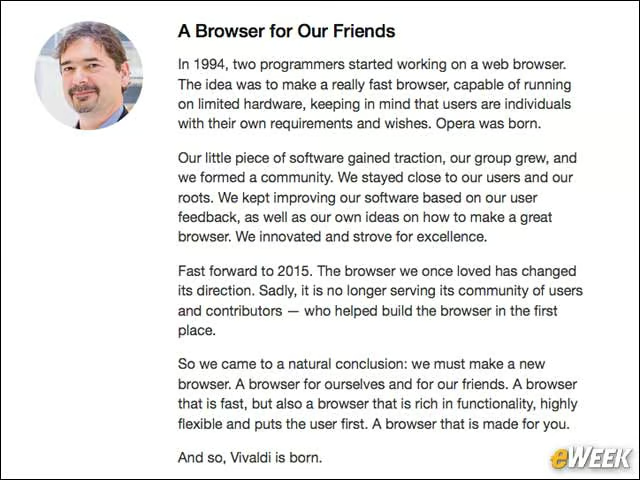
Opera Software co-founder Jon von Tetzchner now leads Vivaldi, which he sees as an answer to helping users get a powerful browser that meets their needs.
Vivaldi Is Based on Chromium
The core Web rendering technology inside of Vivaldi is based on the open-source Chromium project, the basis for Google’s Chrome Web browser. Vivaldi also uses Web technologies, including node.js, to enable the entire browser.
Tab Position Is Customizable
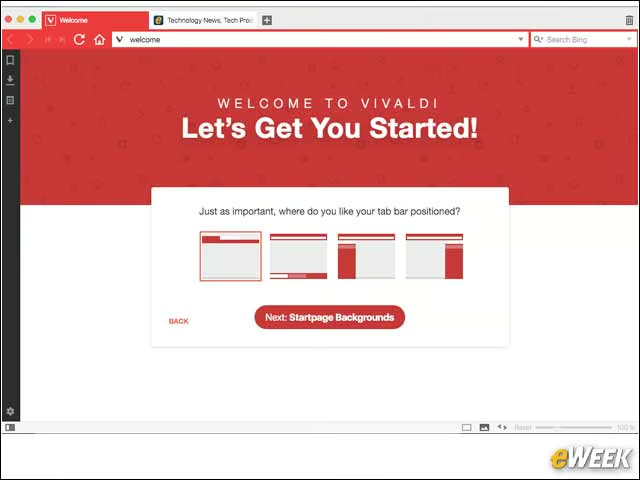
Users can choose the layout of the Vivaldi browser and where they want tabs to be appear in the window.
Vivaldi User Can Stack Tabs
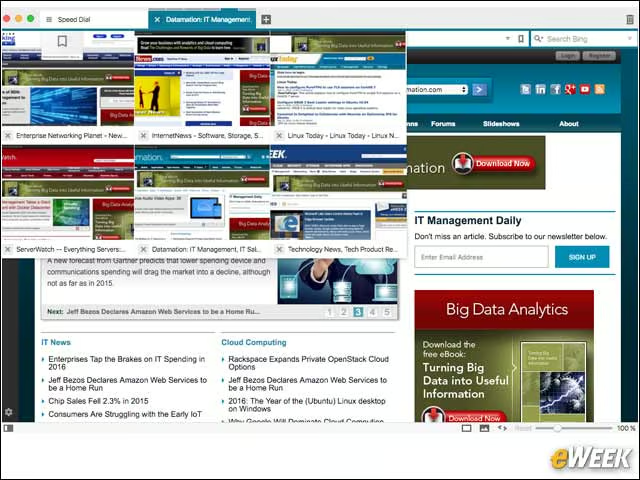
Among the interesting Tab capabilities in Vivaldi 1.0 is the ability to stack tabs—a feature referred to as Tab Stacks. With Tab Stacks, multiple tabs can be grouped together, providing better organization of tabs in the browsing window.
Tab Stacks Can Be Tiled
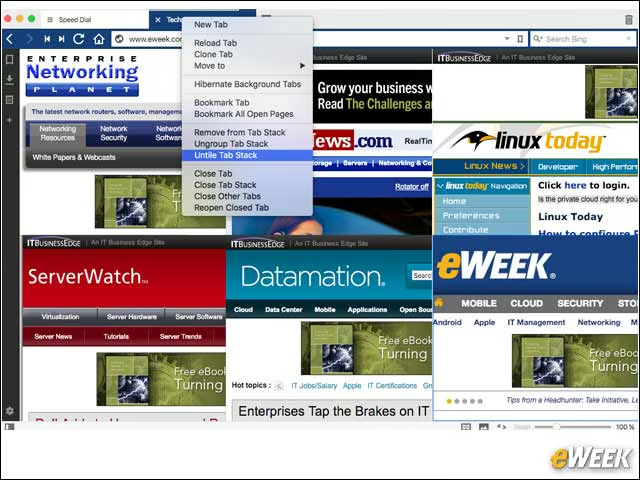
There are a number of different ways to view Tab Stacks, including the option to create a Tab Stacks tile that lays out all the tabs in a grouping inside of the browser window.
Web Panel Provides a Browser Sidebar
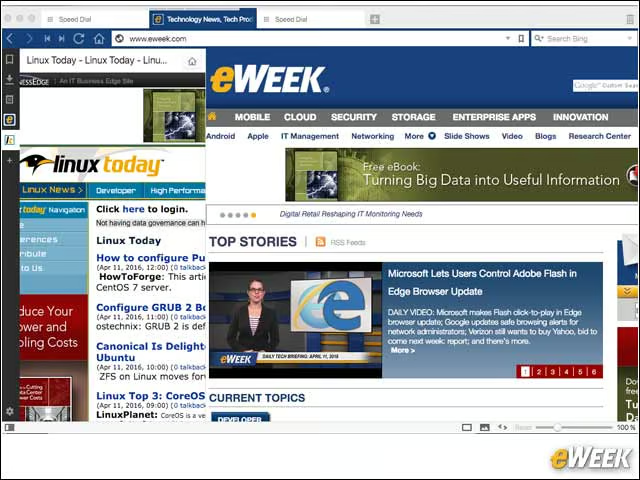
With the Web Panel feature, Vivaldi users can bookmark a specific Web page that can then be viewed as a panel or a sidebar as part of the browser window.
Bing Is the Default Search Engine
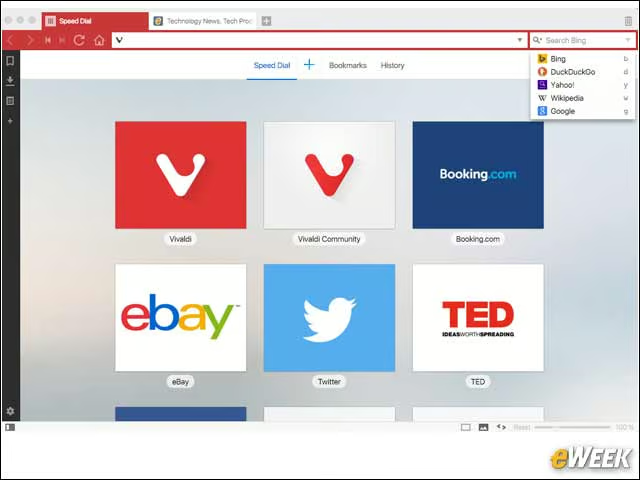
Vivaldi provides users with multiple search engine choices although the default choice is currently Bing.
Quick Commands Enable Power Users
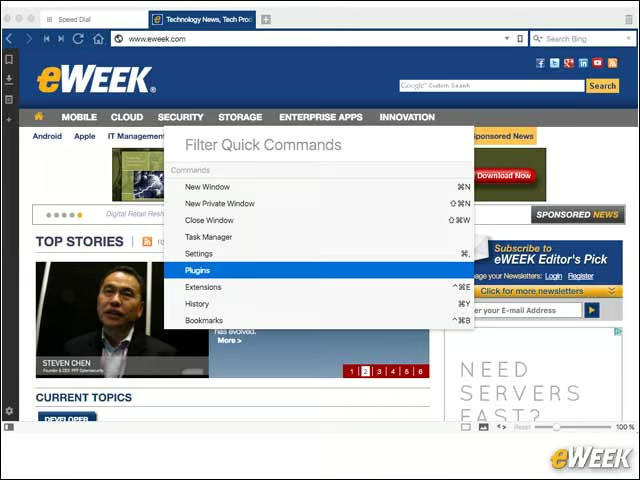
Vivaldi 1.0’s Quick Commands feature provides keyboard shortcuts for enabling various browser features.
Add Notes to Browser Pages
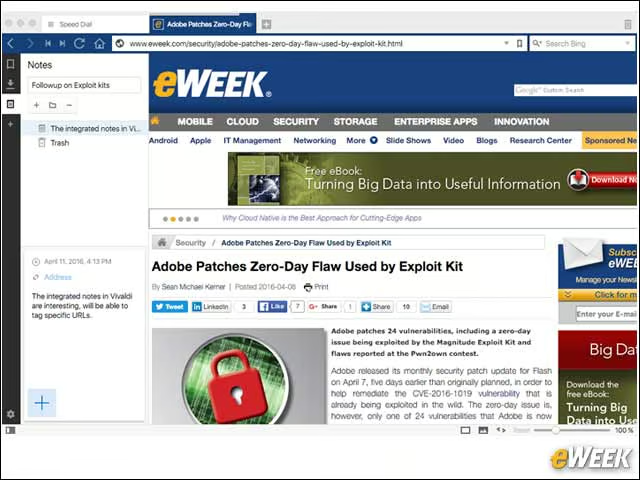
Vivaldi includes a notes capability that lets users create short notes that can be linked to a given Web page.
Google Phishing and Malware Services Protect Users
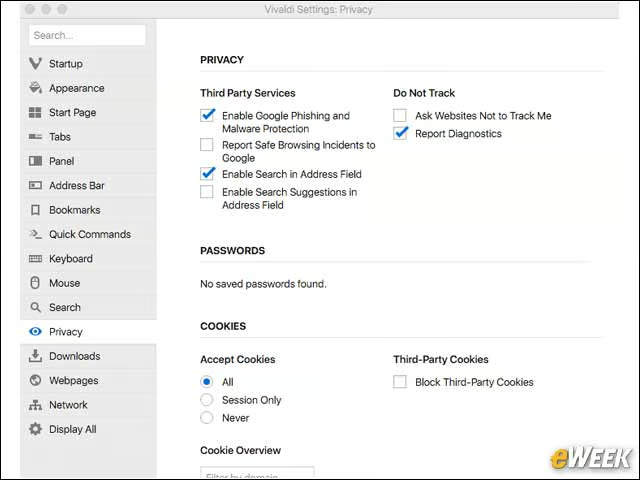
Vivaldi’s privacy settings including enabling Google phishing and malware protection services as well as opting into “Do Not Track.”
Vivaldi Works on Multiple Operating Systems
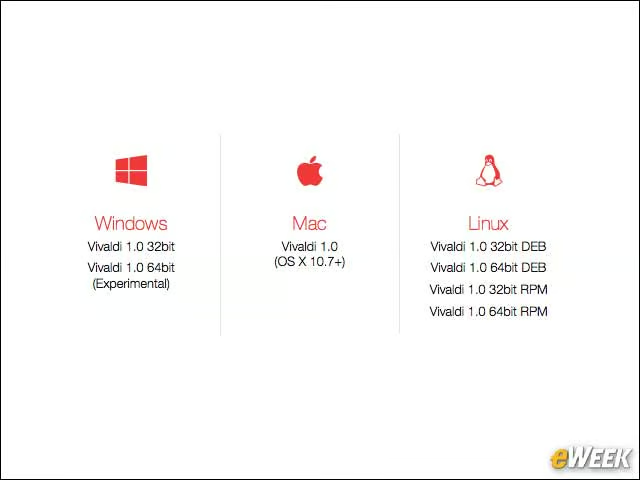
Vivaldi runs on Microsoft Windows, Apple Mac OS X and Linux operating systems.